OwnCloud Setup Guide
On this page ▾
Note: OwnCloud has been largely superseded by Nextcloud, which offers the same features with better performance and more active development. We recommend Nextcloud for new installations.
First log into your EVO account from the FTP detail page of your dashboard.
Next, you will be greeted by this screen.
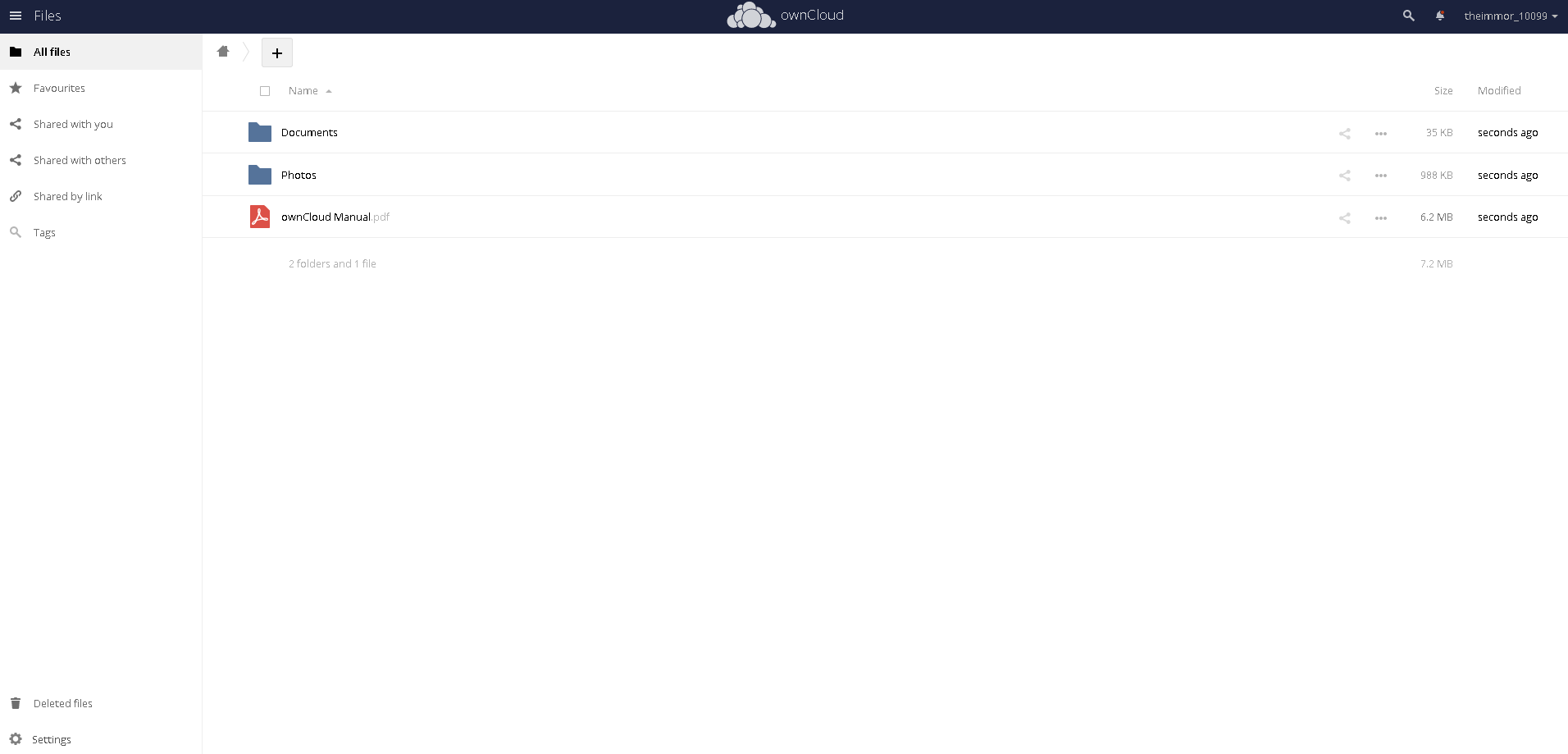
Now lets upload something to get started.
Click on the "+" sign and select "Upload"
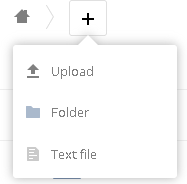
Select your document and upload it.
Now you can start to share it. Double click on the line of the upload.

This screen will open.
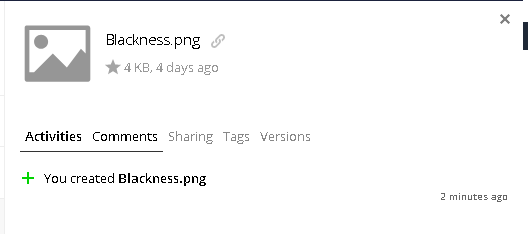
Select "Sharing" and then select public links and create public link.
You will see this.
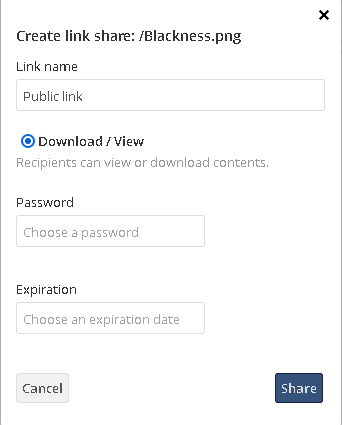
Enter in the information you want to have and click share.
Then You will see the public links change. This will be new.

Click the copy to clipboard and then share that link with your recipient.
When someone clicks your link, they will see this screen.
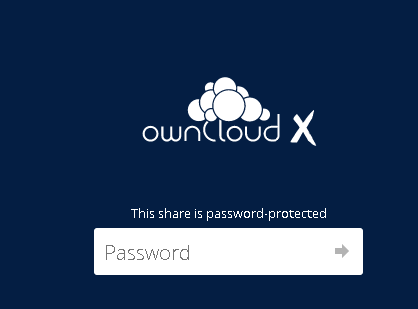
After they enter their password, they are done. Your upload will be viewable.
Related articles
Put this into practice
EvoSeedbox ships with one-click app installs and up to 10 Gbps per box.


