How to Restart Your Seedbox
On this page ▾
Evoseedbox One of the most user-friendly seedbox available in the market. all the functionalities can be accessed from the seedbox dashboard which is in your client area.
Restarting a seedbox can solve simple issues automatically.
To restart your seedbox follow the steps below.
Steps to set your Seedbox
Step 1: log in to your client area
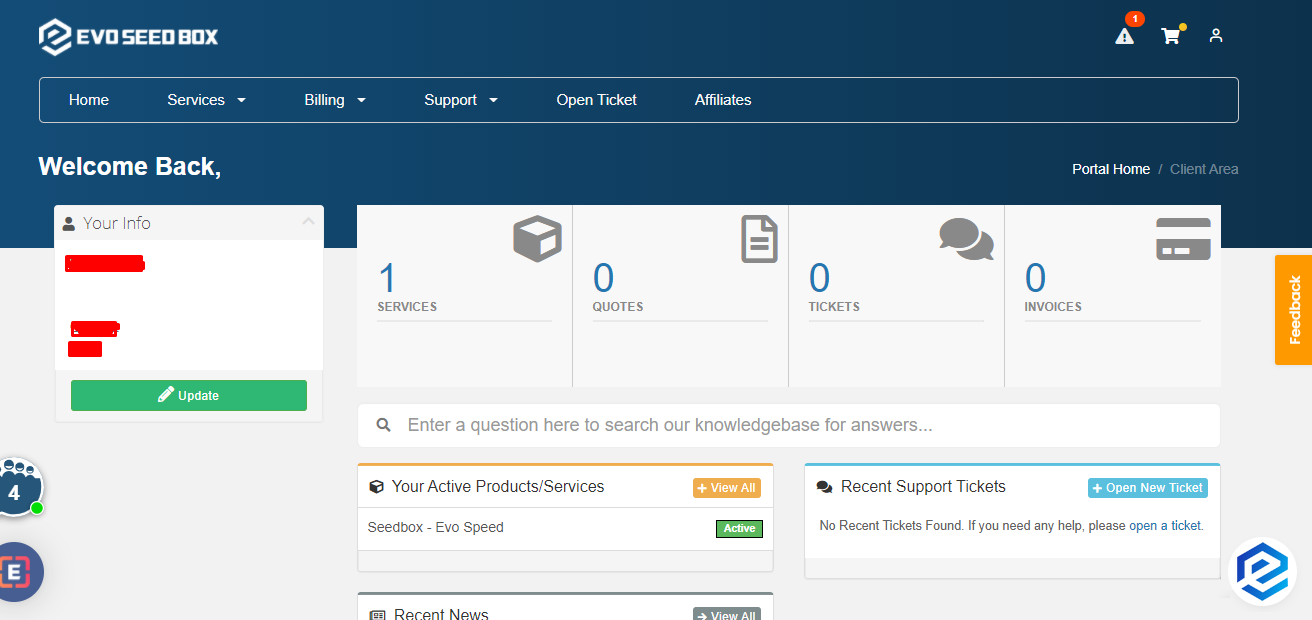
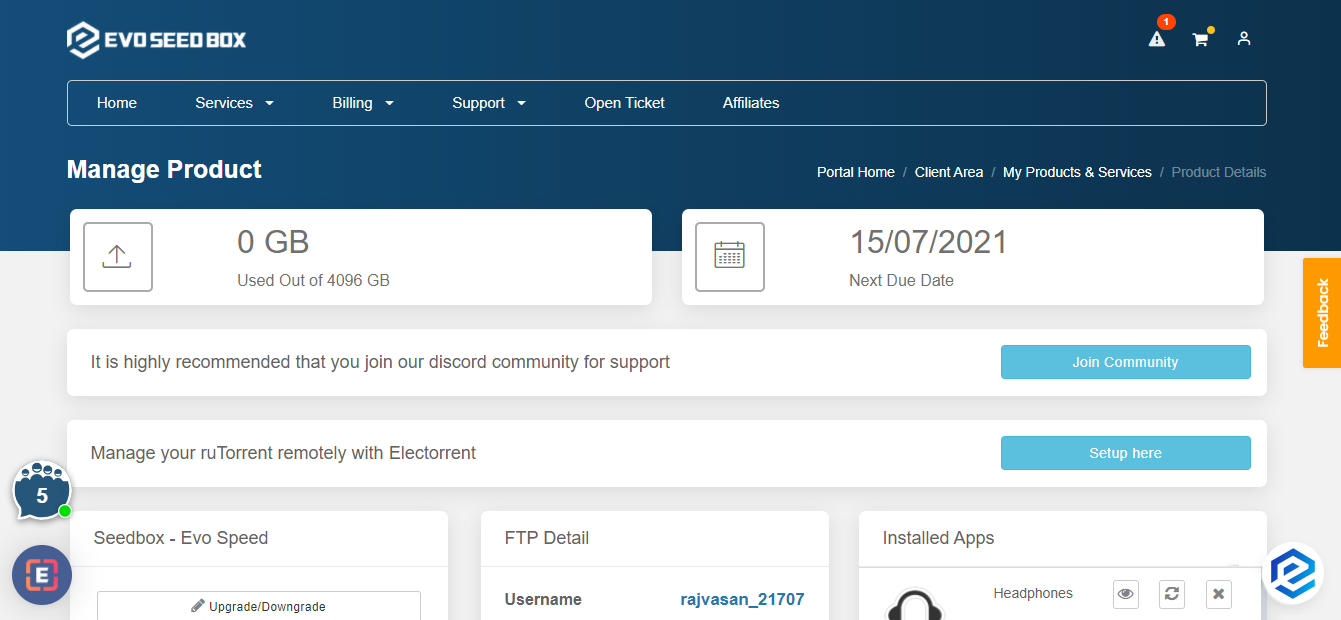
Step 2: Open your box dashboard
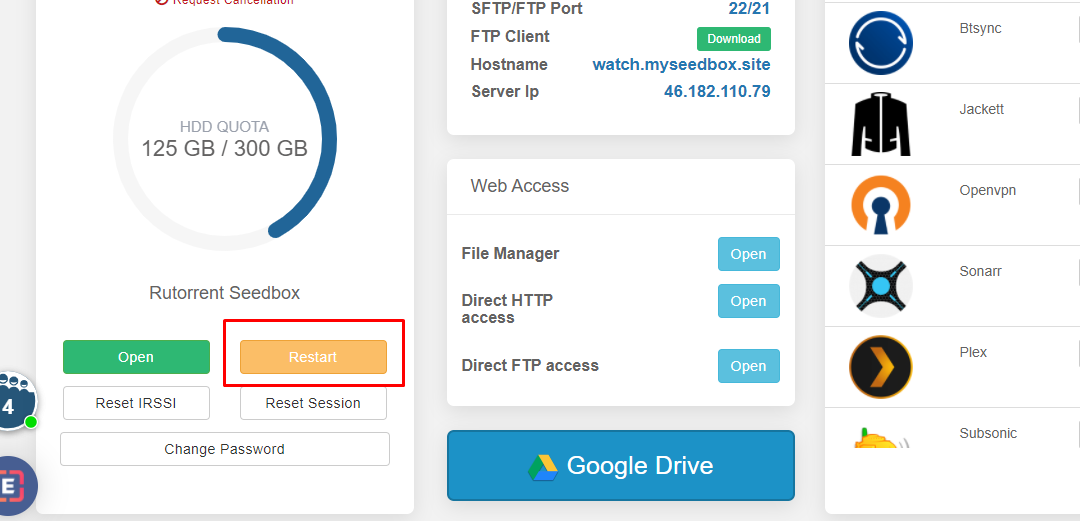
Step 3: Scroll down and click on the restart button
How to Restart Your Seedbox
Restarting your seedbox can resolve many common issues including slow speeds, unresponsive apps, and connection problems. All your files and settings are preserved during a restart.
Steps to Restart
- Log in to the Evoseedbox client area
- Open your seedbox dashboard
- Click the Restart button in the seedbox control section
- Wait 30–60 seconds for the restart to complete
- Refresh your dashboard — all apps should show as running
What a Restart Does
- Stops and restarts all running apps (ruTorrent, Plex, Sonarr, etc.)
- Clears temporary memory and processes
- Does NOT delete any files, torrents, or settings
- Active torrent downloads resume automatically after restart
When Should You Restart?
- ruTorrent is not loading or showing errors
- Torrents are stuck and not downloading
- Plex is not starting or buffering excessively
- After installing or removing apps
- Speeds suddenly dropped for no apparent reason
If a Restart Does Not Fix the Issue
Try a full reset (warning: this reinstalls your seedbox) or contact support for assistance.
Related articles
Put this into practice
EvoSeedbox ships with one-click app installs and up to 10 Gbps per box.


