Navidrome: Self-Hosted Music Streaming on Your Seedbox
On this page ▾
Navidrome is a self-hosted music streaming server that turns your seedbox into a personal Spotify. Stream your entire music collection from any device using the Navidrome web player or compatible mobile apps like Substreamer, play:Sub, or Ultrasonic. It’s lightweight, fast, and supports the Subsonic API — so any Subsonic-compatible app works with it.
Why Use Navidrome?
- Stream your music everywhere — Phone, laptop, desktop, car — anywhere with internet
- Beautiful web player — Modern UI with album art, playlists, and smart shuffle
- Mobile apps — Works with dozens of Subsonic-compatible apps (iOS + Android)
- Lightweight — Minimal resource usage, perfect for shared seedbox environments
- Scrobbling — Last.fm and ListenBrainz integration
- Multi-user — Share your library with separate accounts and playlists
How It Works
  NAVIDROME ARCHITECTURE
  ═══════════════════════════════════════════════════════

  Your Music Files                Navidrome              Your Devices
  (on seedbox)                    Server

  ┌──────────────────┐        ┌──────────────────┐    ┌───────────┐
  │ ~/downloads/     │        │                  │    │ 📱 Phone  │
  │   music/         │──scan──▶│  Indexes library │◀───│  (app)    │
  │                  │        │  Streams audio   │    └───────────┘
  │   Artist/        │        │  Manages playlists│   ┌───────────┐
  │     Album/       │        │                  │◀───│ 🌐 Browser│
  │       track.flac │        │  Port: 4533      │    └───────────┘
  └──────────────────┘        │  Subsonic API ✓  │    ┌───────────┐
                              └──────────────────┘◀───│ 🖥️ Desktop│
                                                      │  (app)    │
  Files stay on seedbox.                              └───────────┘
  Navidrome streams on demand.
Step 1: Install Navidrome
- Log in to your EvoSeedbox Client Area
- Go to Services > your seedbox > Apps
- Find Navidrome and click Install
- Click Open when ready
  WHAT GETS INSTALLED
  ───────────────────
  ┌──────────────────────────────┐
  │ Docker: deluan/navidrome     │
  │ Internal port: 4533          │
  │ Config: ~/.config/navidrome/ │
  │ Music:  ~/downloads/music/   │
  │ Health: curl localhost:4533  │
  └──────────────────────────────┘
Step 2: First-Time Setup
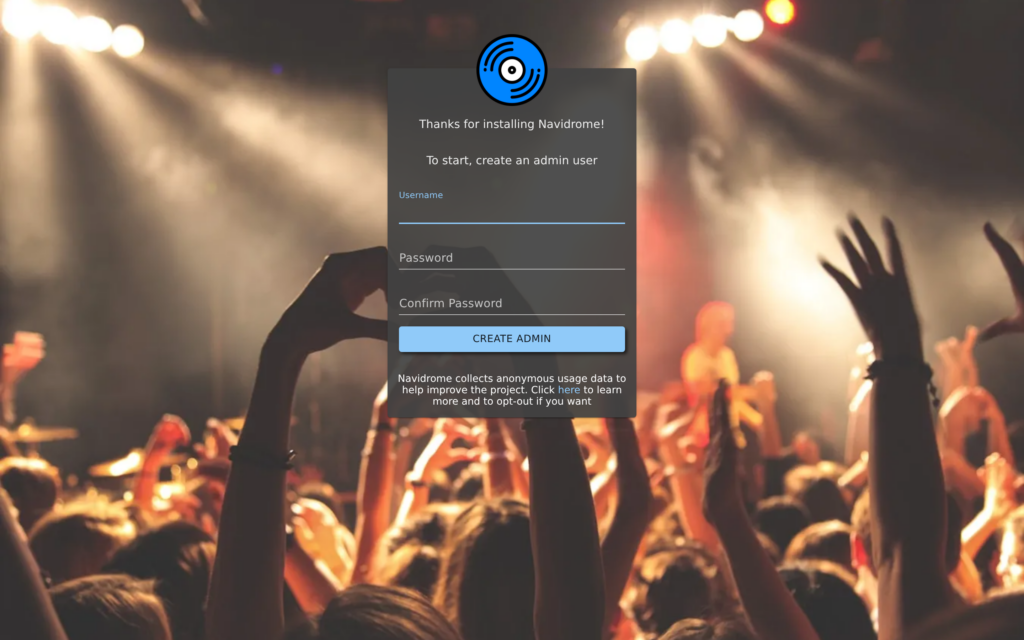
- Open Navidrome — you’ll be prompted to create an admin account
- Choose a username and password
- Navidrome automatically scans your
musicfolder and imports all tracks
Step 3: Organize Your Music
  RECOMMENDED FOLDER STRUCTURE
  ═══════════════════════════════════════════════

  ~/downloads/music/
  │
  ├── Pink Floyd/
  │   ├── The Dark Side of the Moon/
  │   │   ├── 01 - Speak to Me.flac
  │   │   ├── 02 - Breathe.flac
  │   │   ├── cover.jpg
  │   │   └── ...
  │   └── Wish You Were Here/
  │       └── ...
  │
  ├── Radiohead/
  │   ├── OK Computer/
  │   └── In Rainbows/
  │
  └── Various Artists/
      └── Compilation Name/
          └── ...

  Format: Artist / Album / tracks
  Supported: MP3, FLAC, OGG, AAC, WMA, OPUS
  Metadata: Read from file tags (ID3, Vorbis)
Navidrome reads metadata from file tags. For best results, make sure your music files have proper ID3 tags (artist, album, title, track number). Tools like FileBot, MusicBrainz Picard, or Lidarr can help organize and tag your files.
Step 4: Listen on Your Devices
Web Player (Built-in)
Just open Navidrome in your browser. The built-in player has full-featured playback with album art, queue management, playlists, shuffle, and repeat.
Mobile Apps (Subsonic-compatible)
  RECOMMENDED APPS
  ══════════════════════════════════════

  iOS:
  ├── play:Sub         Free, full-featured
  ├── Substreamer      Polished UI, offline
  └── Amperfy          Open source

  Android:
  ├── Ultrasonic       Open source, reliable
  ├── Substreamer      Cross-platform
  └── DSub             Feature-rich

  Desktop:
  ├── Sublime Music    Linux (open source)
  └── Sonixd           Cross-platform (Electron)

  To connect any app:
  ┌────────────────────────────────────┐
  │ Server URL: (from your dashboard) │
  │ Username:   (Navidrome account)   │
  │ Password:   (Navidrome account)   │
  └────────────────────────────────────┘
Getting Music onto Your Seedbox
  HOW TO ADD MUSIC
  ═══════════════════════════════════════════════

  Method 1: Lidarr (fully automated)
  ───────────────────────────────────
  Install Lidarr → add artists → auto-downloads
  new albums → saves to ~/downloads/music/ ✓

  Method 2: Torrent (manual)
  ──────────────────────────
  Download music torrents via ruTorrent →
  move/copy to ~/downloads/music/Artist/Album/

  Method 3: Upload
  ────────────────
  Upload via Filegator or FTP to
  ~/downloads/music/Artist/Album/

  After adding → Navidrome auto-scans ✓
  (or click Scan in admin panel)
Navidrome vs Subsonic
  COMPARISON
  ══════════════════════════════════════════════════

  Navidrome                     Subsonic
  ─────────                     ────────
  ✅ Free & open source        ⚠️ Paid after trial
  ✅ Modern web UI              ❌ Dated interface
  ✅ Low resource usage         ⚠️ Java-based, heavier
  ✅ Subsonic API compatible    ✅ Original API
  ✅ Active development         ⚠️ Slow updates
  ✅ Multi-user                 ✅ Multi-user

  Navidrome is the modern replacement for Subsonic.
  All Subsonic apps work with Navidrome ✓
Every option on every settings page, with defaults and seedbox values, is in the Navidrome settings reference.
Troubleshooting
Music Not Appearing
- Files must be in
~/downloads/music/(the mounted directory) - Click the scan button in Navidrome’s admin panel to force a re-scan
- Check file tags — tracks without artist/album tags may not display correctly
Mobile App Can’t Connect
- Use the HTTPS URL from your client area
- Make sure you’re using your Navidrome credentials, not your seedbox credentials
- Try the “legacy” authentication mode if the app doesn’t support token auth
Tips
- Use Lidarr — Automate your music library. Set up Lidarr to auto-download albums from your favorite artists
- Enable transcoding — Navidrome can transcode FLAC to MP3 on-the-fly for slower connections
- Create playlists — The web UI supports drag-and-drop playlist creation
- Offline mode — Most mobile apps support downloading tracks for offline listening
- Last.fm scrobbling — Enable in Navidrome settings to track your listening history
Related Guides
- How to Use Lidarr (automated music downloads)
- How to Use Subsonic (legacy alternative)
- Deemix Setup Guide
- Filegator: Web File Manager
Related articles
Put this into practice
EvoSeedbox ships with one-click app installs and up to 10 Gbps per box.


