Tautulli Settings Explained: Notifications, Plex, Web Interface and Backups
On this page ▾
This is the setting-by-setting reference for Tautulli as installed on an EvoSeedbox: every page under Settings, what each option does, its default, and the value that suits a seedbox where Tautulli sits in a container next to your Plex Media Server. Labels and help text were captured from the running app (Tautulli 2.17). Connecting Tautulli to Plex for the first time is in the Tautulli setup guide; this page is for everything after that. Press Show Advanced at the top of the settings page to see every option listed below; the ones marked advanced are hidden by default.
How Tautulli is laid out on the seedbox
Tautulli runs as your user in its own container. /config holds config.ini, the tautulli.db history database, logs, backups, cache, exports and newsletters. The Plex logs folder is already mounted read-only at /logs, so the Plex log viewer works without further setup. Tautulli reaches Plex over the internal Docker network, which is why the Plex Media Server page shows a container address rather than your public hostname; Plex itself does not need remote access enabled for Tautulli to work.
Help & Info and General
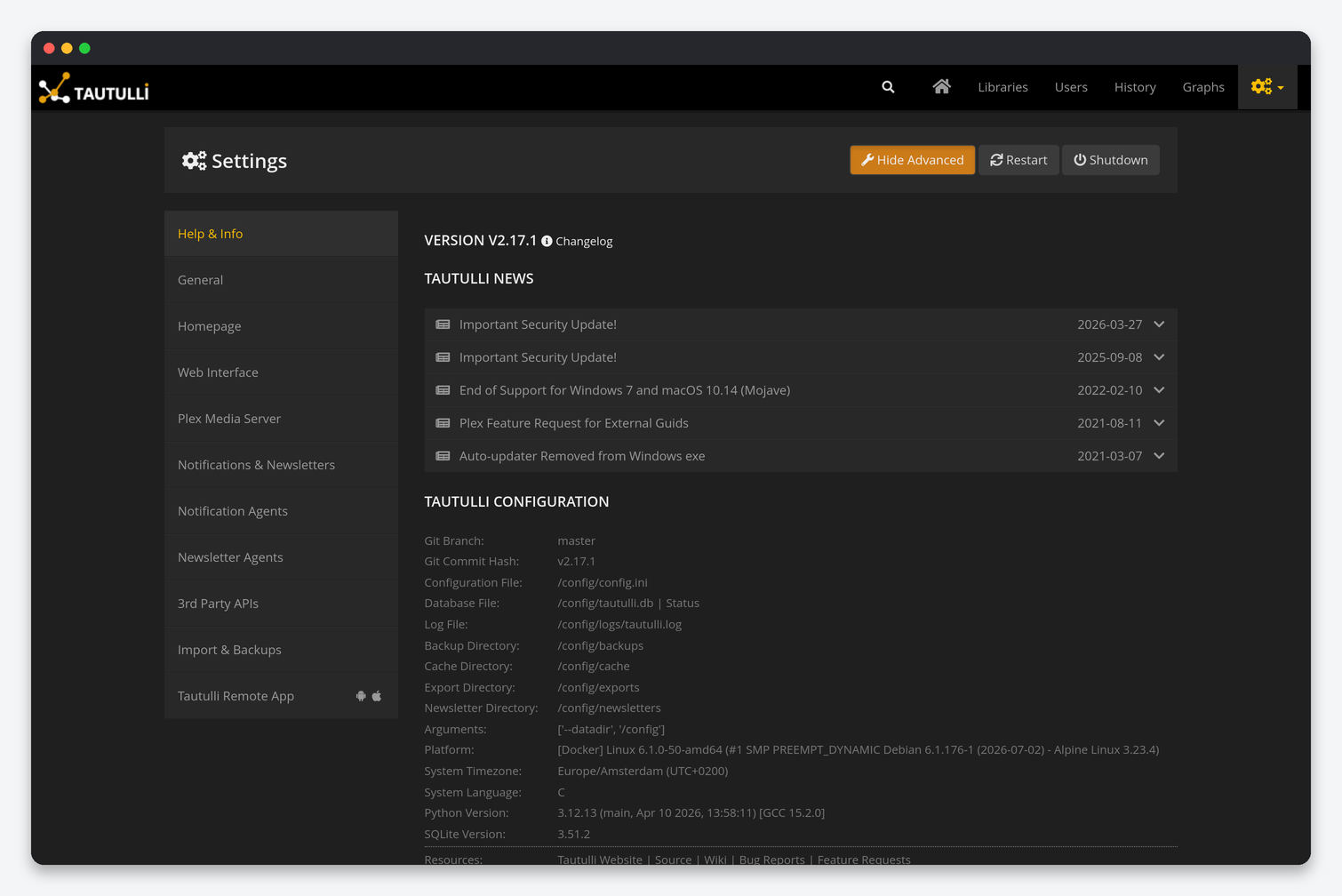
Help & Info is read-only: version and branch, the paths listed above, platform, timezone, Python and SQLite versions, and the scheduled tasks table with the state and next run of each job (user and library refresh every 12 hours, token check hourly, database optimise daily, backups every 6 hours). The websocket rows are Tautulli’s live connection to Plex; if they show anything other than “Websocket”, the Plex connection is down. The General page has:
| Setting | What it does | Seedbox |
|---|---|---|
| Check for Tautulli Updates / Update Check Interval | Poll GitHub for a new release and show a banner. | Off. Updates arrive with the container image from the client area, and the in-app updater cannot write to the image. |
| Show Update Notifications | Banner in the interface. | Off, for the same reason. |
| Date Format / Time Format | Display formats for history and graphs. | Your choice; the timezone comes from the container. |
| Week Start | Weekday the graphs start on. | Your choice. |
| Ignore Interval (advanced) | Seconds a stream must play before it is recorded in history. | 120. Filters out previews and accidental clicks. |
| Logging Level (advanced) | Verbose logging for troubleshooting. | Info. Debug only while diagnosing notifications. |
| Anonymous Analytics | Usage statistics to the developers. | Your choice. |
Homepage
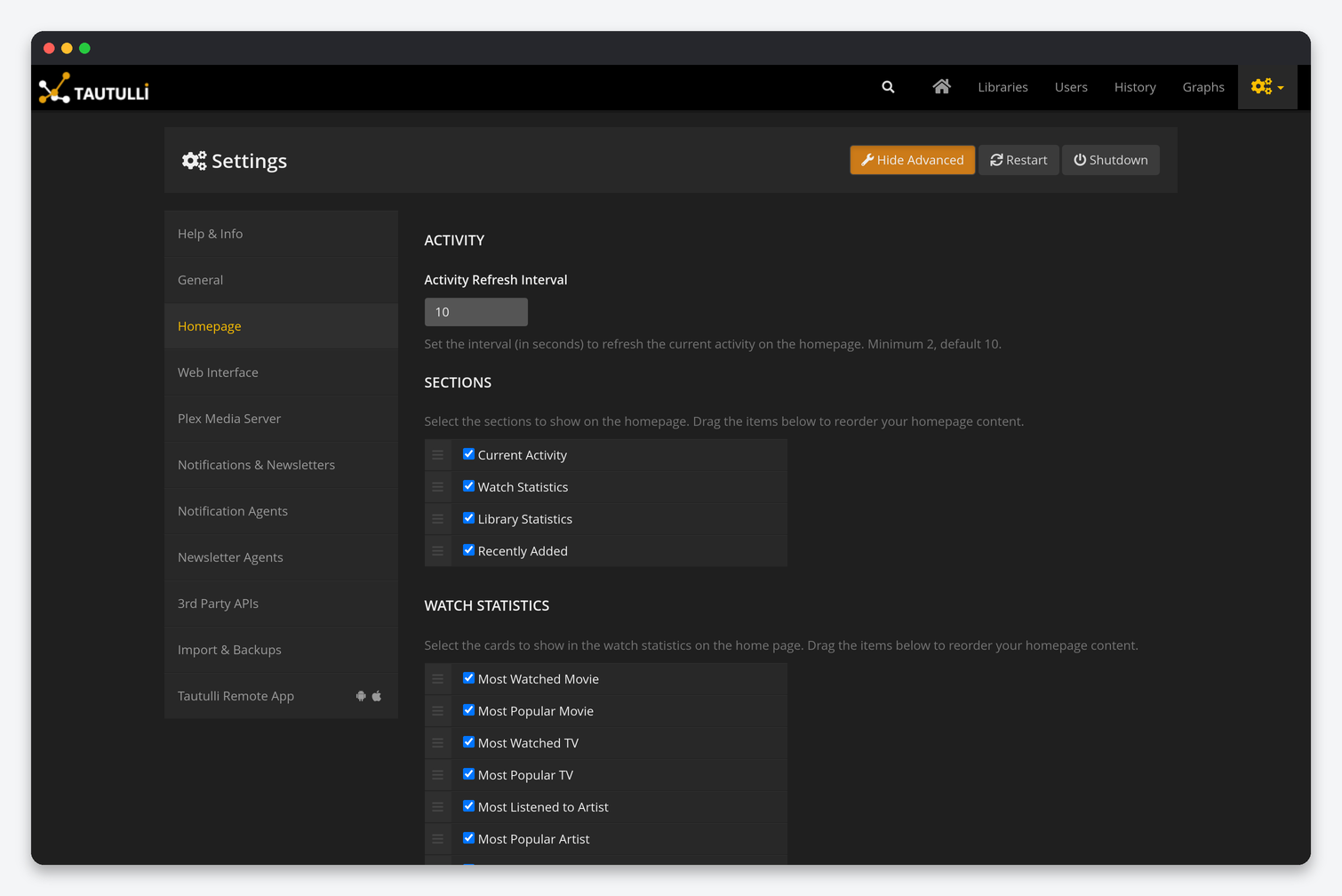
| Setting | What it does | Seedbox |
|---|---|---|
| Activity Refresh Interval | Seconds between refreshes of the current activity cards; minimum 2. | 10 (default). Each refresh is a request to Plex; 2 seconds on a busy server adds load for no benefit. |
| Sections | Which blocks appear on the home page, in drag order: Current Activity, Watch Statistics, Library Statistics, Recently Added. | All four. |
| Watch Statistics cards | Most Watched Movie, Most Popular Movie, Most Watched TV, Most Popular TV, Most Listened to Artist, Most Popular Artist, Last Watched, Most Active Libraries, Most Active User, Most Active Platform, Most Concurrent Streams. | Keep Most Concurrent Streams: it is the number that tells you when transcoding limits are being hit. |
| Library Statistics cards | Movies, TV Shows, Music. | The libraries you have. |
| Recently Added: count and libraries (advanced) | How many items and which libraries the recently added strip shows. | Defaults. |
Web Interface
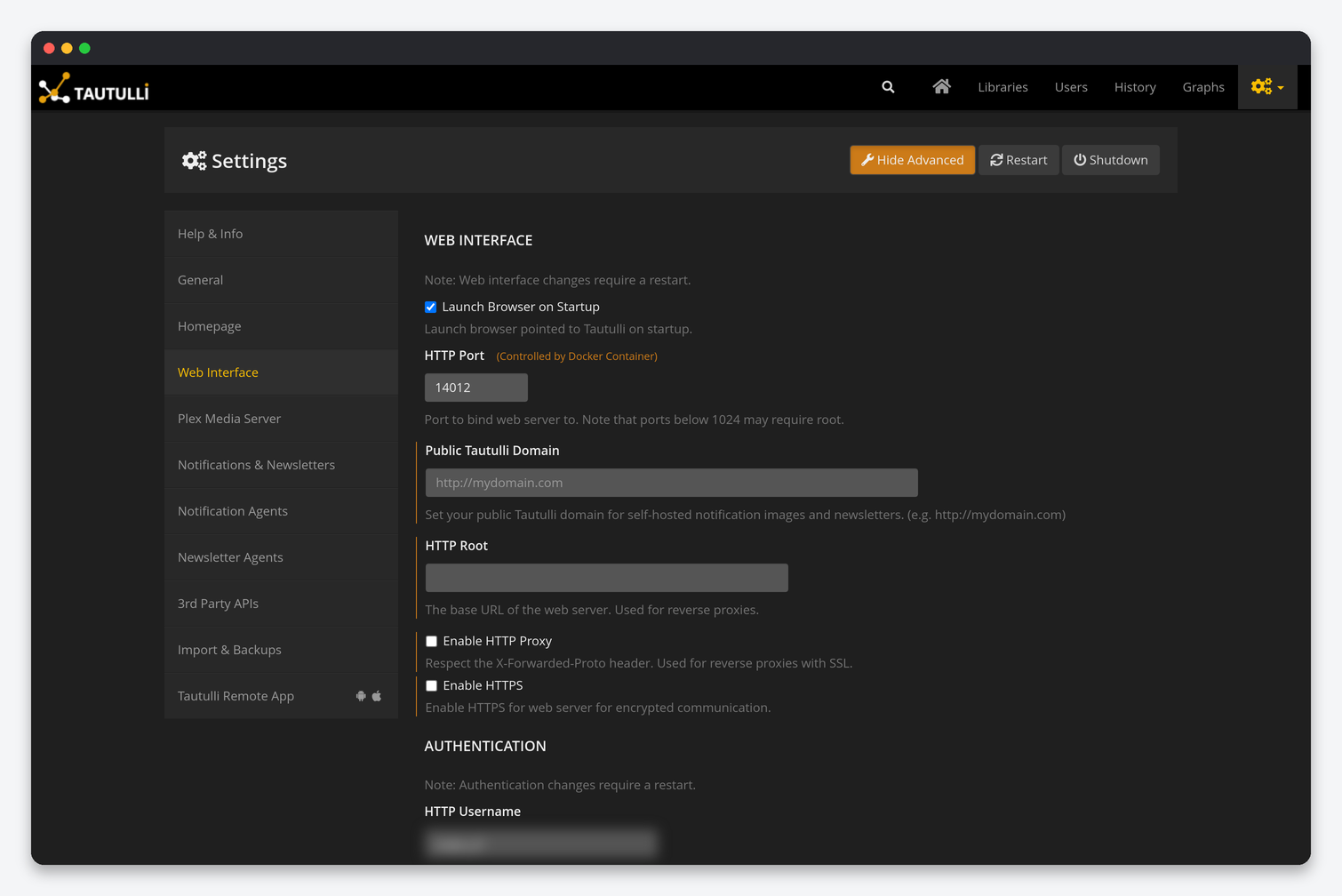
| Setting | What it does | Seedbox |
|---|---|---|
| Launch Browser on Startup | Open a local browser. | Off; irrelevant in a container. |
| HTTP Port | The container’s internal port, shown as controlled by Docker. | Leave it. Your public HTTPS port is assigned by the seedbox proxy. |
| Public Tautulli Domain | The address used in notification images and self-hosted newsletters. | Your Tautulli HTTPS URL from the client area, including the port. Without it, poster images in Discord or Telegram notifications are broken links. |
| HTTP Root | Base path when served under a subfolder. | Empty. |
| Enable HTTP Proxy | Trust the X-Forwarded-Proto header from a reverse proxy. | On. The seedbox proxy terminates HTTPS in front of Tautulli, and this makes generated links use https. |
| Enable HTTPS / certificate paths | Serve HTTPS directly. | Off. The proxy provides a valid certificate. |
| HTTP Username / Password | Local login for the interface. | Keep both set. The interface is reachable from the internet. |
| Allow Plex Admin / Allow Guest Access (advanced) | Let the Plex server owner log in with their Plex account, and let Plex users (Guest) log in to see only their own history. | Plex Admin on so you can use Plex sign-in; Guest Access on if you want your shared users to check their own history. |
| HTTP Basic Authentication (advanced) | Browser Basic auth instead of the login form. | Off. The form works with Dashboarr and the Tautulli Remote app. |
| API: Enable API / API Key | The key Dashboarr and other tools use. | Enabled. Regenerate on a leak and update Dashboarr. |
| Interface: Home Stats Type, Group History Table, Show History/Users/Libraries… (advanced) | Display preferences. | Group Successive Play History on; it collapses paused-and-resumed plays into one row. |
Plex Media Server
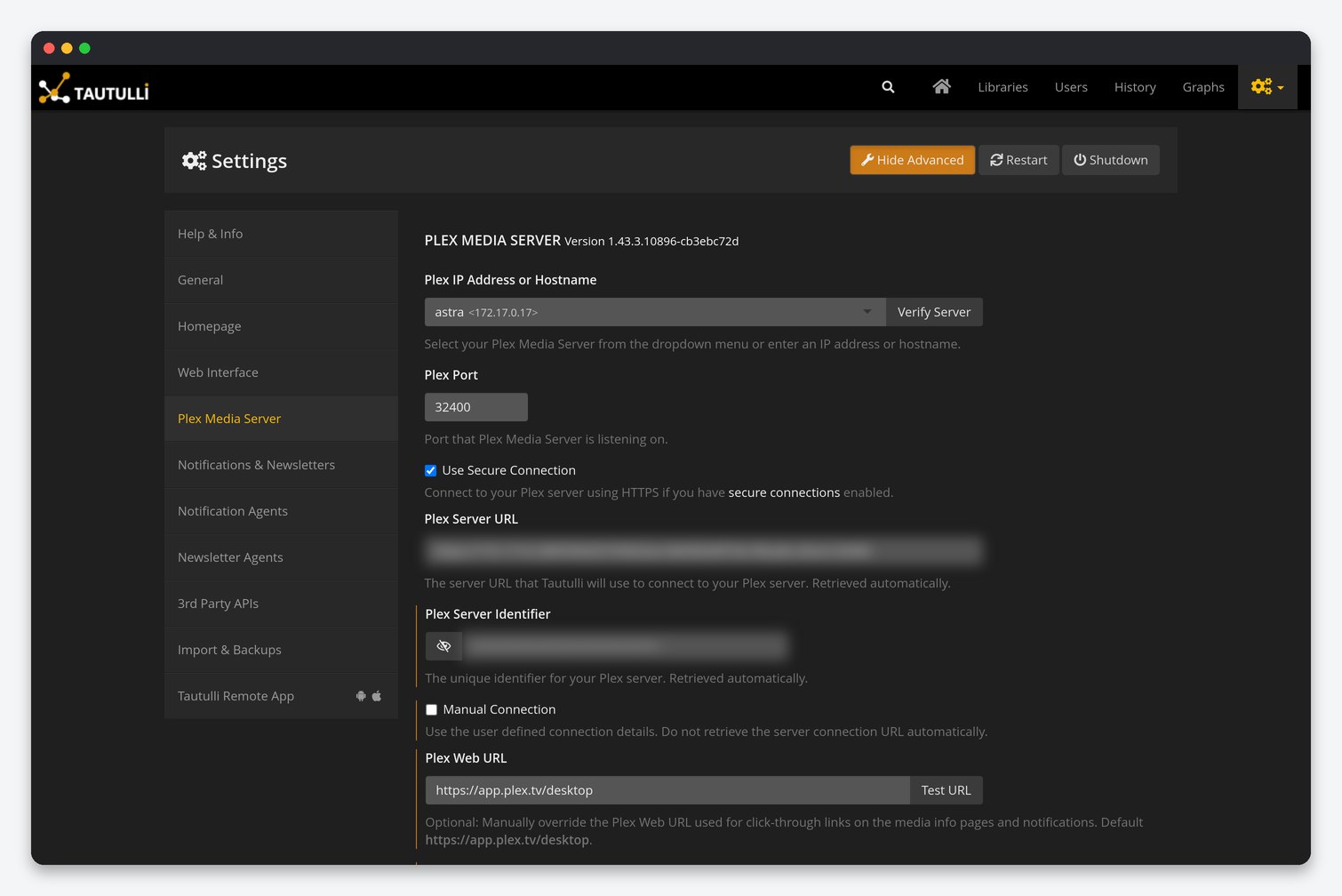
| Setting | What it does | Seedbox |
|---|---|---|
| Plex IP Address or Hostname / Port | Which server to monitor, chosen from your Plex account’s server list or typed. | Your seedbox Plex, on 32400. The dropdown shows the internal container address; that is correct. |
| Use Secure Connection | Talk to Plex over HTTPS. | On. Plex’s Secure connections setting on the seedbox is Preferred, so this works. |
| Plex Server URL / Server Identifier | Retrieved automatically after Verify Server. | Leave them; do not paste your public hostname here. |
| Manual Connection | Use the typed address instead of the automatically retrieved URL. | Off, unless Verify Server keeps picking an address Tautulli cannot reach. |
| Plex Web URL | Base for click-through links in notifications and media pages. | Default https://app.plex.tv/desktop. |
| Plex Logs Folder | Path to Plex’s logs for the built-in log viewer. | /logs, already mounted. |
| Cache Plex Images | Keep posters locally. | On. Fewer requests to Plex and faster pages. |
| Monitor Plex Updates | Show and notify when a new Plex version exists. | On for information; the update itself comes through the client area. |
| Users / Libraries List Refresh Interval, Refresh on Startup | How often the friends list and library list are pulled from Plex.tv and the server. | 12 hours and on. Press the refresh button on the Users page after sharing with a new user instead of lowering it. |
| Plex.tv Account Token / Fetch New Token | The token Tautulli uses to talk to Plex on your behalf. | Fetch a new one after changing your Plex password; every token is revoked at that point. |
| Monitoring (advanced): Websocket Connection Attempts / Interval, Remote Access Check | Reconnect behaviour and whether Tautulli checks Plex remote access. | Defaults. Turn the remote access check off if you do not use Plex remote access; otherwise you get “remote access down” alerts you cannot act on. |
Notifications & Newsletters
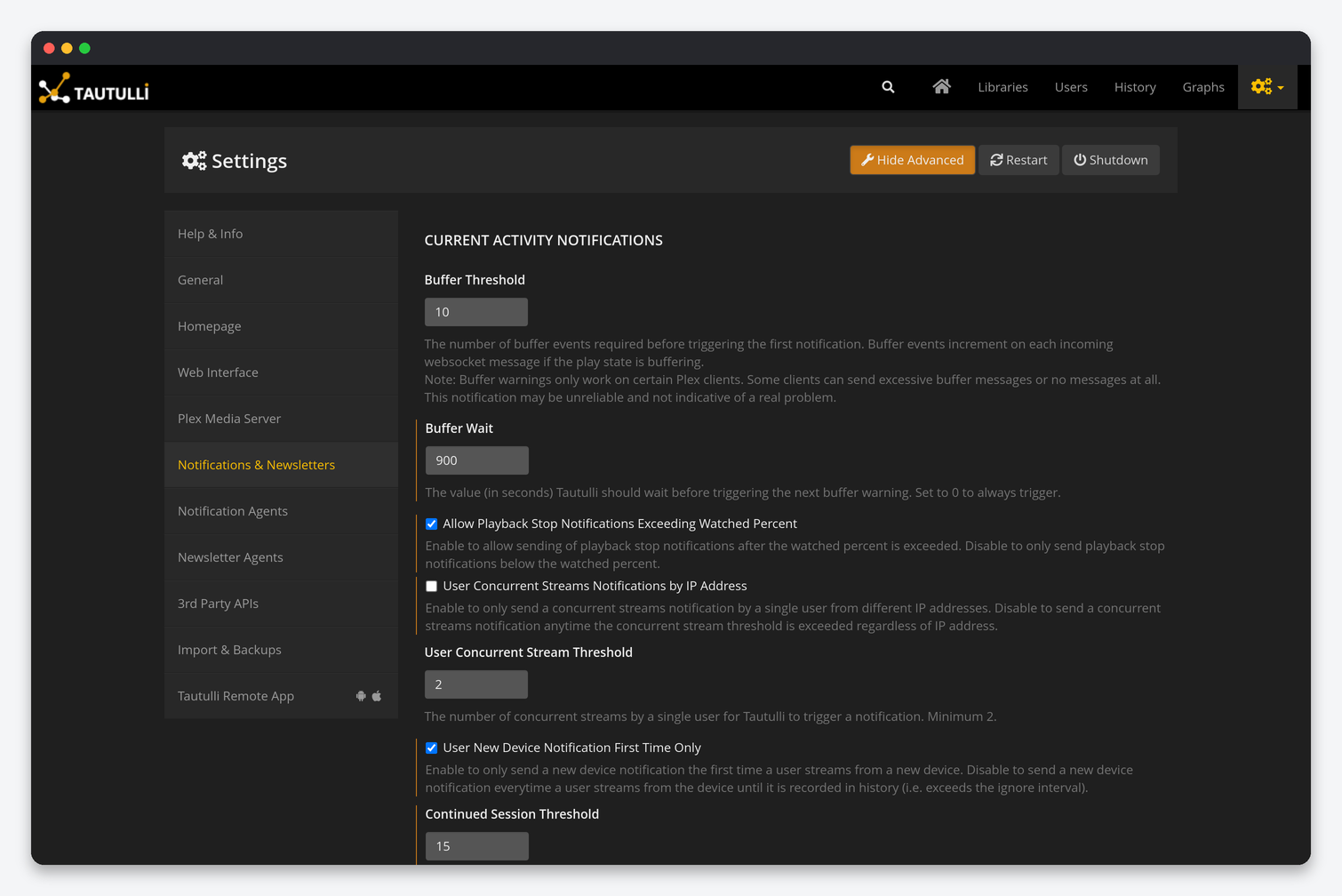
| Setting | What it does | Default | Seedbox |
|---|---|---|---|
| Buffer Threshold / Buffer Wait | How many buffering events trigger the first buffer warning and the seconds between repeats. | 10 / 900 | Defaults. Tautulli itself notes buffer warnings are unreliable on many clients; do not tune your server from them. |
| Allow Playback Stop Notifications Exceeding Watched Percent | Send “stopped” even after the item counts as watched. | On | On. |
| User Concurrent Streams Notifications by IP Address / Threshold | Alert when one user streams N times at once, optionally only from different IPs. | Off / 2 | By IP on, threshold 2. It is the cleanest signal of a shared Plex login. |
| User New Device Notification First Time Only | Alert once per new device rather than on every play until it is in history. | On | On. |
| Continued Session Threshold | Seconds between stop and start that still count as one session. | 15 | 15. |
| Group Notifications by Season or Album / by TV Show or Artist | One recently-added notification per season or per show when many episodes arrive. | On / Off | Both on. Sonarr season packs otherwise produce dozens of messages. |
| Recently Added Notification Delay | Seconds to wait so metadata is complete and items can be grouped. | 300 | 300. Lower it and posters and summaries are missing from the message. |
| Flush Recently Added | Reset the recently-added queue when notifications are stuck. | – | Emergency use only. |
| Plex Server Down Threshold / Remote Access Down Threshold | Seconds down before an alert. | 60 / 60 | 300 for the server. Plex restarts during updates take longer than a minute. |
| Self-Hosted Newsletters | Publish each newsletter as a page on your Tautulli domain and link to it. | Off | On, with Public Tautulli Domain set. Emails stay small and images load. |
| Use Inline Styles Template | Inline CSS for better rendering in email clients at the cost of size. | On | On. |
| Custom Newsletter Templates Folder / Output Directory | Where custom templates are read and generated files are written. | Empty / /config/newsletters | Defaults. |
Notification Agents
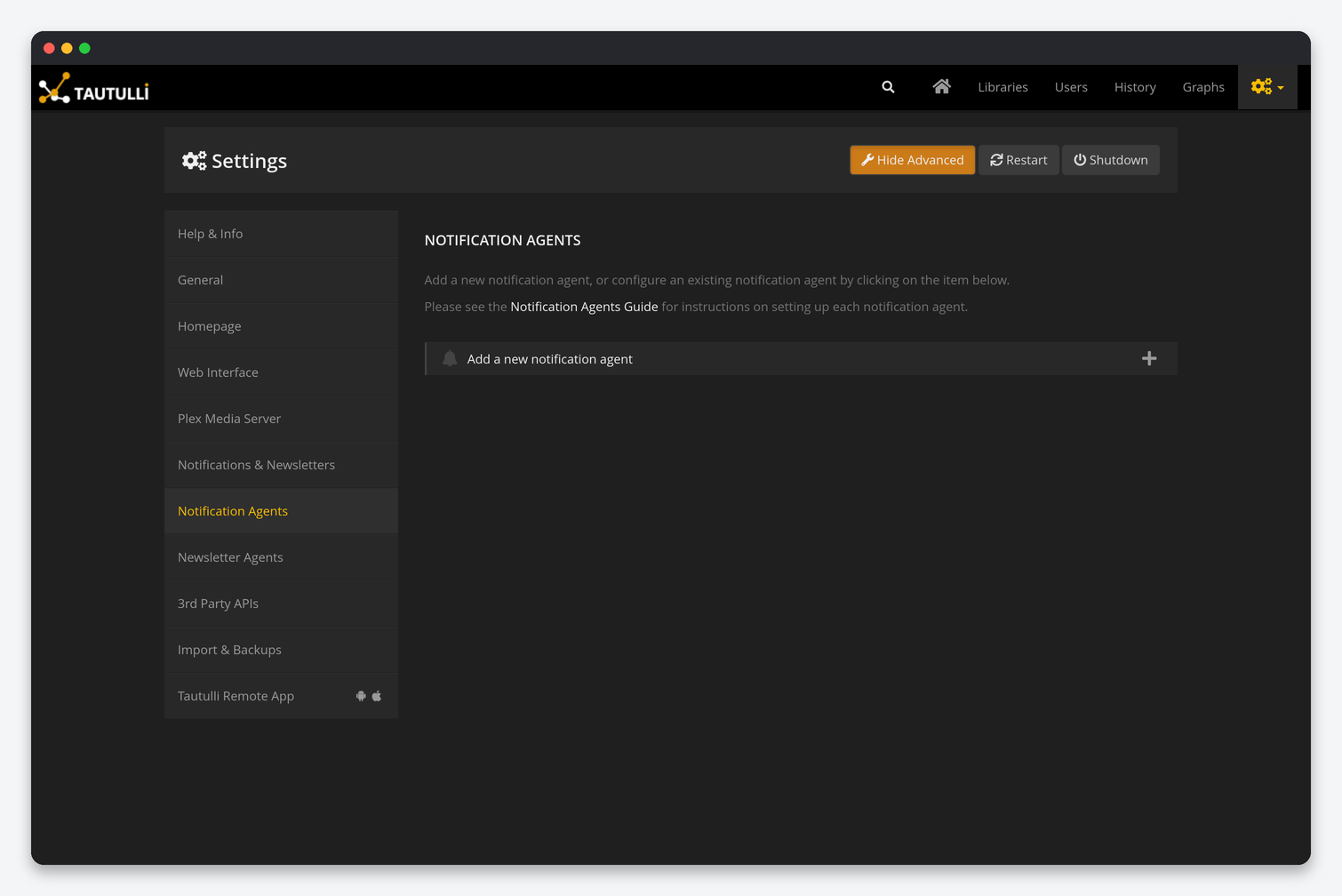
Each agent (Discord, Telegram, Email, Pushover, Slack, Webhook, Script, Plex Mobile App and more) has four tabs: Configuration (the service’s token or webhook), Triggers (which events send: playback start, stop, pause, resume, buffer warning, concurrent streams, new device, recently added, server down, remote access down, Plex update, Tautulli update, and more), Conditions (only when a parameter matches, for example user is not you, or library is Movies) and Text (subject and body per trigger, using parameters such as {user}, {title}, {transcode_decision}, {stream_bitrate}). A practical seedbox set: one Discord or Telegram agent with Playback Start (condition: user is not yourself), Concurrent Streams, New Device, Recently Added and Plex Server Down; the text for Playback Start including {transcode_decision} and {quality_profile} tells you at a glance who is forcing transcodes. The Script agent runs a file from the scripts folder and is the hook for automation such as killing a stream.
Newsletter Agents
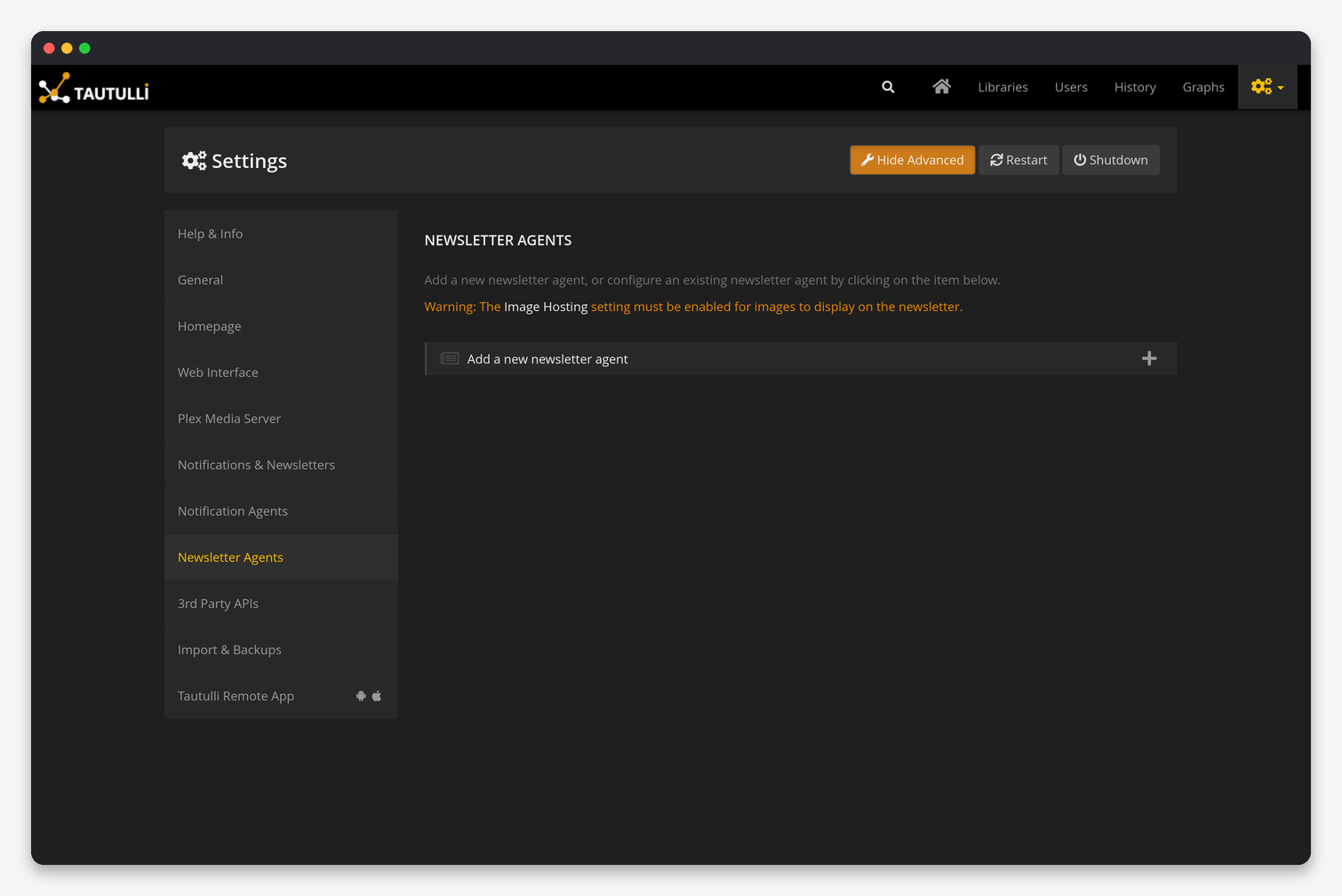
A newsletter agent is a schedule (cron expression), a time frame in days, the libraries to include, an email or other notification agent to send through, and a template. The default weekly “recently added” newsletter needs Image Hosting enabled on the 3rd Party APIs page or self-hosted newsletters turned on, otherwise the posters do not display; Tautulli shows this warning on the page. Sending goes through an Email notification agent, so create that first.
3rd Party APIs
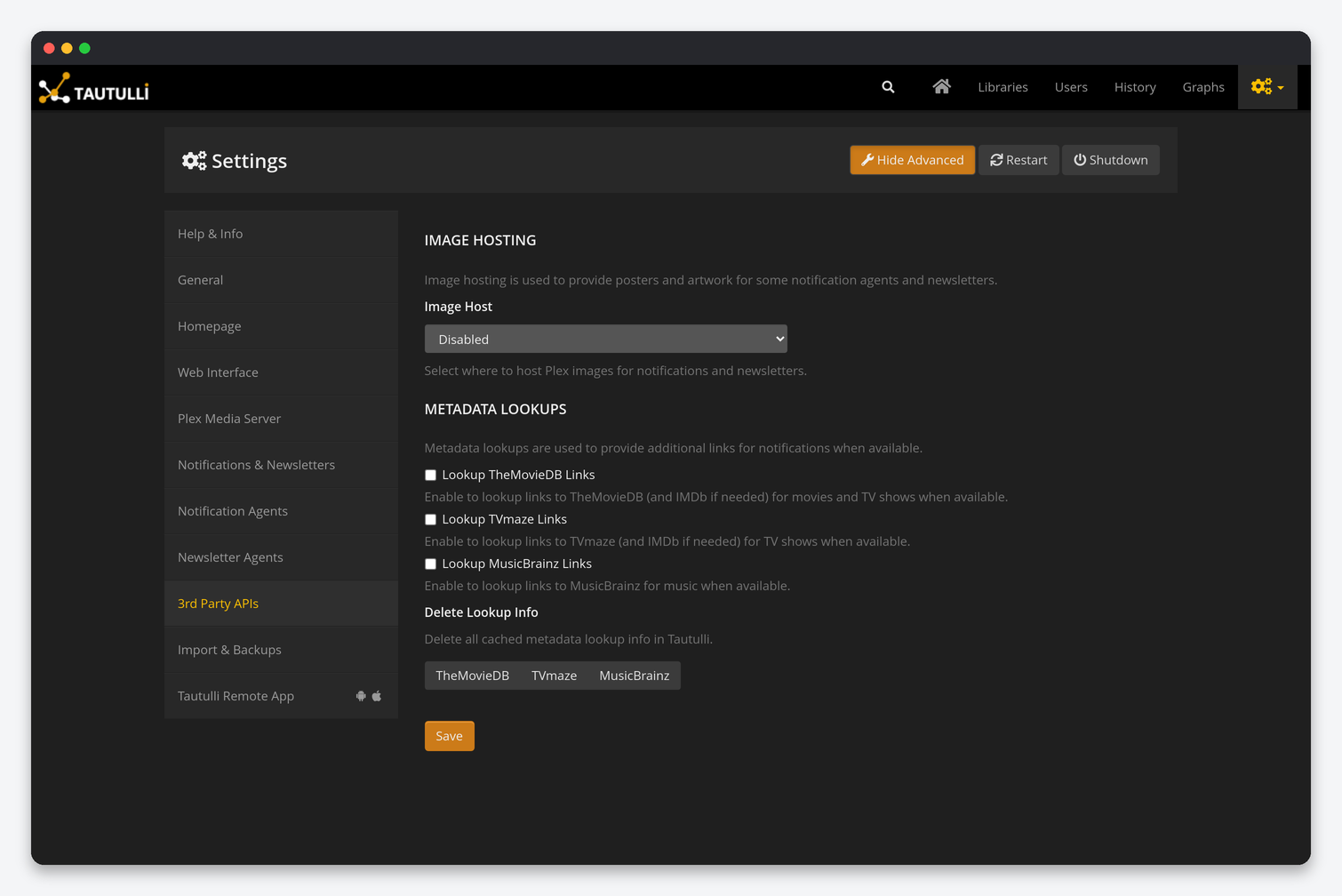
| Setting | What it does | Seedbox |
|---|---|---|
| Image Host | Where posters for notifications and newsletters are uploaded: Disabled, Imgur, Cloudinary, or self-hosted on your public domain. | Self-hosted. Your Tautulli URL is public already, so no third-party account is needed; Imgur needs a client ID and rate-limits. |
| Lookup TheMovieDB / TVmaze / MusicBrainz Links | Add links to those databases in notifications. | On for TheMovieDB and TVmaze; off for MusicBrainz unless you notify on music. |
| Delete Lookup Info | Clear the cached lookups per service. | Only when links point to the wrong title. |
Import & Backups
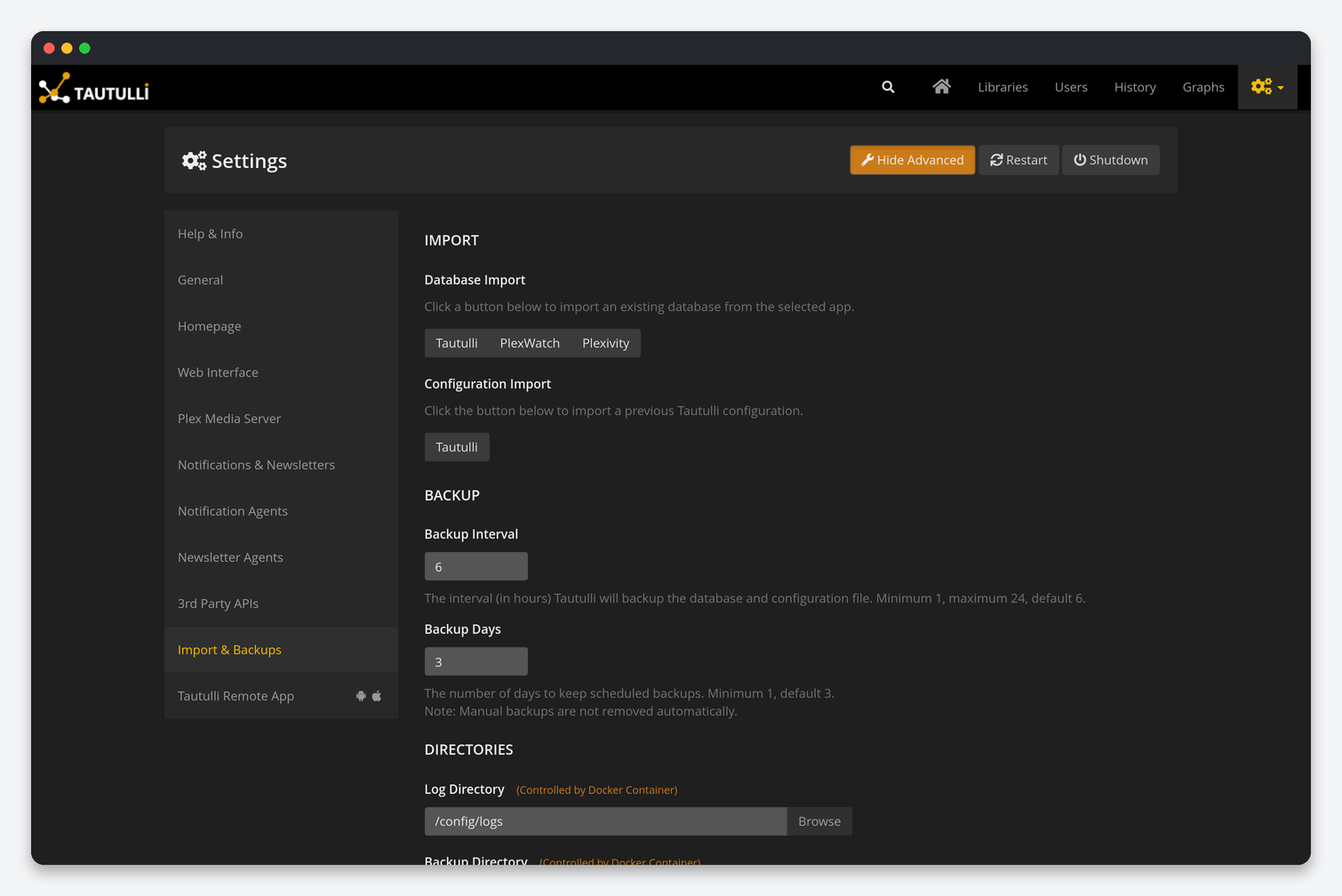
| Setting | What it does | Seedbox |
|---|---|---|
| Database Import: Tautulli / PlexWatch / Plexivity | Merge history from another Tautulli database or the older tools. | Use it when you move from a home server: upload the old tautulli.db to /config by SFTP and import it. Streams are matched by the Plex server identifier, so imports from the same server merge cleanly. |
| Configuration Import | Load a previous config.ini. |
Only after a fresh install; it overwrites every setting including the Plex token. |
| Backup Interval / Backup Days | Hours between scheduled backups of database and config, and how many days to keep. | 6 hours and 3 days (defaults). Manual backups are never deleted. |
| Directories: Log, Backup, Cache, Export | Paths, controlled by the container. | Leave them. The Backup Config and Backup Database buttons here make an immediate copy; Clear Image Cache frees space when the cache directory grows. |
Tautulli Remote App
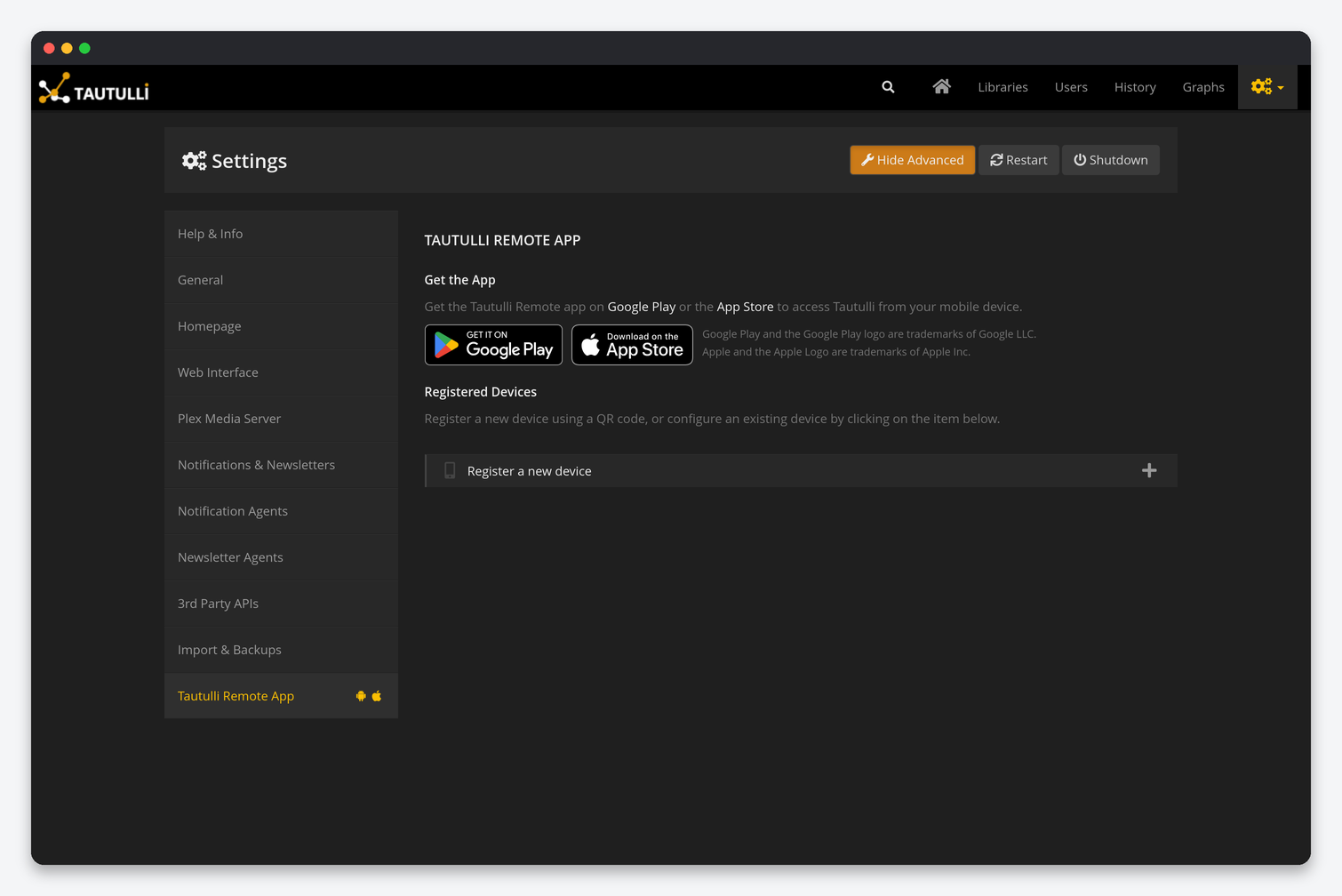
Register a new device shows a QR code that the Tautulli Remote app (Android and iOS) scans to pair with this server; the pairing carries your public Tautulli URL, so set Public Tautulli Domain first. Registered devices are listed below and can be removed. The app receives push notifications directly from Tautulli when you add the “Tautulli Remote App” notification agent. Dashboarr uses the API key instead of a registration and is covered in Tautulli in Dashboarr.
Settings that are not under Settings
- Users → edit: friendly name, whether the user is included in history, keep or discard their history, and per-user notification exclusion.
- Libraries → edit: keep history per library, and the library’s Plex section ID used in conditions.
- History → export and Export metadata on a library: CSV and JSON exports to the Export Directory.
- Graphs → settings icon: time range and whether plays or duration are shown.
FAQ
Which settings should every seedbox user change?
Public Tautulli Domain and Enable HTTP Proxy on the Web Interface page, self-hosted image hosting, update checks off, concurrent streams by IP, both recently-added groupings on, and a 300-second server-down threshold. Then one Discord or Telegram agent with conditions so your own plays are not reported.
Notifications show broken images. Why?
Image Host is Disabled or Public Tautulli Domain is empty, so the poster link points to a container address. Set the domain and choose self-hosted image hosting.
Tautulli lost the connection to Plex after I changed my Plex password.
Changing the password revokes all Plex tokens. Press Fetch New Token on the Plex Media Server page, then Verify Server.
Where is the config file?
config.ini and tautulli.db in the config folder; scheduled backups of both are in the backups folder.
Related: Tautulli setup on a seedbox · Plex server performance · Plex library permissions · Tautulli in Dashboarr
Related articles
Put this into practice
EvoSeedbox ships with one-click app installs and up to 10 Gbps per box.
