How to Use Emby with Your EvoSeedbox
On this page ▾
What Is Emby?
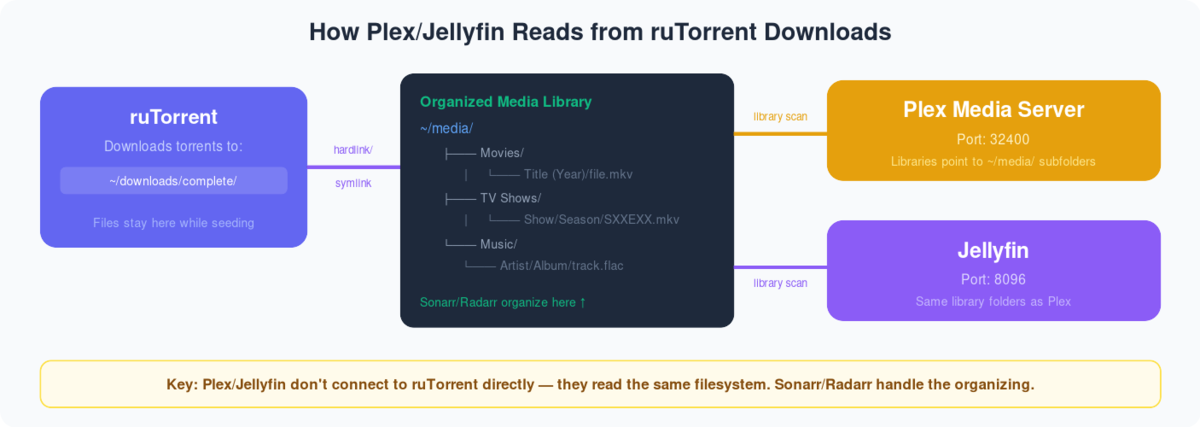
Emby is a media server that organises, plays and streams your audio and video to almost any device — phone, tablet, browser, smart TV or console. On a seedbox it does the same job as Plex or Jellyfin: your downloads stay on the server and stream out to you, so nothing touches your home connection.
Emby sits between the other two. It has a polished interface like Plex, but it’s partly open source like Jellyfin, with some features (mobile apps, hardware transcoding) gated behind an optional Emby Premiere subscription. It’s the least-installed of the three media servers on our fleet — most users pick Plex or Jellyfin — but Emby has a loyal following for its clean library management and Live TV handling, and it installs in one click just like the others.
To use Emby you first need a free Emby account. If you already have one, use those credentials.
Installing Emby on Your Seedbox
- Log in to your EvoSeedbox client area.
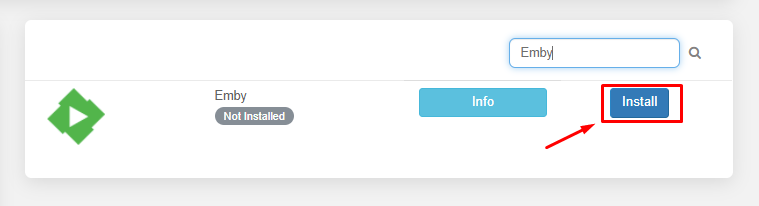
2. Search for Emby in the apps section and click Install.
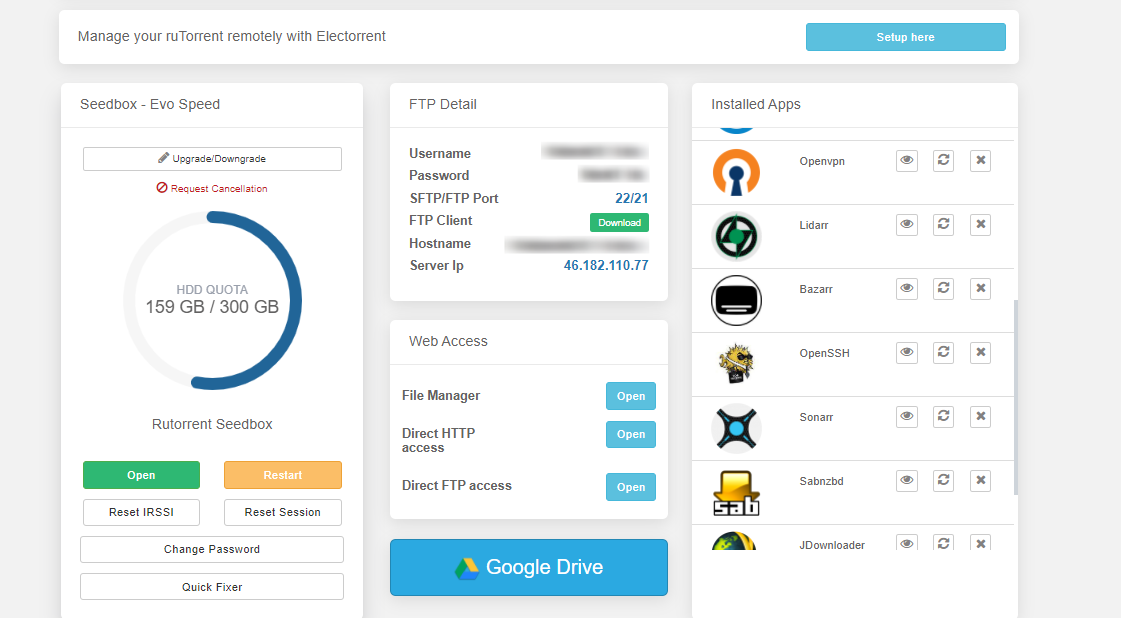
3. Once installation completes, click the eye button to open the app.

First-Time Setup & Adding Libraries
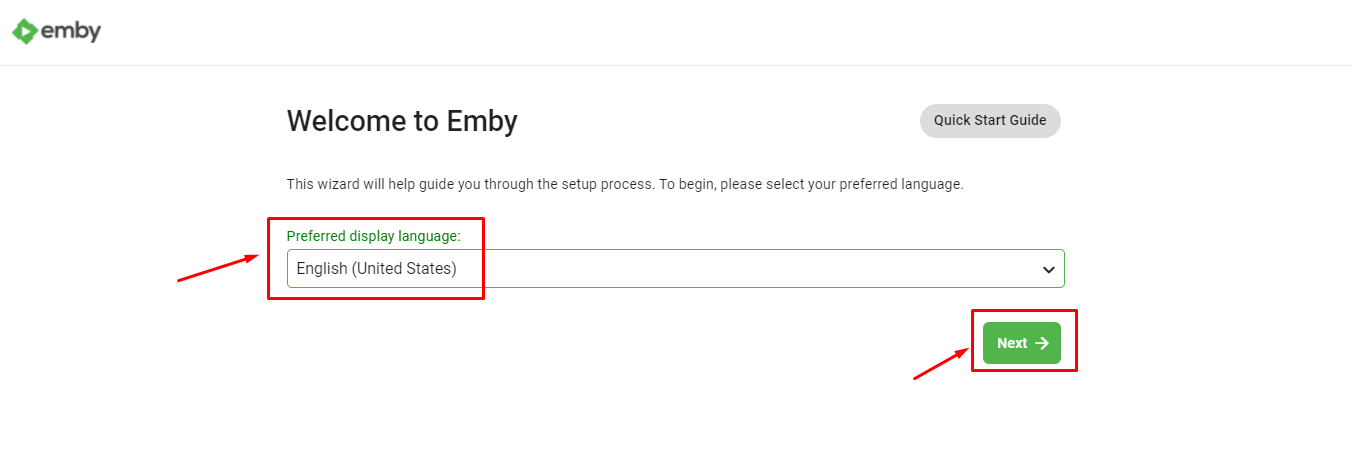
When you open Emby for the first time you’ll run through a short setup wizard.
1. Select the language you want Emby to use and click Next.
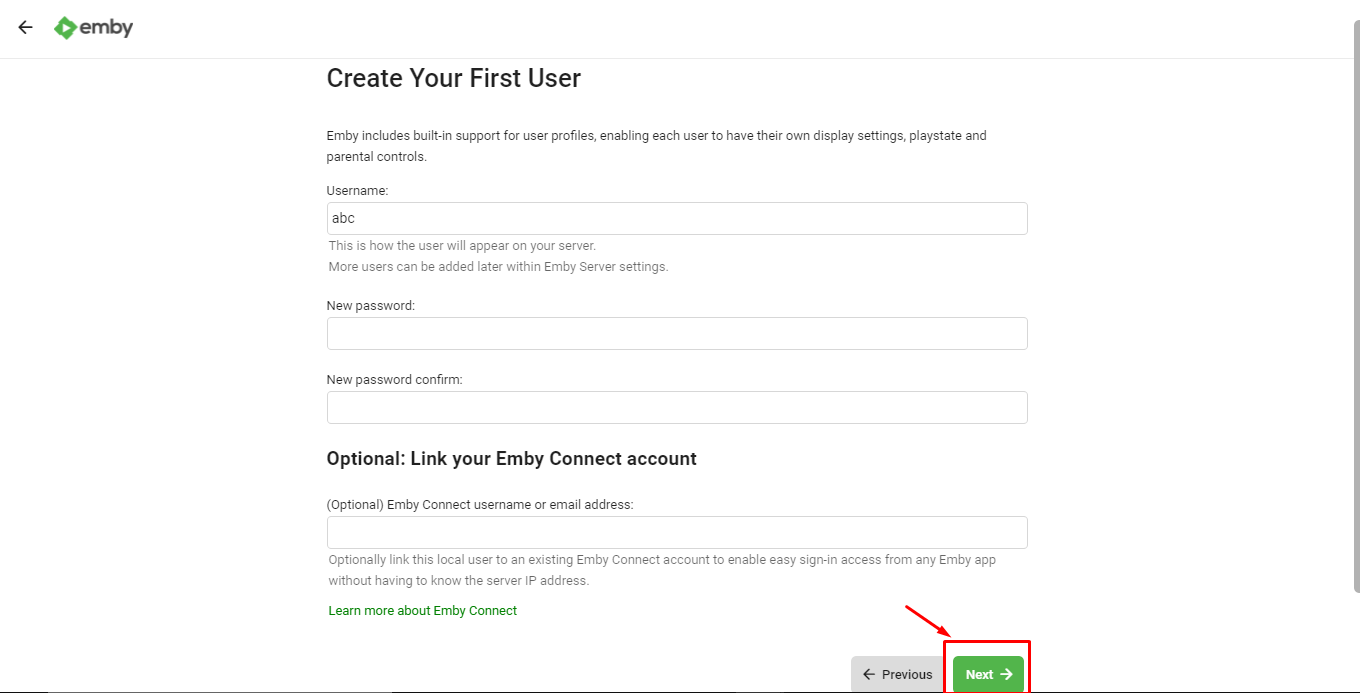
2. Create a user profile. If you’ll share your Emby server with others, add a profile for each person and set a password for authentication. Click Next when done.
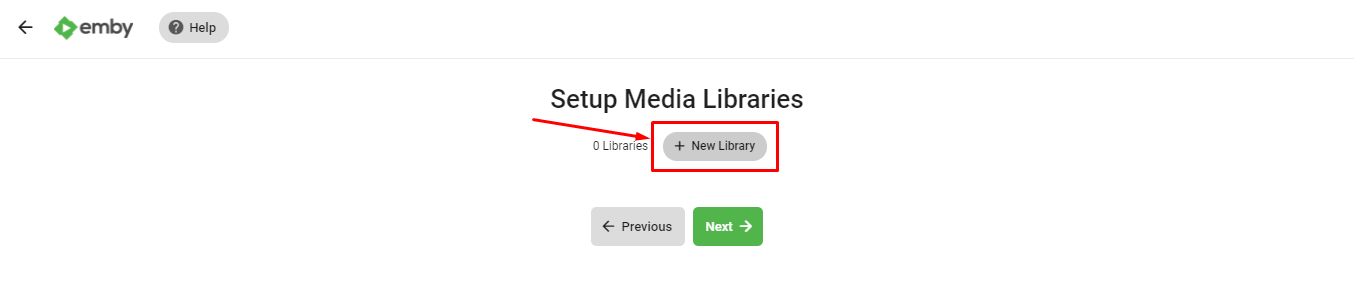
3. Now add a media library. Click + New Library.
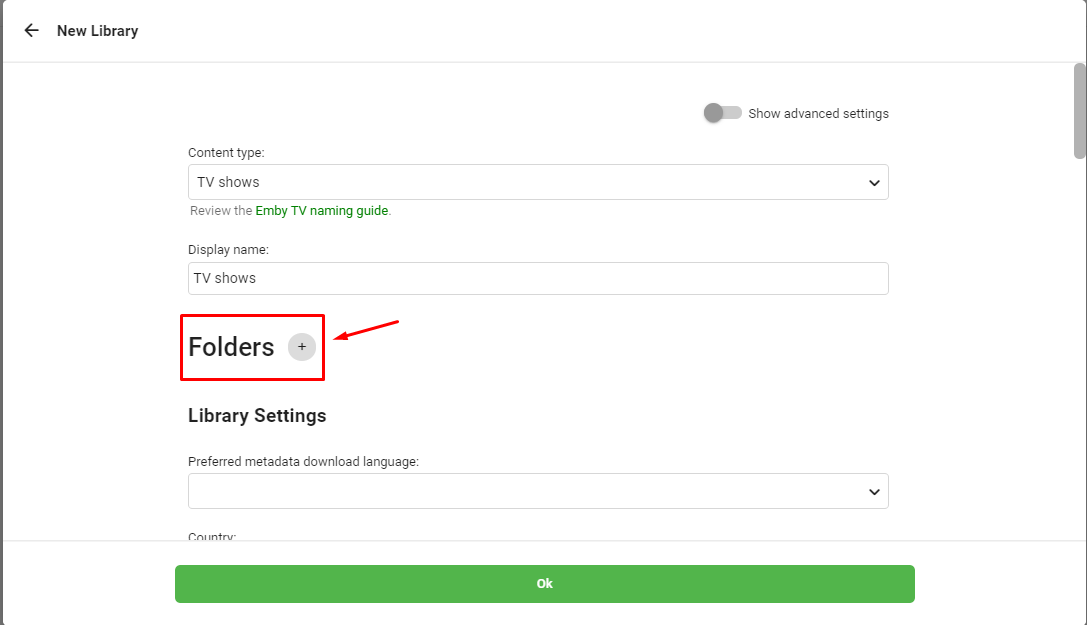
4. Choose the content type (Movies, TV Shows, Music…), give it a display name, then click Folders to browse.
Point it at your downloads folder — the path looks like /home/username/downloads/ (use your own username, and pick the movies or TV subfolder). If you run the *arr stack, Sonarr and Radarr already sort everything into tidy folders here.
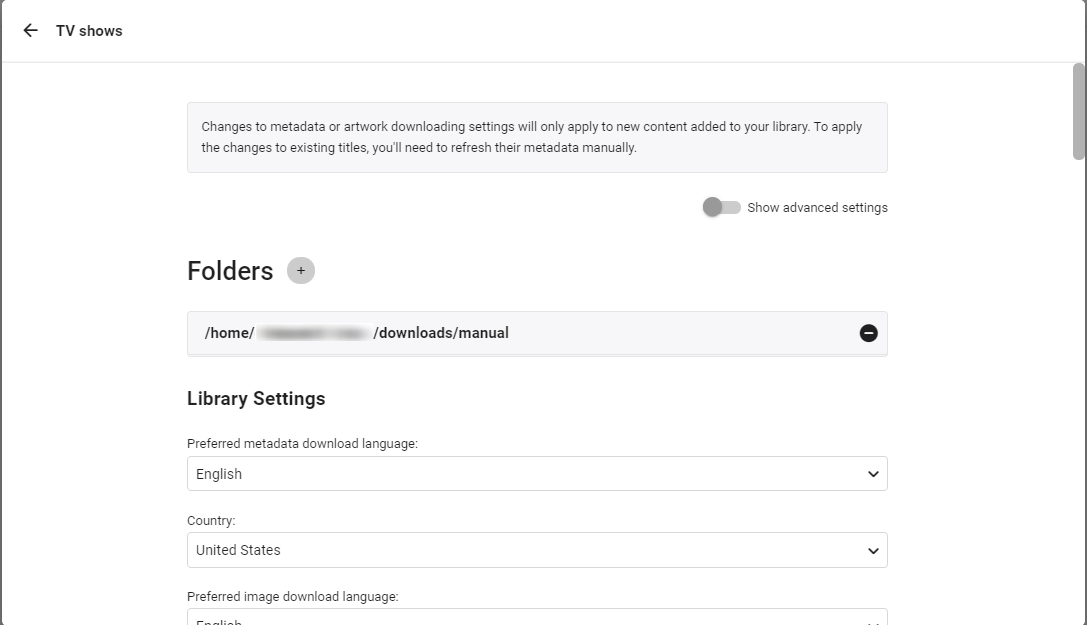
5. In the library settings you can choose where Emby pulls metadata, episode thumbnails and subtitles from. The defaults are fine for most people.
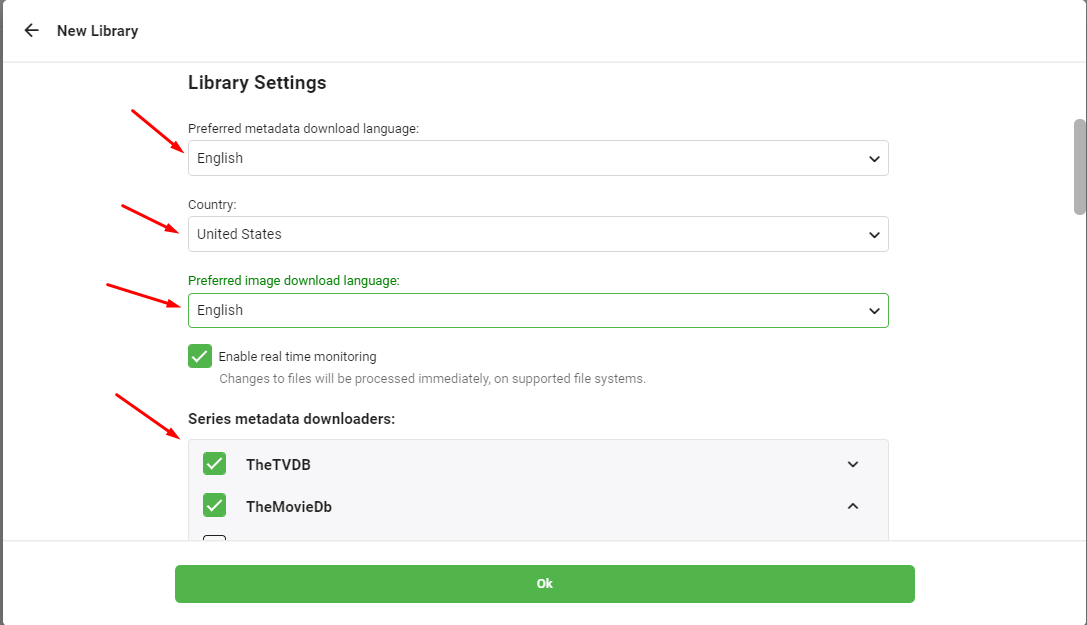
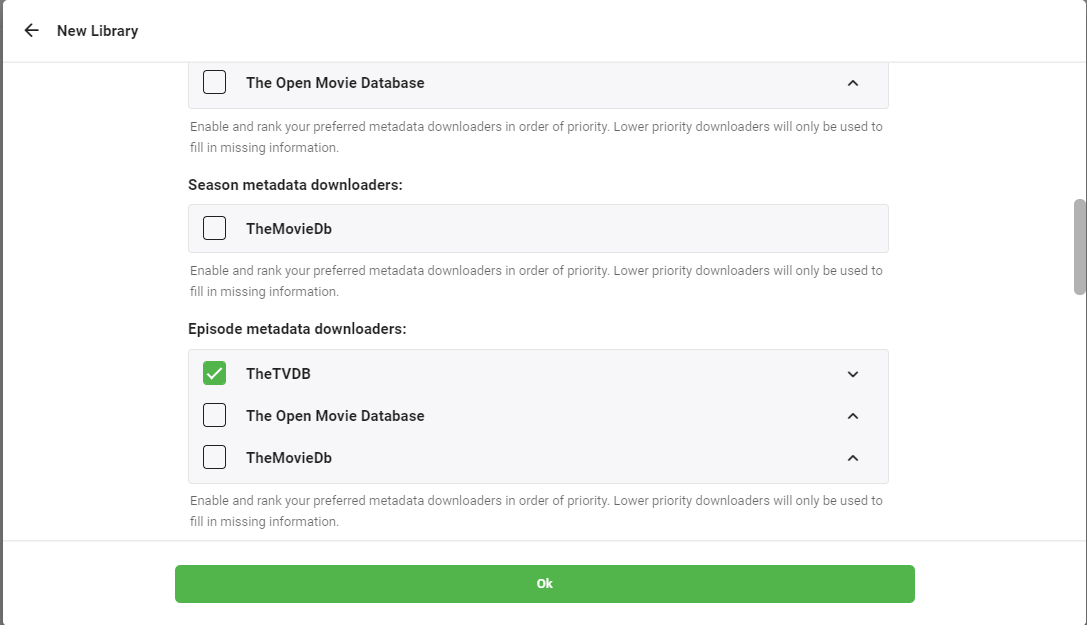
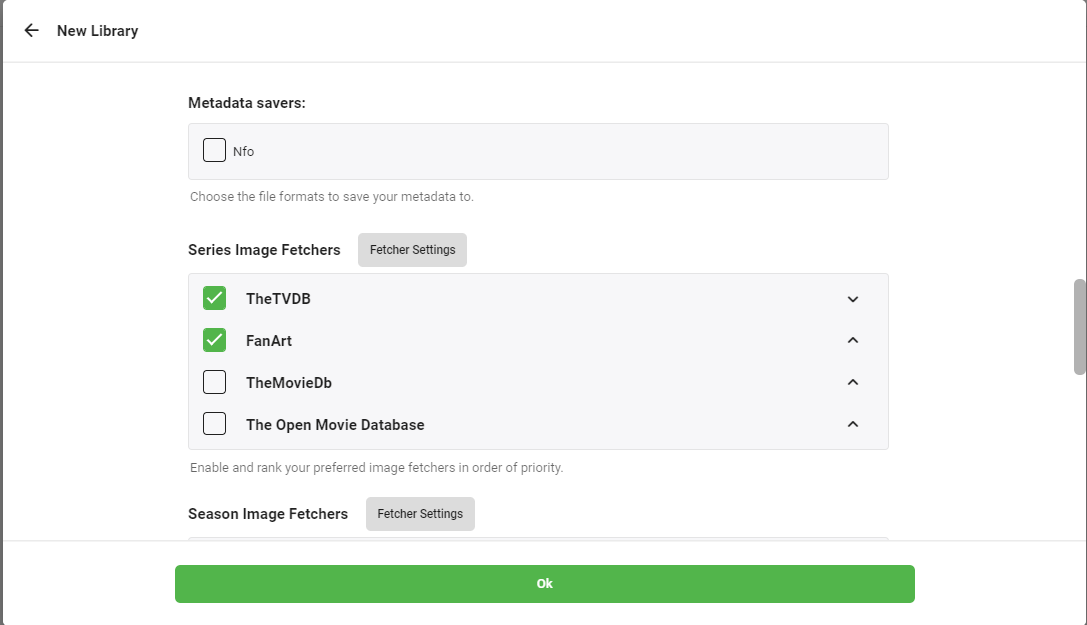
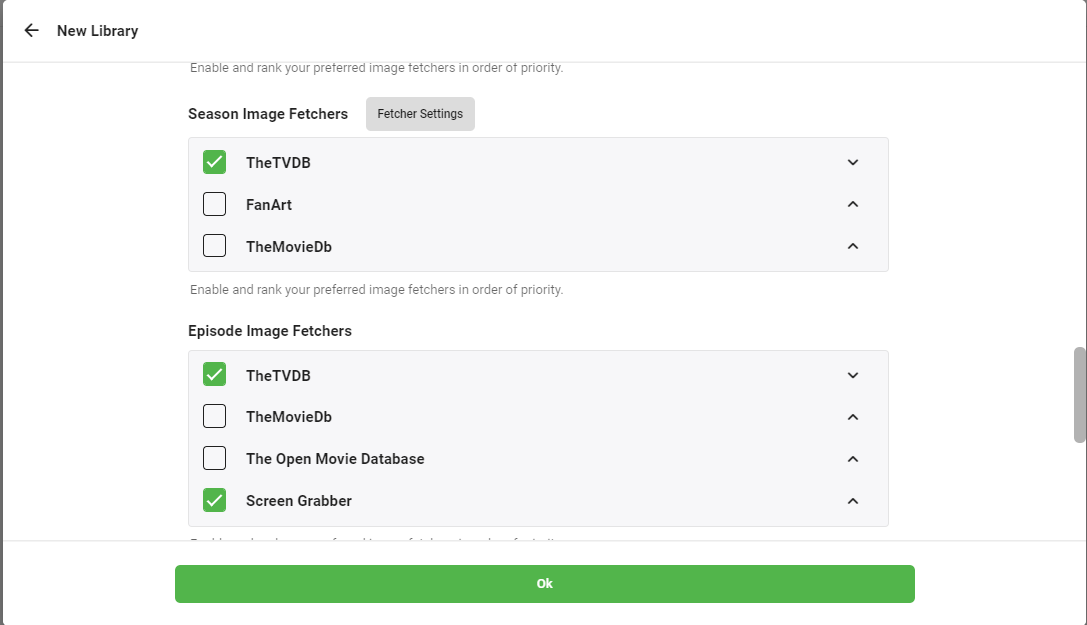
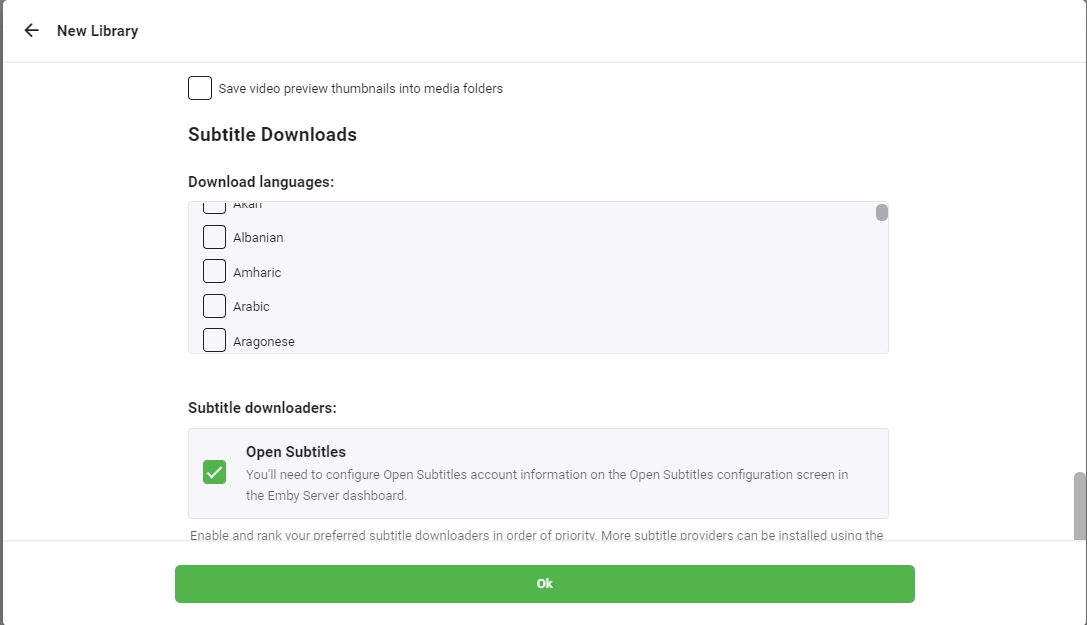
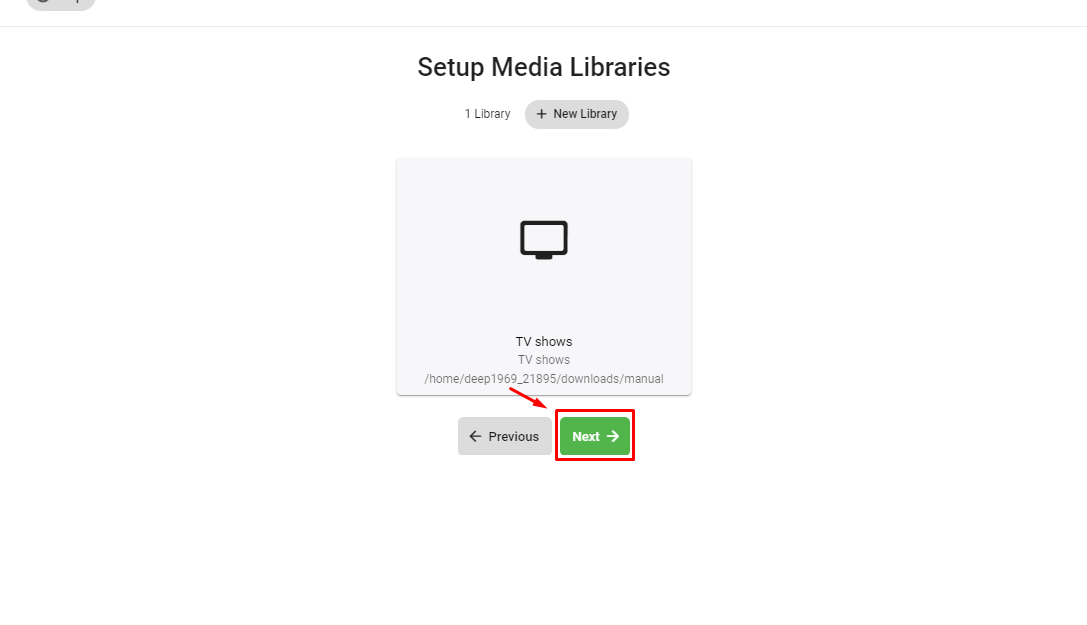
6. Click OK. Emby asks for a few confirmations — click Next through the remaining screens and Finish to complete setup. Emby then scans your folder and fetches posters and details.
Emby vs Plex vs Jellyfin — Which Should You Pick?
All three run great on an EvoSeedbox and read the same media folders, so you can trial them side by side:
- Plex — the most polished, best mobile experience; some features need Plex Pass. Most popular on our fleet. See Setting Up Plex.
- Jellyfin — 100% free and open source, every feature included. See Connecting Jellyfin.
- Emby — a middle ground: Plex-like polish with an optional Premiere upgrade. Good if you like its UI and Live TV.
Frequently Asked Questions
Is Emby free?
The core Emby server is free. A few extras — mobile apps, hardware transcoding and some Live TV features — need an optional Emby Premiere subscription. For a completely free option with those features included, Jellyfin is worth a look.
Can I run Emby, Plex and Jellyfin at the same time?
Yes. All three install one-click from your dashboard and can point at the same downloads folder, so you can compare them before committing to one.
My Emby library is empty after adding a folder — why?
Usually the wrong path or a permissions issue. Confirm the folder is under /home/username/downloads/ and that your media is named cleanly (let Sonarr/Radarr handle naming). Then trigger a library scan.
Does Emby transcoding work on a shared seedbox?
Light transcoding is fine, but 4K and multiple simultaneous transcodes are CPU-heavy on shared plans — the same rule as Plex. Use Direct Play clients where you can, or move to a dedicated plan for heavy transcoding.
Related Guides
Related articles
Put this into practice
EvoSeedbox ships with one-click app installs and up to 10 Gbps per box.


