Add Torrents to Your Seedbox From Any App With a Webhook
On this page ▾
The universal door: a private URL that starts a download when something POSTs a magnet link to it. Use it from an iOS Shortcut, a browser bookmarklet, a home-automation rule or any script.
Before you start
Nothing to create. The webhook URL is generated when you publish; treat it like a password.
Open the template
- From the client area, open your seedbox service and click Open Liteflow on the Automation card.
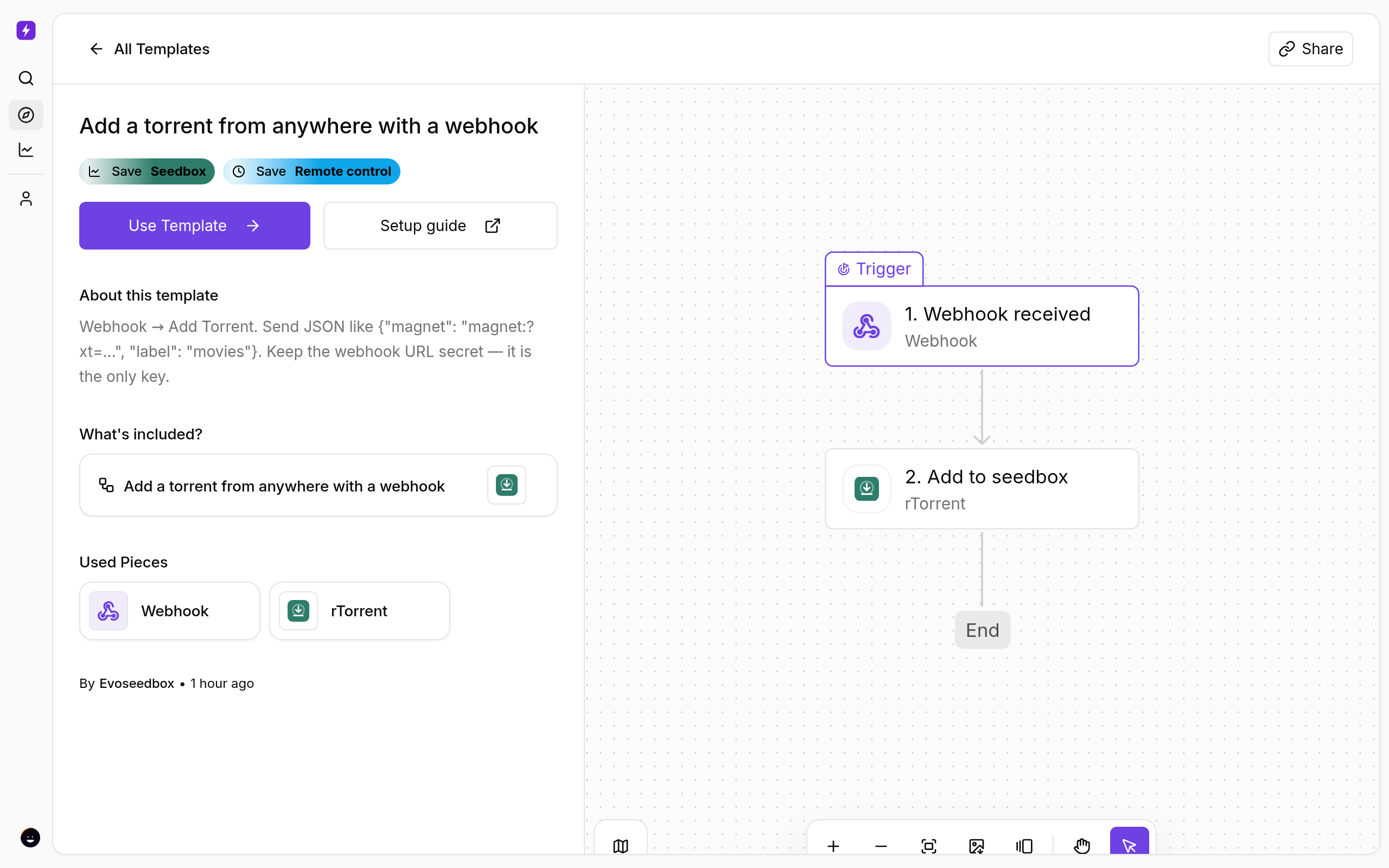
- Click Create New → Start from Template and choose Add a torrent from anywhere with a webhook.
- Click Use Template, keep Personal Project, and Confirm. The flow opens in the builder with every step in place.
Get your URL
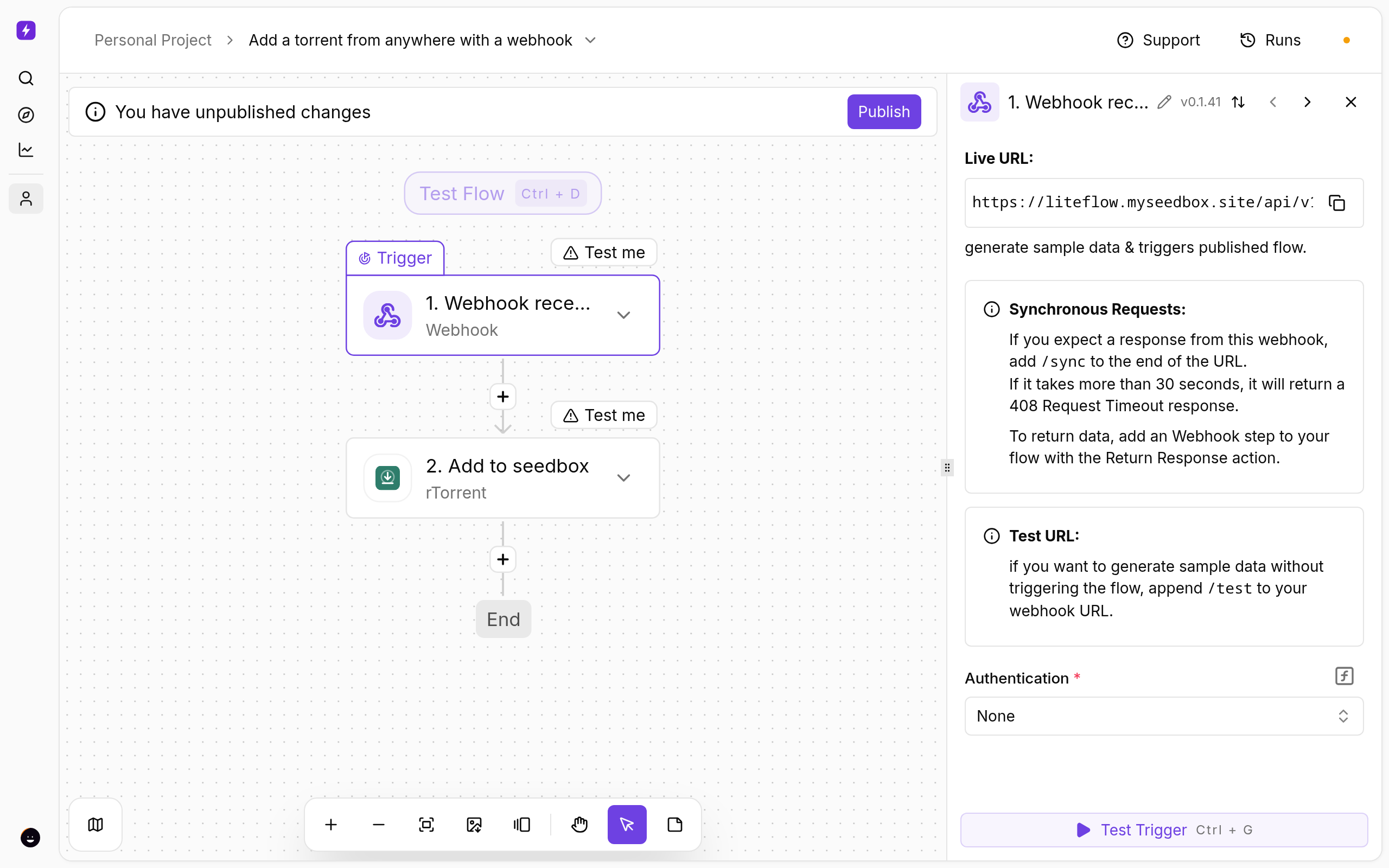
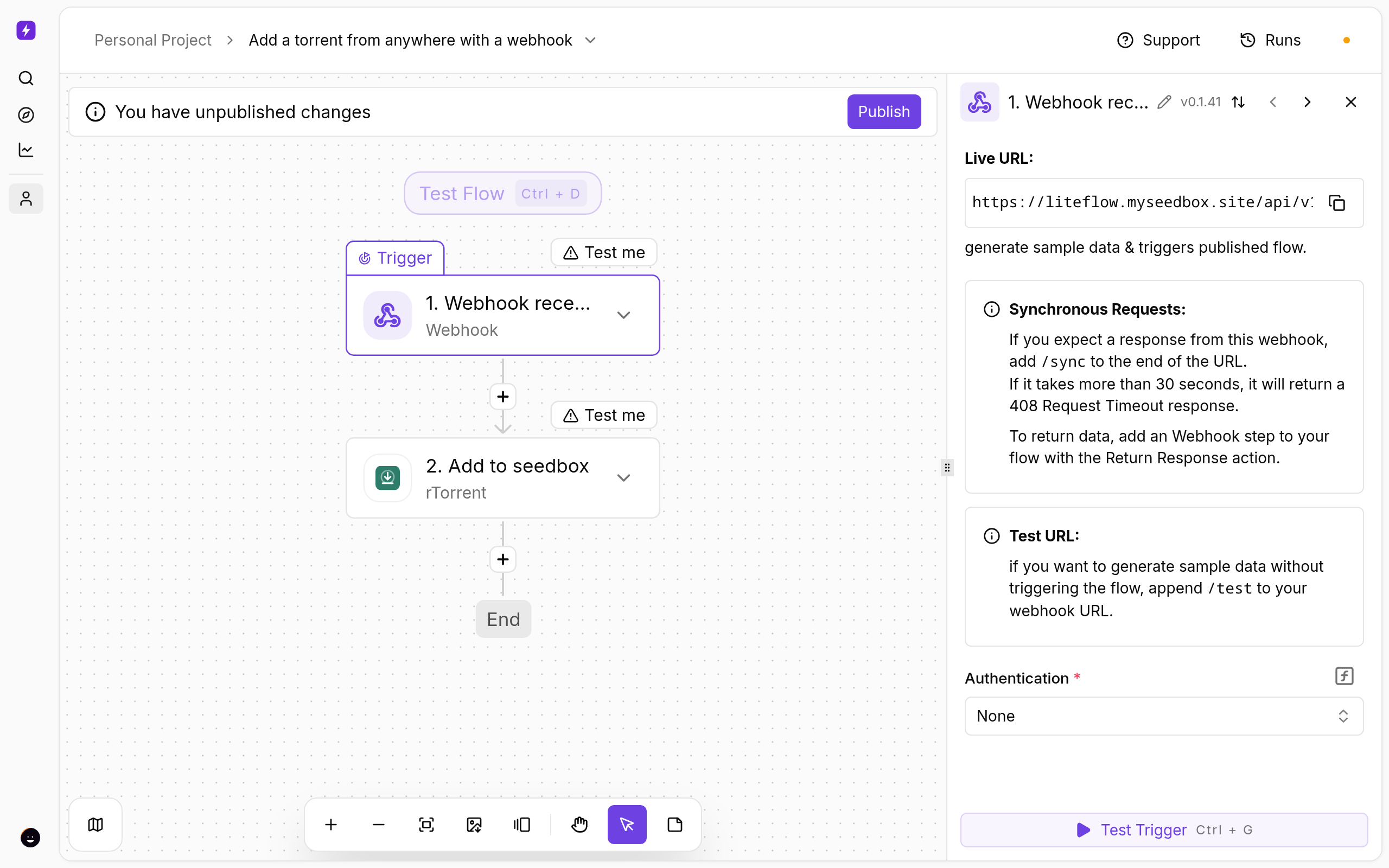
- Click the Webhook received trigger. After you publish, the trigger shows your unique URL — copy it.
- Add to seedbox reads
magnetandlabelfrom the request body. Nothing to change.
Call it
curl -X POST https://…/api/v1/webhooks/<id> \
  -H 'Content-Type: application/json' \
  -d '{"magnet": "magnet:?xt=urn:btih:…", "label": "movies"}'
iOS Shortcut: Share Sheet → Get Contents of URL, method POST, JSON body with magnet set to the shared item.
Test and publish
- Click a step and use Test step to see real data from your seedbox before going live.
- Click Publish. The flow is now on; the switch on the Automations page turns it off again.
- Open Runs whenever you want to see what fired and what each step returned.
If Something Does Not Work
- 404 — the flow is not published, or you are using the test URL; copy the live one after publishing.
- Added but not starting — set
startin the Add to seedbox step, or check free space.
Variations
- Require a secret: set the trigger’s Auth to header and send it from your shortcut.
- Return the torrent hash to the caller with a Return Response step.
More
New to Liteflow? Start with Liteflow: Automate Your Seedbox. Want a template that is not here? Click Suggest it on the Automation card in the client area.
Related articles
Add Torrents to Your Seedbox From Telegram →
A Daily Seedbox Report on Telegram →
AudiobookBay Automated: Search and Download Audiobooks on Your Seedbox →
Auto-Download From an RSS Feed With Filters →
Auto-Label New Downloads by Type (TV, Movies, Music, Books) →
Autobrr vs autodl-irssi: Which Should You Use in 2026? →
Put this into practice
EvoSeedbox ships with one-click app installs and up to 10 Gbps per box.
