Download stuck at 99% or file smaller than expected
On this page ▾
An evoftp download stuck at 99%, or a finished file that is smaller than the one on the box, means the transfer ended before every byte arrived. Usually evoftp can finish it without starting over; sometimes the file on the seedbox was not finished yet. Go through the causes below in order. Overview: evoftp guide.
The transfer was interrupted
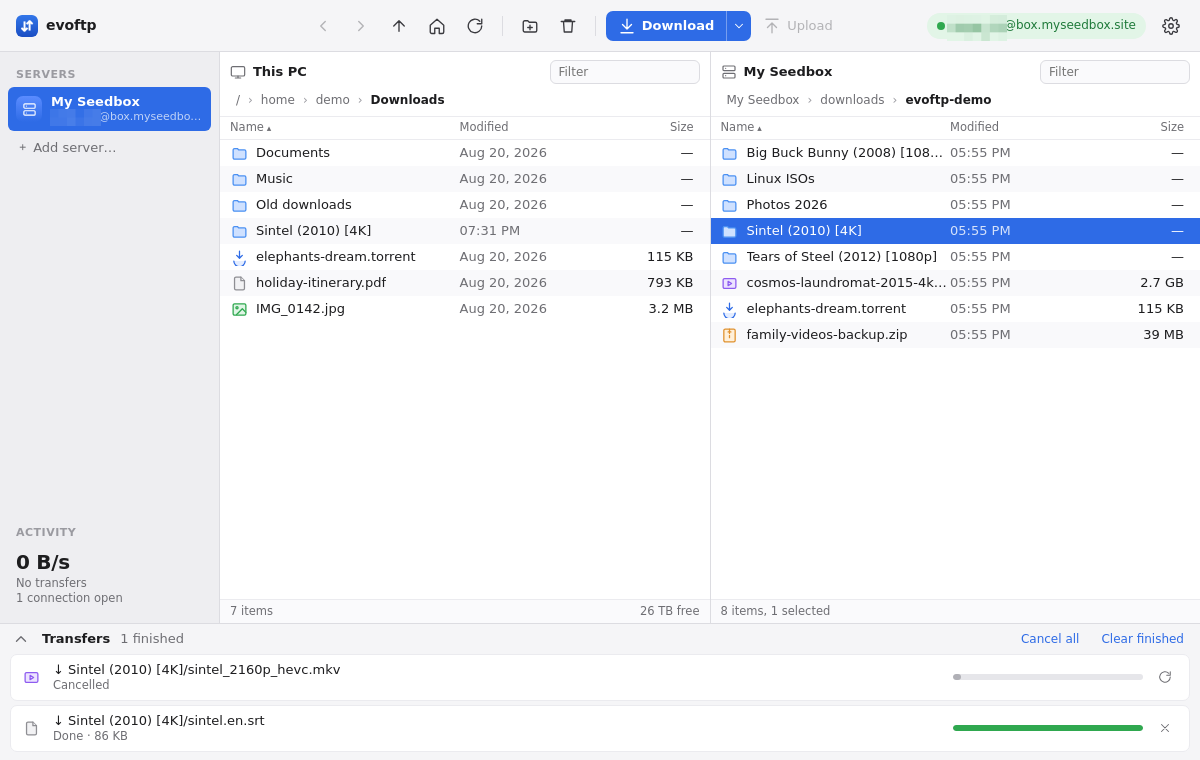
A dropped connection, a laptop going to sleep, a cancelled row: the download stops and the file on your disk is left at full size with holes in it. Next to the file, evoftp keeps a small .evoftp-part file that records which pieces arrived. Either of these finishes the job:
- Click Retry on the row in the Activity list. Only failed and cancelled rows have it.
- Or download the same file again into the same folder. evoftp reads the
.evoftp-partfile and continues from where it stopped; the sidecar is deleted when the file completes.
If you delete the .evoftp-part file, or download into a different folder, evoftp has nothing to resume from and starts again from zero.
The torrent is still downloading on the box
evoftp downloads a file at the size it had when you listed the folder. If the torrent is still running, the file on the seedbox is growing, so what you get is smaller than the final file and may have gaps where pieces had not arrived yet. Open ruTorrent and wait until the torrent shows 100%, then download the file again. Because the size has changed, the earlier partial download cannot be resumed; evoftp starts the file from the beginning.
The torrent is being checked
A torrent that ruTorrent is hashing or checking looks complete in the file list — the file is at full size — but pieces may still be missing. Downloading it during the check gives you a file of the right size with gaps. Wait until ruTorrent finishes the check and shows the torrent as complete, then download again into the same folder.
Your disk is full
evoftp reserves the full size of the file on your disk before it starts, so a download can fail on the first byte, or part-way, with an error that mentions “no space left on device” or ENOSPC. Free some space, or point Settings at a folder on a bigger disk, then click Retry on the row.
Note: evoftp checks the file’s size and path before resuming, not its contents. If the file on the box was replaced by a different file of the same size, the resumed download will be wrong; delete the local file and download again.
Overview: evoftp guide.
Related articles
Put this into practice
EvoSeedbox ships with one-click app installs and up to 10 Gbps per box.
