How to Use Secure Server Connections in Plex
On this page ▾
By default you can reach your seedbox Plex server over its raw IP and port (something like https://yourserver.myseedbox.site:13100/web). That works, but it isn’t the connection Plex is designed around. Turning on secure connections gives you an encrypted, certificate-backed link and lets you stream through Plex’s own apps and relay — cleaner, safer and far less likely to be flagged as “insecure” by browsers and clients.
Why Use Secure Connections?
- Encryption: your stream and login are protected in transit, not sent in the clear.
- Trusted certificate: Plex issues a valid
*.plex.directcertificate for your server, so clients stop warning about an untrusted connection. - Works everywhere: smart-TV and mobile Plex apps expect a secure endpoint — HTTP-only servers often fail to connect from them.
Steps to Enable Secure Connections
- Install Plex on your seedbox using the one-click app if you haven’t already (see Setting Up Plex).
- Open Plex from your seedbox apps palette and sign in with your registered Plex email and password.
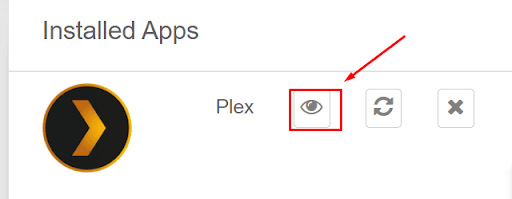
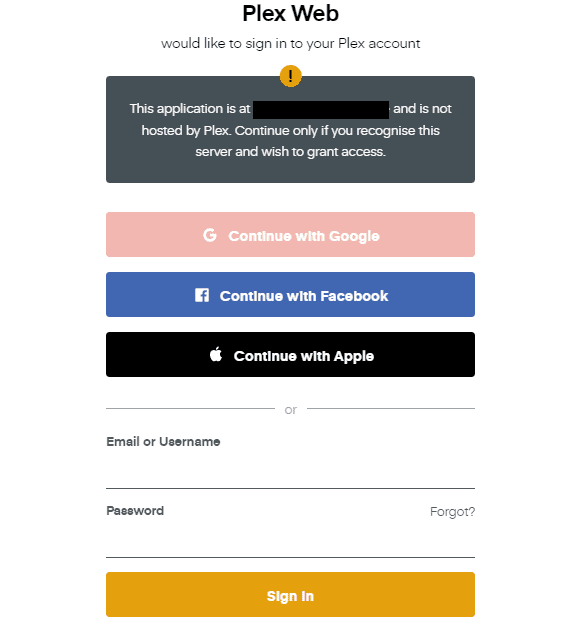
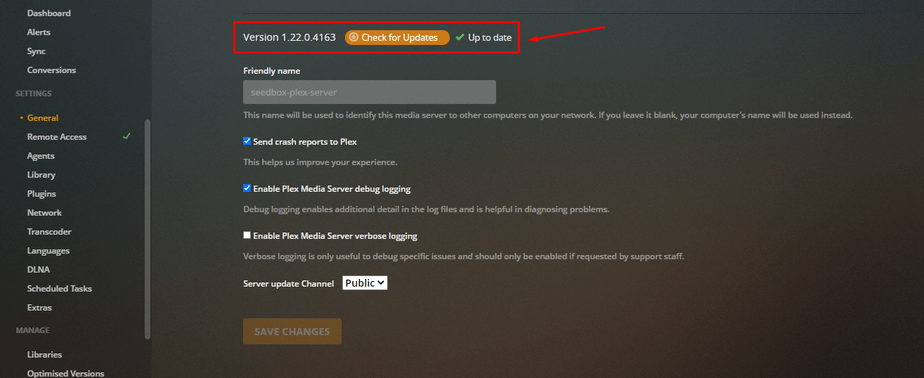
3. Make sure you’re on the latest Plex Media Server version — older builds handle certificates poorly. Check under Settings → General → Version and update from the app dashboard if needed.

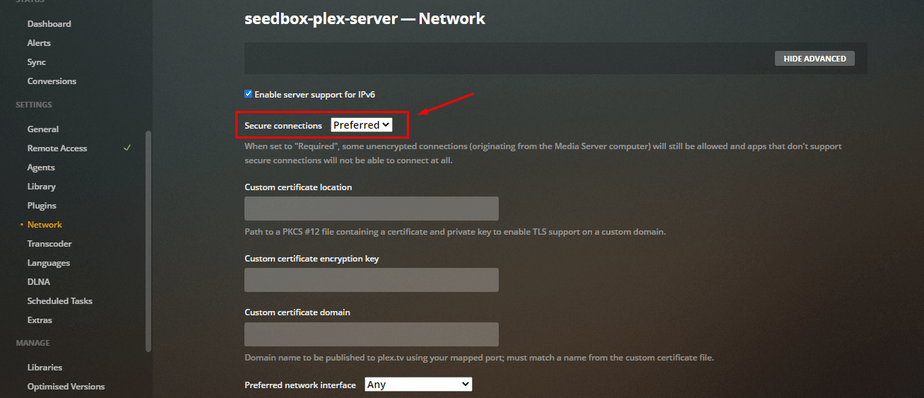
4. Go to Settings → Network and set Secure connections to Preferred. (“Preferred” uses HTTPS when possible but still allows a fallback; “Required” forces HTTPS everywhere but can block older clients — start with Preferred.)
5. Refresh, and from now on access your server through app.plex.tv/web/app rather than the raw IP:port URL — Plex then routes you over the secure plex.direct hostname automatically.
Note: if a server you connect to doesn’t support secure connections, Plex will drop that one session back to plain HTTP — your own server stays secure.
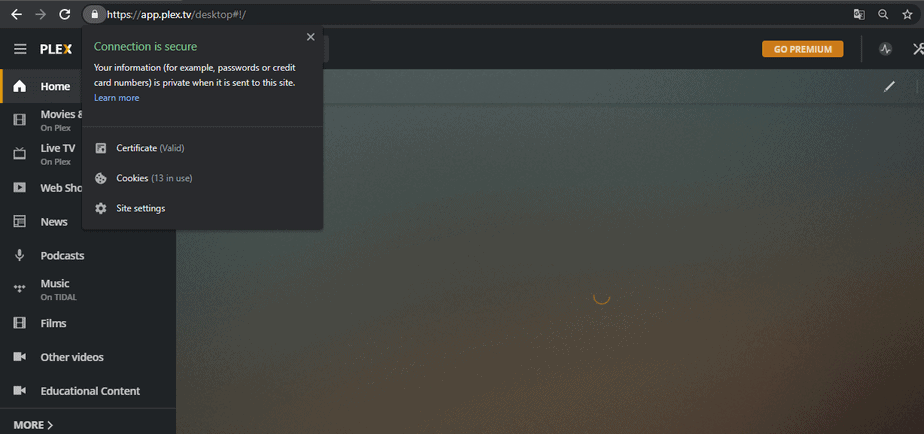
6. A padlock / green lock in the address bar confirms the connection is encrypted.
Frequently Asked Questions
Should I use “Preferred” or “Required”?
Start with Preferred. It uses HTTPS whenever it can but won’t lock out an older client or a device on a flaky network. Only switch to Required if you specifically want to refuse any unencrypted connection and you’ve confirmed all your devices work.
Why does my browser still say “not secure”?
You’re probably hitting the raw IP:port URL. Access Plex through app.plex.tv/web/app instead so it uses the issued plex.direct certificate.
Do secure connections slow streaming down?
Not noticeably. The encryption overhead is tiny compared with the video bitrate, and on our 20 Gbps network it makes no practical difference to playback.
Related Guides
Related articles
Put this into practice
EvoSeedbox ships with one-click app installs and up to 10 Gbps per box.


