Seerr (Overseerr) Setup on a Seedbox: Requests for Plex and Jellyfin
On this page ▾
Seerr is the request system for a seedbox media server: your household or friends browse a catalogue, click Request, and Sonarr or Radarr grab the title while the requester gets a notification when it is ready to play. Overseerr (for Plex) and Jellyseerr (for Jellyfin and Emby) have merged into the single Seerr project, but the app card in your EvoSeedbox client area still says Overseerr, and everything below applies to all three. This guide covers install, linking Plex, Sonarr and Radarr, user permissions and quotas, notifications, 4K requests and the two settings that most often stop requests from working. Screenshots are from a live EvoSeedbox account.
Overseerr, Jellyseerr or Seerr?
| Name | Media server | Status |
|---|---|---|
| Overseerr | Plex | Original project; the EvoSeedbox app card and this guide’s URL keep the name |
| Jellyseerr | Jellyfin, Emby, Plex | Fork that added Jellyfin and Emby sign-in; also on our app list (see the Jellyseerr guide) |
| Seerr | All of the above | The merged successor. Same API, same screens, same settings paths |
If you run Plex, install Overseerr. If you run Jellyfin or Emby, install Jellyseerr. Both update to the Seerr codebase on their normal update cycle without any change on your side.
Step 1: install and sign in
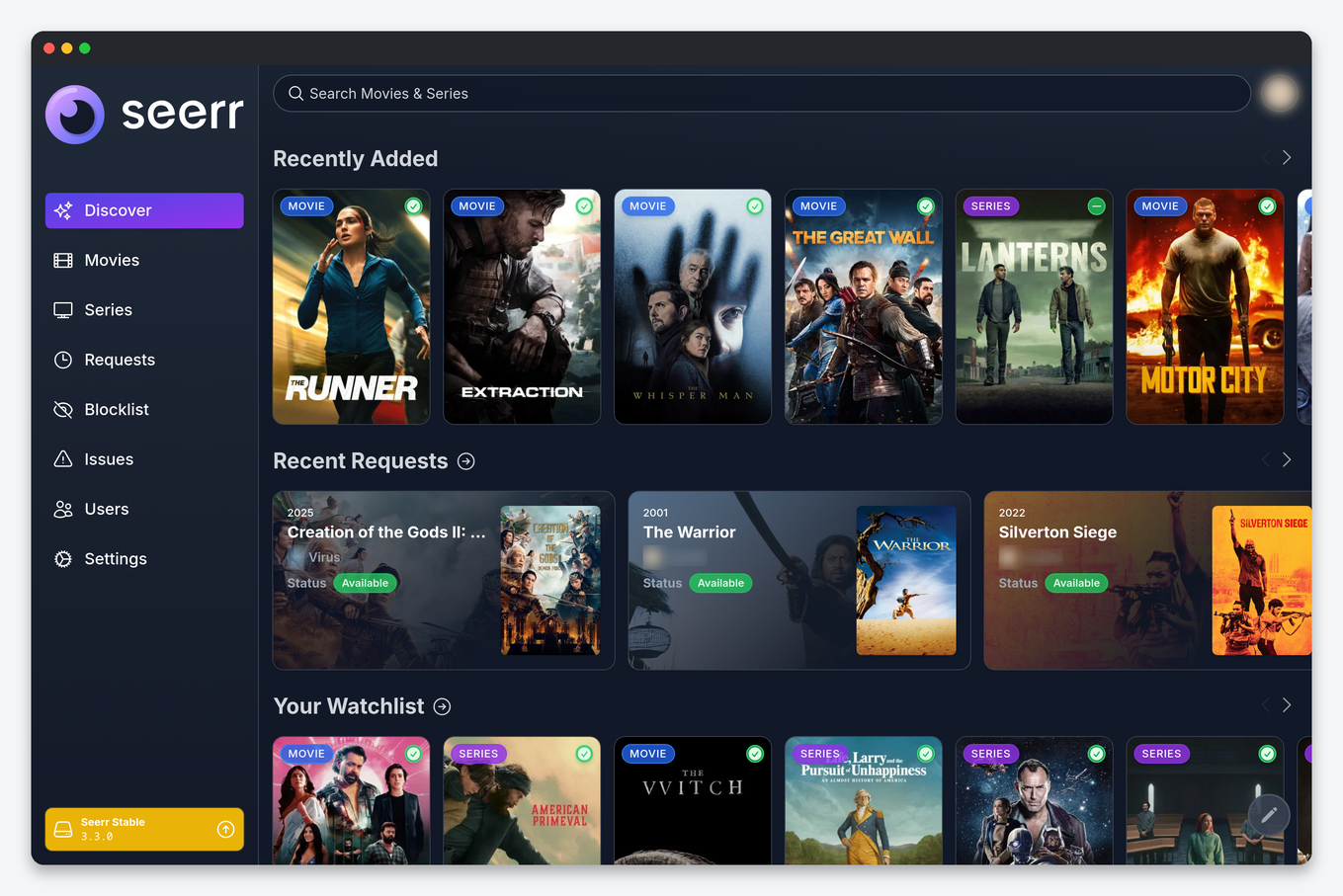
- Client area → your service → Apps → search Overseerr → Install. The app gets its own HTTPS address (
https://SERVER.myseedbox.site:13xxx). - Open it and Sign in with Plex. The first account to sign in becomes the owner and administrator.
- Pick your Plex server from the list (it is usually auto-detected because Plex runs on the same seedbox) and choose the libraries to scan. The scan tells Seerr what you already have, so requests for existing titles show as Available instead of being sent again.
Step 2: connect Sonarr and Radarr
Open Settings → Services. Add one Radarr and one Sonarr server. Because all three apps run on the same seedbox, the hostname is the container name or the local port, not your public address:
| Field | Value |
|---|---|
| Server name | anything, for example Radarr |
| Hostname / IP | the seedbox itself: 127.0.0.1 works when the apps share the host network; the installer pre-fills the right value |
| Port | the port shown on the Radarr or Sonarr app card (the plain-HTTP one, not the 13xxx HTTPS port) |
| API key | Radarr or Sonarr → Settings → General → Security |
| Quality profile, root folder | what Seerr will use for every request it sends; choose your everyday HD profile |
| Default server | ticked on exactly one Radarr and one Sonarr |
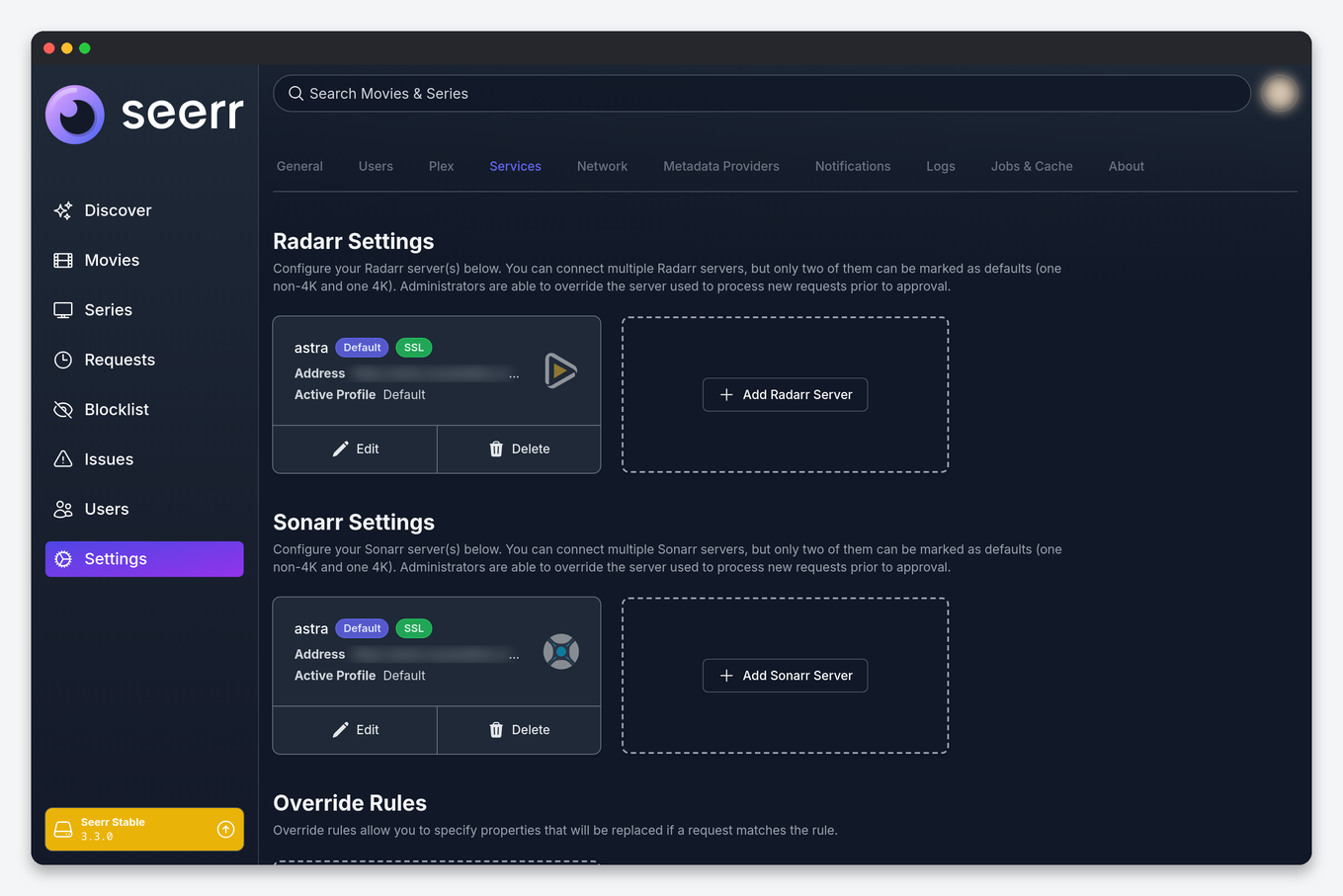
Use Test before saving; a green result loads the profile and root-folder dropdowns, which is the sign the API key and port are right. A test that returns “connection refused” almost always means the HTTPS port was pasted instead of the internal one.
Step 3: users, permissions and quotas
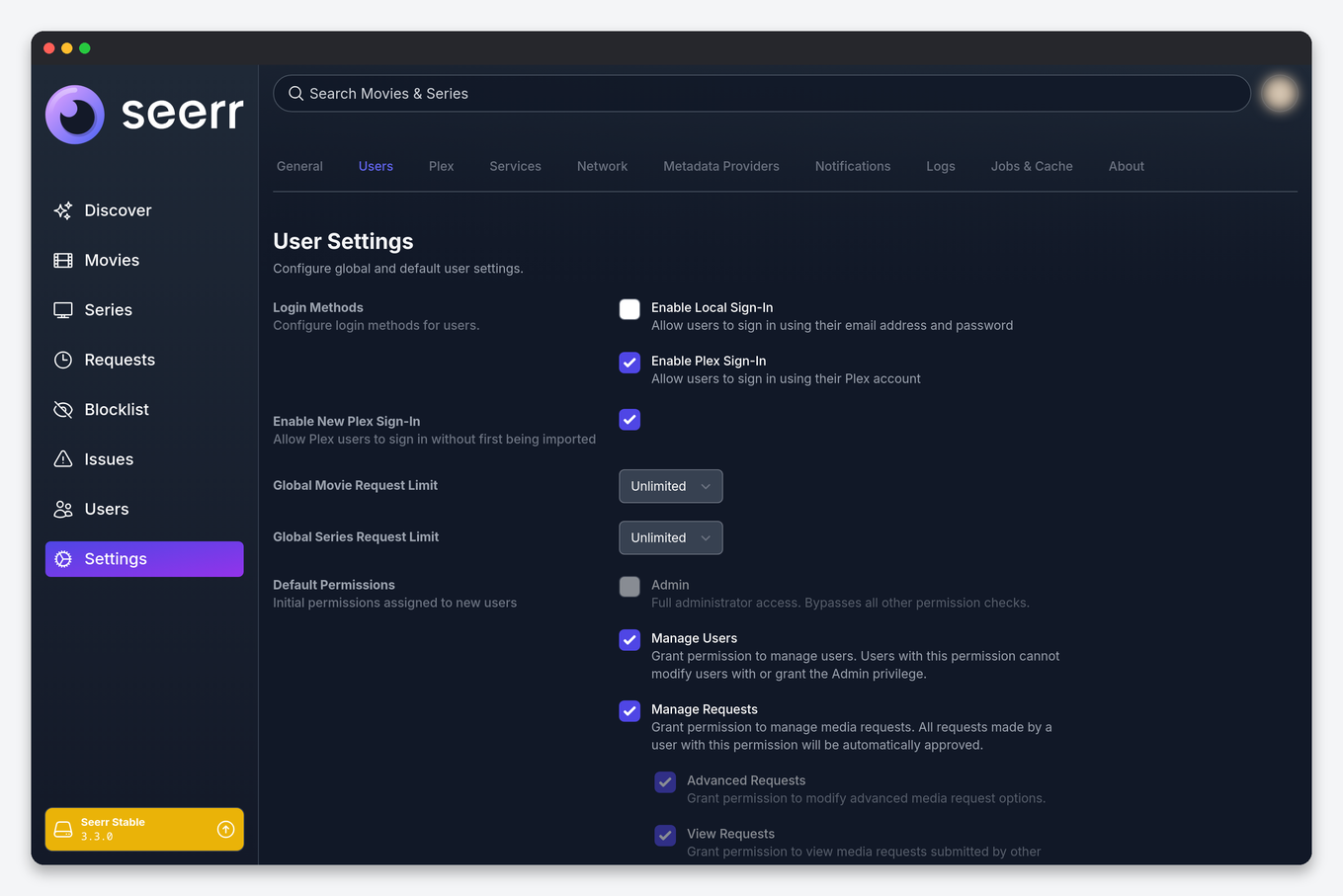
Seerr imports your Plex friends automatically, so anyone who already shares your Plex server can sign in with their own Plex account. Under Settings → Users set the defaults every new user inherits:
- Auto-approve: requests go straight to Sonarr and Radarr. Sensible for household members, dangerous for a wide friend list.
- Request limits: for example 5 movies and 2 seasons per week. This is the setting that protects your disk quota.
- Manage requests: lets a trusted user approve other people’s requests.
- Request 4K: only meaningful when a 4K server exists (below).
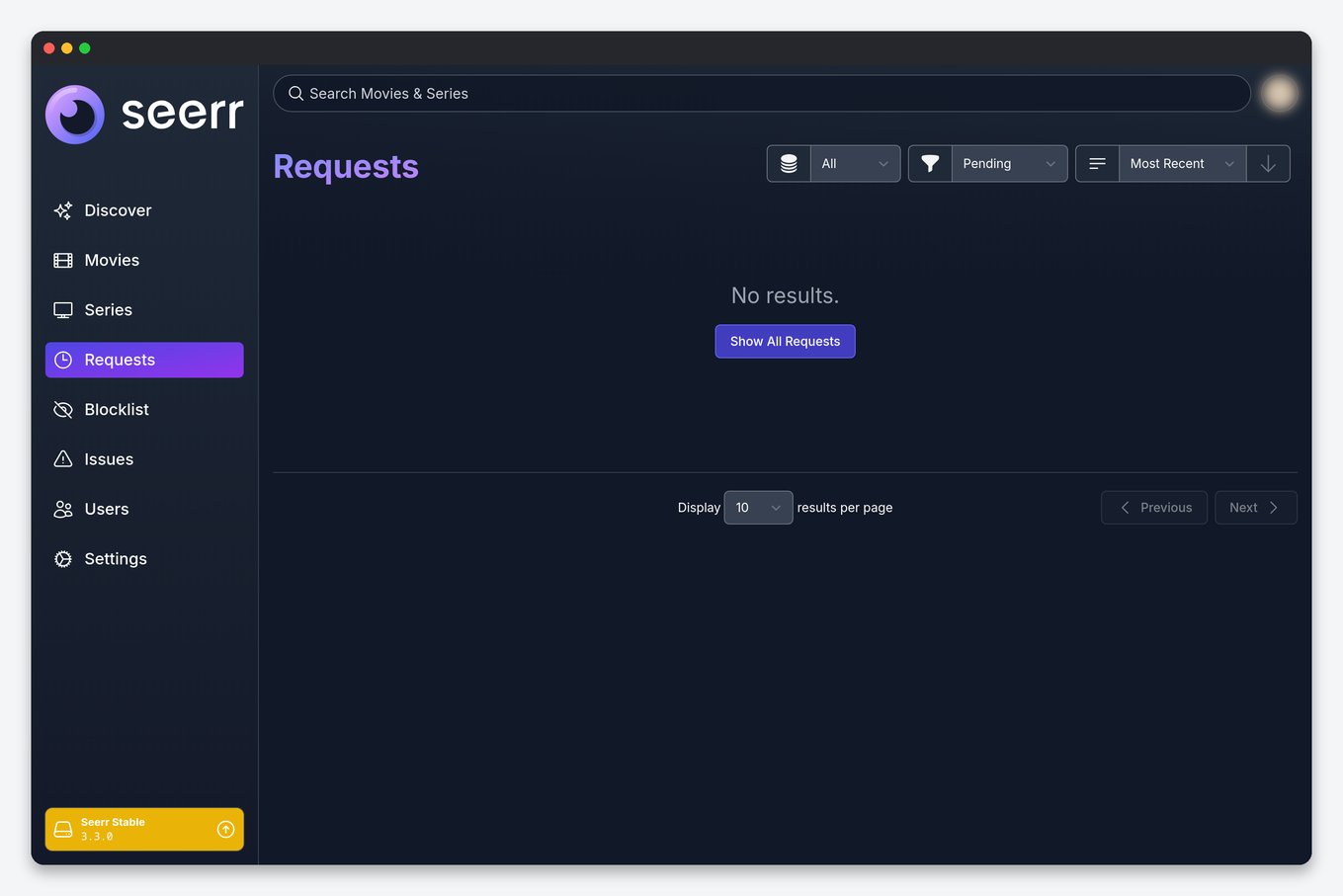
Requests that need approval collect on the Requests page, where you approve, decline or edit the quality profile before it goes out. On EvoSeedbox you can also do that from your phone with Dashboarr’s Seerr integration.
How a request flows
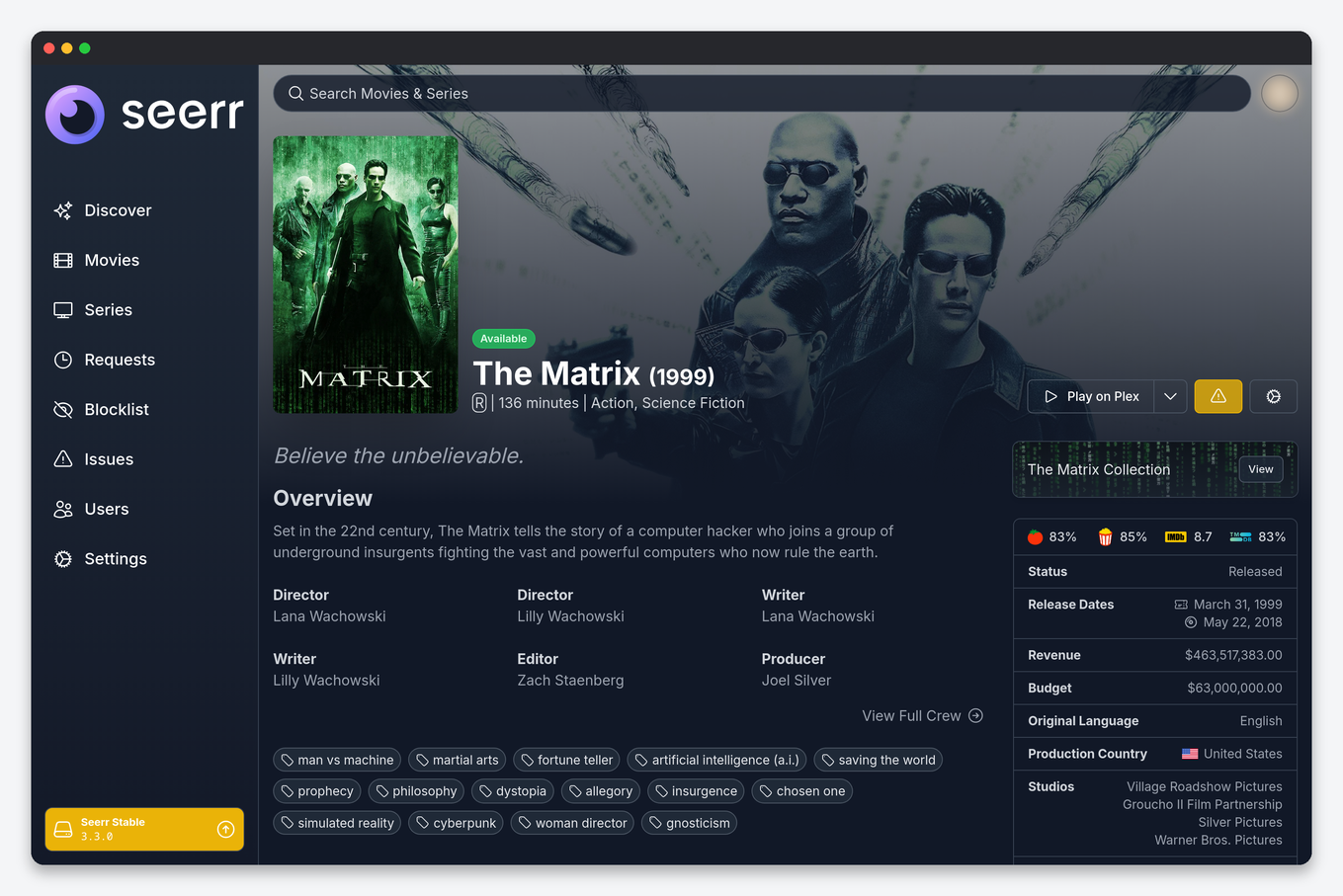
- A user opens a title and clicks Request. The detail page already shows whether it is available, pending or partially available (some seasons).
- Seerr sends the request to the default Radarr or Sonarr with the profile and root folder from Settings → Services.
- Radarr or Sonarr searches through Prowlarr, grabs a release, and rTorrent downloads it into your seedbox.
- The import lands in the Plex library folder, Plex scans it, Seerr’s next library sync marks the request Available, and the requester is notified.
Notifications
Settings → Notifications supports email, Discord, Telegram, Pushover, Slack, webhooks and web push. The two most useful on a shared server are a Discord channel that receives every request and its status changes, so users stop asking “is it there yet”, and web push for the person who approves requests. Each user can also switch their own notification types on or off in their profile.
4K requests
Seerr can hold a second Radarr and Sonarr marked as 4K server. Users with the Request 4K permission then see a separate 4K request button, and the two instances keep separate libraries. It only makes sense if you already run two Radarrs with a 4K root folder; the quality profiles guide explains that setup. With one quality tier, leave 4K off and the interface stays simpler.
Every option on every settings page, with defaults and seedbox values, is in the Seerr settings reference.
The two settings that break requests
| Symptom | Fix |
|---|---|
| Requesting from an app or script fails with 403 “invalid csrf token” | Settings → General → CSRF Protection is on. It blocks every API client that is not the browser, including Dashboarr. Turn it off; the API key still authenticates. |
| Requests are approved but nothing happens in Radarr | No default server is ticked in Settings → Services, or the root folder set there no longer exists in Radarr. Re-test the service. |
| Everything shows “Available” already | The library scan matched titles to your Plex library. Correct behaviour; requests are only for what you do not have. |
| Friend cannot sign in | They are not shared on the Plex server, or Settings → Users → “Enable New Plex Sign-In” is off. |
| Title requested twice by different users | Normal: Seerr merges them into one request; both users are notified. |
FAQ
Can I use Seerr without Plex?
Yes: install Jellyseerr and sign in with Jellyfin or Emby. The rest of this guide is identical.
Does Seerr download anything itself?
No. It only creates the movie or series in Radarr or Sonarr; those apps and rTorrent do the work. If a request stalls, look at Radarr’s Activity → Queue first.
How do I move Seerr to a new seedbox?
Settings → General has an export; its settings file (settings.json) and the SQLite database in the app’s config folder carry everything. Reinstall on the new box and restore both before the first sign-in.
Is there a mobile app?
Seerr is a responsive web app you can add to a home screen. For approving requests alongside your other seedbox apps, Dashboarr adds Discover, search and the request list with approve and decline.
Related: Jellyseerr setup · Radarr setup · Sonarr setup · Requestrr Discord bot
Related articles
Put this into practice
EvoSeedbox ships with one-click app installs and up to 10 Gbps per box.


