Email Yourself When a Torrent Finishes on Your Seedbox
On this page ▾
No extra apps: this flow emails you from your own mailbox whenever a download completes. It works with Gmail, Outlook, Fastmail, Proton (via Bridge) or any provider with SMTP.
Before you start: an app password
Most providers refuse your normal password for SMTP. Create an app password instead:
- Gmail — Google Account → Security → 2-Step Verification → App passwords. Server
smtp.gmail.com, port465, TLS on. - Outlook / Hotmail — Security → Advanced security options → App passwords. Server
smtp-mail.outlook.com, port587. - Fastmail — Settings → Privacy & Security → App passwords. Server
smtp.fastmail.com, port465.
Open the template
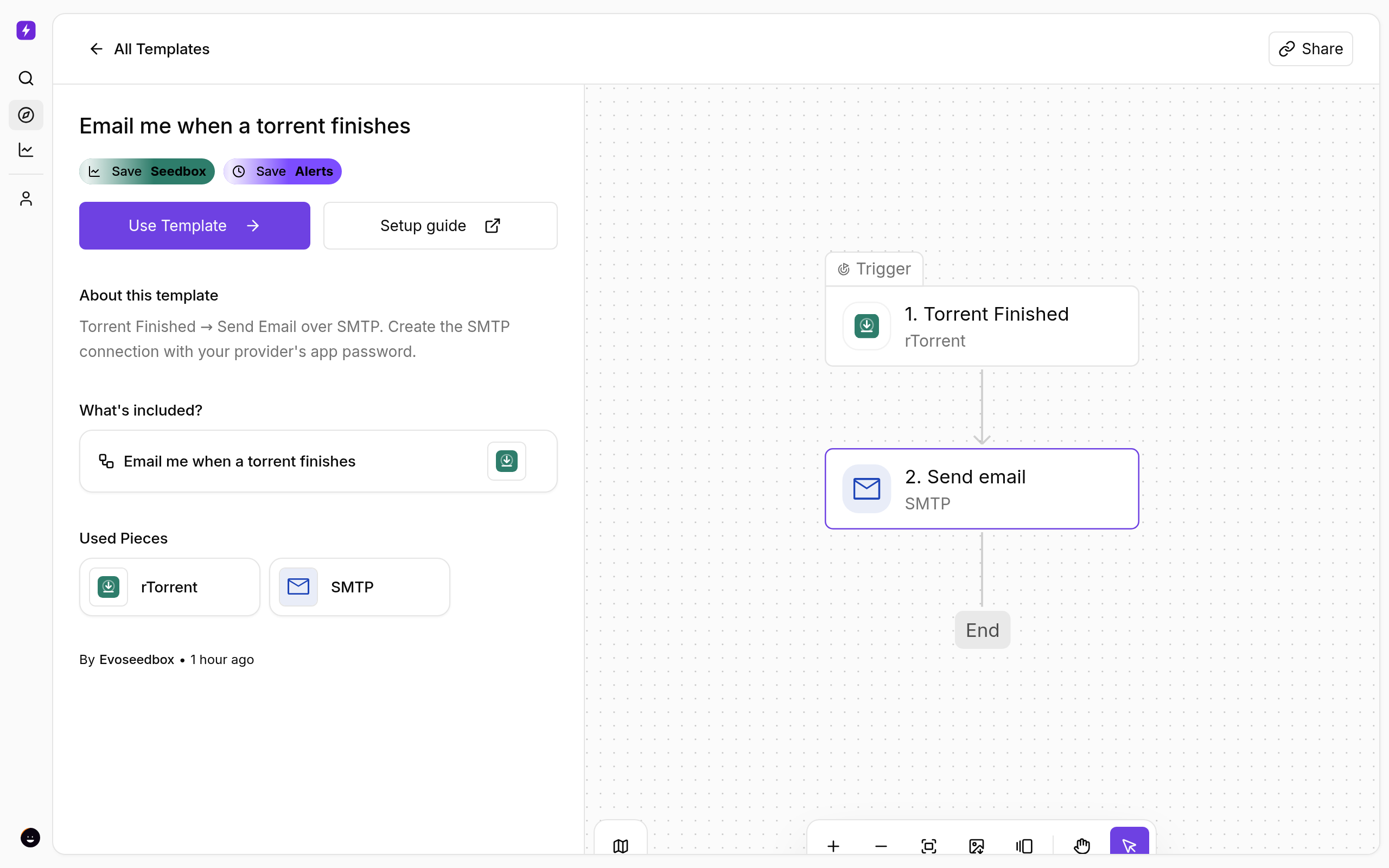
- From the client area, open your seedbox service and click Open Liteflow on the Automation card.
- Click Create New → Start from Template and choose Email me when a torrent finishes.
- Click Use Template, keep Personal Project, and Confirm. The flow opens in the builder with every step in place.
Fill in the email step
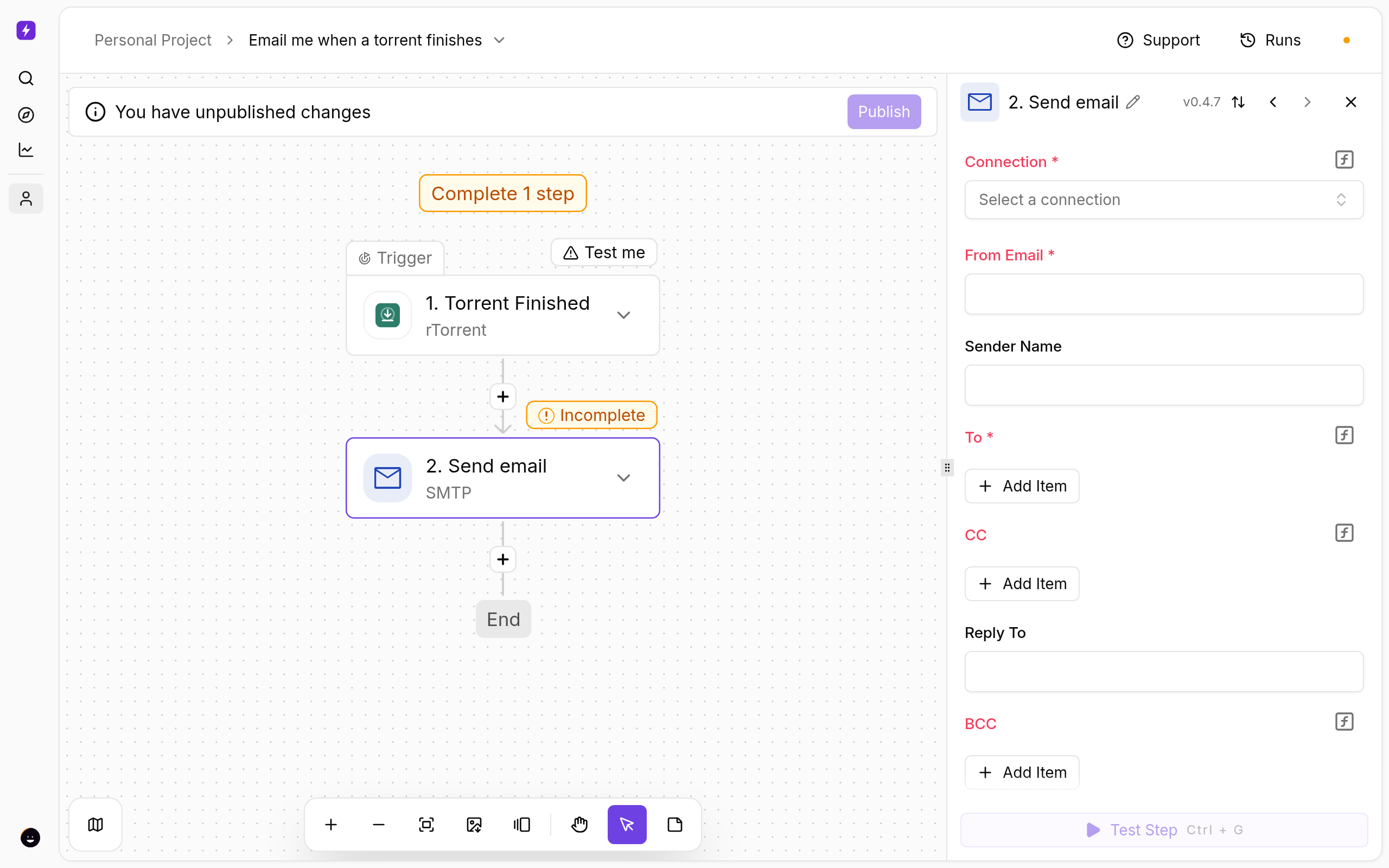
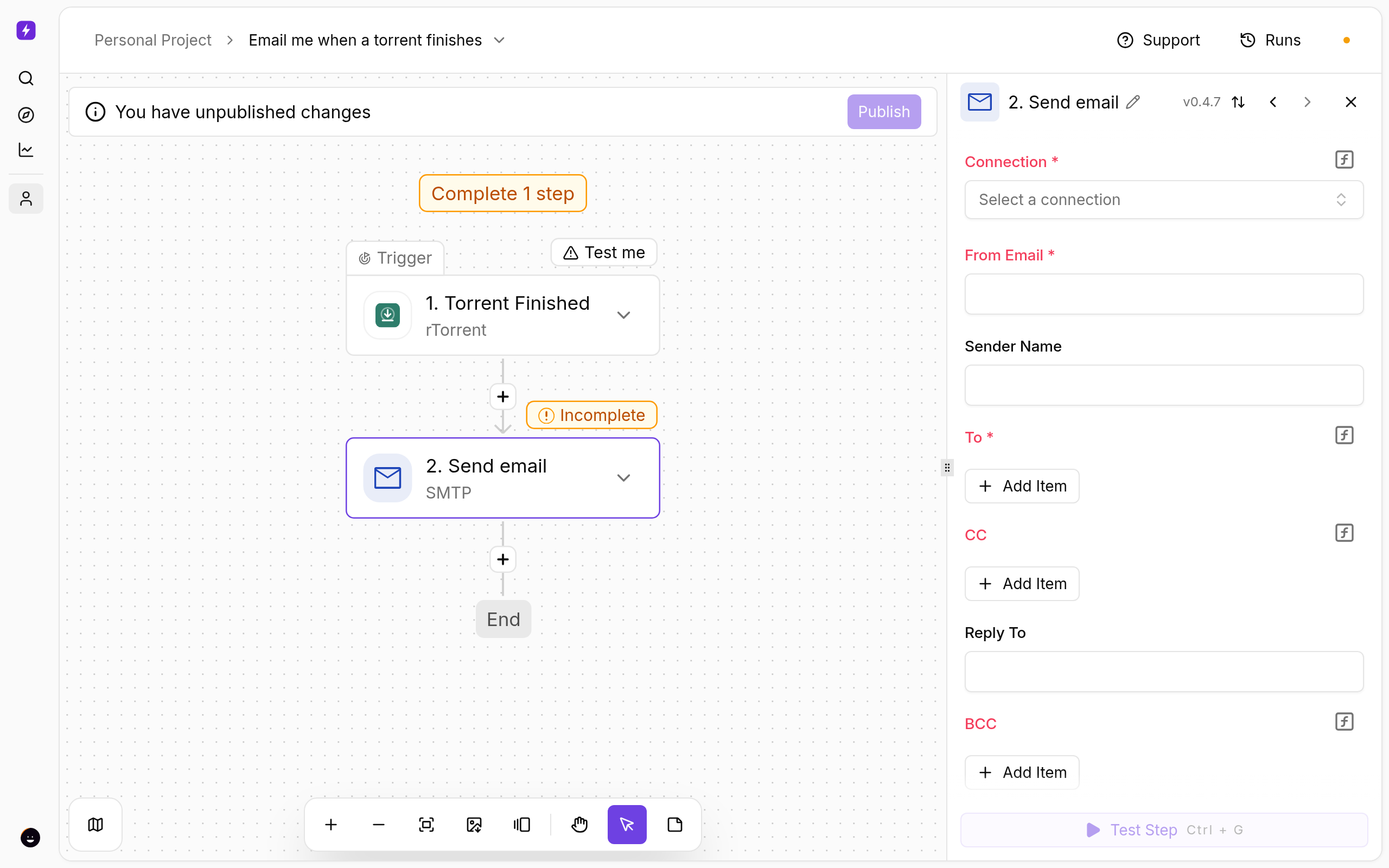
- Click Send email. Under Connection choose Create connection: host, port, TLS, your email address and the app password.
- Set From to your address and add your address under To.
- Subject and body are pre-filled with the torrent name, size and ratio.
Test and publish
- Click a step and use Test step to see real data from your seedbox before going live.
- Click Publish. The flow is now on; the switch on the Automations page turns it off again.
- Open Runs whenever you want to see what fired and what each step returned.
If Something Does Not Work
- Authentication failed — you used your account password instead of an app password, or 2-step verification is off (Gmail requires it).
- Connection timed out — check the port: 465 needs TLS on, 587 usually needs it off (STARTTLS).
- The seedbox step fails — open Connections and reconnect My seedbox (rTorrent). It uses the same username and password as ruTorrent.
Variations
- Send to several people by adding more addresses under To.
- Switch Body type to HTML for formatted mail.
More
New to Liteflow? Start with Liteflow: Automate Your Seedbox. Want a template that is not here? Click Suggest it on the Automation card in the client area.
Related articles
Put this into practice
EvoSeedbox ships with one-click app installs and up to 10 Gbps per box.
