Bazarr Setup Guide: Automatic Subtitles for Your Seedbox
On this page ▾
What Is Bazarr?
Bazarr is a companion app to Sonarr and Radarr that automatically downloads subtitles for your movies and TV shows. It monitors your media library and fetches matching subtitles from multiple sources including OpenSubtitles.com, Addic7ed and Podnapisi.
Installing Bazarr
- Dashboard → Apps → Find Bazarr → Install
- Click Open once installed (default port: 6767)
Configuration
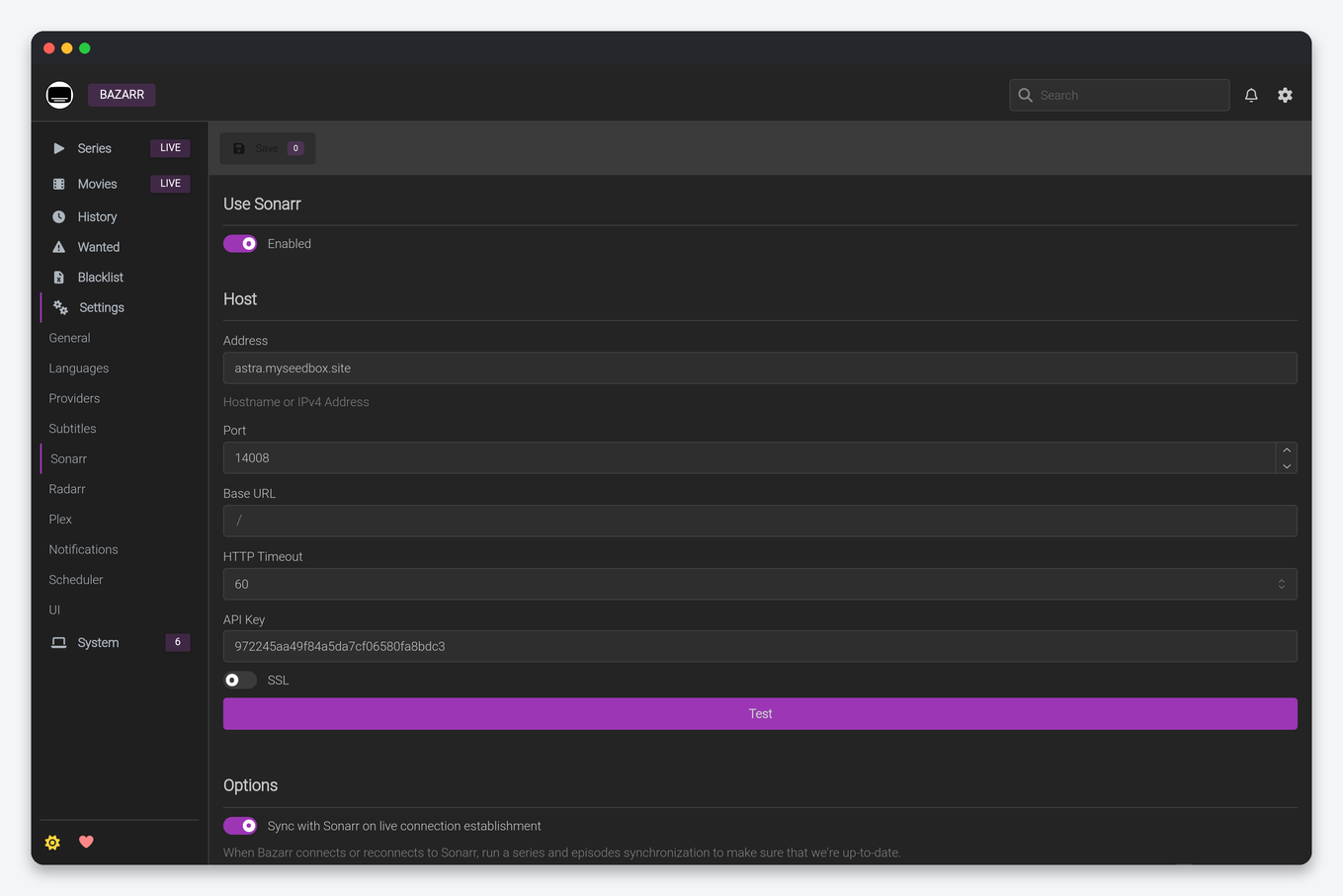
Step 1: Connect to Sonarr
- Settings → Sonarr → Enter: Host: localhost, Port: 8989, API Key (from Sonarr → Settings → General)
- Test → Save
Step 2: Connect to Radarr
- Settings → Radarr → Enter: Host: localhost, Port: 7878, API Key
- Test → Save
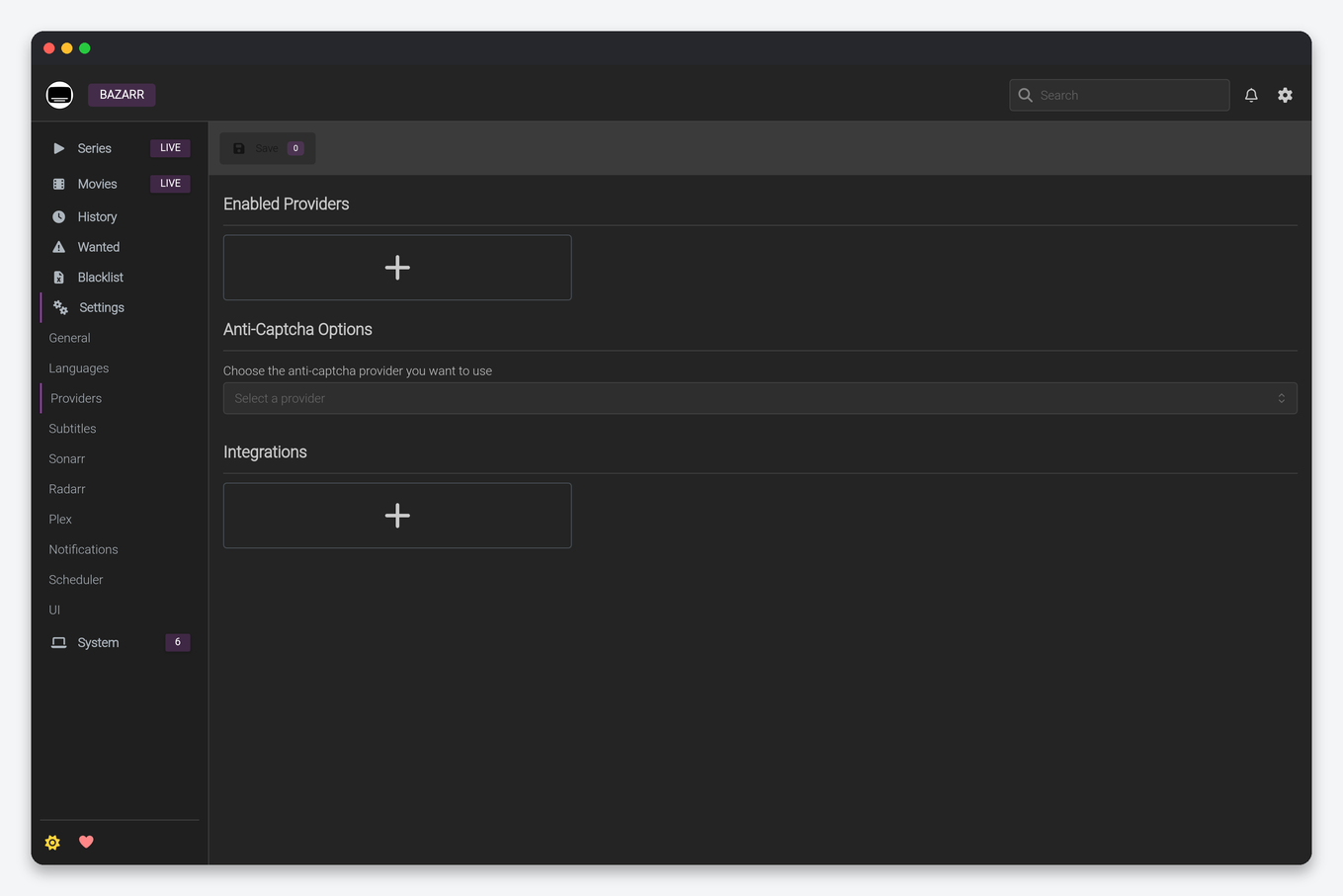
Step 3: Add Subtitle Providers
- Settings → Providers → Add providers. Good starting set: OpenSubtitles.com (free account required; register on their site first), Podnapisi and Addic7ed (TV-focused). More providers = better hit rate, but each may need its own account.
- Note: some older guides mention Subscene — that provider shut down in 2024 and should be left unconfigured.
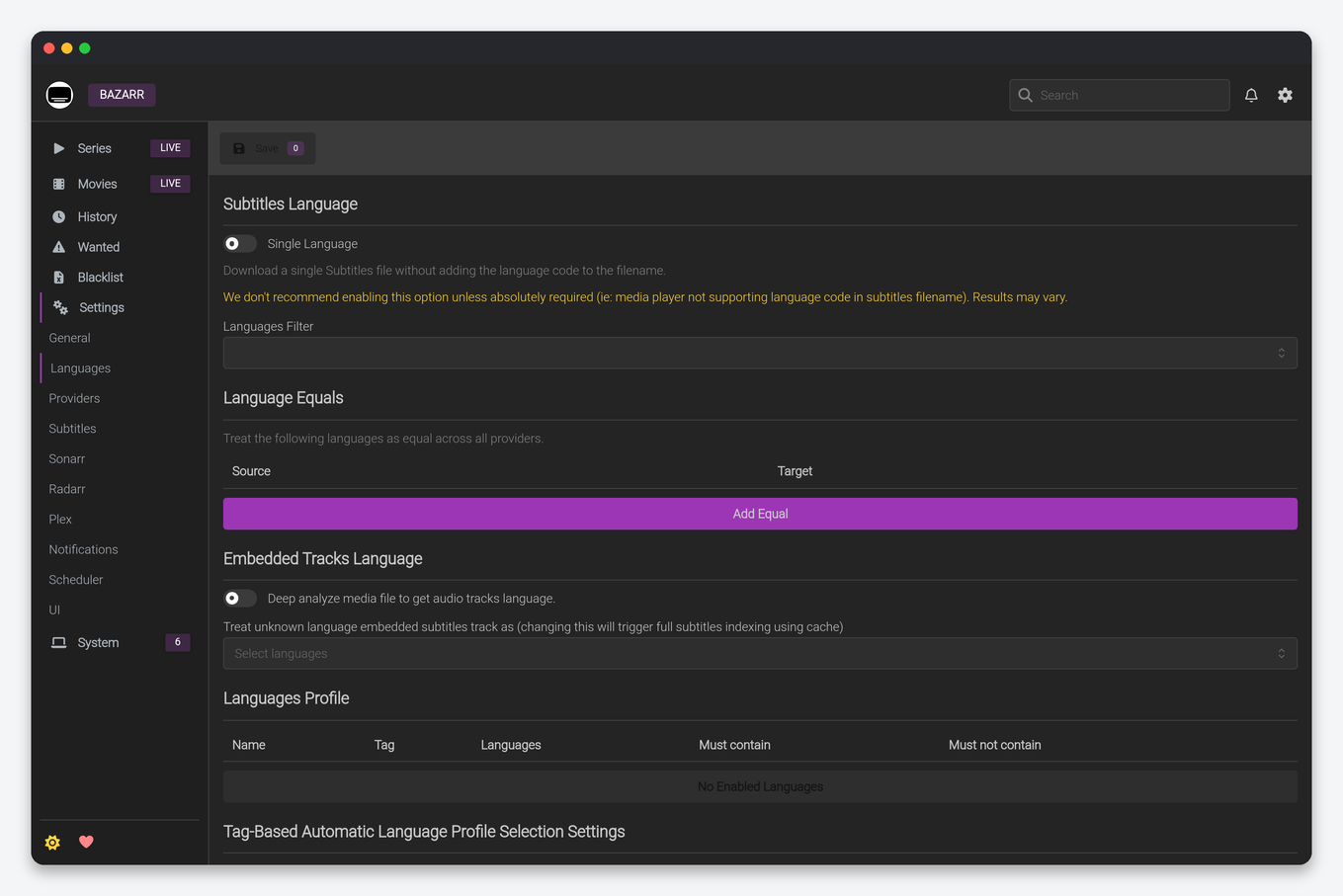
Step 4: Set Languages
- Settings → Languages → create a language profile: add your subtitle languages in priority order (e.g. English first, then Spanish)
- Assign that profile to your Sonarr series and Radarr movies (Bazarr applies it to everything it monitors)
- Enable “Hearing Impaired” subtitles if desired
How It Works
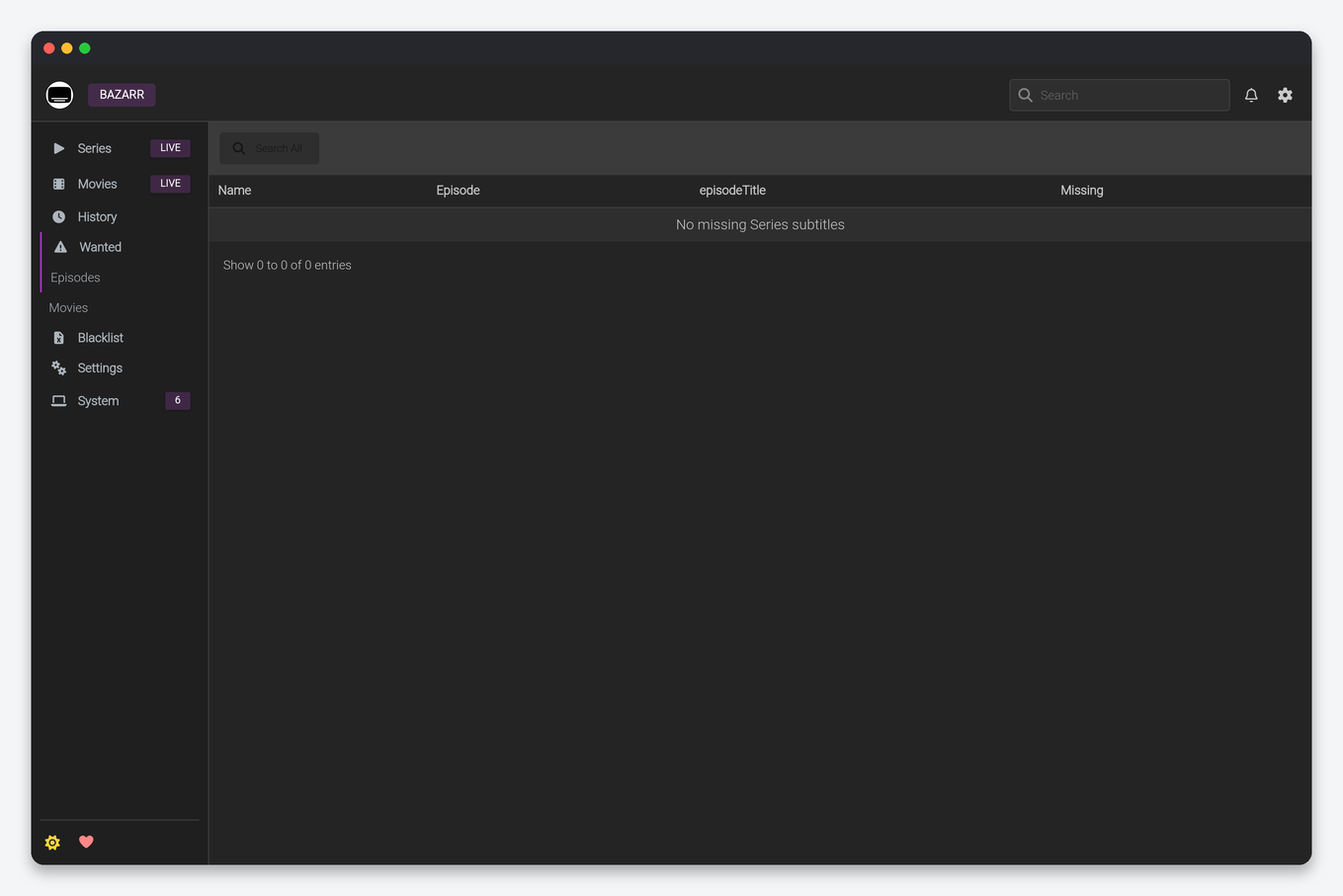
Bazarr continuously monitors your Sonarr/Radarr media. When a new episode or movie appears, it automatically searches subtitle providers and downloads the best matching subtitle file. If no match is found initially, it retries periodically.
Subtitle Scoring — Why Bazarr Sometimes Waits
Bazarr scores every candidate subtitle against your media file: release group, resolution, source and episode info all add points. Under Settings → Subtitles you’ll find minimum score sliders for movies and episodes:
- Score too strict (high) — Bazarr rejects usable subtitles and your library sits without subs. If you see “no subtitles found” for popular content, lower the minimum a notch.
- Score too loose (low) — you’ll get subtitles that drift out of sync, because they were timed for a different release.
The defaults are sensible; adjust in small steps. Bazarr can also upgrade subtitles later — if a better-scoring sub appears within your upgrade window, it replaces the old one automatically.
Fixing Out-of-Sync Subtitles
When a subtitle is timed for a different cut or release, use Bazarr’s built-in tools rather than re-downloading blindly: open the media item, and next to the subtitle use sync (automatic audio-based alignment) or apply a fixed millisecond offset. For persistent offenders, blacklist the bad subtitle (so Bazarr won’t fetch it again) and search manually from the same screen.
Tips for a Reliable Setup
- Register real accounts with providers — anonymous access gets heavily rate-limited download quotas.
- Don’t add every provider — a few reliable ones you have accounts for beat a dozen anonymous entries that throttle.
- Embedded subtitles count — enable the embedded-subtitles setting if you want Bazarr to detect subs already inside your MKV files and skip unnecessary downloads.
- Path mapping is automatic on an EvoSeedbox install since Bazarr, Sonarr and Radarr all run on the same box — if you connect a remote instance instead, you’ll need path mappings in Bazarr’s settings.
Manage Bazarr from your phone: Bazarr in Dashboarr, the free Android and iOS app that connects straight to your seedbox apps.
Every option on every settings page, with defaults and seedbox values, is in the Bazarr settings reference.
Frequently Asked Questions
Does Bazarr work without Sonarr or Radarr?
No — Bazarr is a companion, not a standalone tool. It reads its library from Sonarr and Radarr, so at least one of them must be connected. If you organize media manually, subtitles are better handled by your player (VLC and Plex can fetch subs on demand).
Why does a new episode take a while to get subtitles?
Subtitles for fresh airings often don’t exist yet. Bazarr searches on a schedule and keeps retrying, so subs typically appear within hours of the community releasing them — no action needed.
Can Bazarr translate subtitles?
Bazarr fetches existing human-made subtitles in the languages you configure; it isn’t a translation engine. If no subs exist in your language for a title, Bazarr can’t invent them.
Do subtitles use much disk or bandwidth?
Negligible — subtitle files are a few kilobytes. You can run Bazarr on any plan; see plans and pricing.
Related Pages
- Bazarr seedbox hosting — one-click install with every plan
- Sonarr Setup · Radarr Setup
- Quick *arr stack setup
- Sonarr seedbox · Radarr seedbox · Plex seedbox
Related articles
Put this into practice
EvoSeedbox ships with one-click app installs and up to 10 Gbps per box.


