Stop Seeding Automatically at a Target Ratio
On this page ▾
Private trackers want a fair ratio; your upload slot and disk want to move on. This flow checks every 30 minutes and stops any completed torrent that has seeded past your target ratio.
Before you start
Nothing to create — this flow only talks to your seedbox. Check your trackers’ rules first: some expect a minimum seed time as well as a ratio.
Open the template
- From the client area, open your seedbox service and click Open Liteflow on the Automation card.
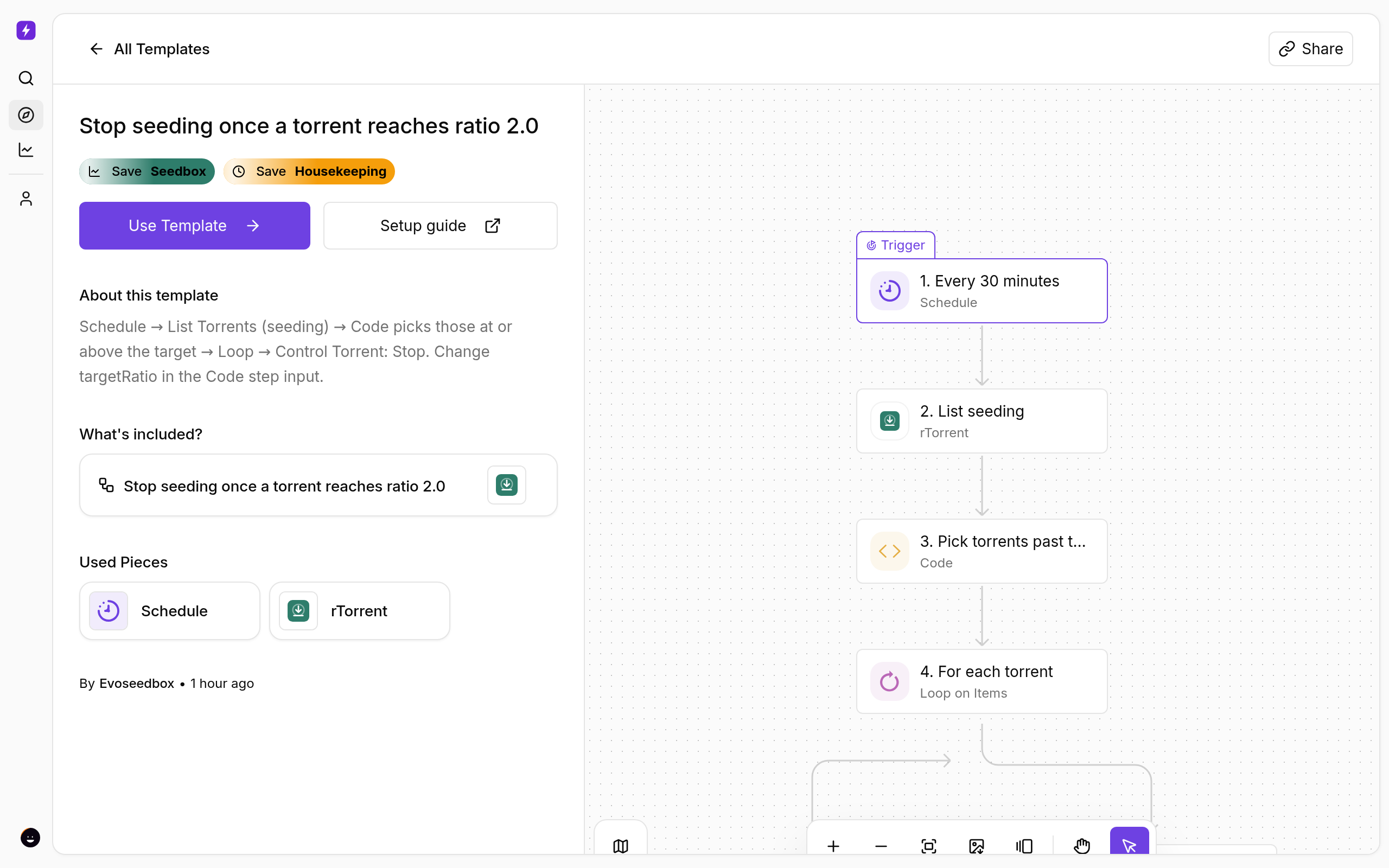
- Click Create New → Start from Template and choose Stop seeding once a torrent reaches ratio 2.0.
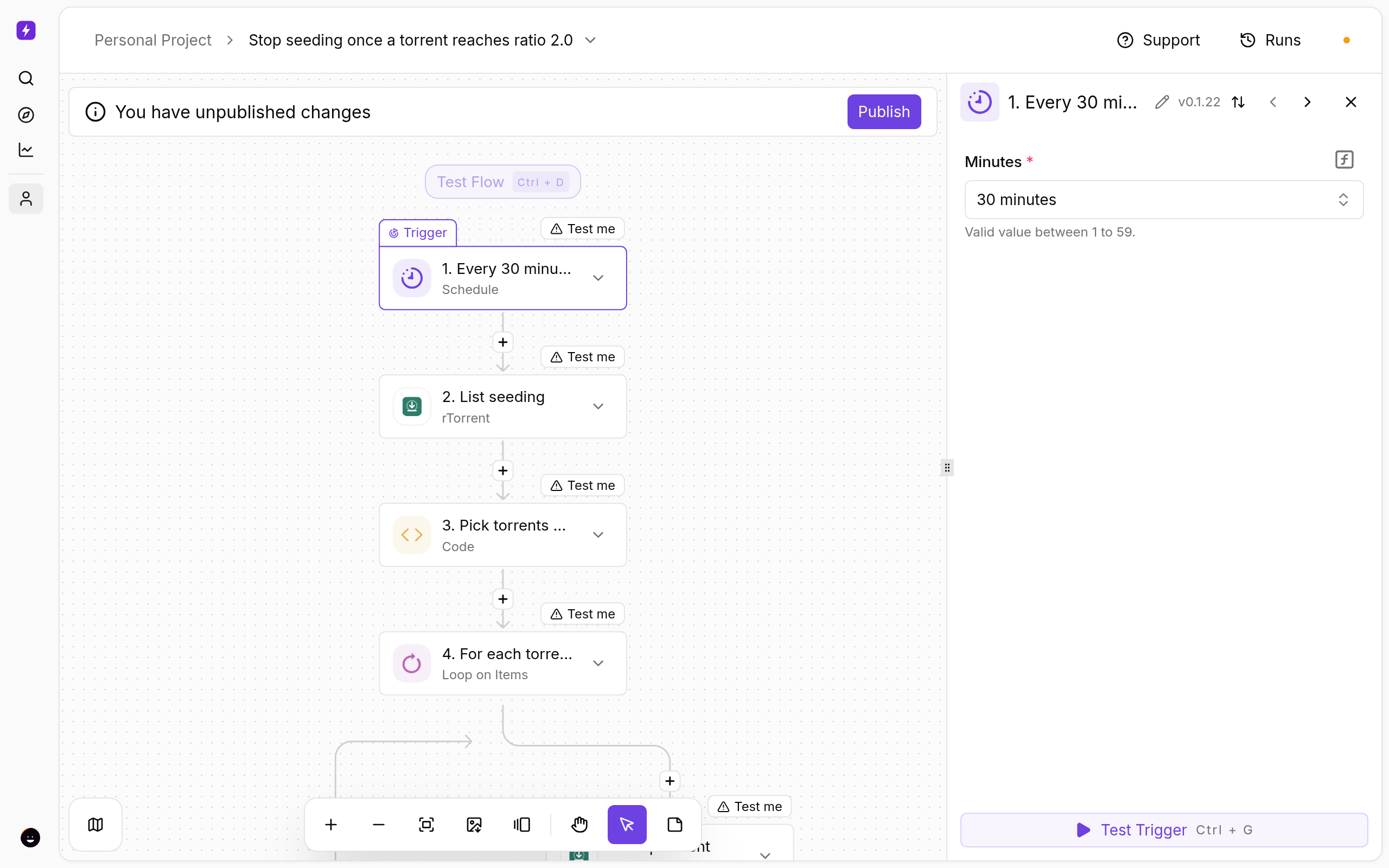
- Click Use Template, keep Personal Project, and Confirm. The flow opens in the builder with every step in place.
Set the ratio
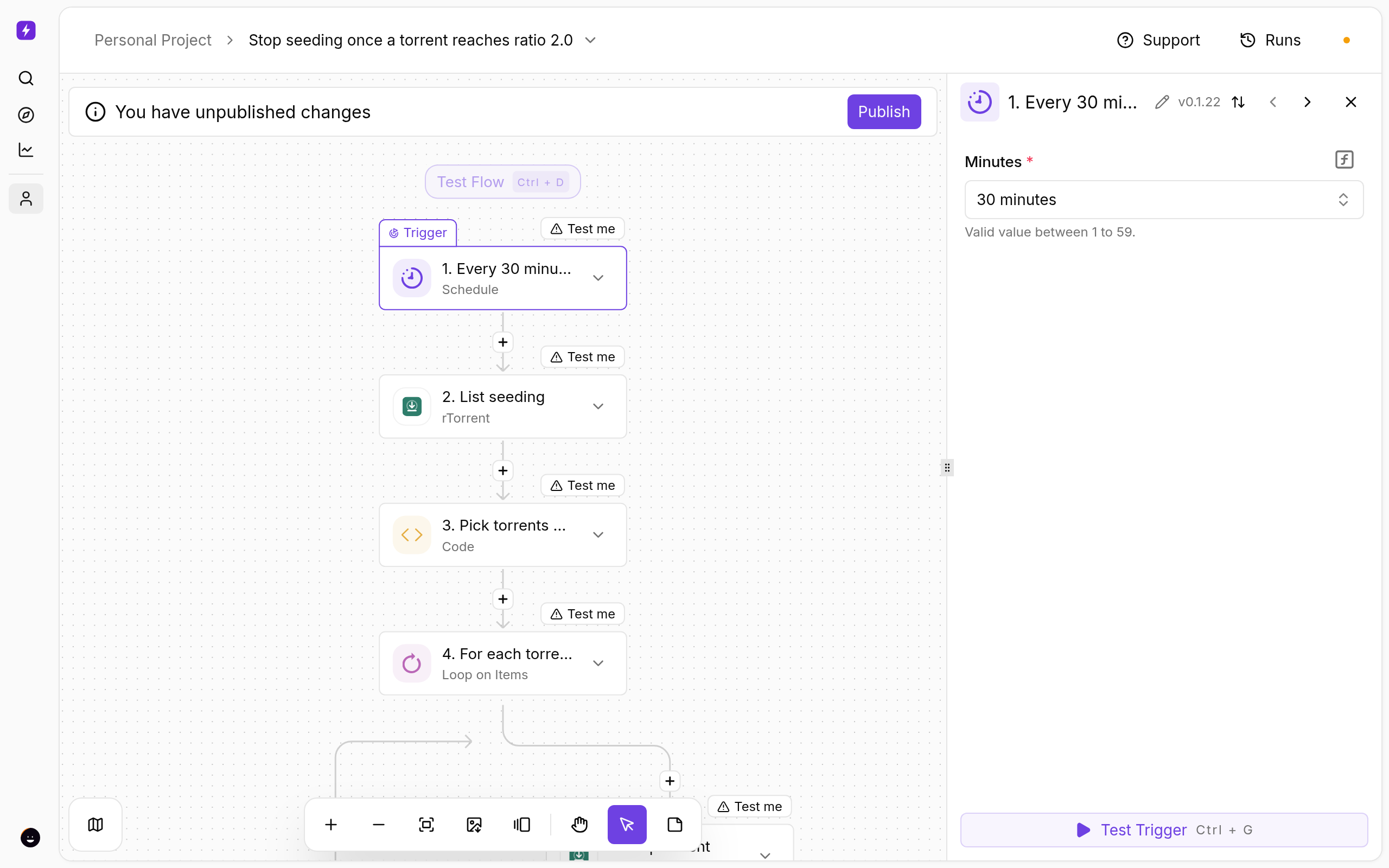
- Click Pick torrents past the ratio. Under Inputs, change
targetRatiofrom2to your number. - The For each torrent loop runs Stop torrent on every match. Nothing to change.
Only certain torrents
Click List seeding and enter a label under Filter by Label to limit the rule to one category.
Test and publish
- Click a step and use Test step to see real data from your seedbox before going live.
- Click Publish. The flow is now on; the switch on the Automations page turns it off again.
- Open Runs whenever you want to see what fired and what each step returned.
If Something Does Not Work
- Torrents restart — another app (an *arr or ruTorrent’s own ratio plugin) is starting them again; disable the duplicate rule.
- A torrent was stopped too early — rTorrent reports ratio per-mille; the flow converts it, but a ratio of exactly 2.0 stops at 2.000.
- The seedbox step fails — open Connections and reconnect My seedbox (rTorrent). It uses the same username and password as ruTorrent.
Variations
- Use Control Torrent: Erase instead of Stop to remove the entry (files stay on disk).
- Add a Telegram step inside the loop to be told what was stopped.
More
New to Liteflow? Start with Liteflow: Automate Your Seedbox. Want a template that is not here? Click Suggest it on the Automation card in the client area.
← PreviousStop Seeding Automatically After a Set Number of Days Next →SyncThing Setup: Peer-to-Peer File Sync for Your Seedbox
Related articles
SyncThing Setup: Peer-to-Peer File Sync for Your Seedbox →
Stop Seeding Automatically After a Set Number of Days →
Transmit for Windows Doesn’t Exist: The Closest Free Alternative →
SFTP Client for Windows + Seedbox: evoftp vs WinSCP vs FileZilla vs CuteFTP →
What is JDownloader and How to Use It →
SFTP Client for Mac + Seedbox: evoftp vs Transmit vs Cyberduck vs FileZilla →
Put this into practice
EvoSeedbox ships with one-click app installs and up to 10 Gbps per box.
