Auto-Download From an RSS Feed With Filters
On this page ▾
Point this flow at a feed and it adds matching releases to your seedbox as they appear. The filters are regular expressions, so “1080p but never CAM” is one line each.
Before you start: a feed URL
Copy the RSS URL from your tracker or indexer (most have one per category; private trackers include your passkey in it — keep it private).
Open the template
- From the client area, open your seedbox service and click Open Liteflow on the Automation card.
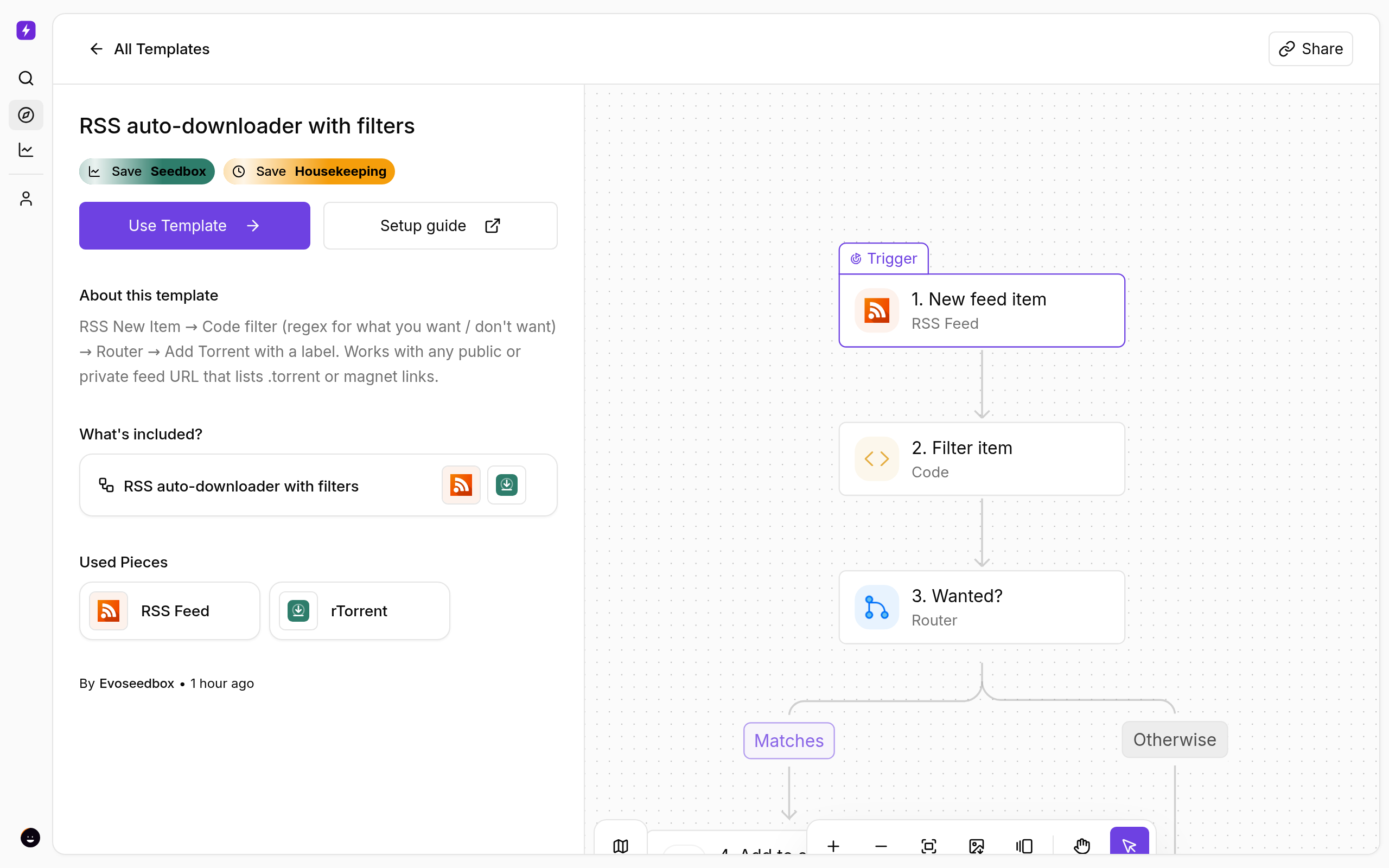
- Click Create New → Start from Template and choose RSS auto-downloader with filters.
- Click Use Template, keep Personal Project, and Confirm. The flow opens in the builder with every step in place.
Configure the feed and filters
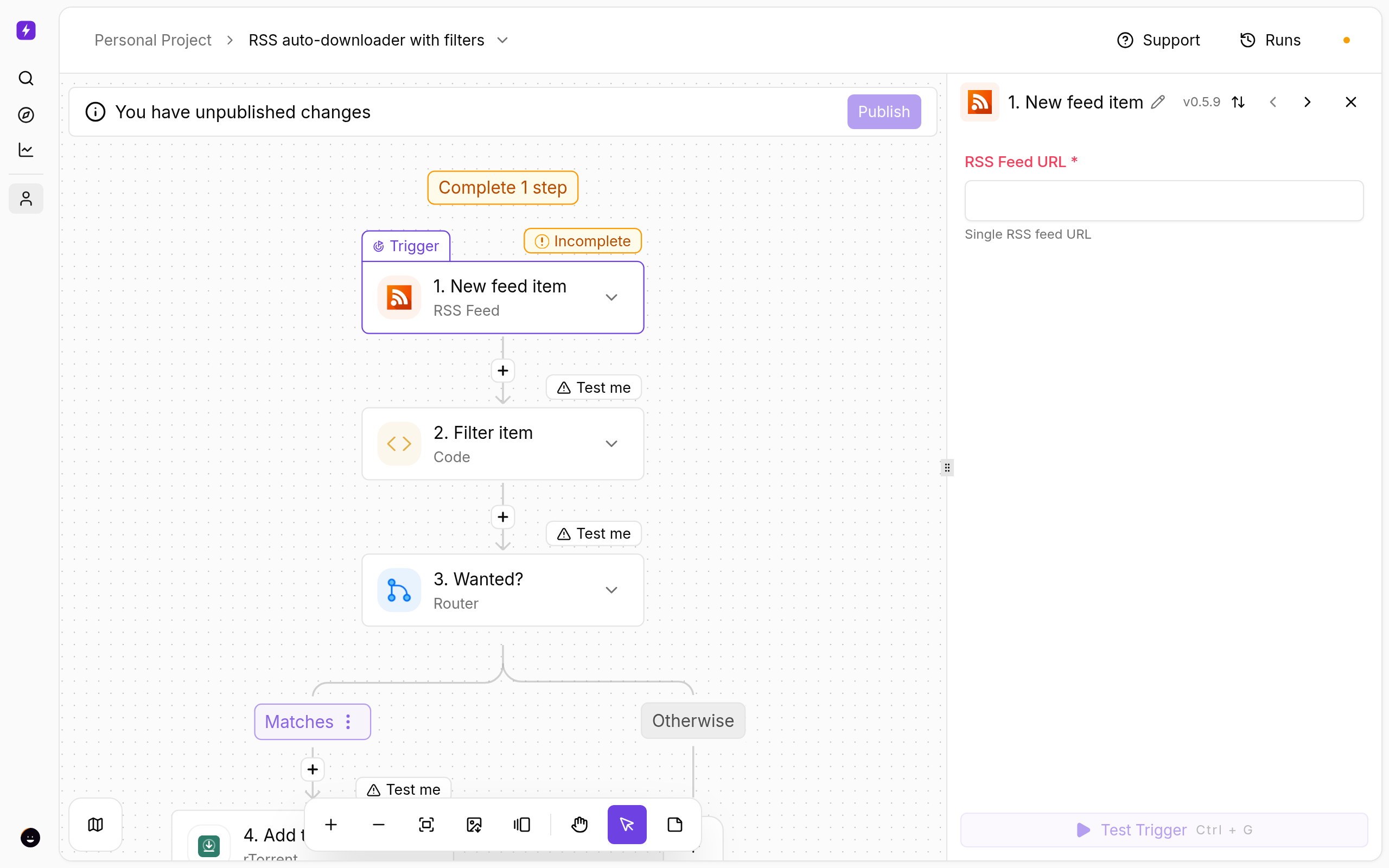
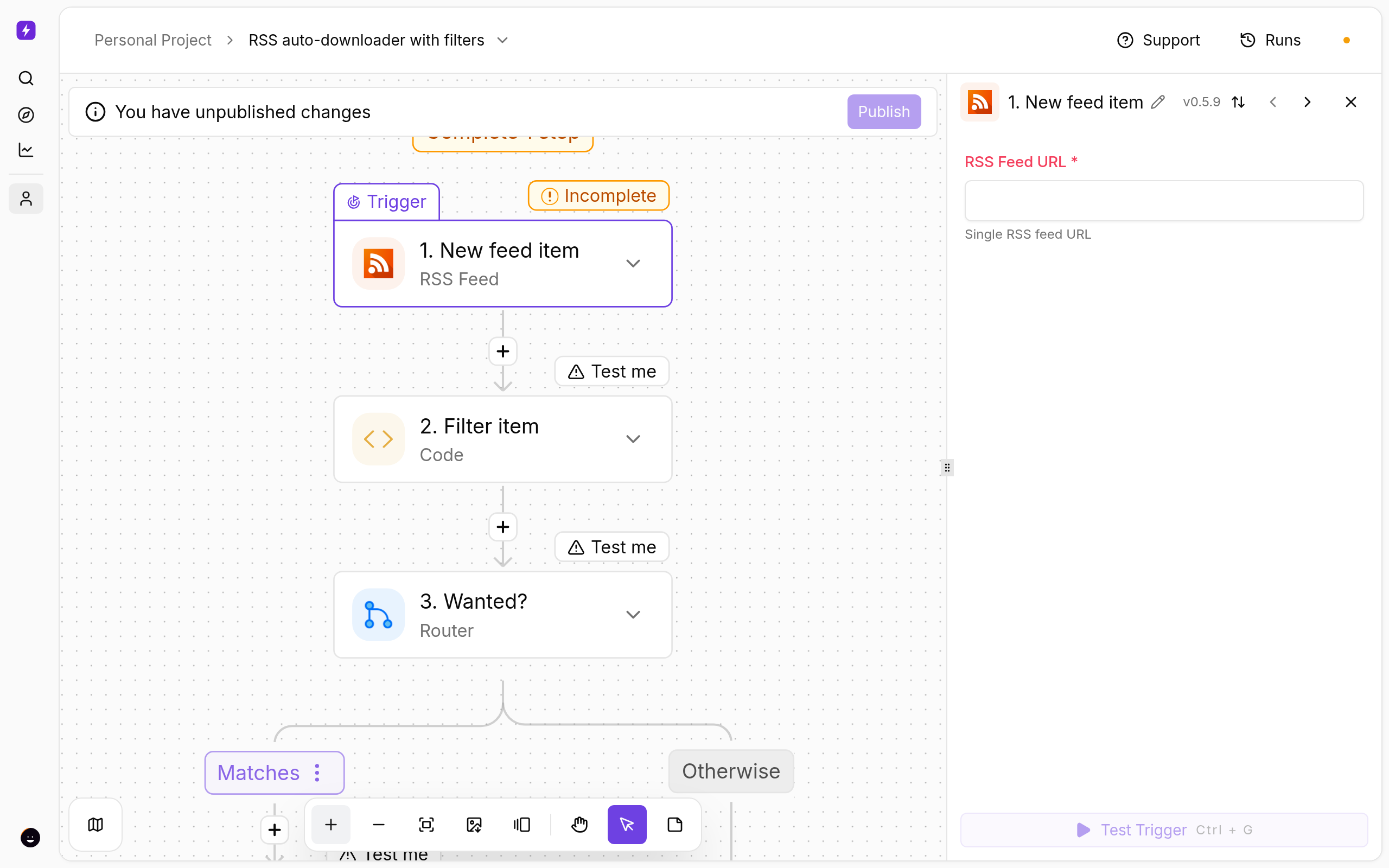
- Click New feed item and paste the feed URL.
- Click Filter item. Under Inputs:
mustMatch(pre-filled1080p) andmustNotMatch(pre-filledCAM|TS|HDTS). Both are case-insensitive regular expressions; leave one empty to skip it. - Add to seedbox adds the torrent with the label
rssand starts it — change either if you like.
Test and publish
- Click a step and use Test step to see real data from your seedbox before going live.
- Click Publish. The flow is now on; the switch on the Automations page turns it off again.
- Open Runs whenever you want to see what fired and what each step returned.
If Something Does Not Work
- Nothing is added — open Runs: if Filter item returns
match: false, loosenmustMatch; if the feed items have no link, the feed uses a format the trigger cannot read. - Duplicates — rTorrent refuses a torrent it already has; the run shows an error for that item only.
- The seedbox step fails — open Connections and reconnect My seedbox (rTorrent). It uses the same username and password as ruTorrent.
Variations
- Watch several feeds with the New Item (multiple feeds) trigger.
- Add a Telegram step after Add to seedbox to be told what was grabbed.
More
New to Liteflow? Start with Liteflow: Automate Your Seedbox. Want a template that is not here? Click Suggest it on the Automation card in the client area.
← PreviousAudiobookBay Automated: Search and Download Audiobooks on Your Seedbox Next →Auto-Label New Downloads by Type (TV, Movies, Music, Books)
Related articles
Auto-Label New Downloads by Type (TV, Movies, Music, Books) →
AudiobookBay Automated: Search and Download Audiobooks on Your Seedbox →
Autobrr vs autodl-irssi: Which Should You Use in 2026? →
Add Torrents to Your Seedbox From Telegram →
Automatically Move Finished Downloads From Your Seedbox to a NAS →
Add Torrents to Your Seedbox From Any App With a Webhook →
Put this into practice
EvoSeedbox ships with one-click app installs and up to 10 Gbps per box.
