方法: Use Emby との EvoSeedbox
On this page ▾
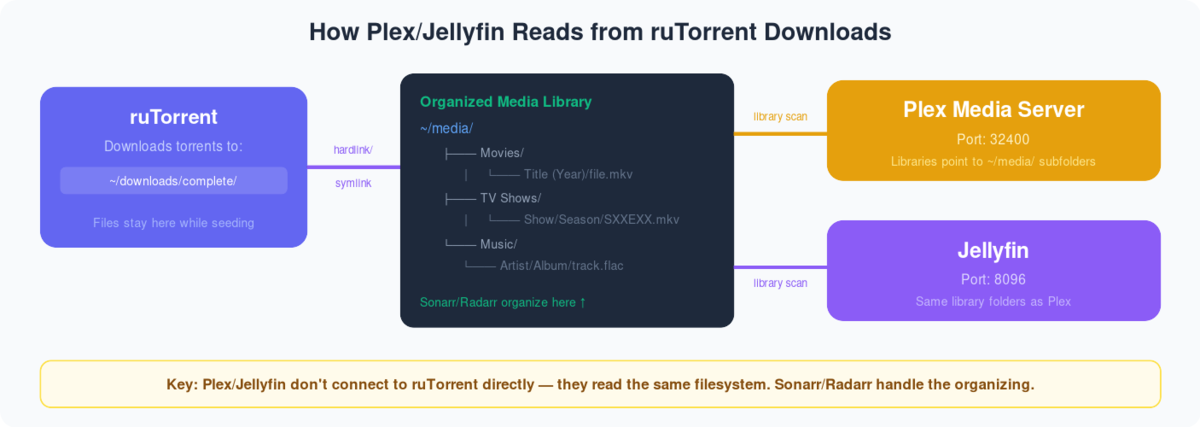
What is Emby?
Emby is a media server developed to organize, play, and stream audio and video ファイル a variety of devices.To use Emby on あなたのSeedbox , you need to first create an Emby account. もし already have an account then できます use those 認証情報 for using Emby.
Steps to follow for installing Emby あなたの seed box.
- Login あなたの中の clien area.
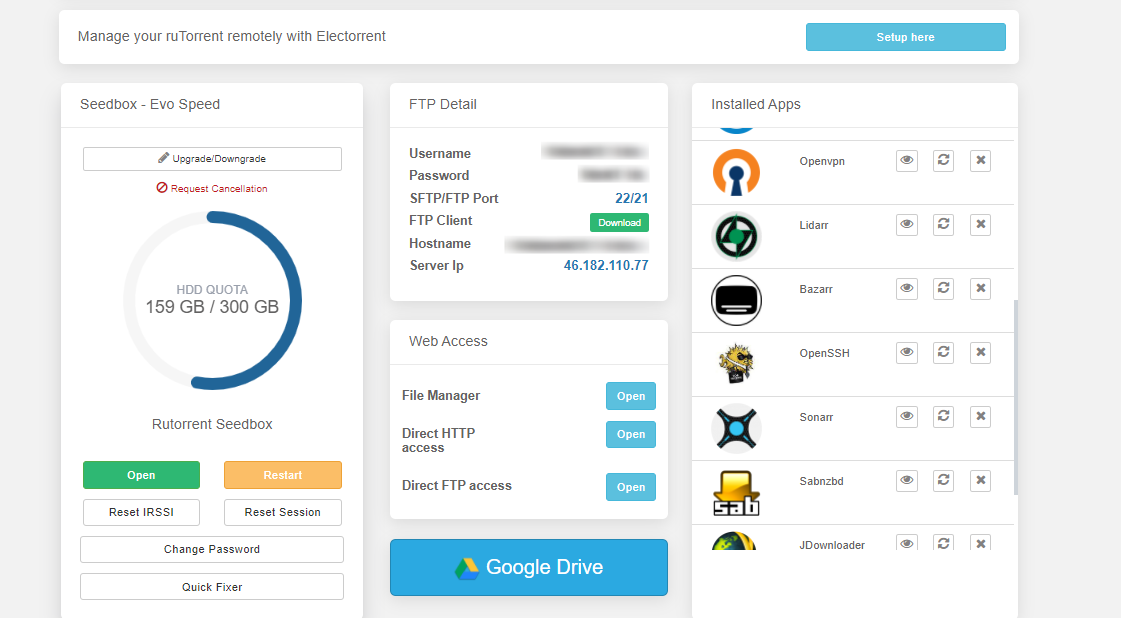
2. 検索 for emby in アプリs section and click on the install ボタン as 以下に表示.
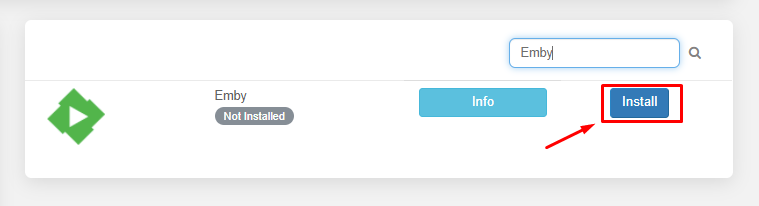
3. Once the installation is complete click on the eye buton to open アプリs.

When you open アプリ for the first time you need to setup アプリlication. Now let’s see how to setup emby for the first time and add media libraries.
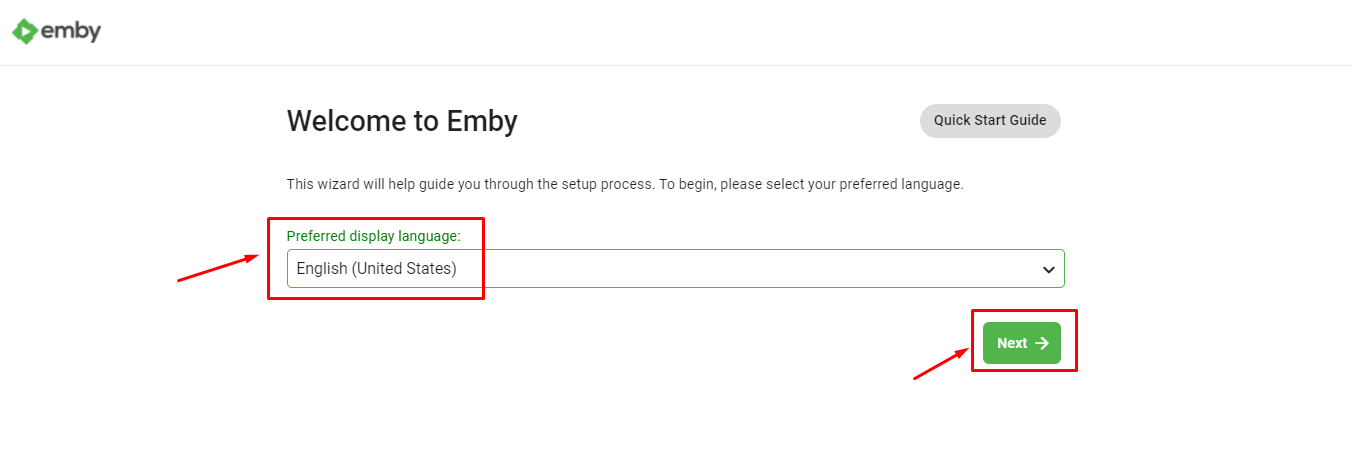
1. First you need to select the language you want emby to function with and click on next ボタン.
2. Now you need to create user profiles for the each of the individual user that you would be sharing your emby account. できます また create パスワード for the authentication.
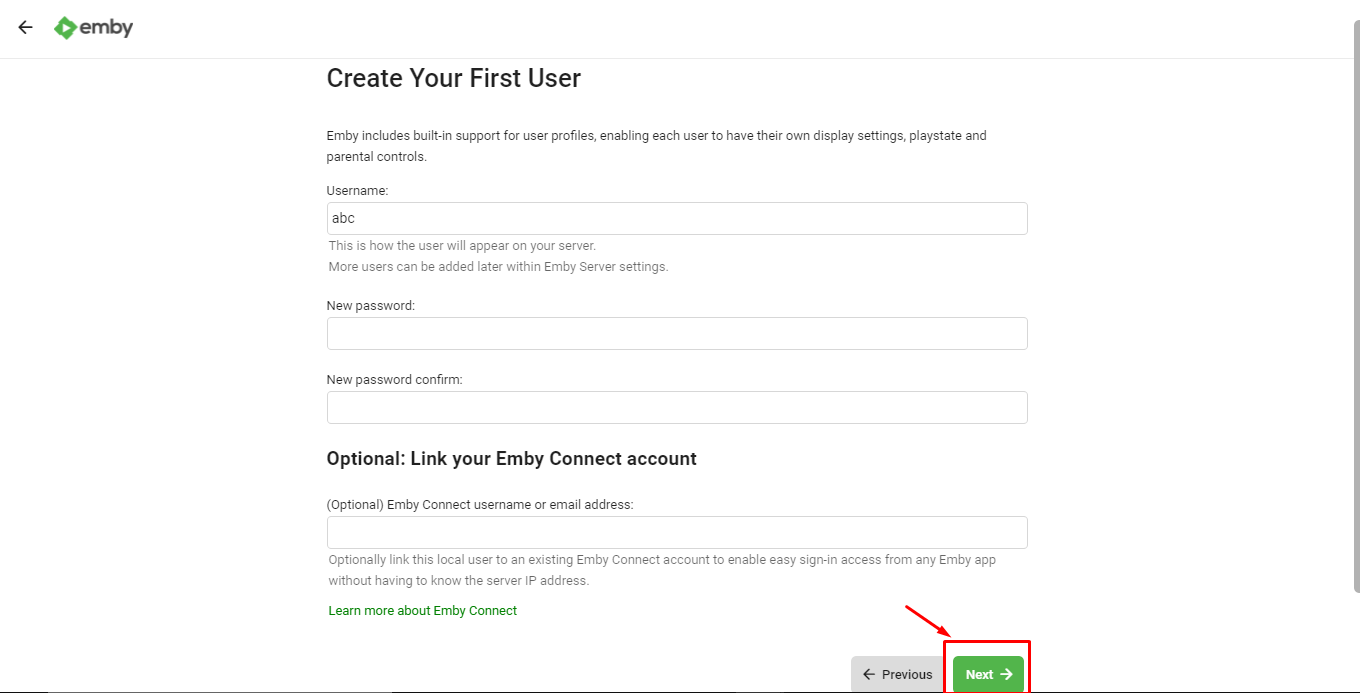
クリックしてください: the ‘Next’ ボタン once user profiles are created.
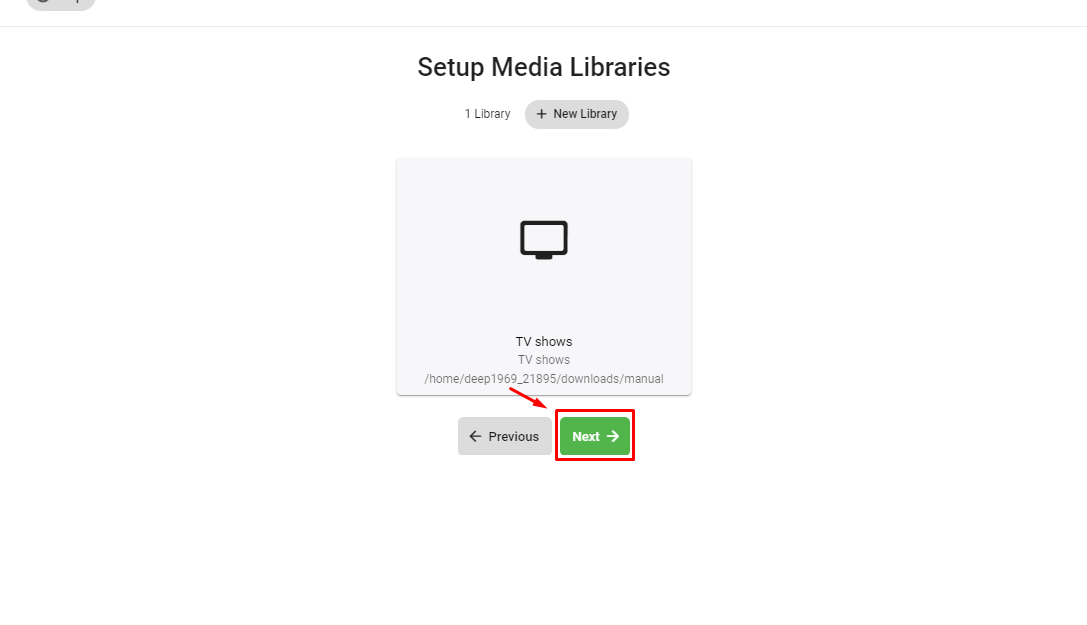
3. Now let’s add media libraries to our Emby server. クリックしてください: the ‘+ New Library’ ボタン to add new library.

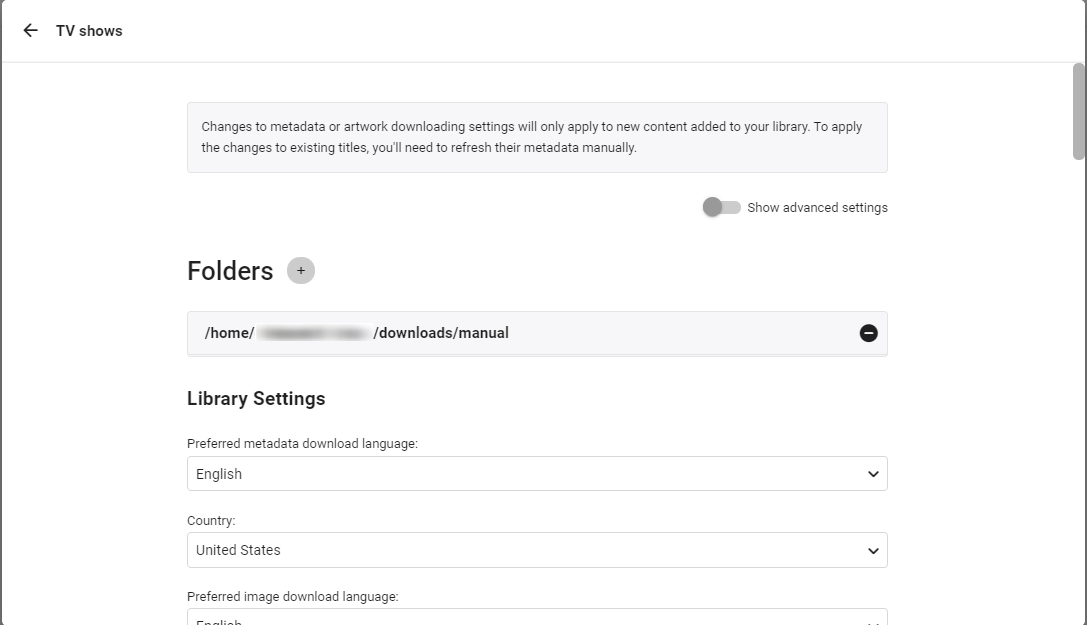
4. 選択 the content type and display name and browse folder by clicking on the ‘Folders’ ボタン.
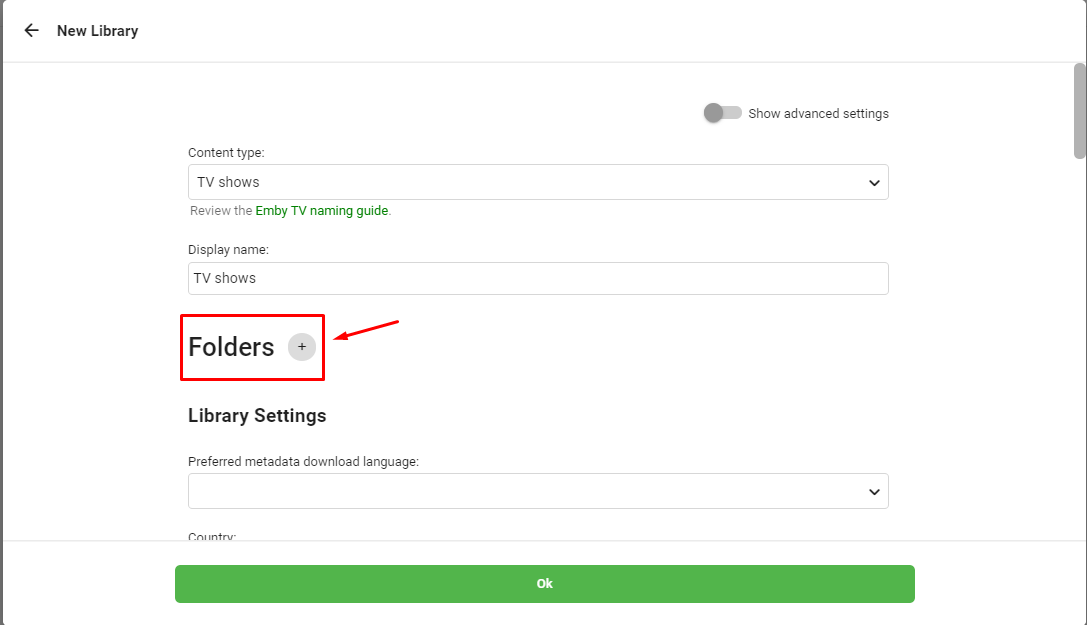
Folder path should be like ‘/home/ユーザー名/downloads/manual.
5. In the library settings できます select the source from where you want to download meta data , episode image thumbnails , and subtitle downloaders.
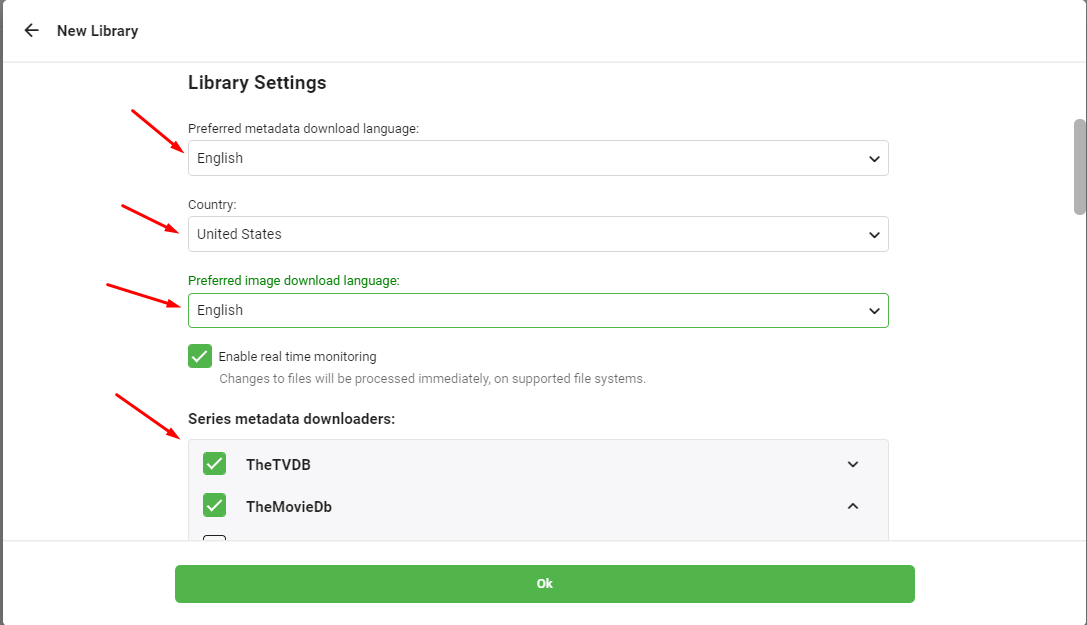
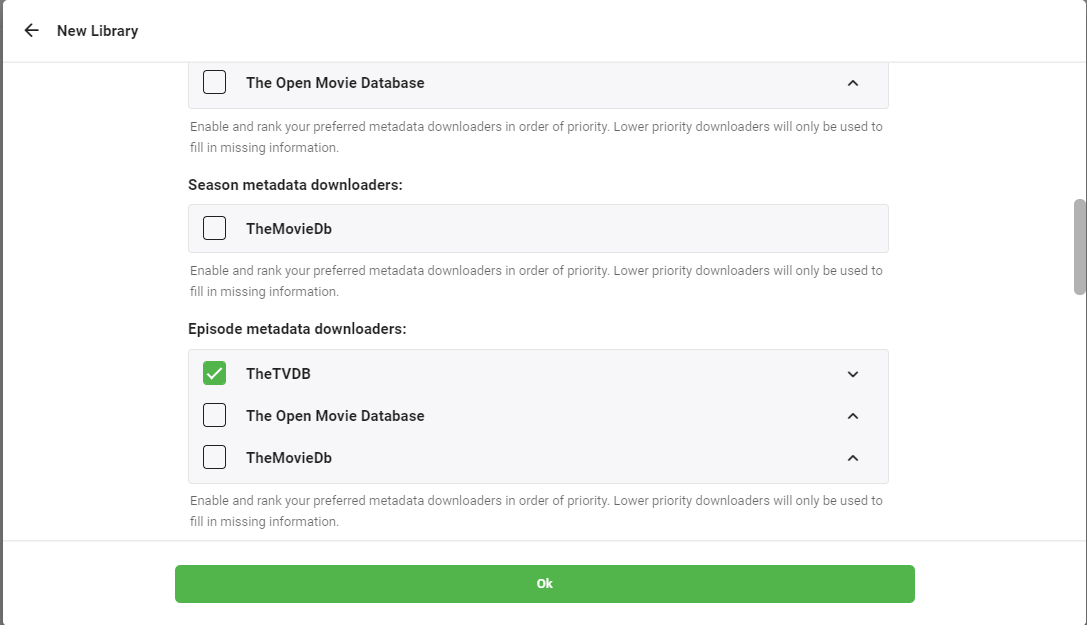
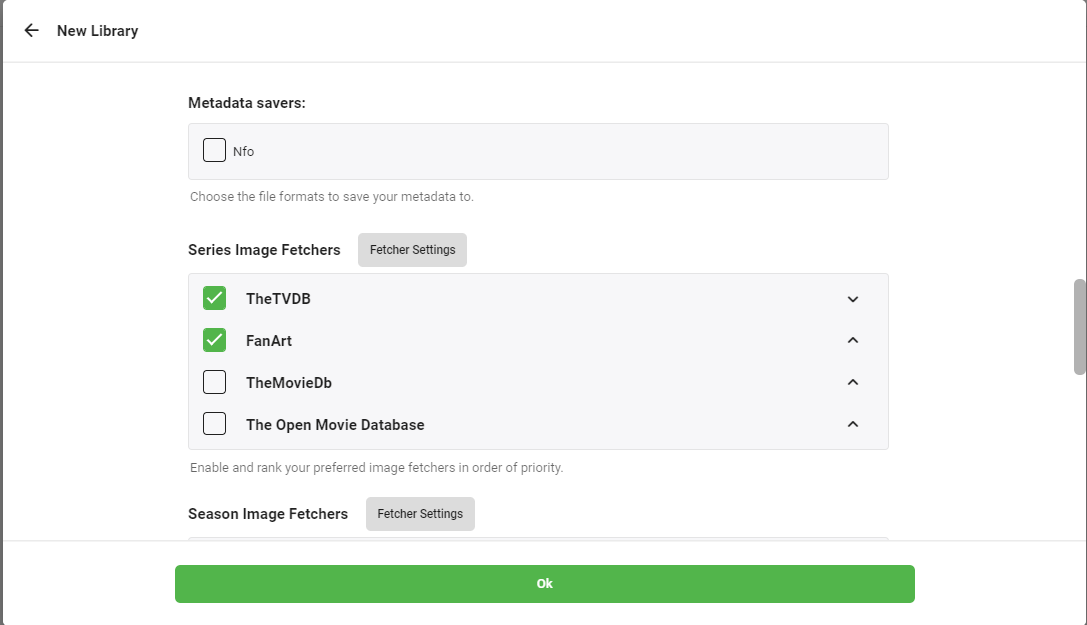
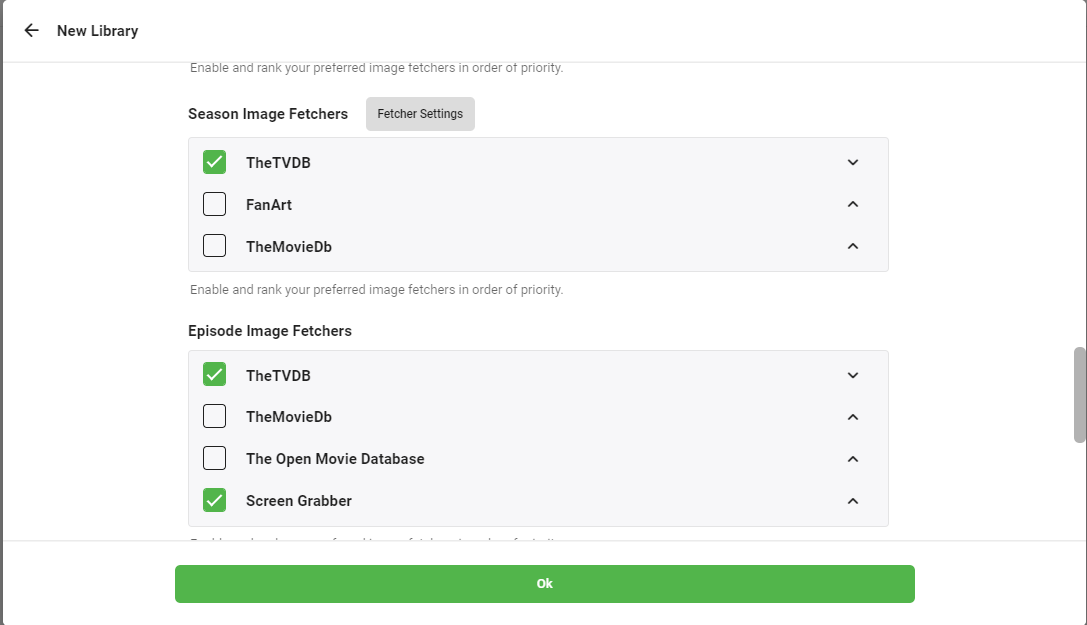
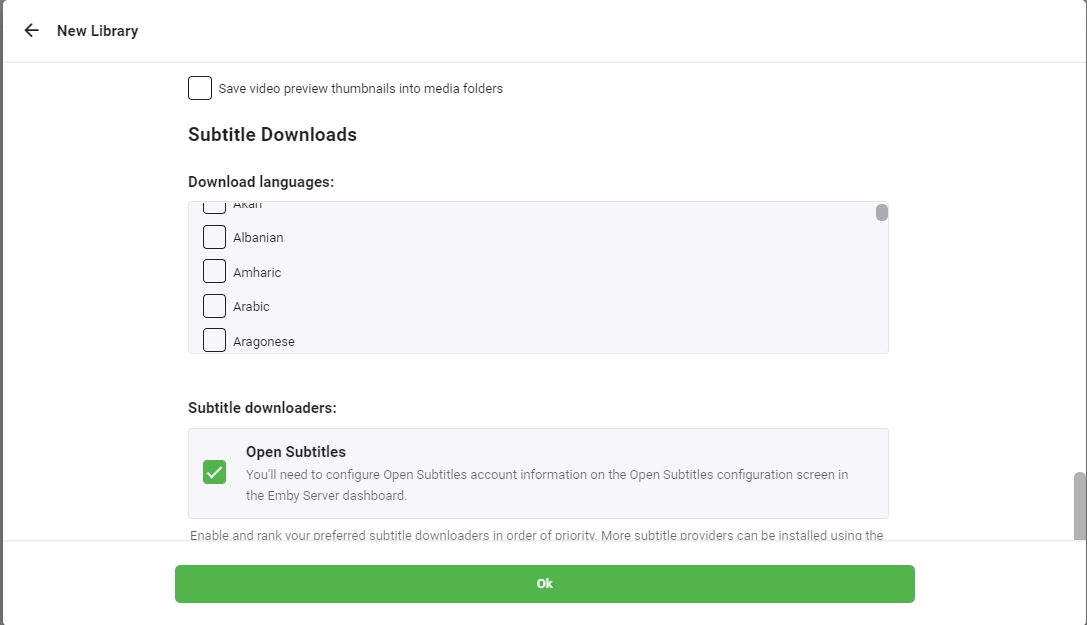
6. Press ‘OK’ ボタン. You will be asked for multiple confirmations ,press next on subsequent screens and click on finish to complete プロセス.
Put this into practice
EvoSeedbox ships with one-click app installs and up to 10 Gbps per box.


