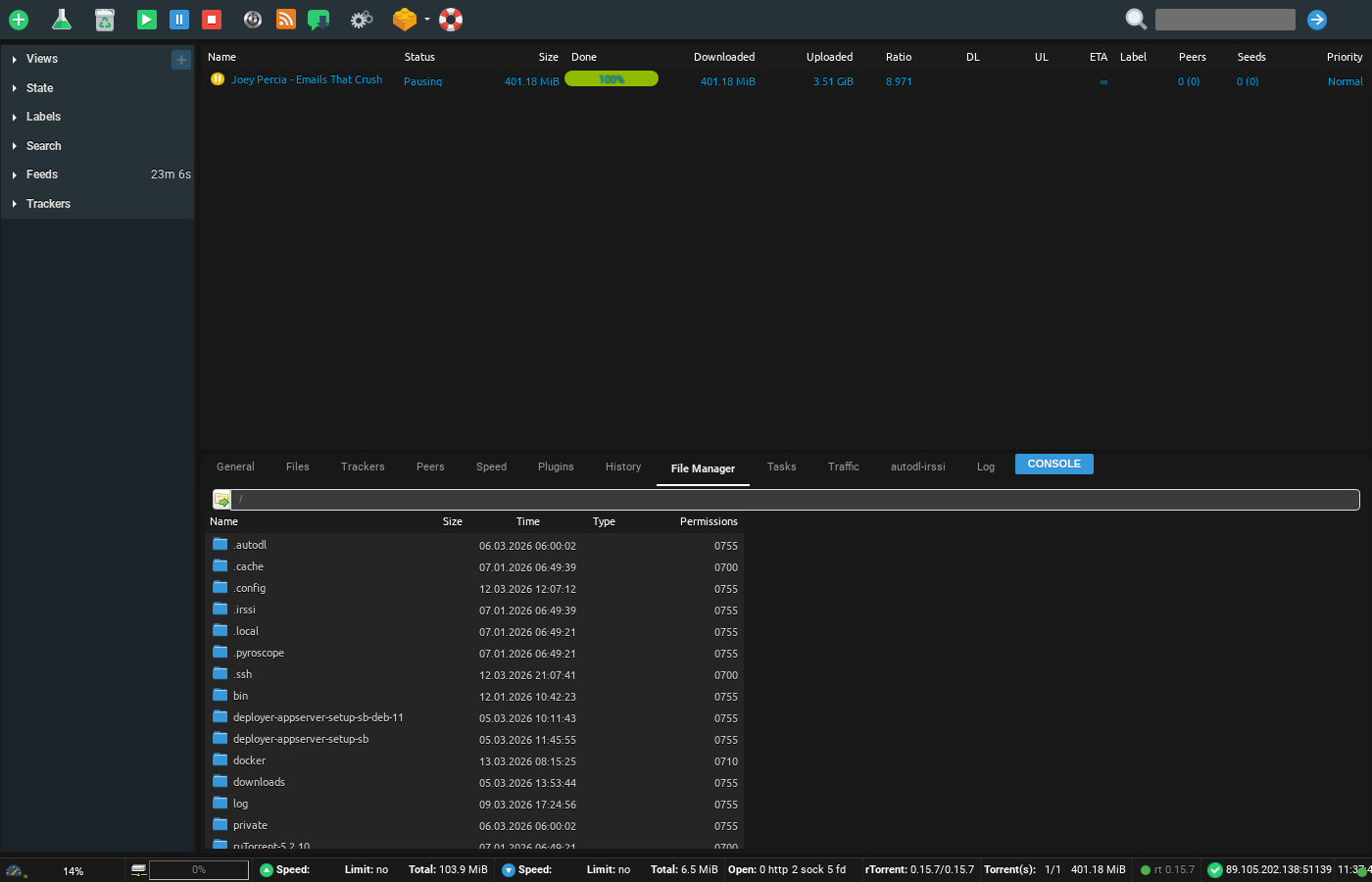
Watch folder is a useful folder in your seedbox, you can drop any torrent file in this folder and it will load in rutorrent. It is very helpful in situations where tracker file size is more than 2 mb
To access it Open up your FTP tool and login with your credentials , in this example we will use filezilla
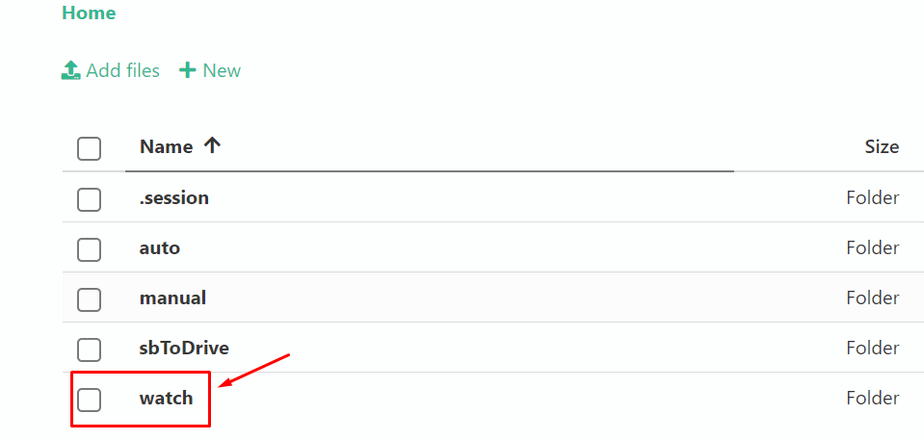
Browse to the watch folder in it as shown in the image below:
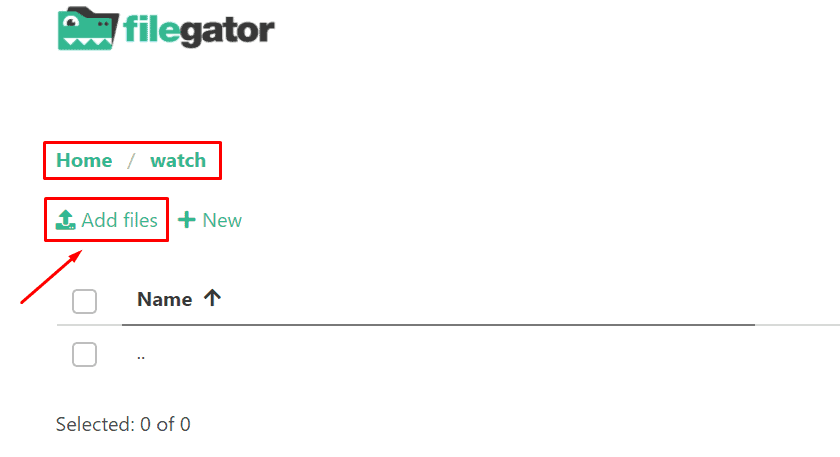
Upload your torrent file in the watch directory:
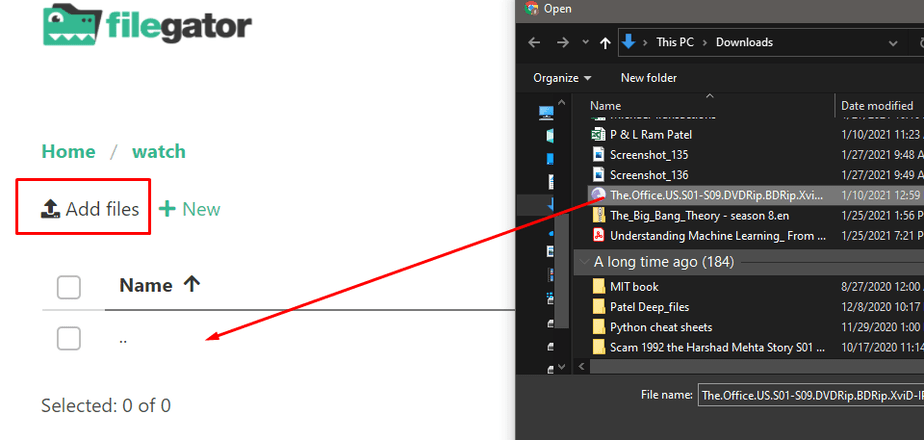
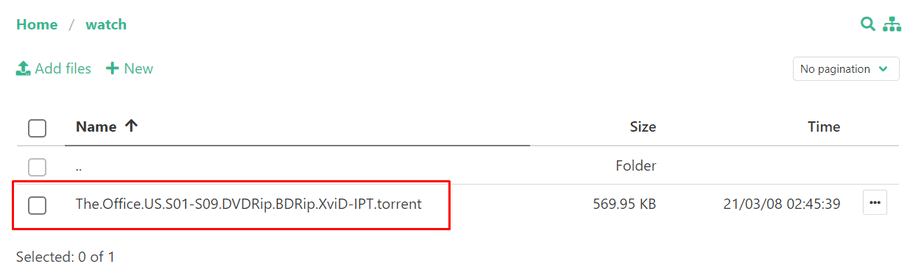
Once done the torrent will automatically load in your rutorrent.
Using the Watch Folder #
The watch folder is a special directory on your seedbox. Any .torrent file placed in this folder is automatically loaded into ruTorrent and starts downloading — no manual interaction needed.
How to Use It #
- Connect to your seedbox via FTP/SFTP (using FileZilla or similar)
- Navigate to the watch folder in your home directory
- Upload one or more .torrent files into this folder
- ruTorrent automatically detects and starts downloading them
When the Watch Folder Is Useful #
- Large .torrent files: Torrent files larger than 2 MB may fail to upload through ruTorrent’s web interface. The watch folder has no such limit.
- Batch adding: Upload 50+ .torrent files at once via FTP — much faster than adding them one by one in the browser.
- Automation: Scripts or tools can automatically drop .torrent files into the watch folder.
Tip #
The watch folder checks for new files every few seconds. If a torrent does not appear in ruTorrent within 30 seconds, verify the .torrent file is valid and not corrupted.


