使用: Watch Folder for Large Torrents
On this page ▾
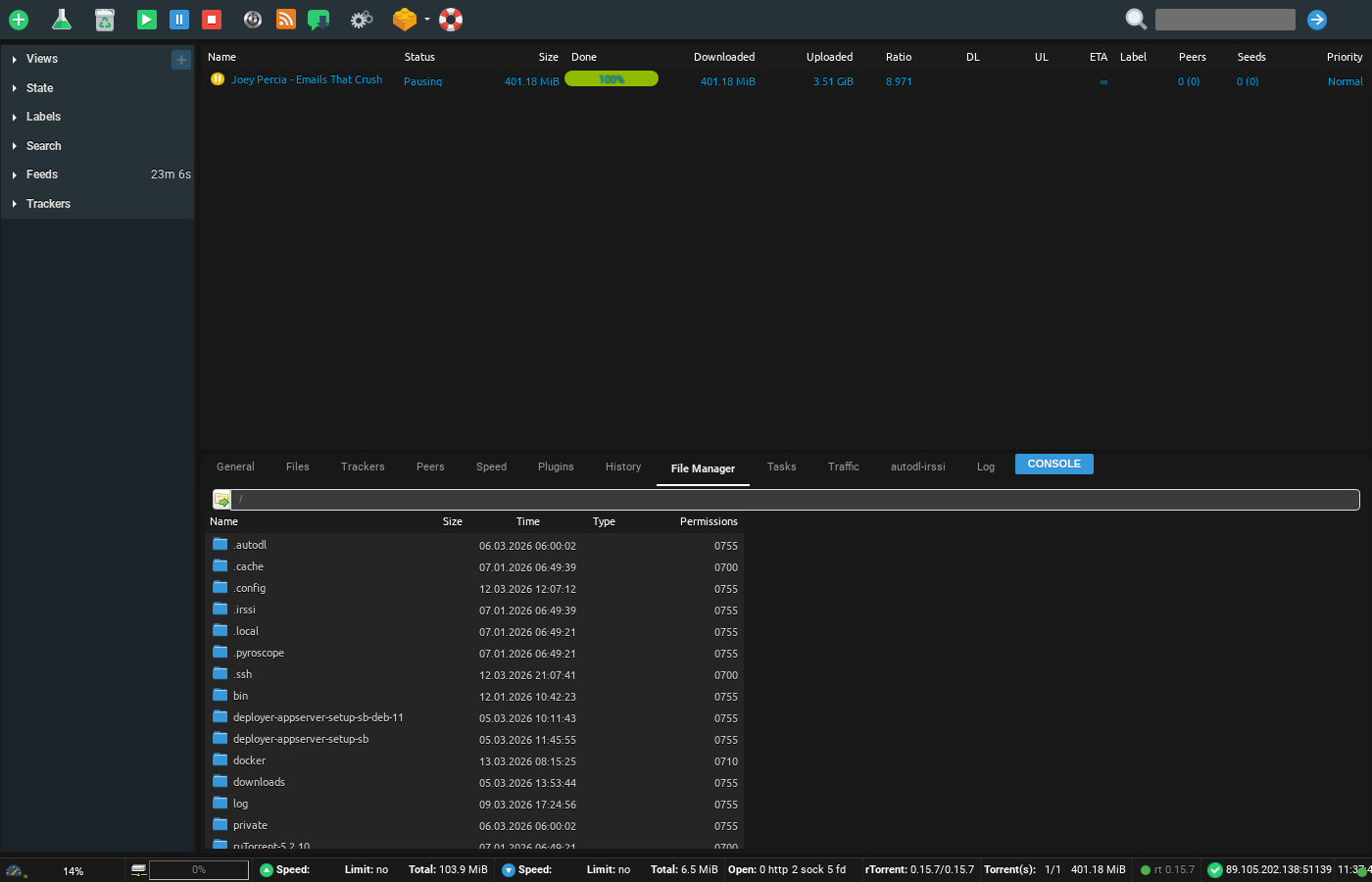
Watch folder is a useful folder in あなたのSeedbox, できます drop any torrent file in this folder and なります load in rutorrent. It is very helpful in situations where tracker file size is more than 2 mb
To access it 開く up your FTP tool and login with your 認証情報 , in this example we will use filezilla
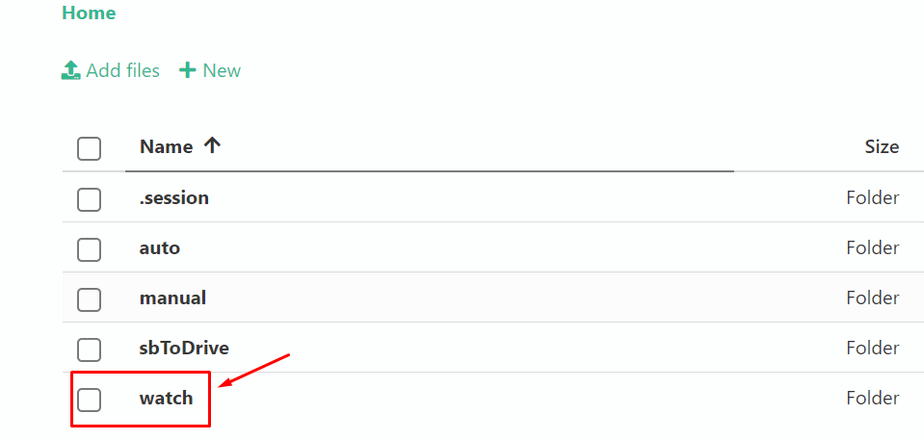
Browse to the watch folder in it as shown in the image below:
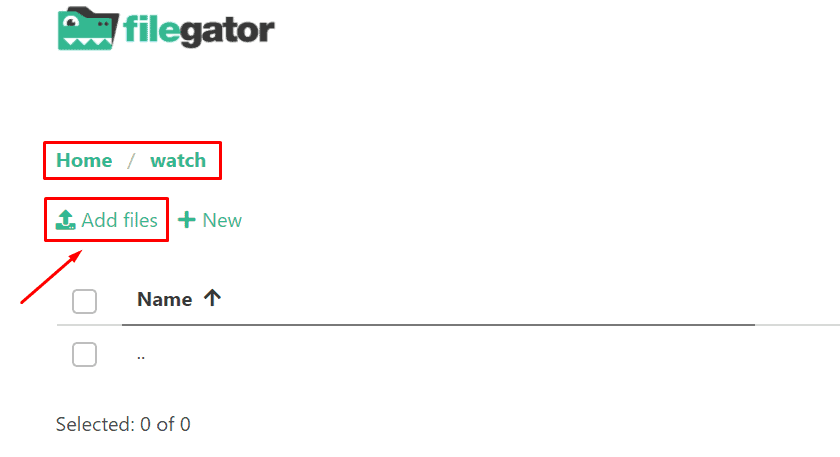
アップロード your torrent file in the watch directory:
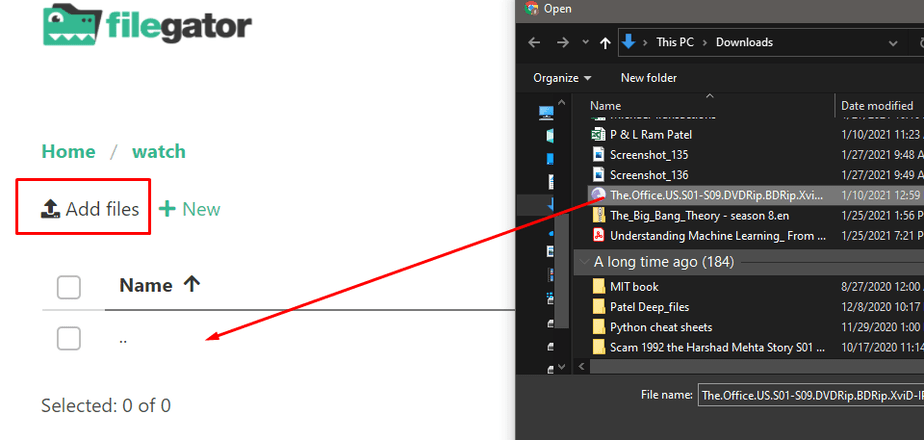
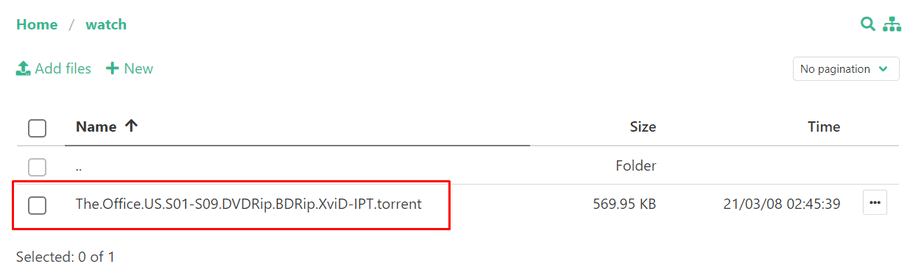
Once done the torrent will automatically load あなたの中の rutorrent.
Using the Watch Folder
The watch folder is a special directory on あなたのSeedbox. Any .torrent file placed in this folder is automatically loaded into ruTorrent and starts downloading — no manual interaction needed.
方法: Use It
- Connect to あなたのSeedbox via FTP/SFTP (using FileZilla or similar)
- Navigate to the watch folder あなたの中の home directory
- アップロード one or more .torrent files into this folder
- ruTorrent automatically detects and starts downloading them
When the Watch Folder Is Useful
- Large .torrent files: Torrent files larger than 2 MB may fail to upload through ruTorrent’s Webインターフェース. The watch folder has no such limit.
- Batch adding: アップロード 50+ .torrent files at once via FTP — much faster than adding them one by one in the browser.
- Automation: Scripts or tools can automatically drop .torrent files into the watch folder.
Tip
The watch folder checks for new files every few seconds. If a torrent does not appear in ruTorrent within 30 seconds, verify the .torrent file is valid and not corrupted.
Put this into practice
EvoSeedbox ships with one-click app installs and up to 10 Gbps per box.


