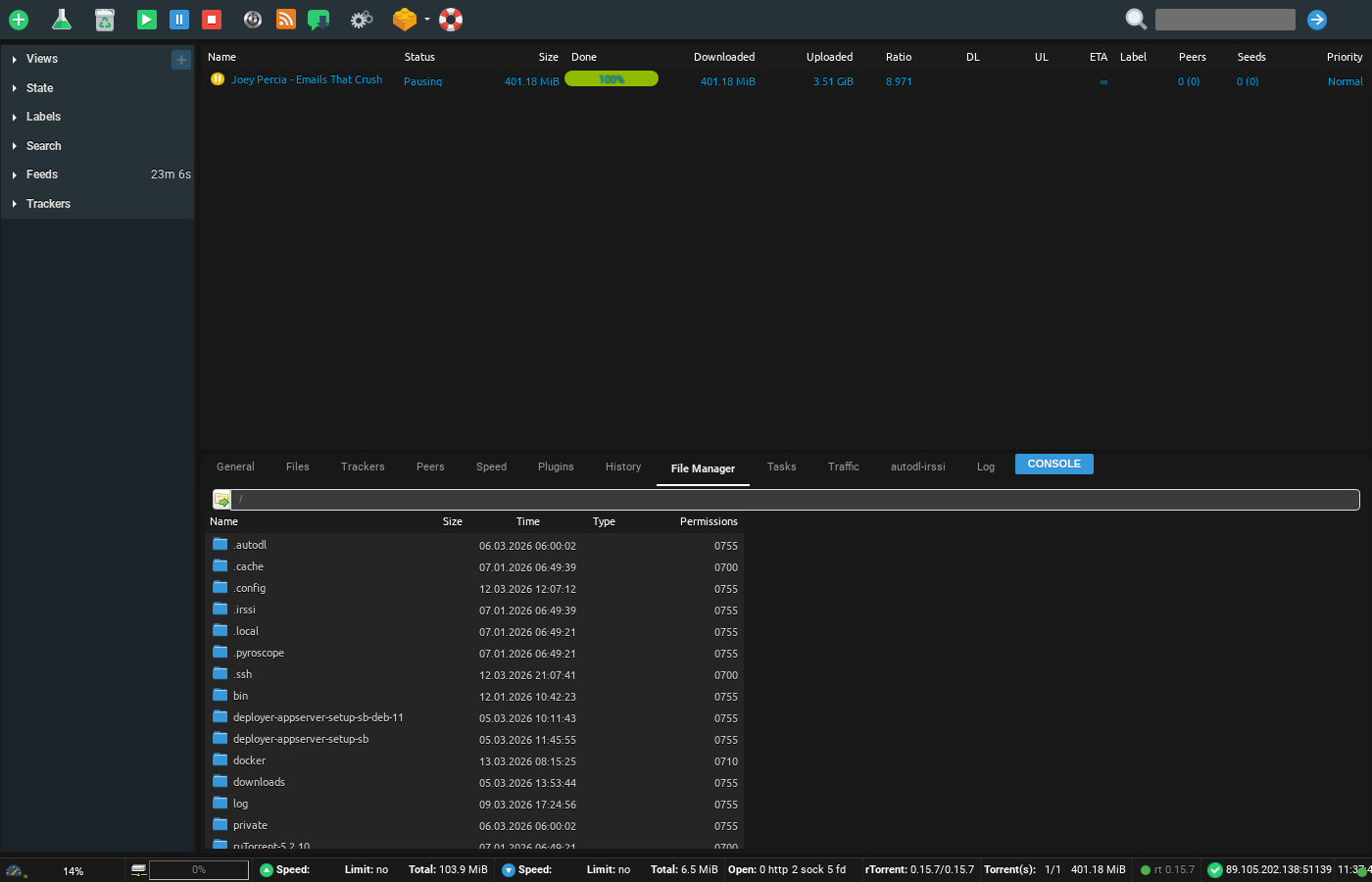
Because sometimes you only want to remove a few files from an archive.
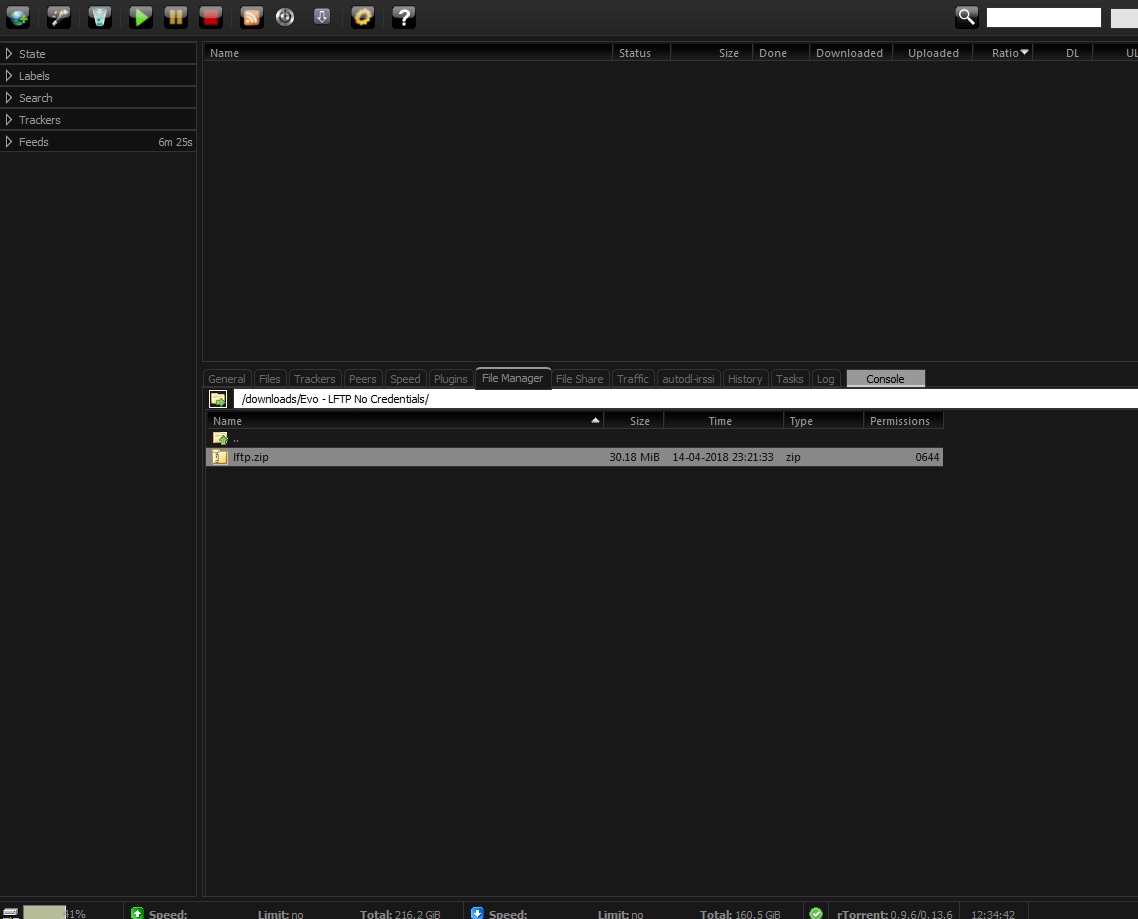
1. With ruTorrent running, use the Filemanager tab to navigate to the archive you want to expand.
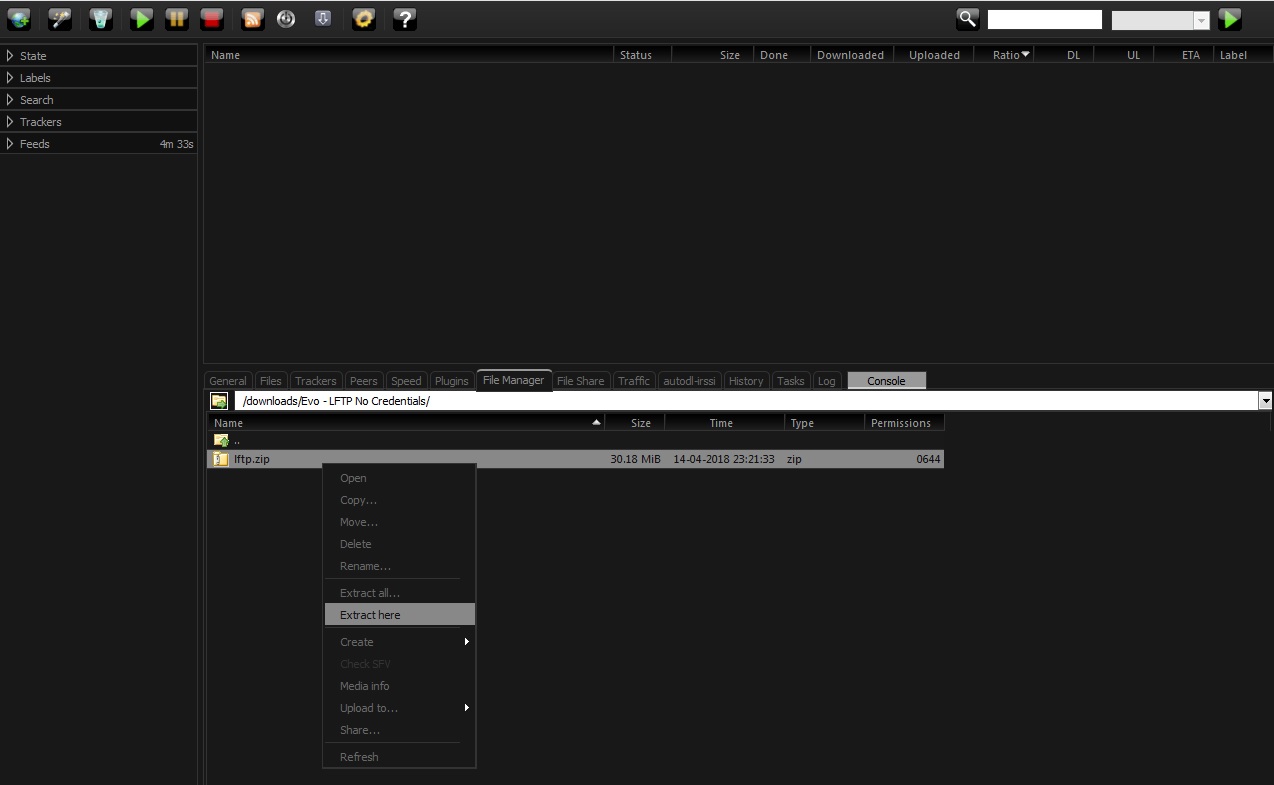
2. Right clicking on the archive with open a menu box. Select "extract here"
3. Make sure you are happy with the destination directory and click start.
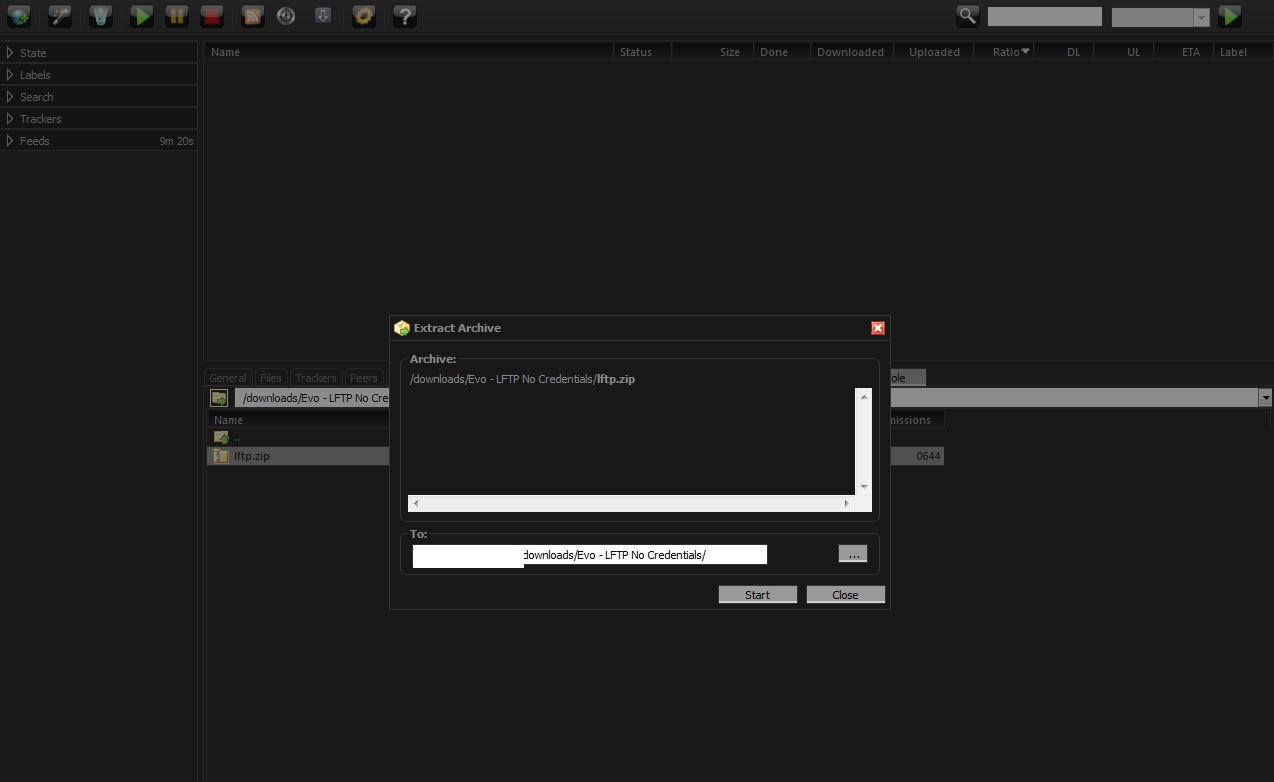
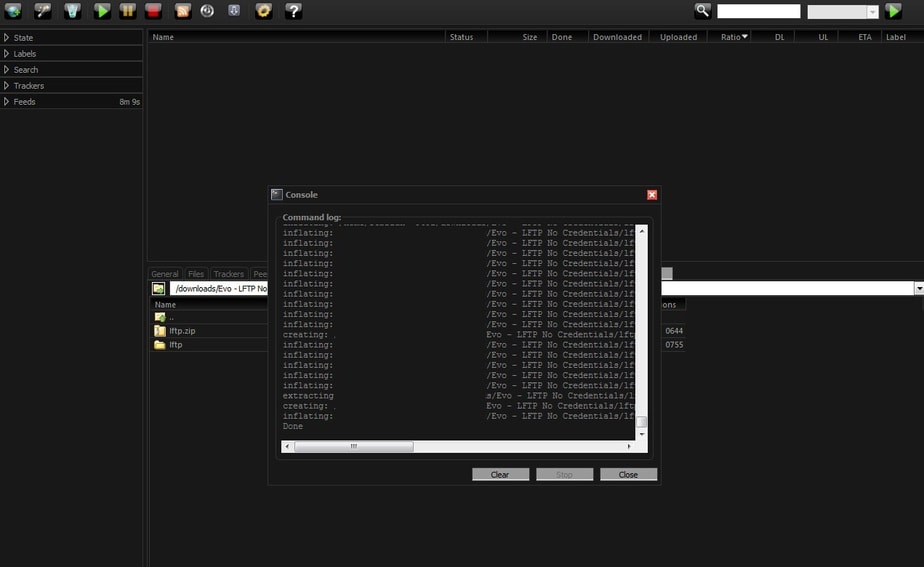
4. A dialog box will pop up as ruTorrent expands the archive. Once it finishes, click close and your new archive will be waiting for you!
Extracting Archives on Your Seedbox #
Many torrents are distributed as compressed archives (.rar, .zip, .tar.gz). You can extract them directly on your seedbox without downloading the archive to your PC first.
Steps to Extract #
- Open ruTorrent and go to the File Manager tab
- Navigate to the archive file (.rar, .zip, .tar.gz, .7z)
- Right-click on the archive file
- Select Extract here (extracts to the current folder) or Extract to… (choose a destination)
- Wait for extraction to complete — progress appears in the ruTorrent console
Supported Archive Formats #
- .rar — Most common in torrent scene releases (including multi-part .r00, .r01)
- .zip — Universal format, supported everywhere
- .tar.gz / .tar.bz2 — Common on Linux
- .7z — High compression ratio
Tips #
- Multi-part RAR archives (.r00, .r01, etc.) extract automatically — just extract the main .rar file
- If extraction fails, the archive may be corrupted or incomplete. Re-download the torrent first.
- After extraction, you can delete the archive to save storage space
Related #
To create archives, see Creating an Archive.


