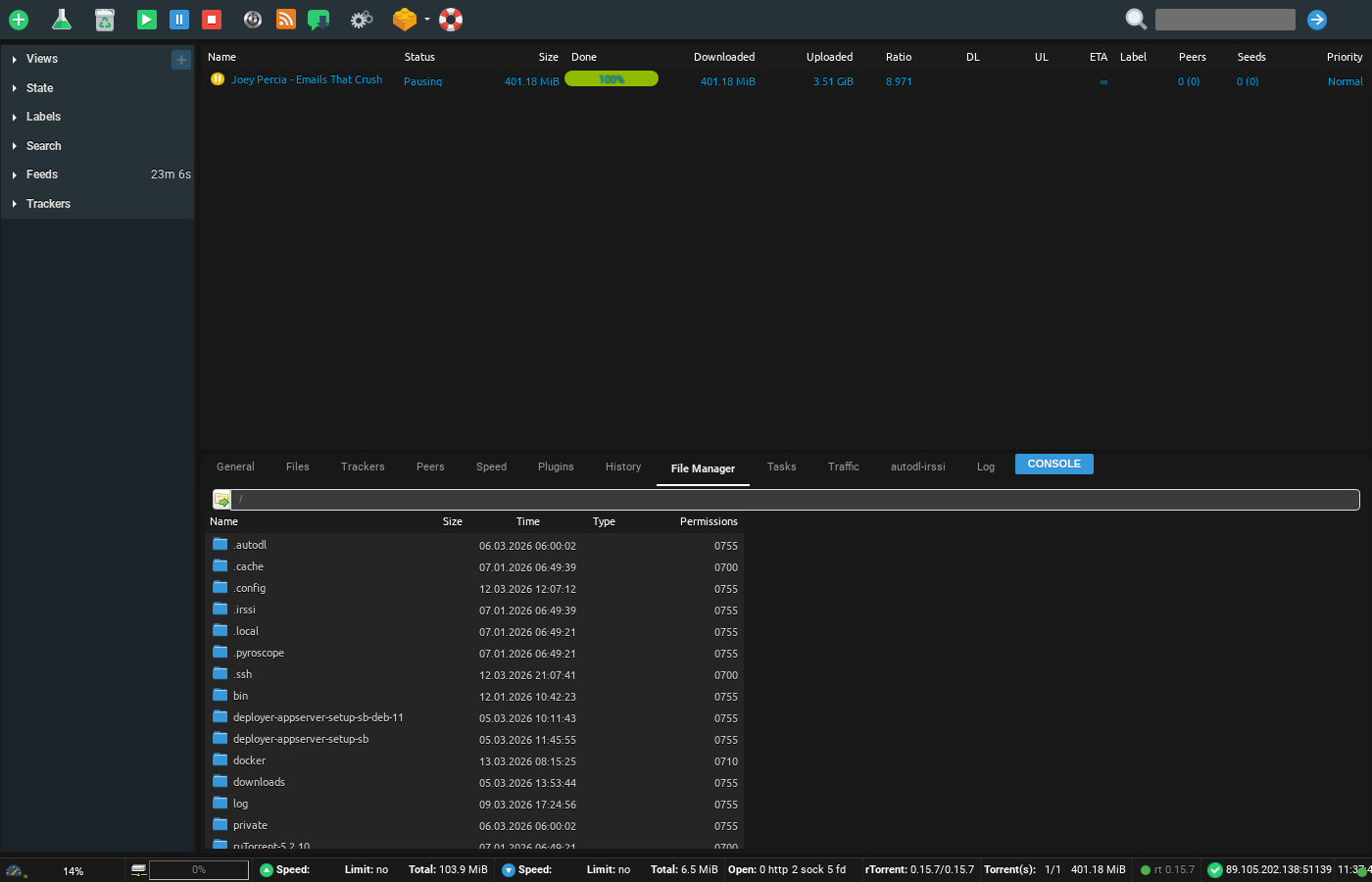
1. With ruTorrent running, click on the File Manager tab. Navigate to the folder you wish to create an archive from.
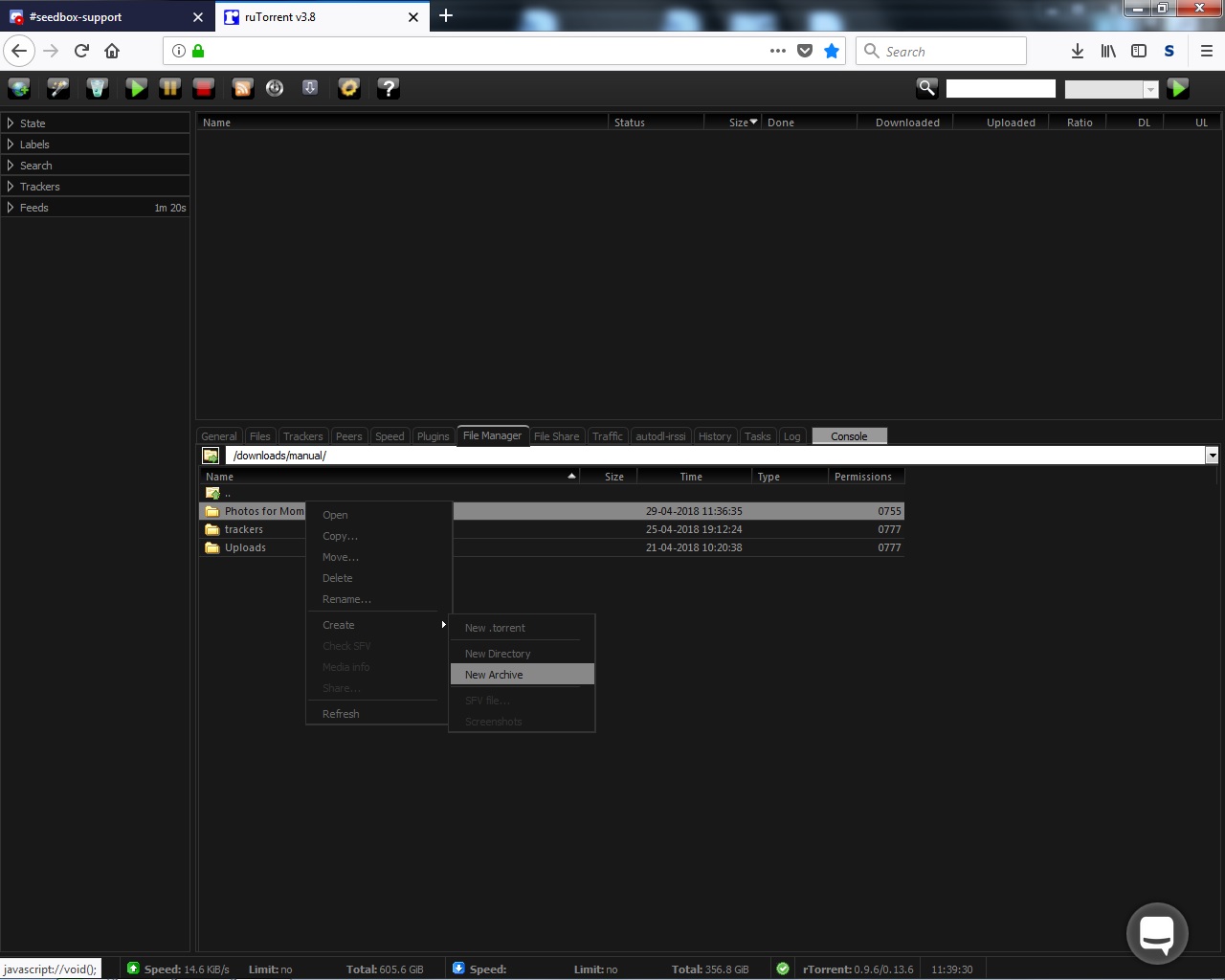
2. Right Click on the folder and select "Create > New Archive"
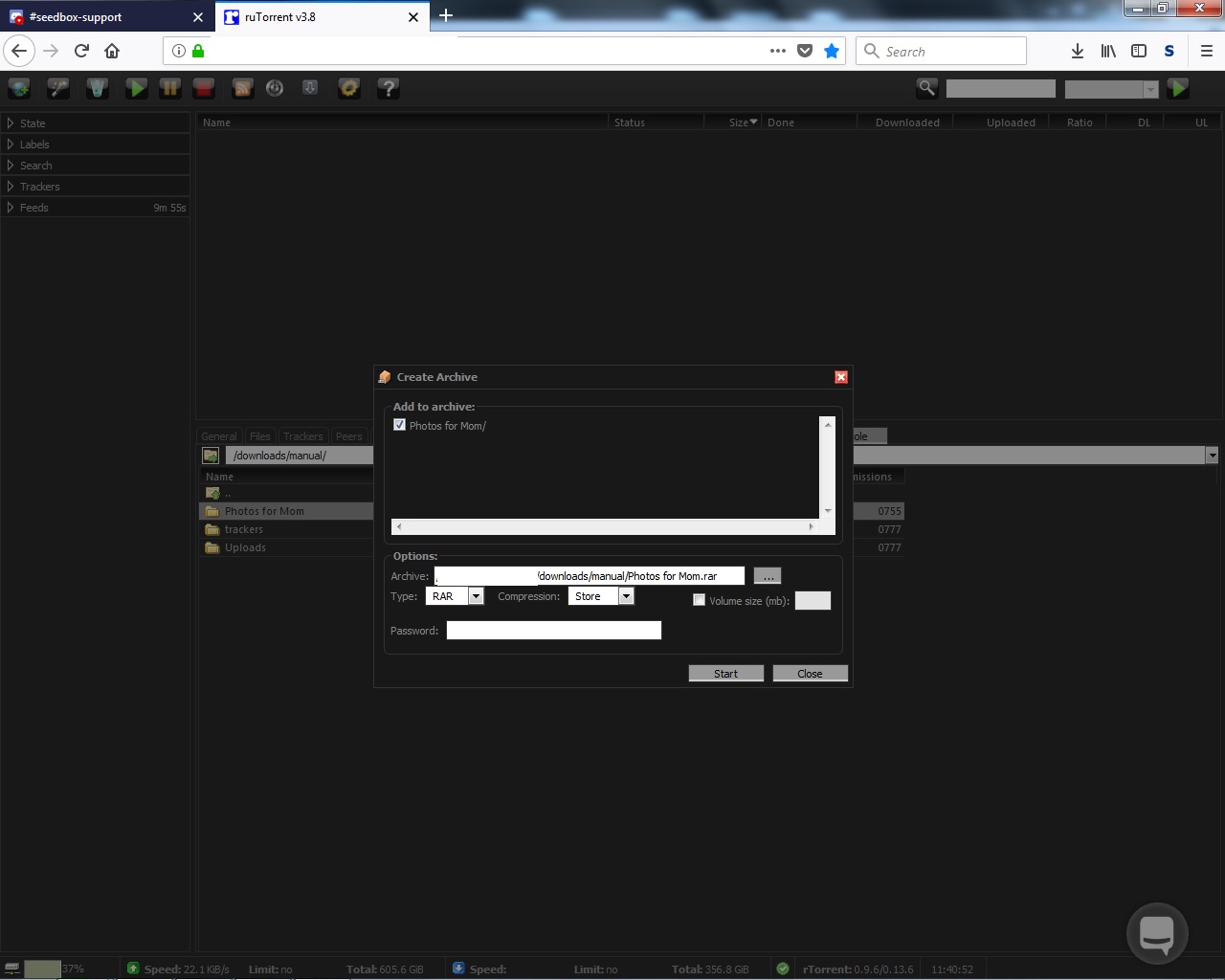
3. Make sure the folder is checked. Name the archive, Select type of archive to use, and password if desired.
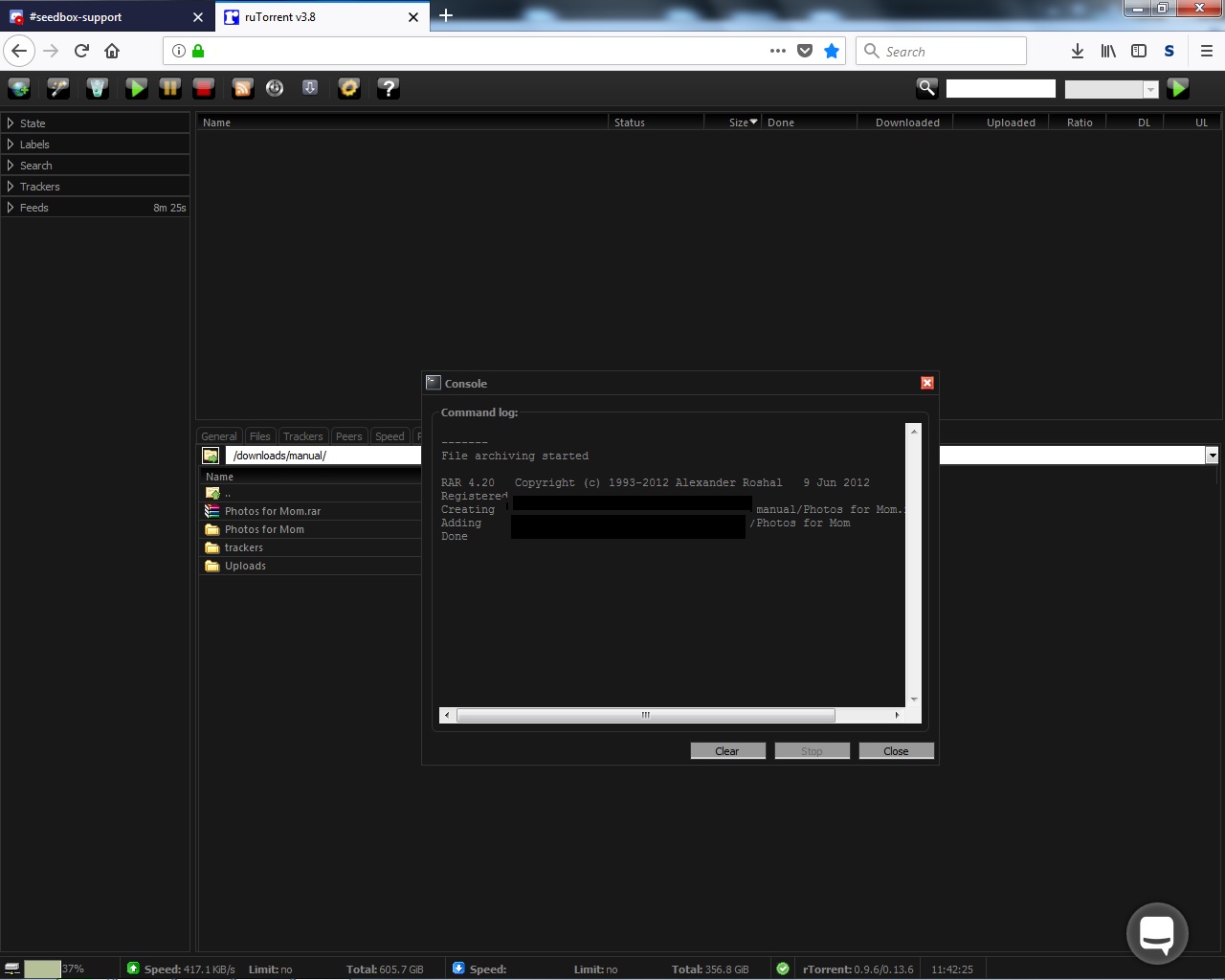
4. Click Start. A dialog box should pop up as the server created your archive. When it finishes, click close and your archive will be in the directory.
Creating Archives on Your Seedbox #
Archiving compresses files or folders into a single file (.zip, .tar.gz, .rar), making them easier to download or share.
Steps to Create an Archive #
- Open ruTorrent and click the File Manager tab at the bottom
- Navigate to the folder or files you want to archive
- Right-click on the folder and select Create → New Archive
- Choose your settings:
- Archive name: Give it a descriptive name
- Format: ZIP (most compatible) or TAR.GZ (smaller, Linux-friendly)
- Password: Optionally set a password to encrypt the archive
- Ensure the folder checkbox is selected and click Create
When to Use Archives #
- Downloading via HTTP: Archive a folder so you can download it as a single file through your browser instead of one file at a time
- Sharing: Create a password-protected archive for sharing sensitive content
- Saving space: Compressible file types (text, documents) can shrink significantly
Related #
To extract an existing archive, see Extracting an Archive.


