Evoseedbox One of the most user-friendly seedbox available in the market. all the functionalities can be accessed from the seedbox dashboard which is in your client area.
Restarting a seedbox can solve simple issues automatically.
To restart your seedbox follow the steps below.
Steps to set your Seedbox
Step 1: log in to your client area
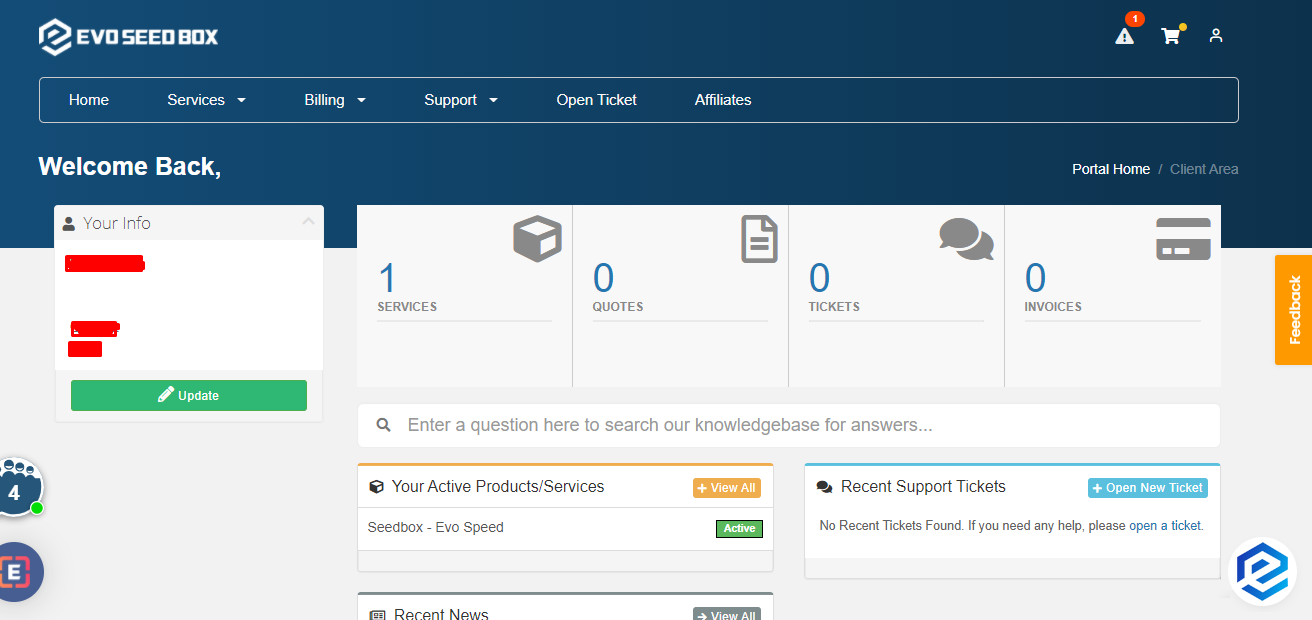
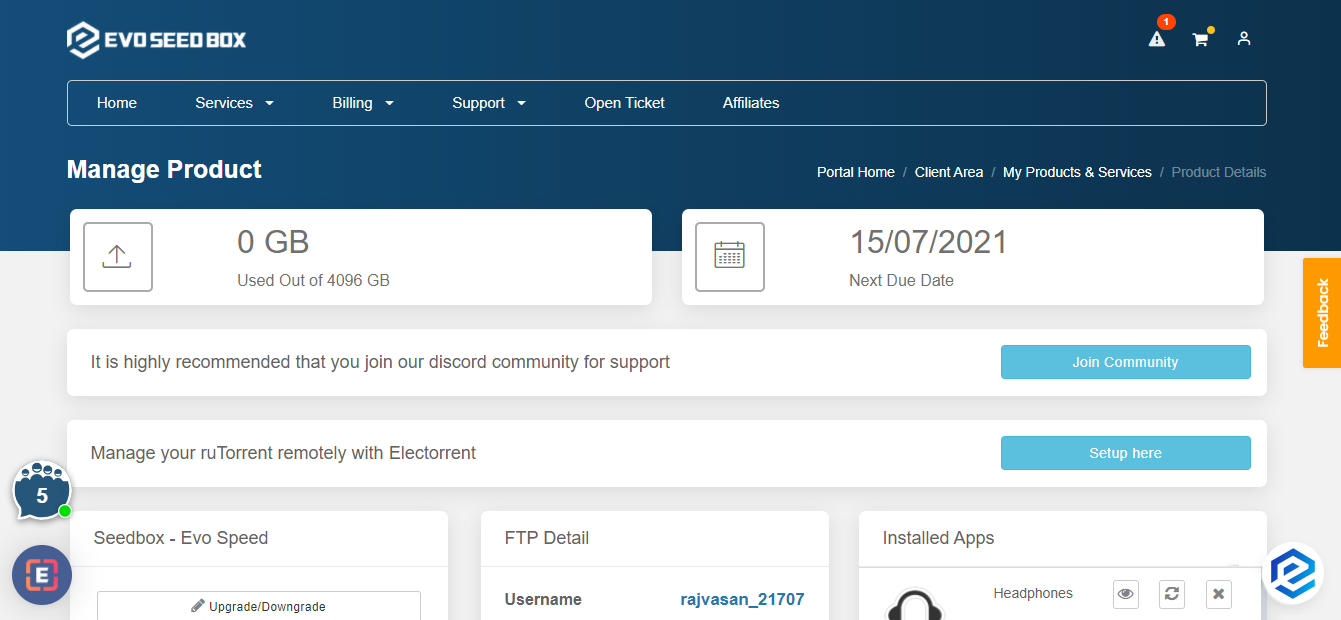
Step 2: Open your box dashboard
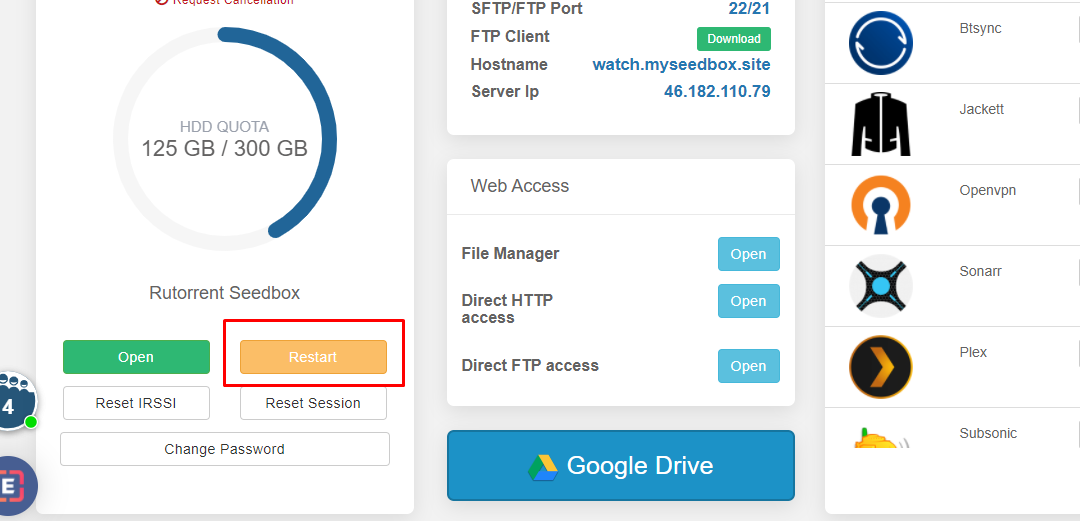
Step 3: Scroll down and click on the restart button
How to Restart Your Seedbox #
Restarting your seedbox can resolve many common issues including slow speeds, unresponsive apps, and connection problems. All your files and settings are preserved during a restart.
Steps to Restart #
- Log in to the Evoseedbox client area
- Open your seedbox dashboard
- Click the Restart button in the seedbox control section
- Wait 30–60 seconds for the restart to complete
- Refresh your dashboard — all apps should show as running
What a Restart Does #
- Stops and restarts all running apps (ruTorrent, Plex, Sonarr, etc.)
- Clears temporary memory and processes
- Does NOT delete any files, torrents, or settings
- Active torrent downloads resume automatically after restart
When Should You Restart? #
- ruTorrent is not loading or showing errors
- Torrents are stuck and not downloading
- Plex is not starting or buffering excessively
- After installing or removing apps
- Speeds suddenly dropped for no apparent reason
If a Restart Does Not Fix the Issue #
Try a full reset (warning: this reinstalls your seedbox) or contact support for assistance.


