How Plex Works on Your Seedbox #
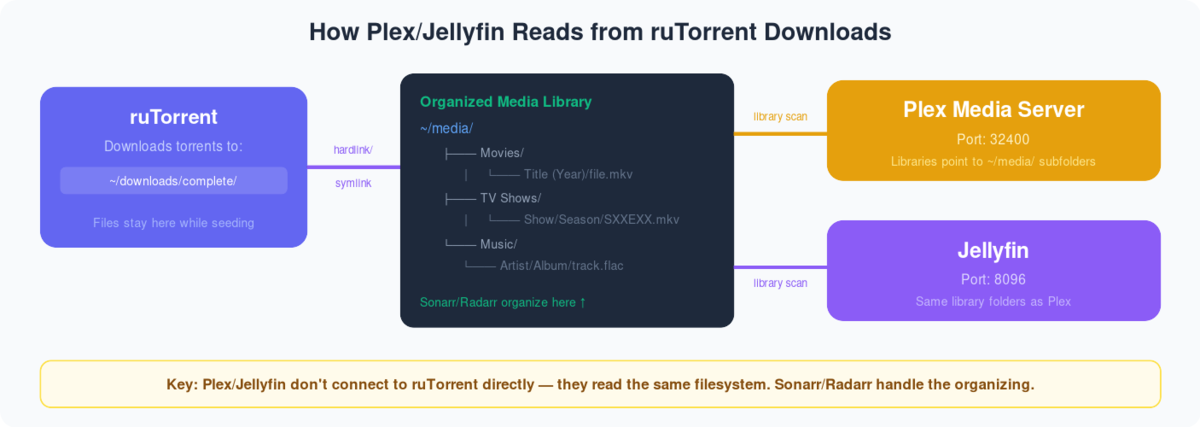
  PLEX STREAMING ARCHITECTURE
  ═══════════════════════════════════════════════════════

  Your Seedbox                              Your Devices

  ┌──────────────────────────┐
  │ Media Files              │
  │ /downloads/movies/       │
  │ /downloads/tv-shows/     │            ┌───────────┐
  │ /downloads/music/        │            │ 📱 Phone  │
  └───────────┬──────────────┘            │  (app)    │
              │                           └─────┬─────┘
              ▼                                 │
  ┌──────────────────────────┐            ┌─────▼─────┐
  │     Plex Media Server    │◀──stream──▶│ 💻 Browser│
  │                          │            └─────┬─────┘
  │  Scans library           │                  │
  │  Fetches metadata        │            ┌─────▼─────┐
  │  Transcodes if needed    │◀──stream──▶│ 📺 TV     │
  │  Streams to devices      │            │ (app)     │
  │                          │            └───────────┘
  │  Port: 32400             │
  └──────────────────────────┘       Direct Play = best quality
                                     Transcode = compatibility
  PLEX SETUP CHECKLIST
  ═══════════════════════════════

  1. Install Plex          ✓ One-click from client area
  2. Claim server          ✓ Link to your Plex account
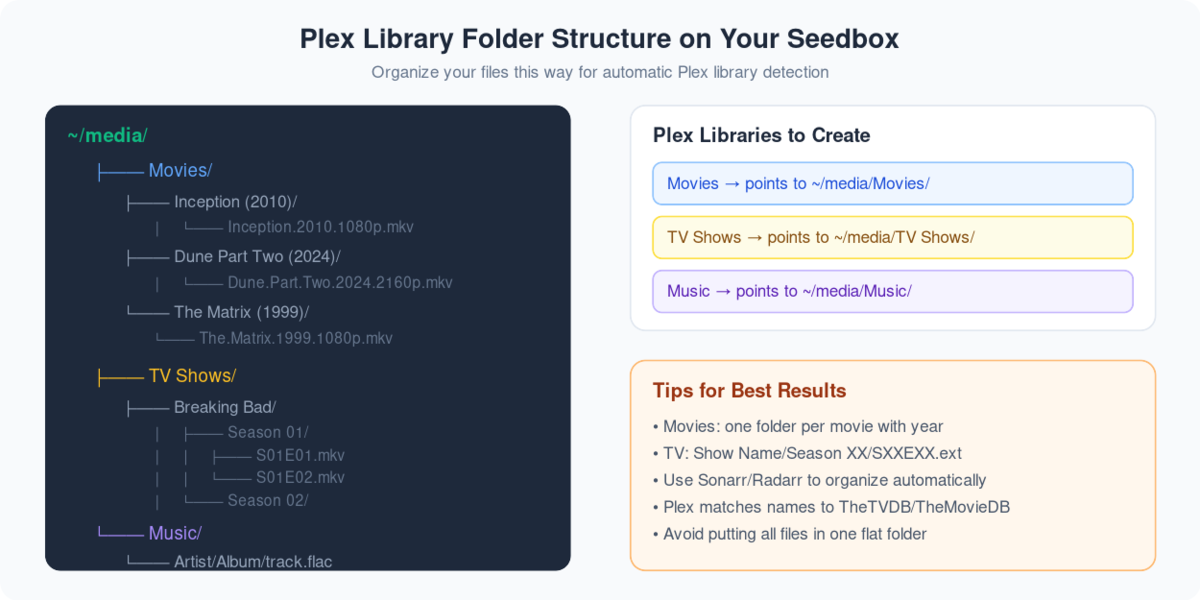
  3. Add libraries         → Point to /downloads/movies etc
  4. Enable remote access  → Settings → Remote Access
  5. Install app on device → plex.tv/downloads
  6. Stream!               🎬
Plex is an application that can bring a Seedbox to life. Plex is an application that can make your remote server seedbox to a media center.
Using Plex, できます stream and manage your media ファイル the go!
Before accessing the benefits of Plex, you 必要があります take a few steps to 設定する it with あなたのSeedbox.
You will need a Seedbox and a Plex account. This Plex account can be a free one. Plex pass has added benefits, so if you are a power user then go for it!
Steps to set-up Plex #
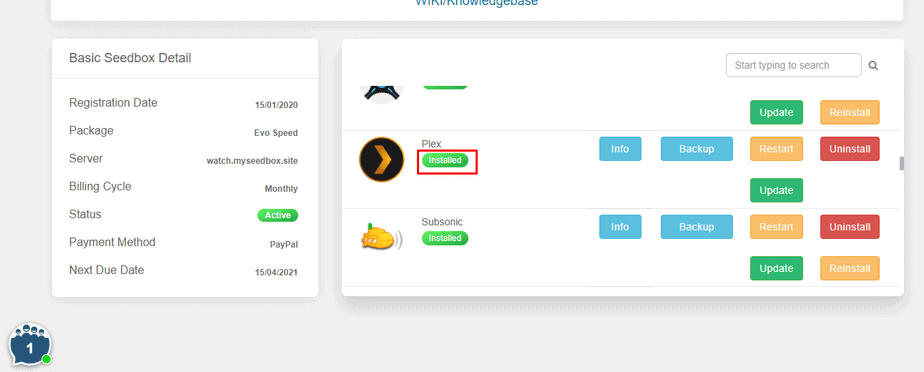
ステップ 1: ログイン あなたの Seedbox account and install Plex.
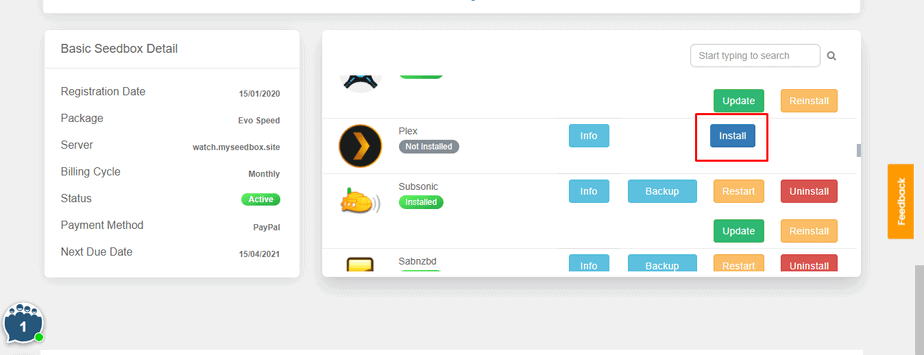
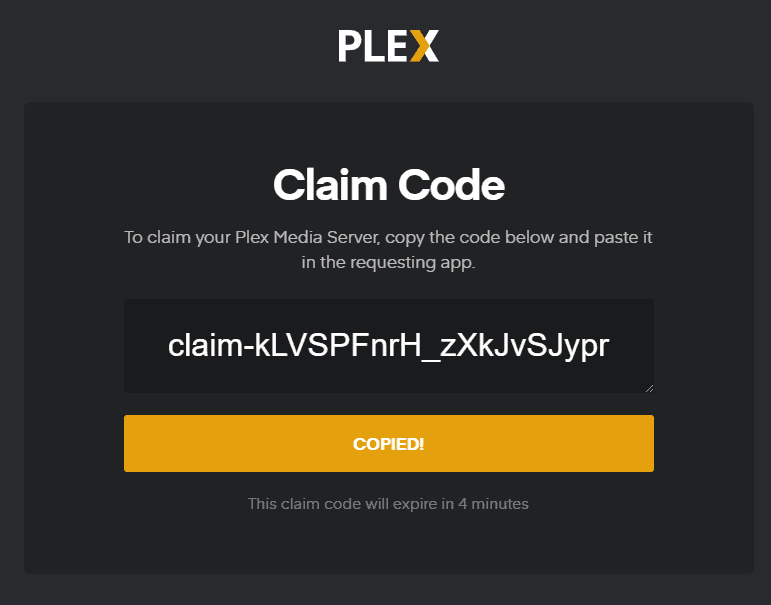
ステップ 2: Generate a Plex code.
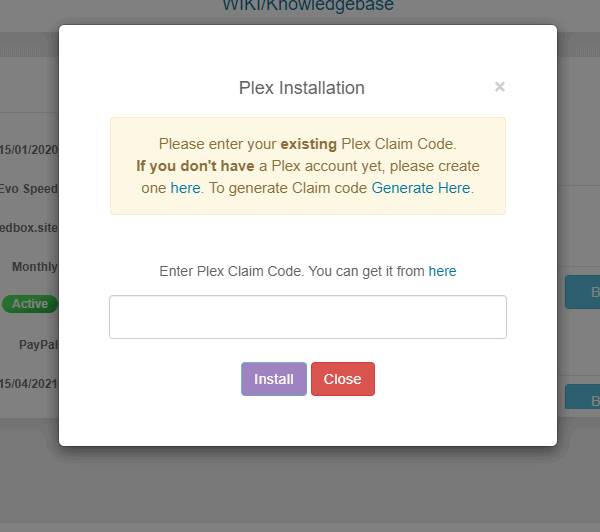
ステップ 3: Copy your Plex code and paste it in the section.
Step 4: Your Plex is installed and 設定するd with your Seedbox.
方法: Set up Plex? #
After you have 設定するd あなたのSeedbox with your Plex account, 表示されます see the following screen.
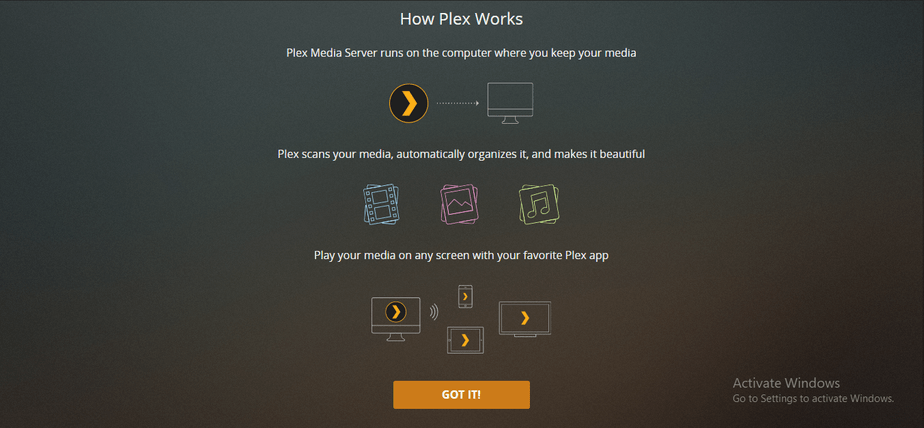
Click and the “GOT IT!” ボタン and move to the first step of setting up.
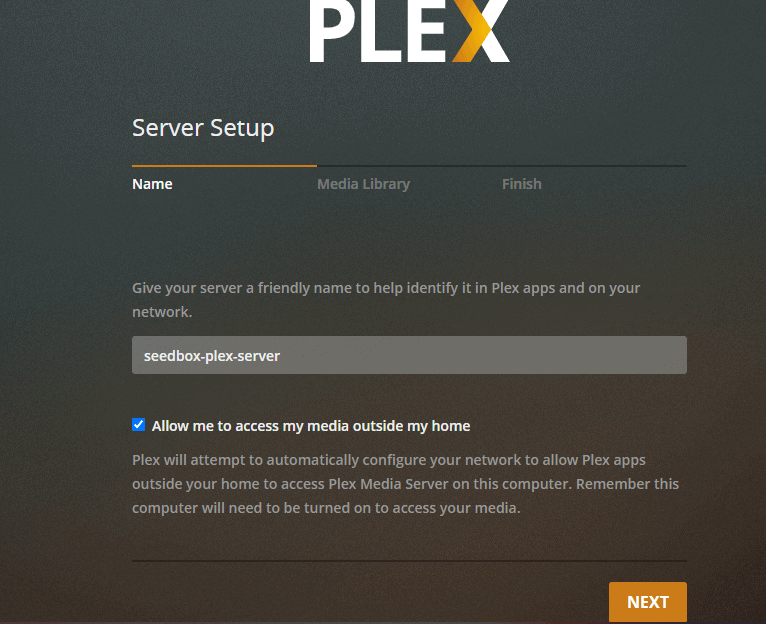
ステップ 1: Name your media server.
ステップ 2: Add library あなたの Plex Media Center.
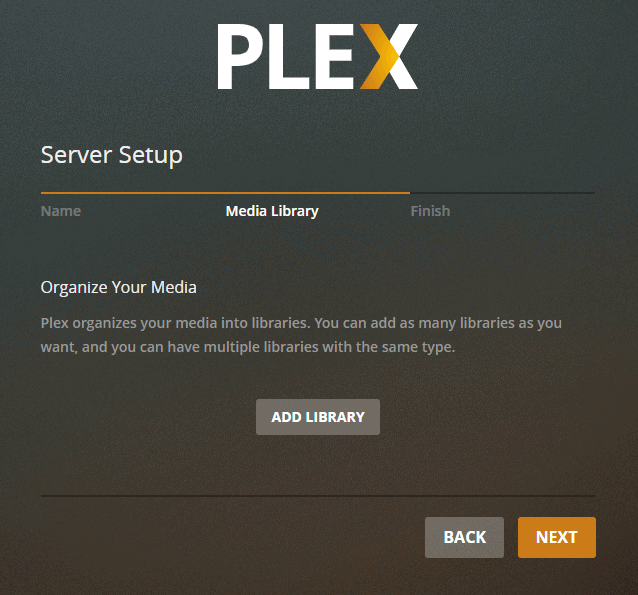
ステップ 3: 選択 the type of media you want to add.
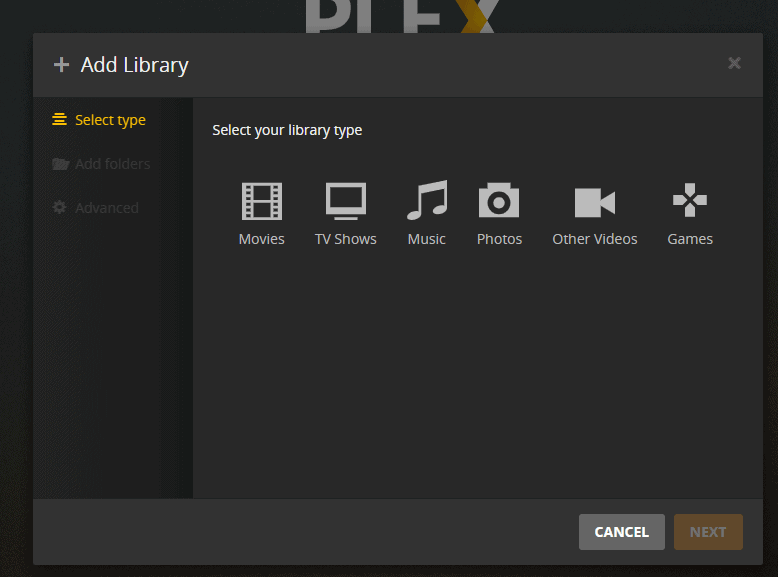
Step 4: Name your folder, select the language and click on next.
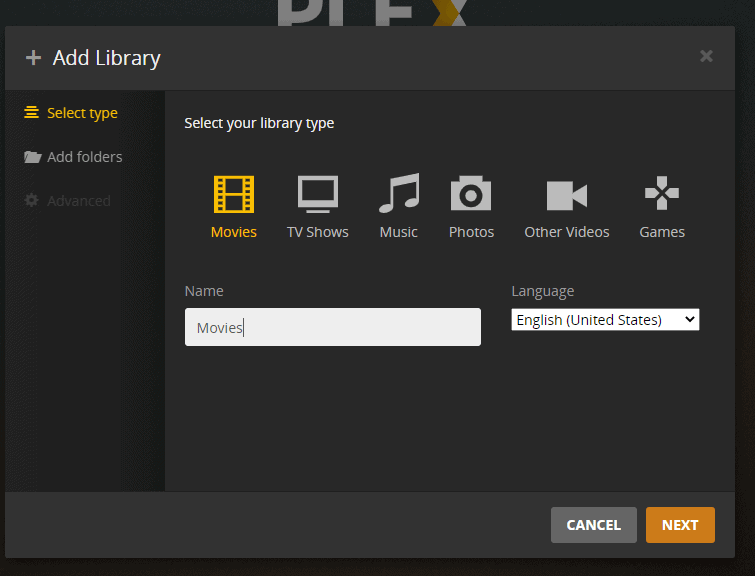
Step 5: Browse and add the movie folder from あなたのSeedbox.
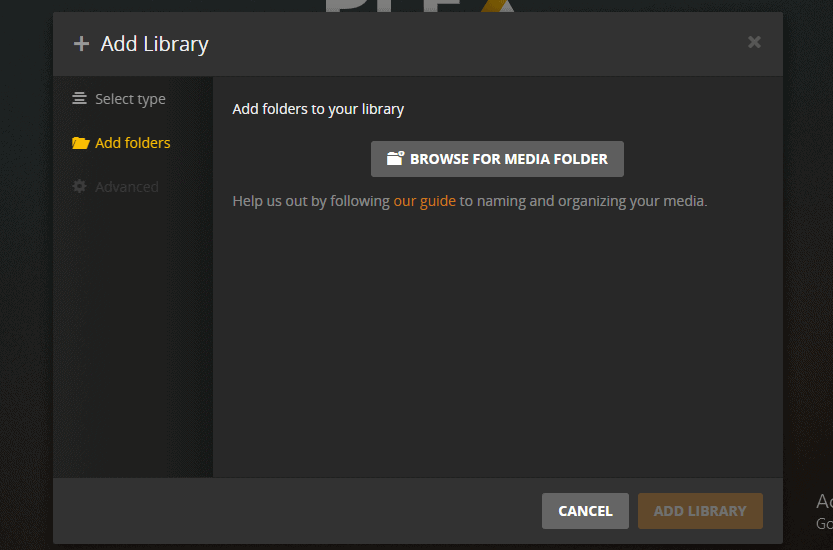
Step 6: Set the path and click on the Add ボタン
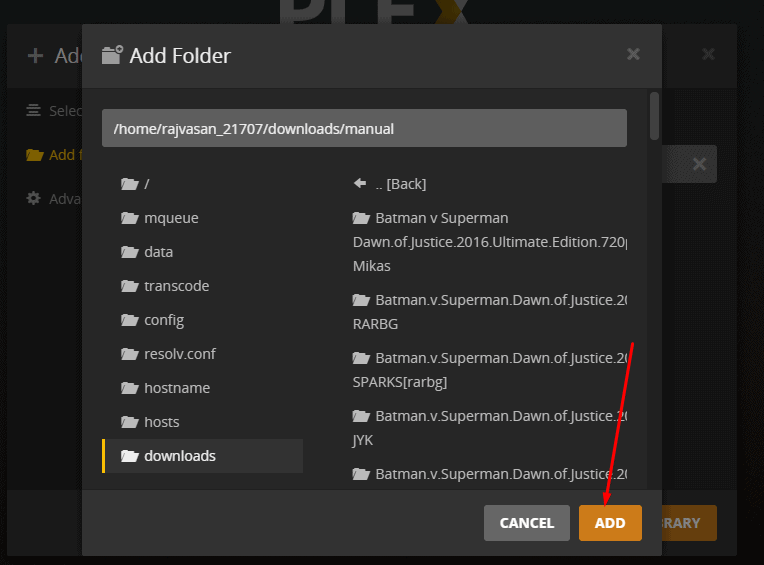
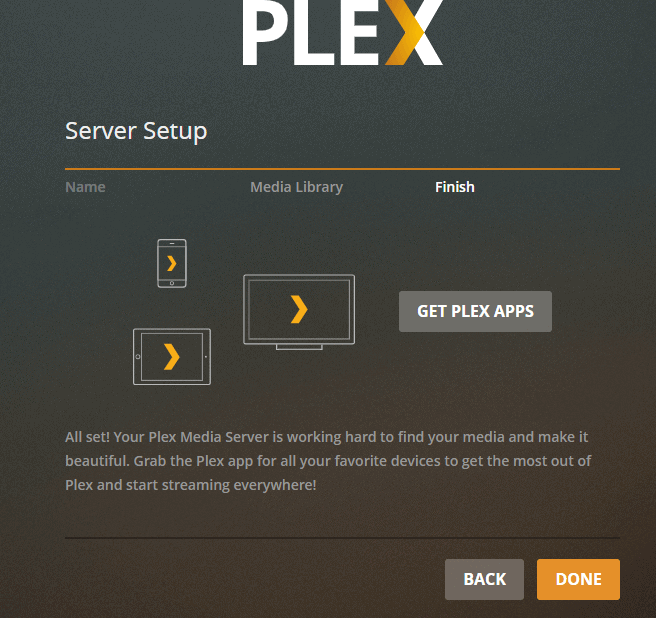
Step 7: クリックしてください: done and your Plex server setup is complete.
Streaming 4K in Plex #
Transcoding 4K media to play on Plex will not be possible as it requires a lot of CPU power. But, できます directly stream 4K media on Plex. To do that, change the settings to stream at original quality.
注意: This will require a high-speed internet connection. Somewhere around 150Mbps.
Plex Scanner Option #
There are two different scanning options given in Plex. One is timed out and detects new media. Choose anyone for optimum results.
関連ガイド #
Direct Play vs Transcoding #
  PLAYBACK MODES
  ═══════════════════════════════════════════════════════

  Direct Play (best)             Transcode (fallback)
  ┌──────────────────────┐      ┌──────────────────────┐
  │ File plays as-is     │      │ Server converts video │
  │ No CPU usage         │      │ Uses CPU heavily      │
  │ Full quality         │      │ May reduce quality    │
  │ Fastest streaming    │      │ Slower start          │
  └──────────────────────┘      └──────────────────────┘

  When does transcoding happen?
  ├── Device can't play format (e.g., HEVC on old TV)
  ├── Subtitles are "burned in" (image-based subs)
  ├── Bandwidth too low for full quality
  └── Client requests lower quality

  ┌──────────────────────────────────────────────────┐
  │  TIP: Use MP4/MKV with H.264 + SRT subtitles    │
  │  for maximum Direct Play compatibility.          │
  └──────────────────────────────────────────────────┘
The Complete Media Stack #
  RECOMMENDED PLEX ECOSYSTEM
  ═══════════════════════════════════════════════════════

  Discovery          Download           Organize          Stream
  ─────────          ────────           ────────          ──────

  Overseerr ───▶ Sonarr (TV) ────▶ Renames & ───▶ Plex
  (requests)     Radarr (Movies)    moves files     (streams)
                 ▲                                  │
                 │                                  ▼
              Prowlarr ◀──────────────────────── Tautulli
              (indexers)                          (analytics)


