Note: OwnCloud has been largely superseded by Nextcloud, which offers the same features with better performance and more active development. We recommend Nextcloud for new installations.
First log insizin EVO account den FTP detail page of your dashboard.
Next, göreceksiniz be greeted by this screen.
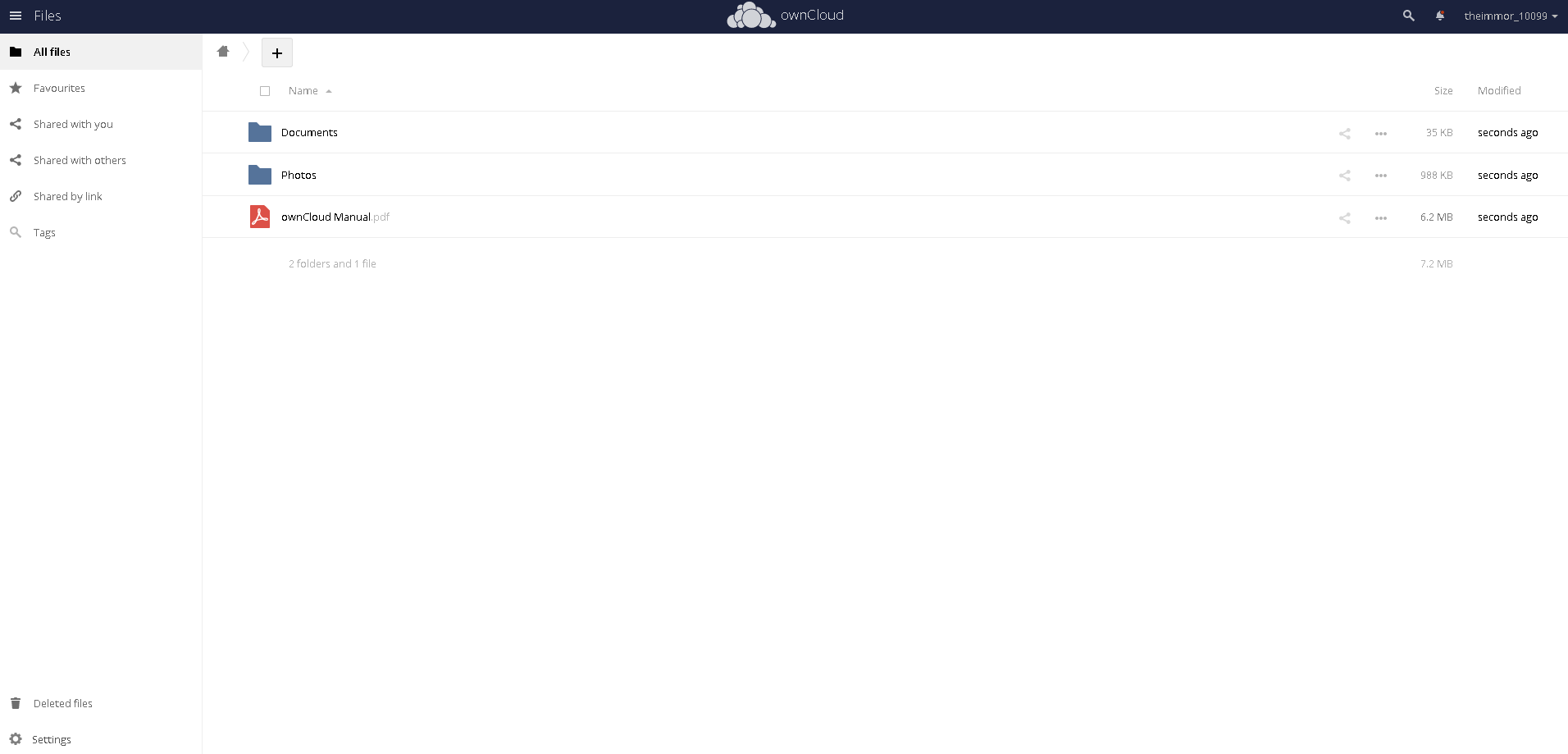
Now lets upload something to get started.
Tıklayın: the "+" sign and select "Yükleyin"
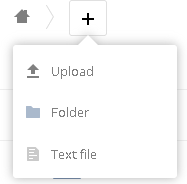
Seçiçinde document and upload it.
Now yapabilirsiniz start to share it. Double click on the line of the upload.

This screen will open.
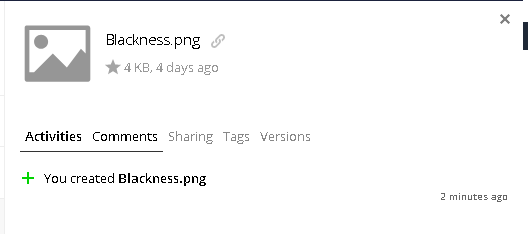
Seçin "Sharing" and then select public links and create public link.
You will see this.
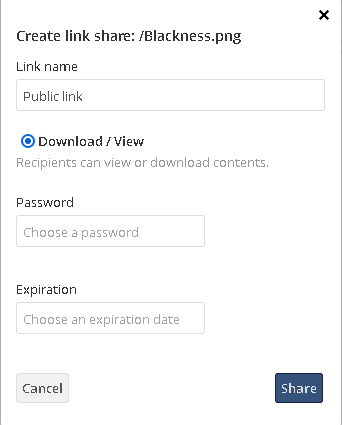
Enter in the information you want to have and click share.
Then You will see the public links change. This will be new.

Click the copy to clipboard and then share that link with your recipient.
When someone clicks your link, they will see this screen.
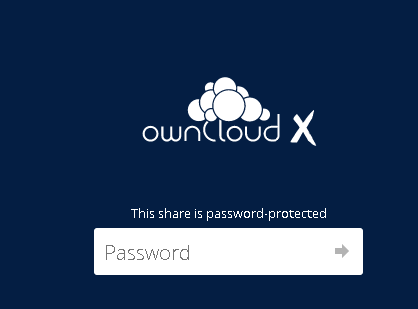
After they enter their şifre, they are done. Your upload will be viewable.


