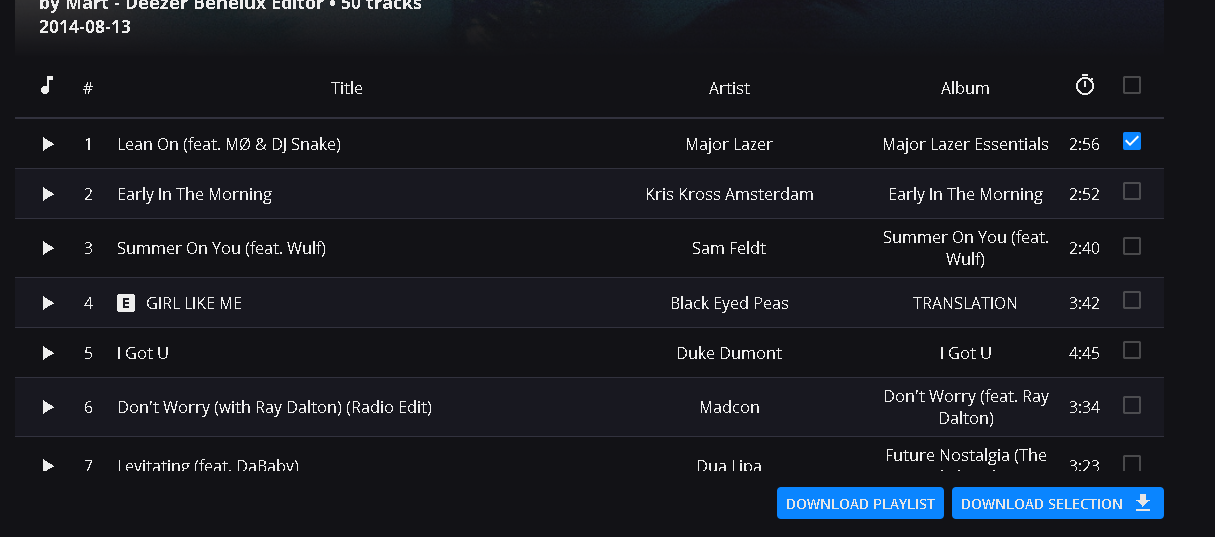
Service Discontinued: Deemix is no longer functional as the underlying service has been shut down. For music streaming from your seedbox, check out Navidrome. For automated music downloads, see Lidarr.
deemix (lowercase) is a barebone deezer downloader library built from the ashes of Deezloader Remix.
According to deezer.com "Deezer is a music streaming app that gives you access to over 73 million tracks worldwide and other audio content like podcasts."
ステップ 1: First lets find deemix from our クライアントエリア and click install.

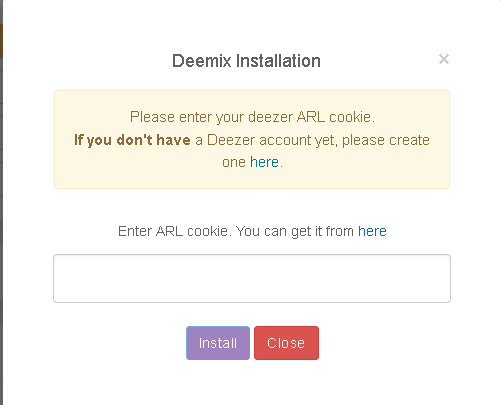
ステップ 2: After deemix installs, 表示されます see this screen. Create a deezer account by clicking the link "here"
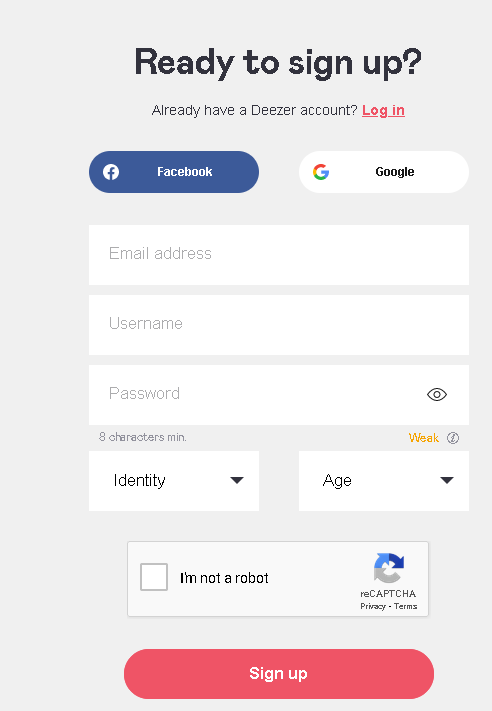
ステップ 3: You will be asked for basic information.
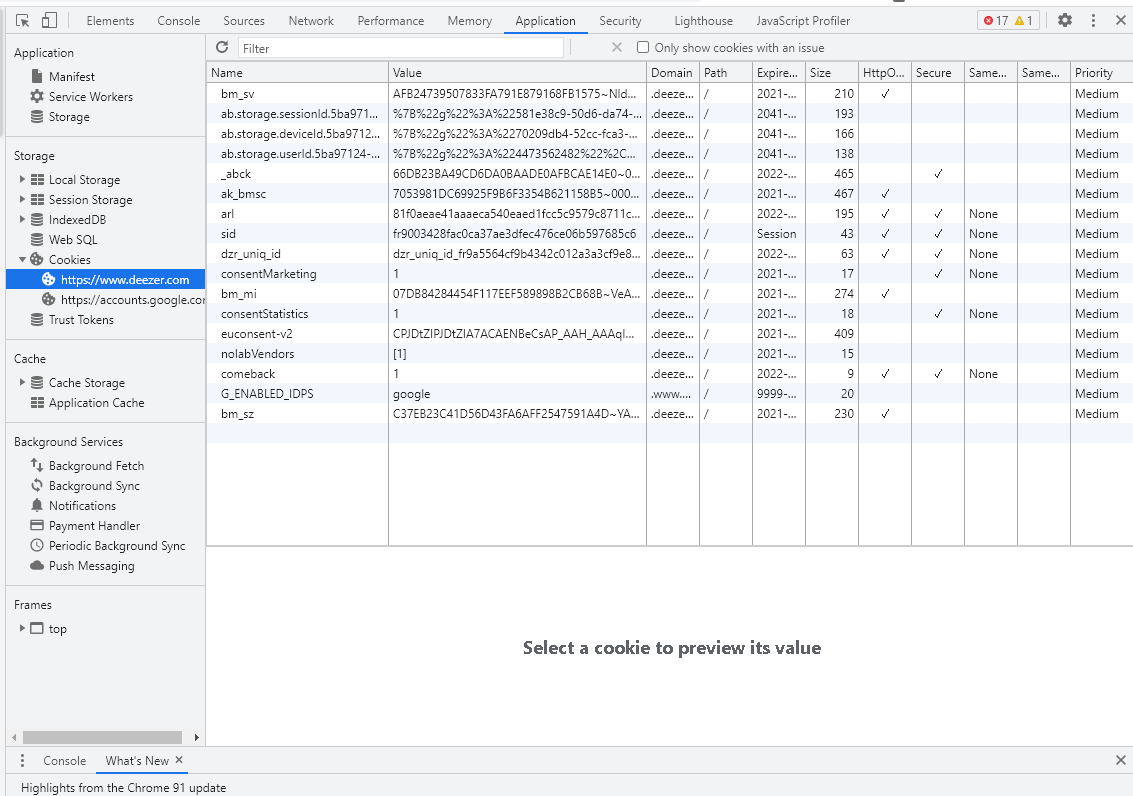
Step 4: Must be done in the chrome browser, if you are following this guide.
After your account is created. Press F12 あなたの keyboard.
navigate to where it say "arl" and copy that string あなたの note pad.
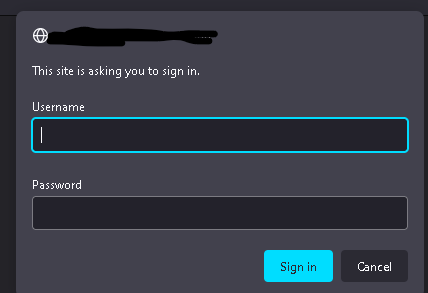
Step 5: Back at your クライアントエリア, launch deemix. You will be asked for your user name and パスワード. use the same user name and パスワード あなたの クライアントエリア.
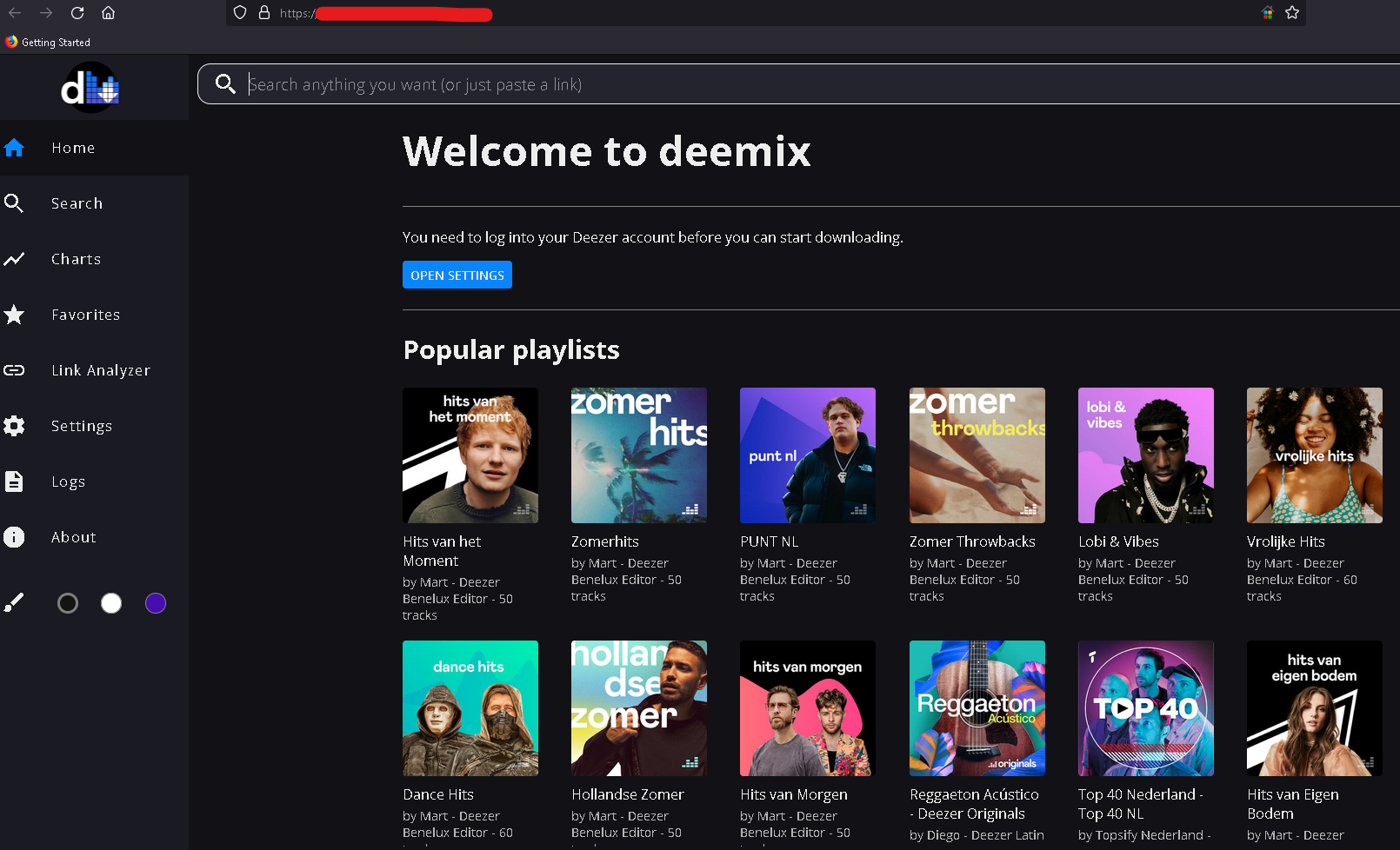
Step 6: Upon successfully ログイン, 表示されます see this screen.
Step 7: 移動: the settings tab, and where it says log in, paste your ARL code from the note pad and select update ARL.
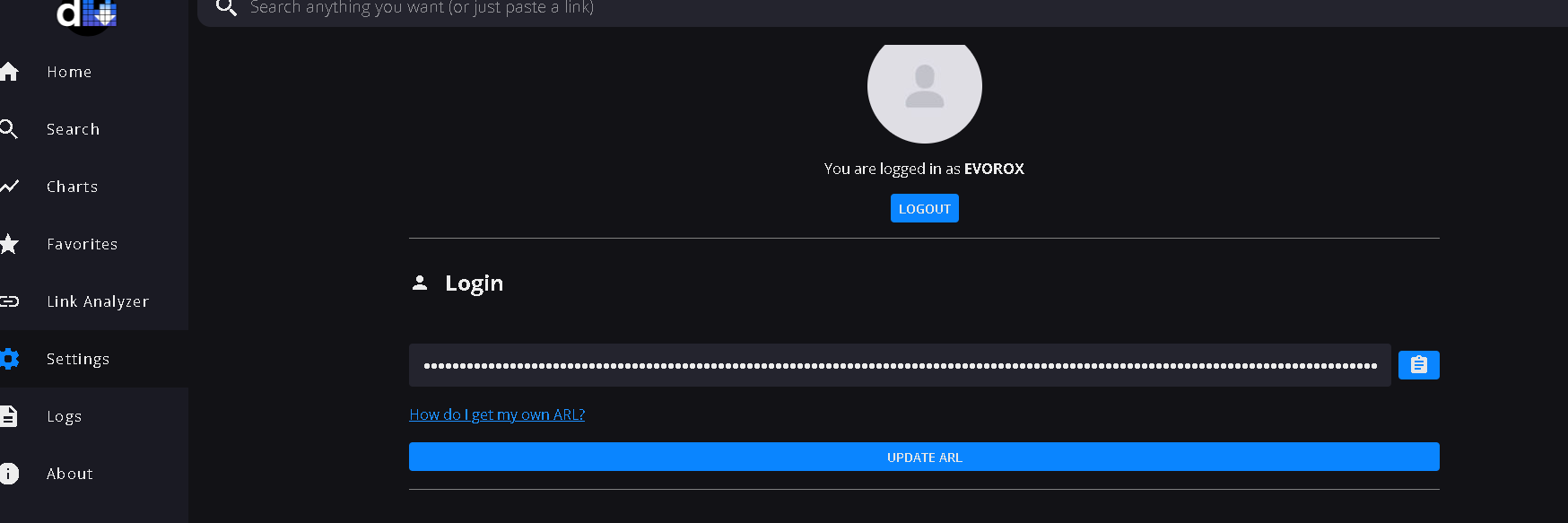
Step 8: You are done. Navigate to an arist you like and download their music. The downloaded files are saved to home/user name/downloads/music/