What is Pyload?
Pyload is a light build and fully featured download manager which supports many of the one-click-hoster, container formats, and video sites and também plain ftp/http links.
Como use Pyload?
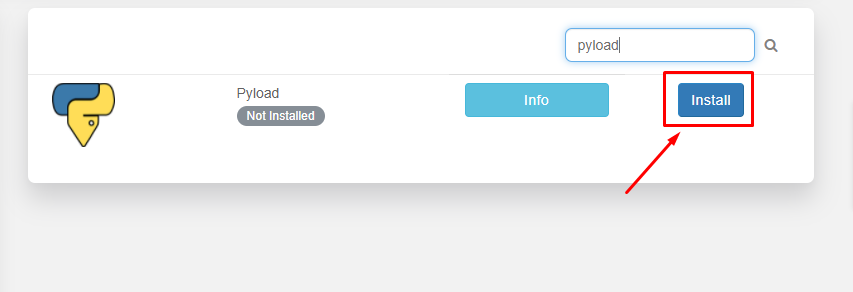
The first step is to install o aplicativo do área do cliente.
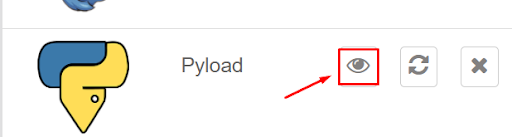
After the installation is complete, open o aplicativo do installed apps section as mostrado abaixo.
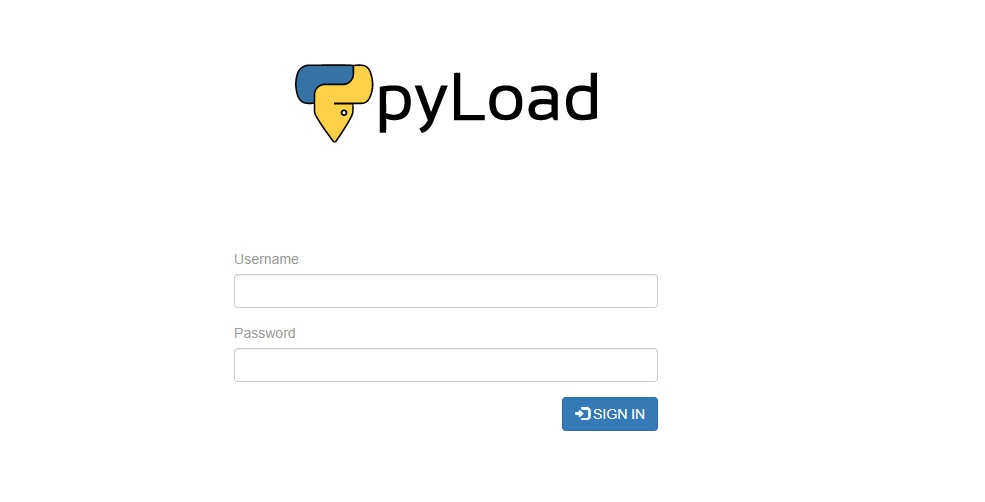
Pyload interface web will open in the new tab and você será prompted to provide nome de usuário and senha for fazendo login. Please use the login credenciais provided in the FTP details for fazendo login.
Após o sucesso login você vai see an interface like this:
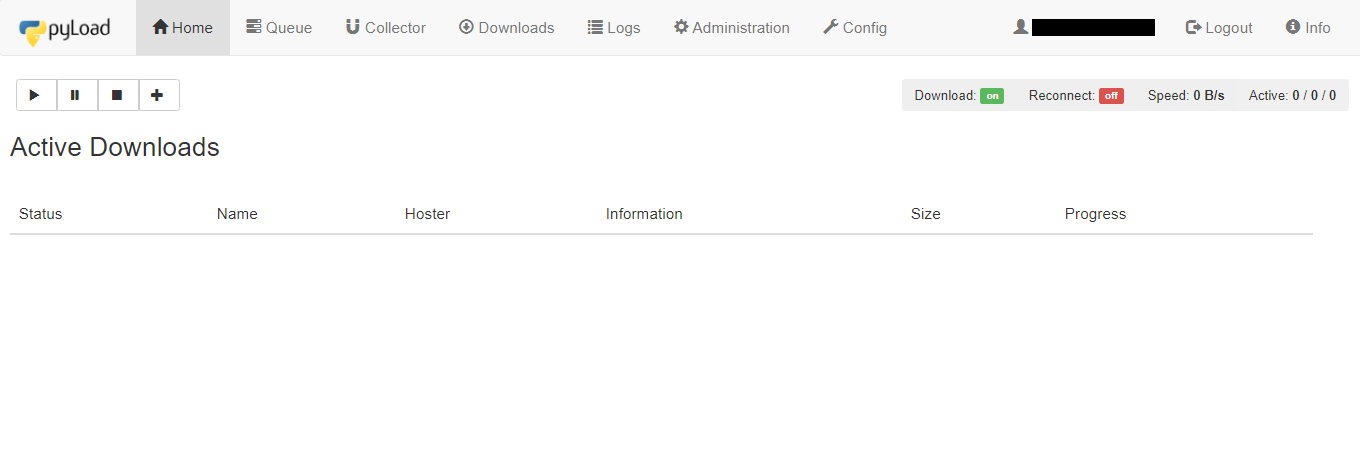
Let’s look at the disponível tabs in o aplicativo:
- Home tab: It fornece details about the current active downloads in progress
- Queue: It lists the files which are currently in the queue for download.
- Collector: It allows you to add packages(files) for downloading which can be moved to queue for downloading after the current download of files in the queue is completed.
- Baixars: It fornece the Pyload download history of sua seedbox.
- Logs: It fornece the seedbox log details.
- Administration: Você pode manage admin rights from here. add new user, edit senha.
- Config: Se você wish to change the settings and configuration of the pyload.Você pode work around here.
Now let’s try downloading a file using an HTTPS link. Copy the link of the file you quer download and open the Home tab.
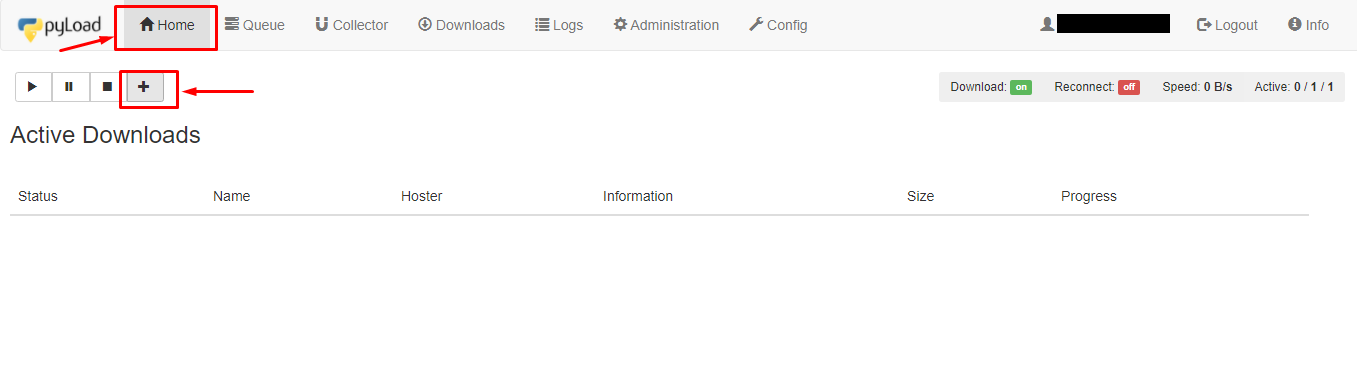
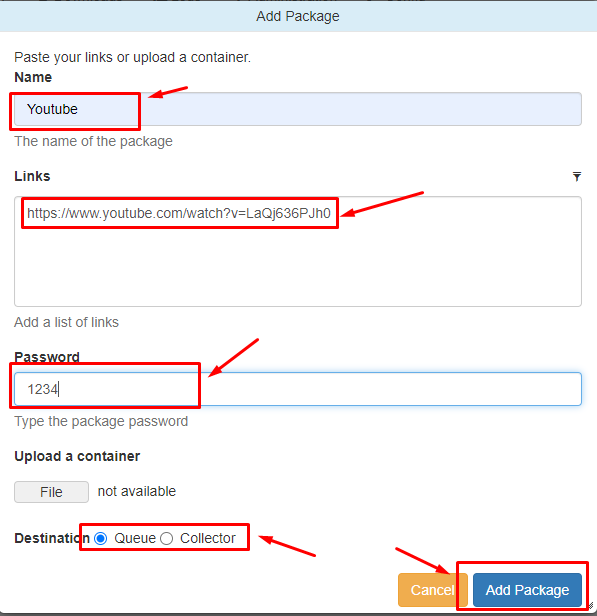
Clique em the ‘+’ botão to add a package. A new window will open where you tem que add the name of the package. In the link section add links para o files you quer download and você pode também set a senha. In the destination section, você pode choose either Queue or Collector. Clique em the ‘Add package’ botão to start downloading.
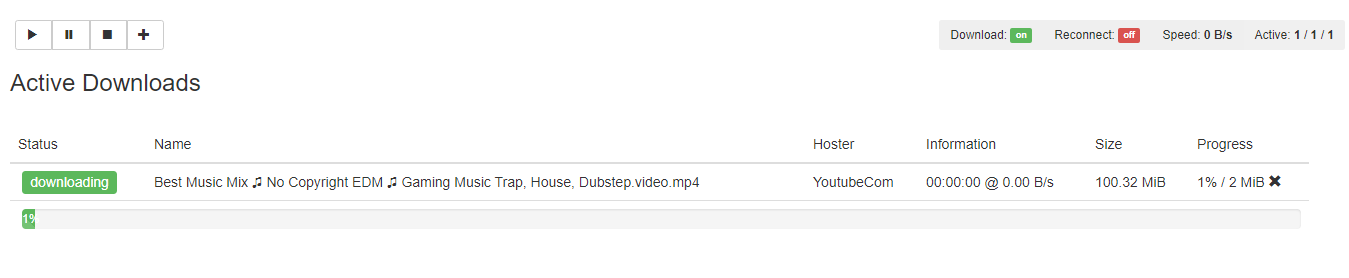
Você pode check the progress in the home section.
After the download is complete você pode check the files sing the gerenciador de arquivos.