란 무엇인가 Pyload 및 방법 Use It
On this page ▾
What is Pyload?
Pyload is a light build and fully featured download manager which supports many of the one-click-hoster, container formats, and video sites and 또한 plain ftp/http links.
방법: use Pyload?
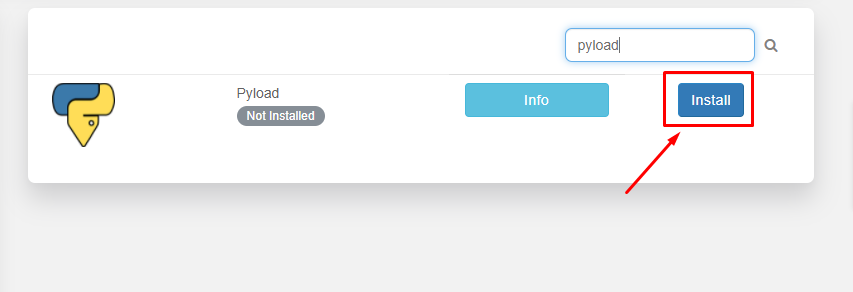
The first step is to install 앱 from the 클라이언트 영역.
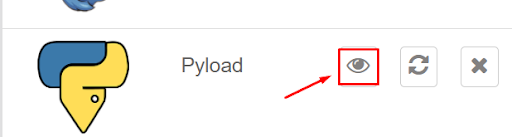
After the installation is complete, open 앱 from the installed apps section as 아래에 표시.
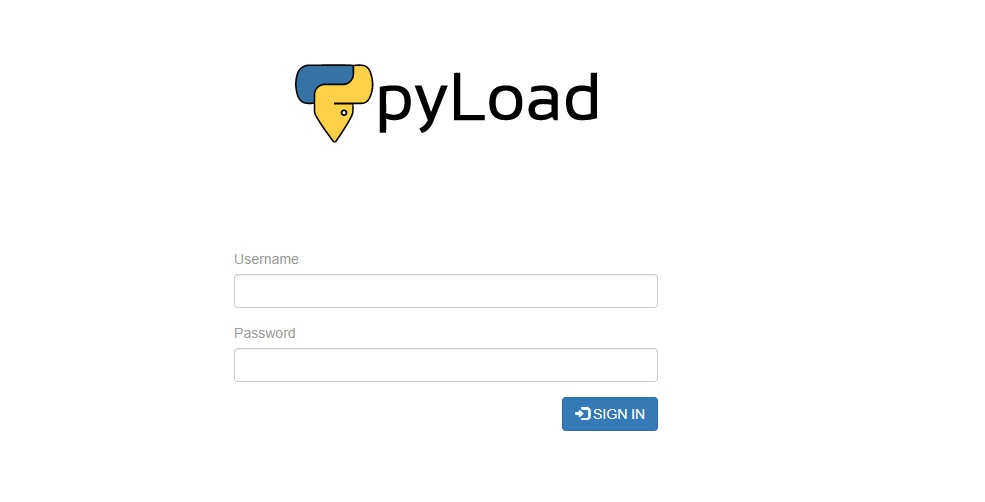
Pyload 웹 인터페이스 will open in the new tab and 보게 될 것입니다 be prompted to provide 사용자 이름 and 비밀번호 for 로그인 후. Please use the login 자격 증명 provided in the FTP details for 로그인 후.
성공적인 login 보게 될 것입니다 see an interface like this:
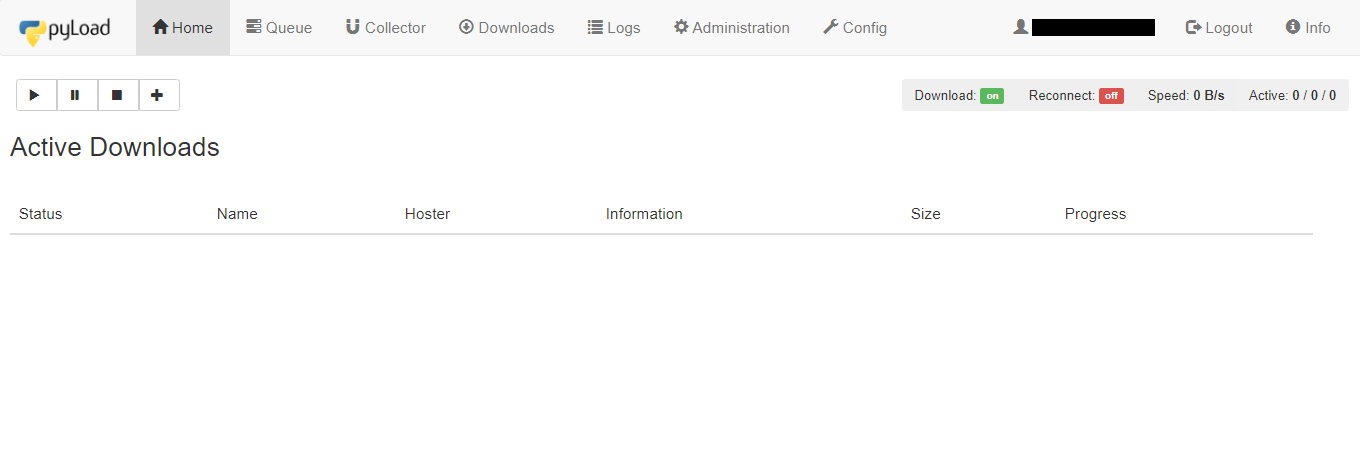
Let’s look at the 사용 가능 tabs in 앱:
- Home tab: It 제공합니다 details about the current active downloads in progress
- Queue: It lists the files which are currently in the queue for download.
- Collector: It allows you to add packages(files) for downloading which can be moved to queue for downloading after the current download of files in the queue is completed.
- 다운로드s: It 제공합니다 the Pyload download history of 당신의 Seedbox.
- Logs: It 제공합니다 the seedbox log details.
- Administration: You can manage admin rights from here. add new user, edit 비밀번호.
- Config: 만약 wish to change the settings and configuration of the pyload.You can work around here.
Now let’s try downloading a file using an HTTPS link. Copy the link of the file you want to download and open the Home tab.
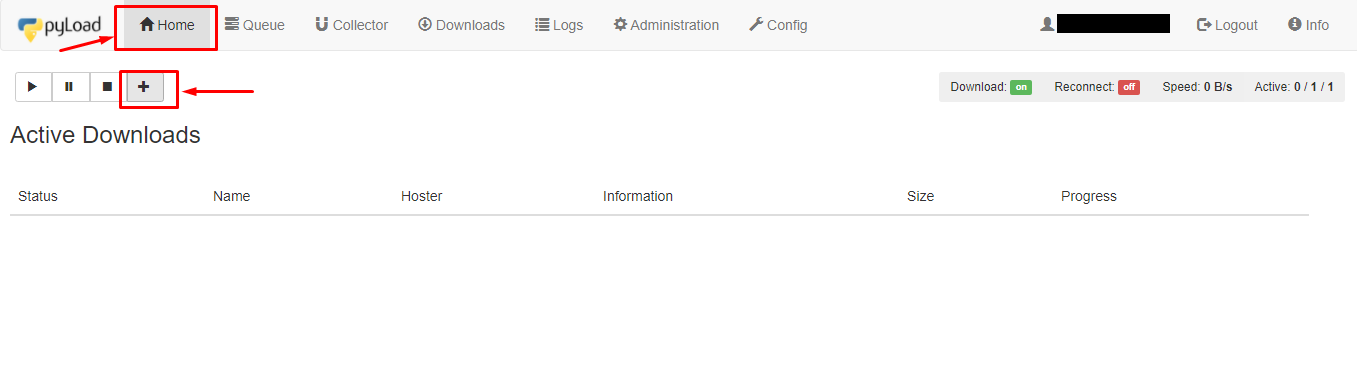
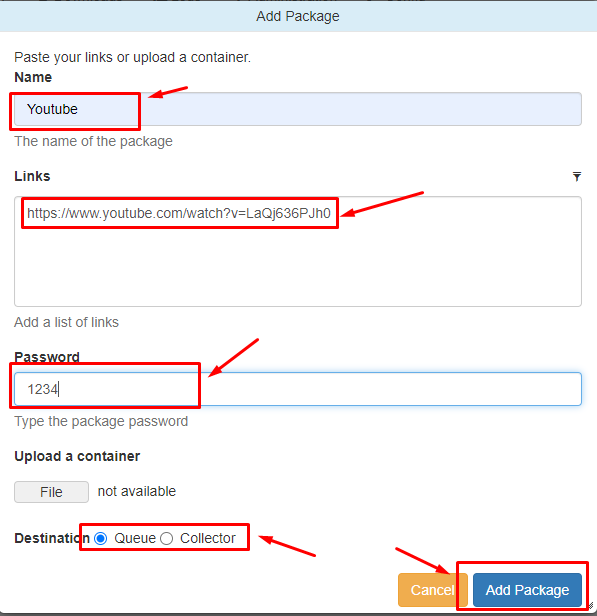
클릭하세요: the ‘+’ 버튼 to add a package. A new window will open where you 해야 합니다 add the name of the package. In the link section add links to the files you want to download and 할 수 있습니다 또한 set a 비밀번호. In the destination section, 할 수 있습니다 choose either Queue or Collector. 클릭하세요: the ‘Add package’ 버튼 to start downloading.
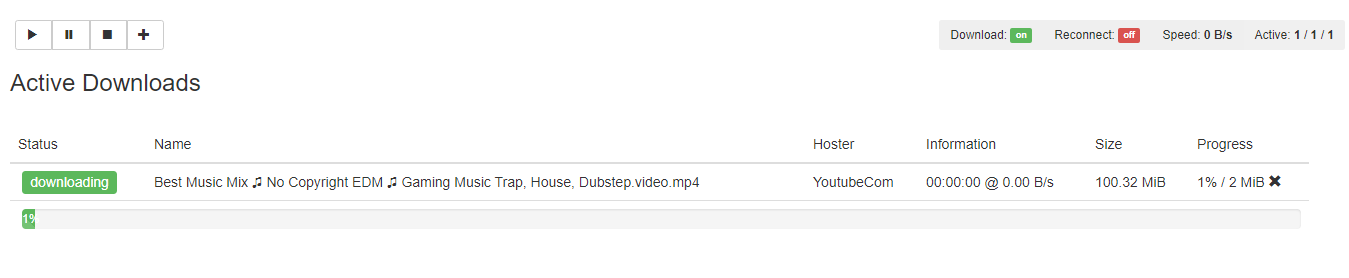
You can check the progress in the home section.
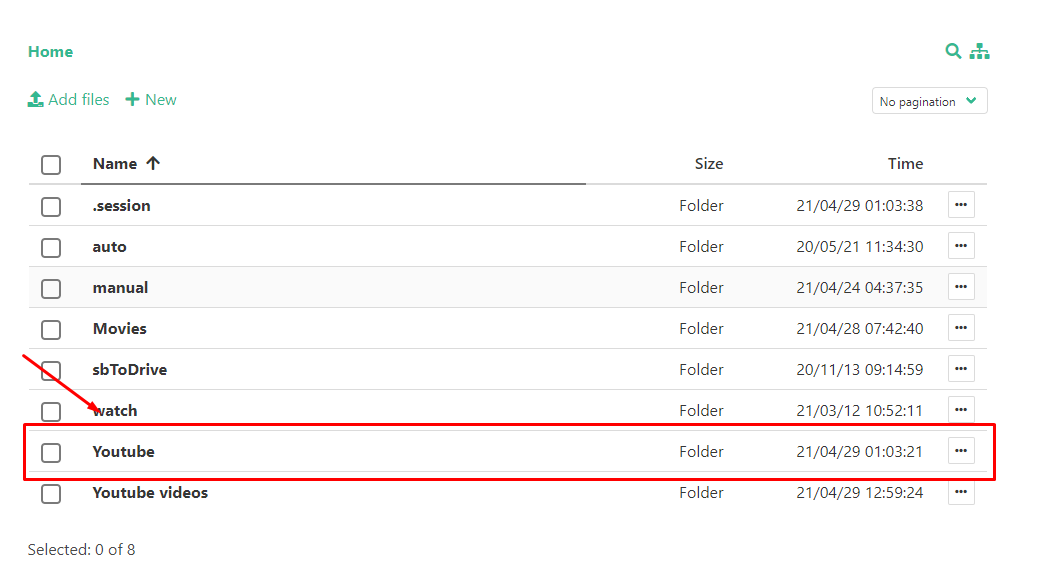
After the download is complete 할 수 있습니다 check the files sing the 파일 관리자.
Put this into practice
EvoSeedbox ships with one-click app installs and up to 10 Gbps per box.


