Comment Change Your ruTorrent Client Password
On this page ▾
By going through this guide you’ll be able to reset your ruclient torrent mot de passe. It is a very simple one-click-based procedure. Let’s get started:
1. Log-in into your account and open votre seedbox dashboard:
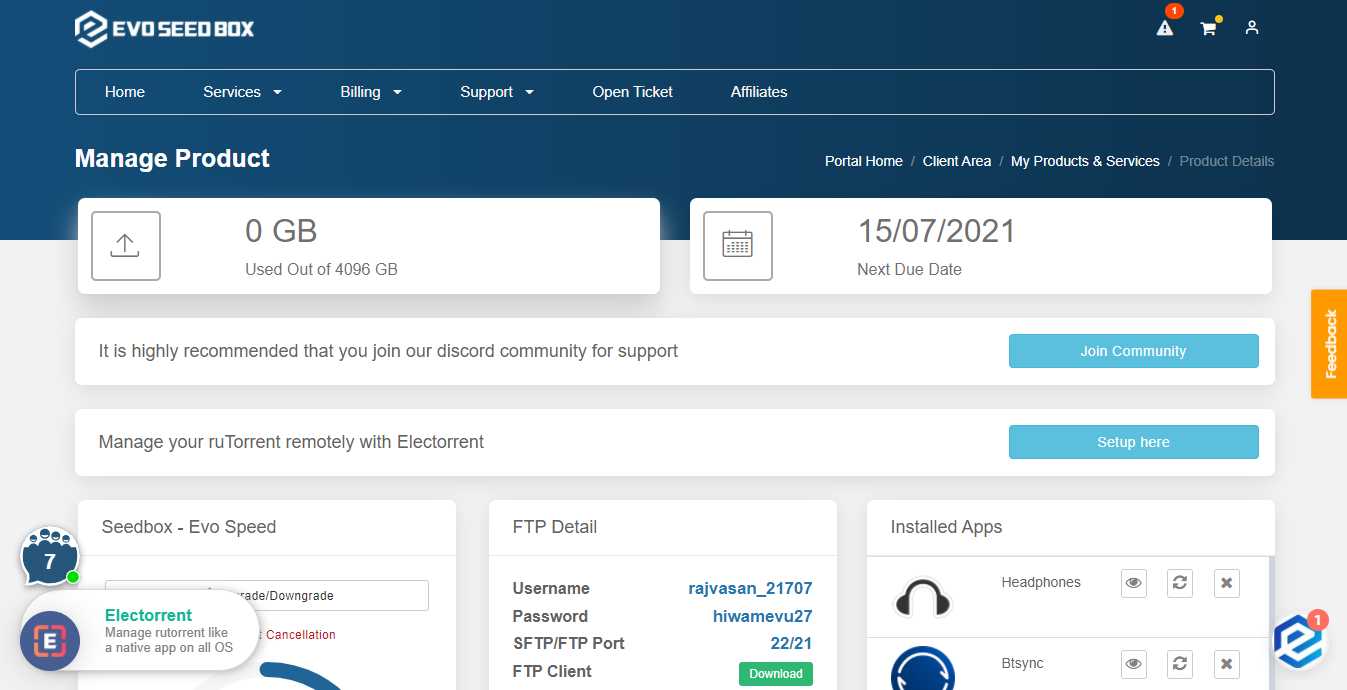
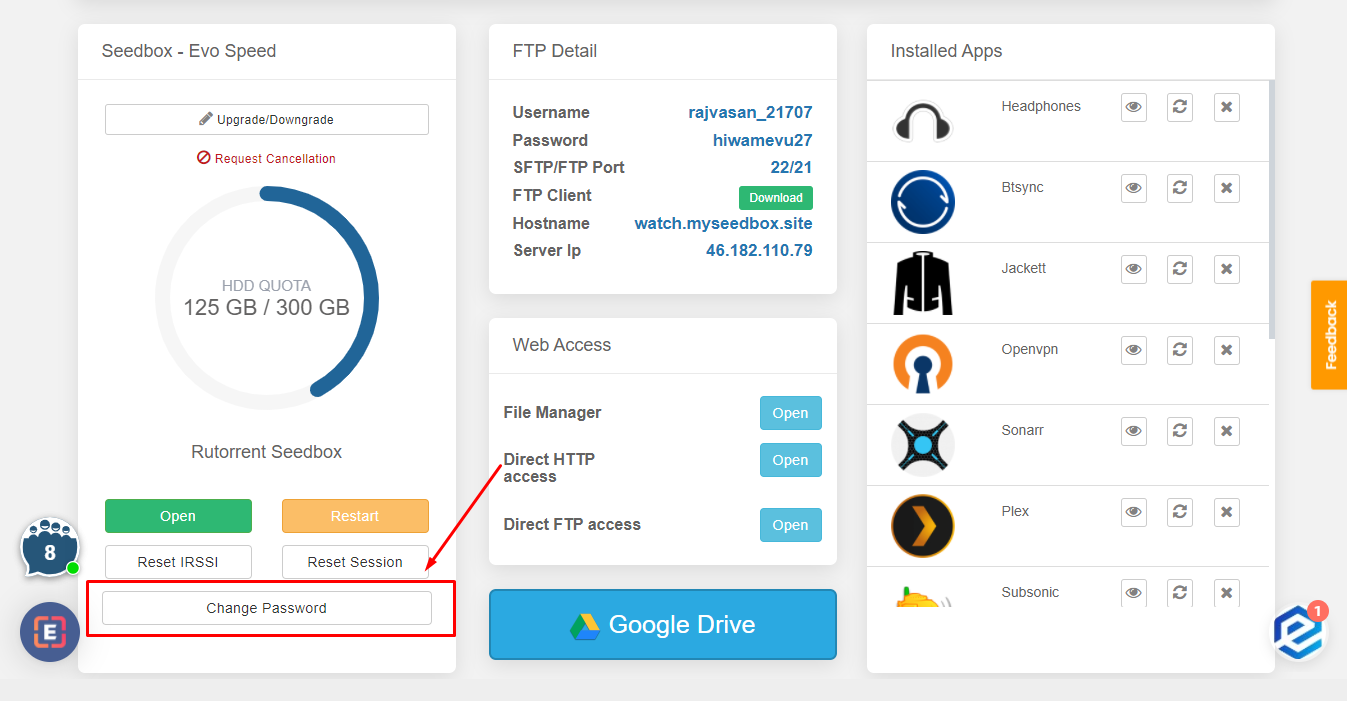
2. Scroll-down to the rutorrent Seedbox section and cliquez sur the Change Mot de passe Button:
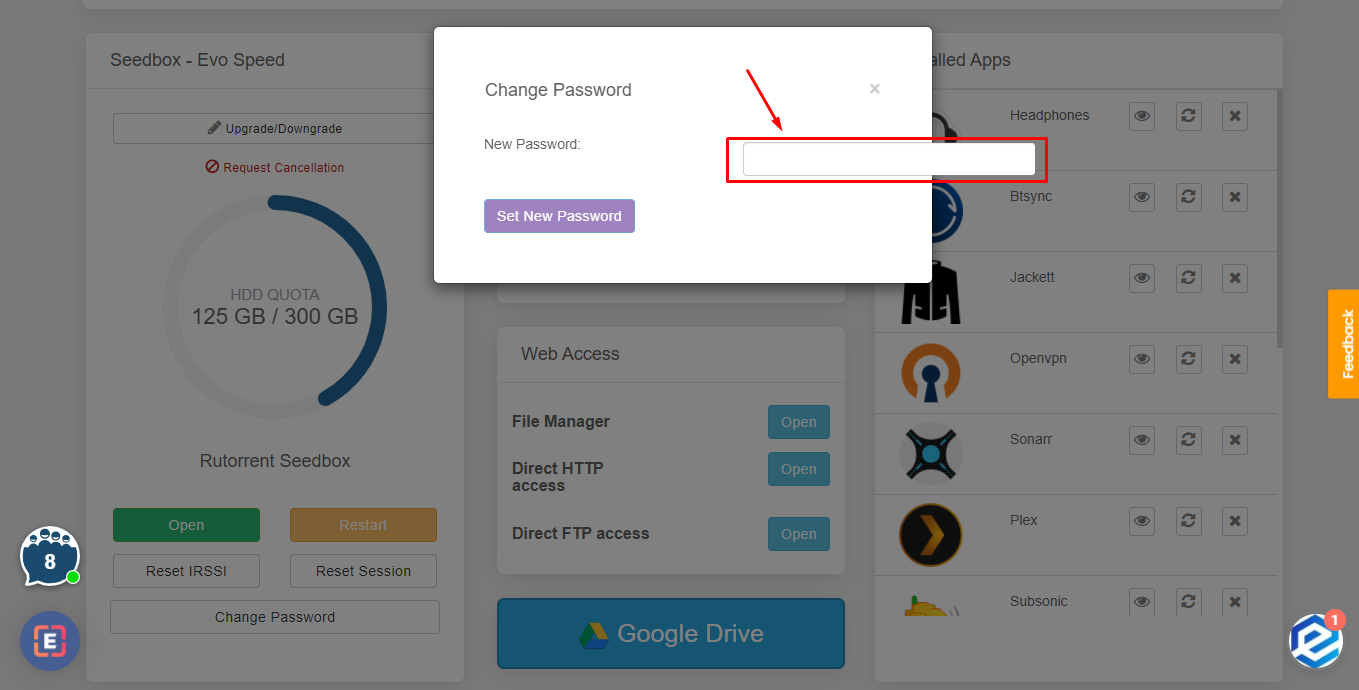
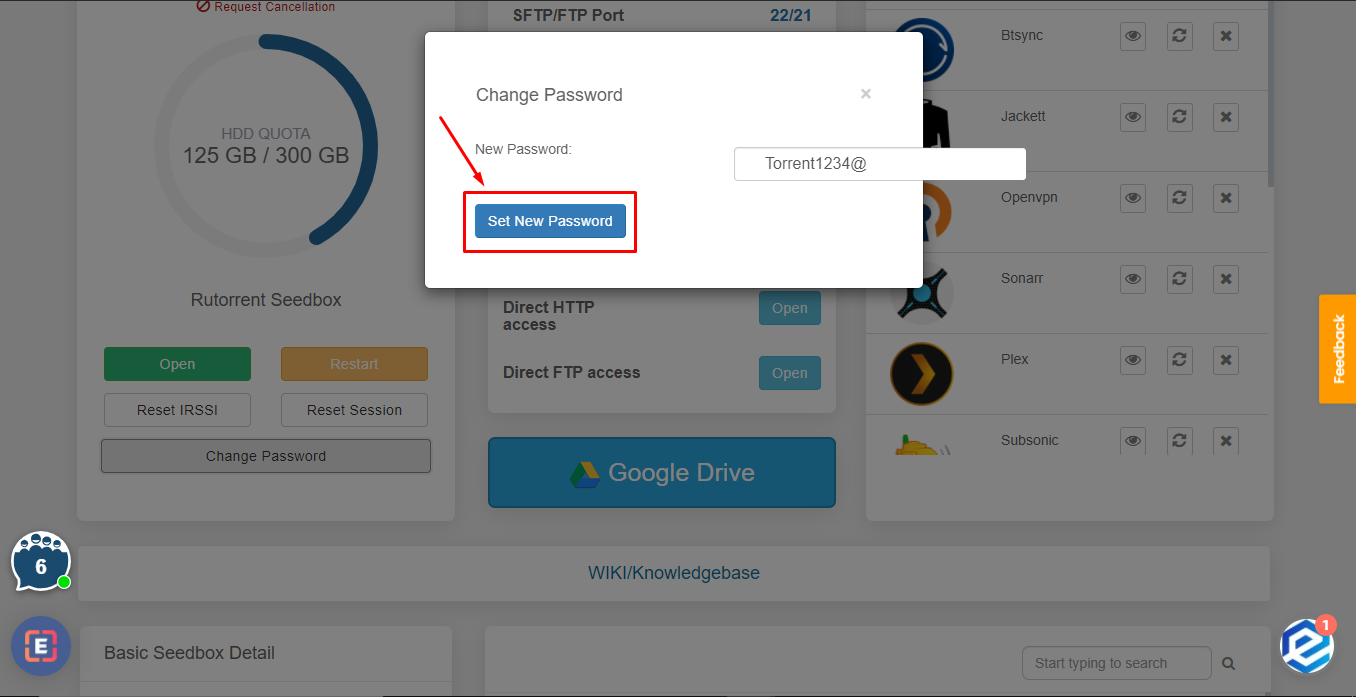
3. Type in the new mot de passe and press ‘Set New mot de passe’ button.
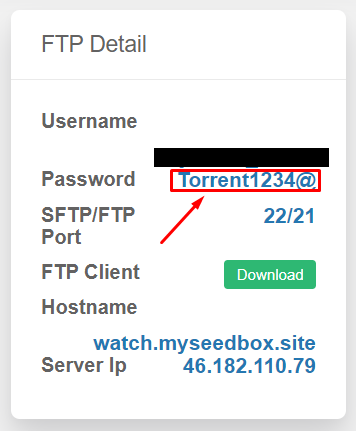
4. Vous pouvez see the new mot de passe in the FTP detail.
Réinitialiser Your ruTorrent Mot de passe
Vous pouvez change votre seedbox mot de passe (used for ruTorrent, FTP, and all installed apps) directly from your dashboard. This is a one-click process.
Steps
- Se connecter to the espace client and open votre seedbox dashboard
- Scroll down to the ruTorrent Seedbox section
- Click the Change Mot de passe button
- A new mot de passe is generated automatically
- Copier the new mot de passe immediately using the copy button
Important: Mettre à jour Your FTP Client
Après changing your mot de passe, you must update it in:
- FileZilla or any FTP client you use
- Sonarr/Radarr download client settings (if configured)
- Browser extension (Chrome Remote Torrent Adder or Firefox Torrent Control)
- Mobile apps (Transdrone, NZB360)
The ruTorrent quick-launch button in your dashboard automatically uses the new mot de passe.
Put this into practice
EvoSeedbox ships with one-click app installs and up to 10 Gbps per box.


