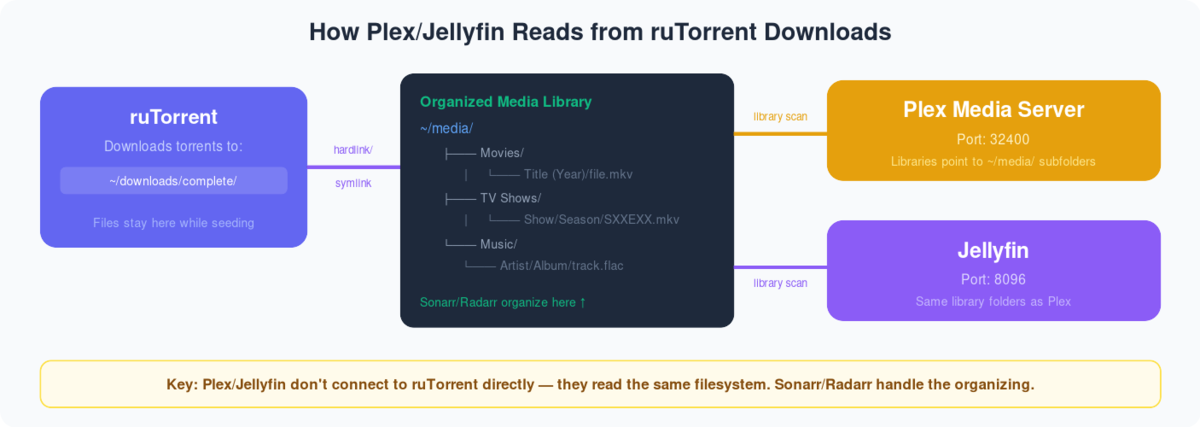
What is Emby?
Emby is a media server developed to organize, play, and stream audio and video файлы на a variety of devices.To use Emby on вашим seedbox , you нужно first create an Emby account. Если вы already have an account then вы можете use those учетные данные for using Emby.
Steps to follow for installing Emby на вашем seed box. #
- Login в вашем clien area.
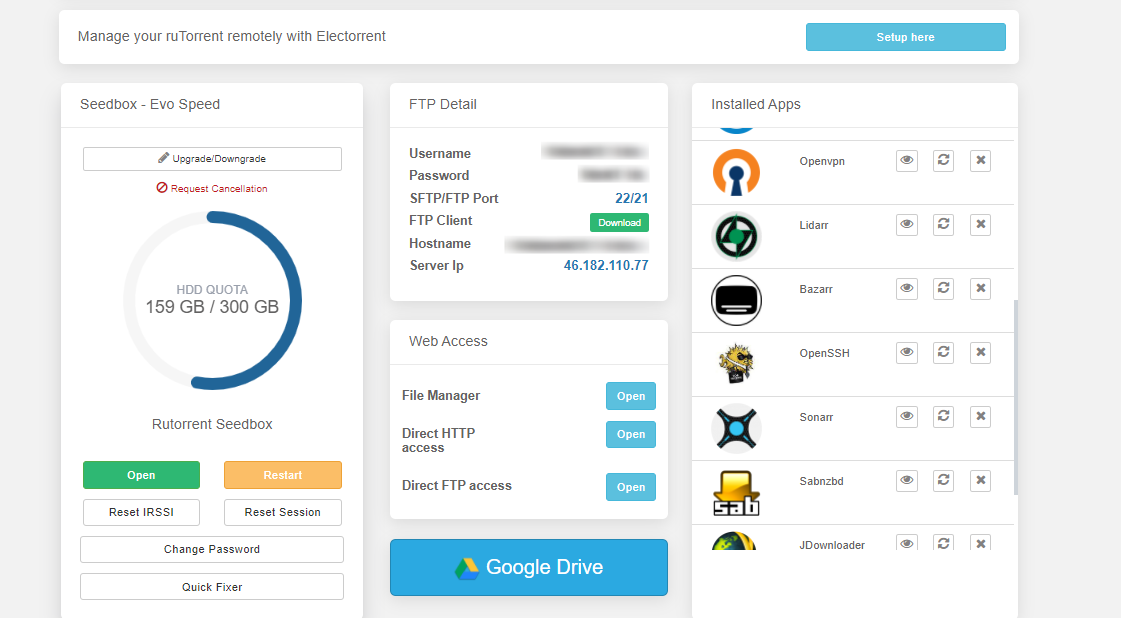
2. Поиск for emby in приложениеs section and click on the install кнопка as показано ниже.
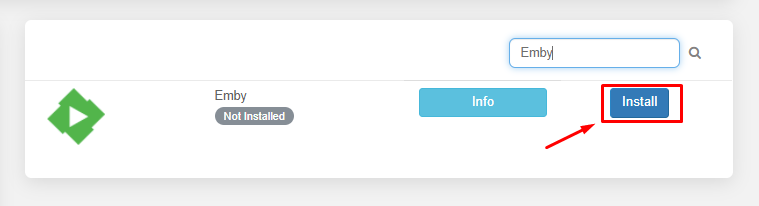
3. Once the installation is complete click on the eye buton to open приложениеs.

When you open приложение for the first time you нужно setup приложениеlication. Now let’s see how to setup emby for the first time and add media libraries.
#
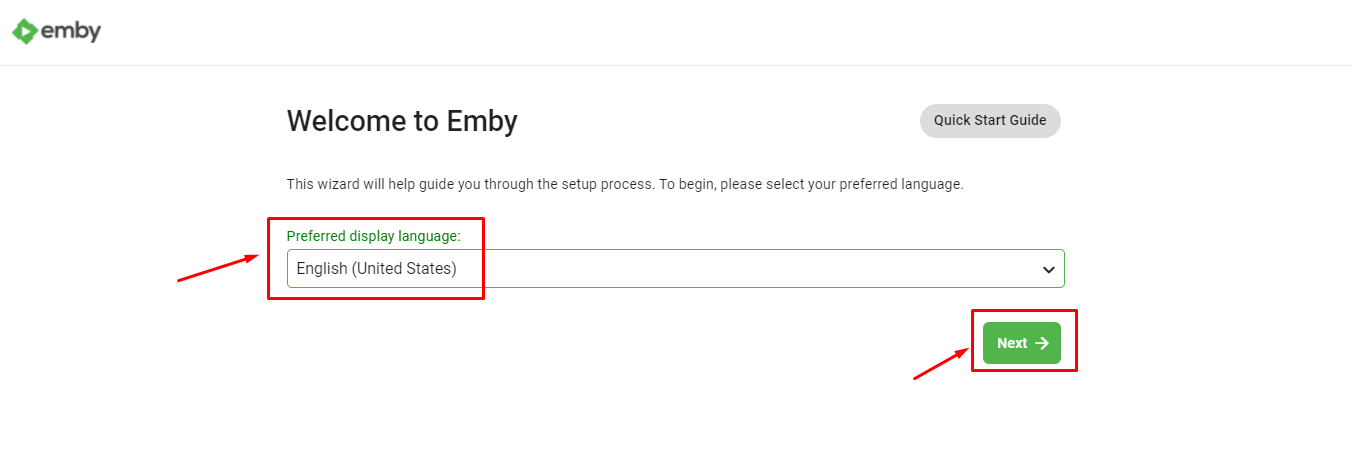
1. First you нужно select the language you want emby to function with and click on next кнопка.
2. Now you нужно create user profiles for the each of the individual user that you would be sharing your emby account. Вы можете также create пароль for the authentication.
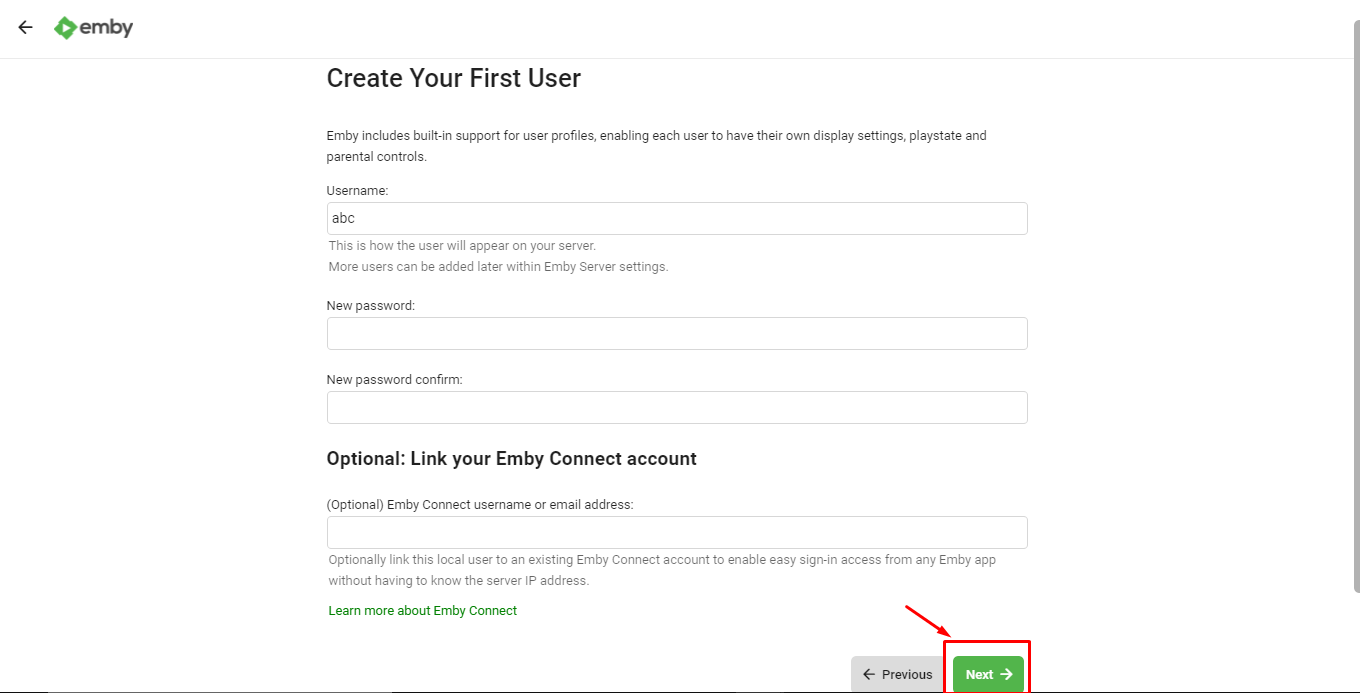
Нажмите на the ‘Next’ кнопка once user profiles are created.
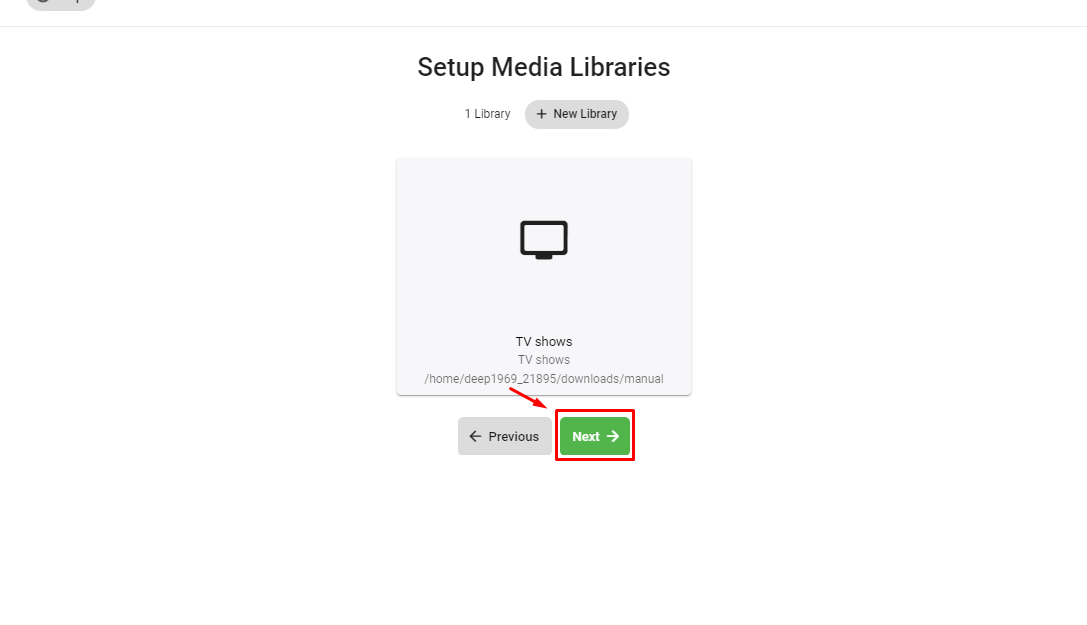
3. Now let’s add media libraries to our Emby server. Нажмите на the ‘+ New Library’ кнопка to add new library.

4. Выберите the content type and display name and browse folder by clicking on the ‘Folders’ кнопка.
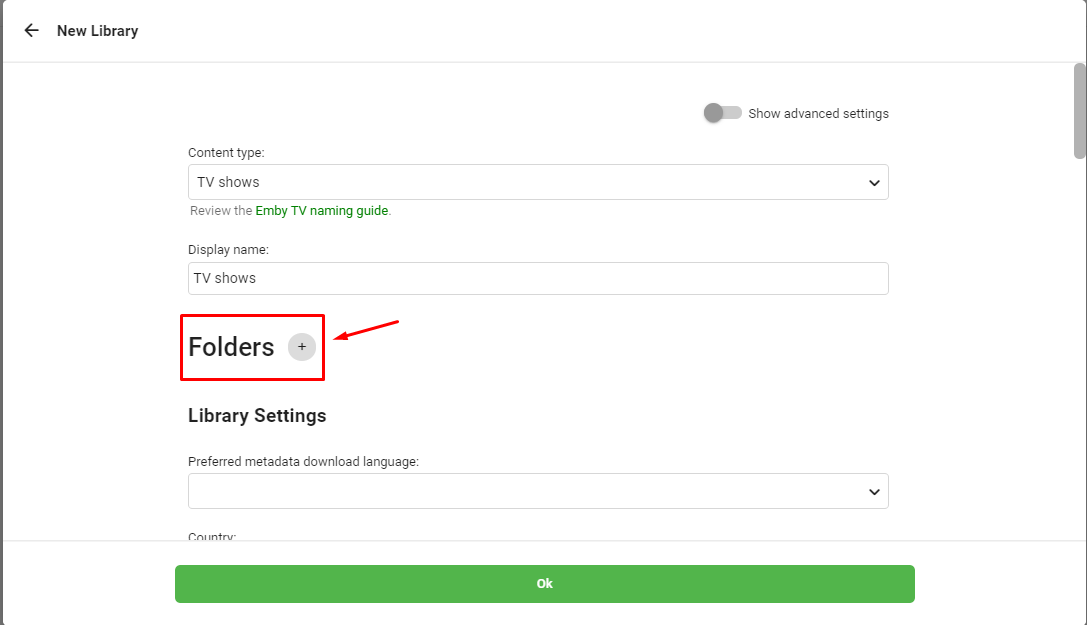
Folder path should be like ‘/home/имя пользователя/downloads/manual.
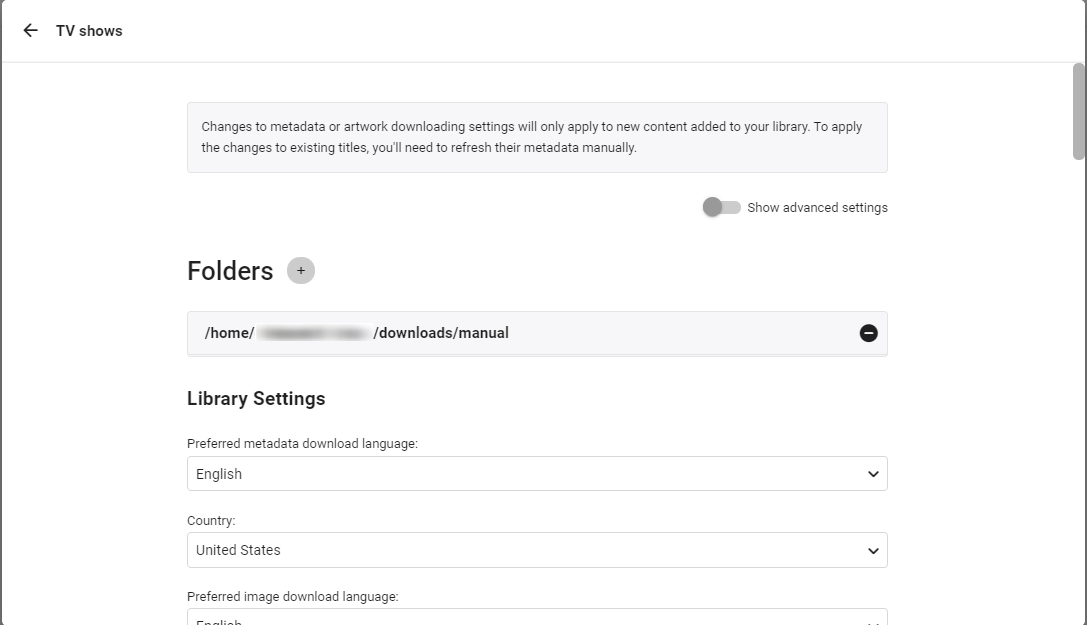
5. In the library settings вы можете select the source from where you хотите download meta data , episode image thumbnails , and subtitle downloaders.
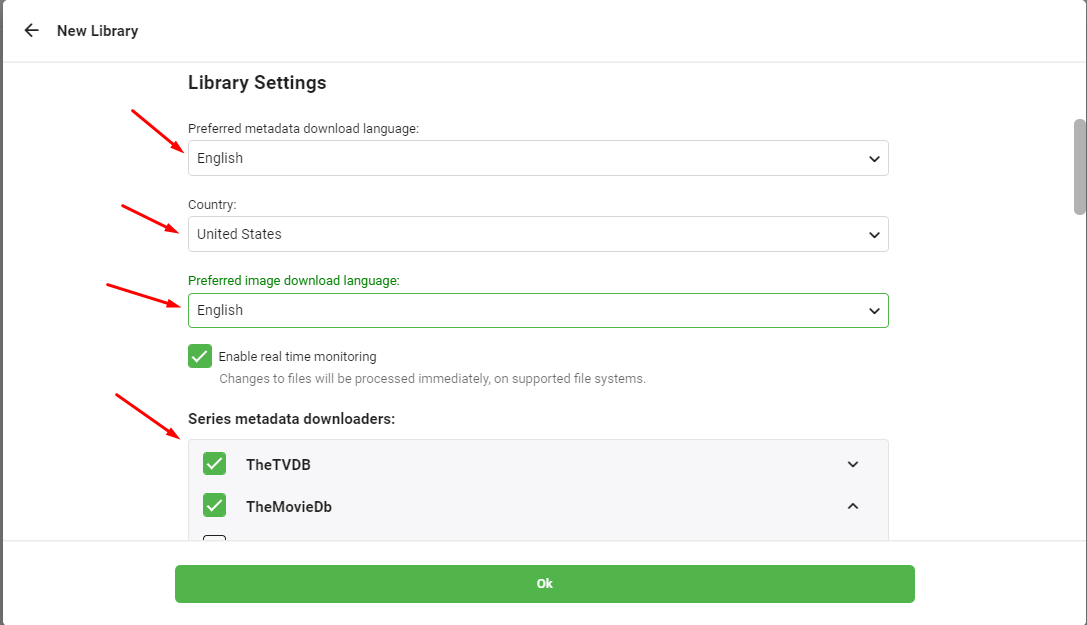
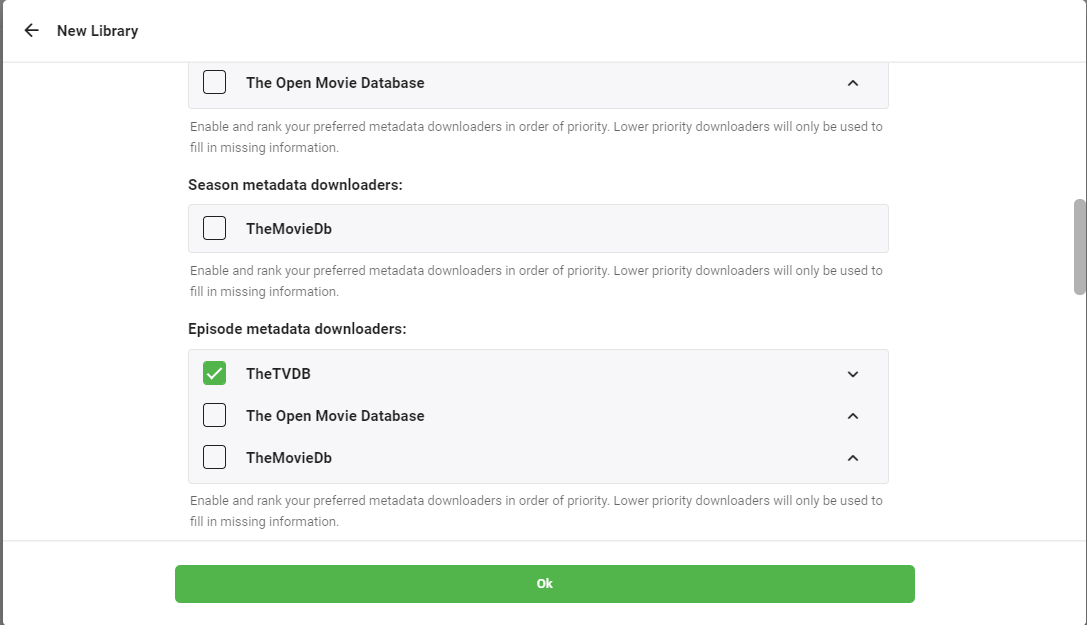
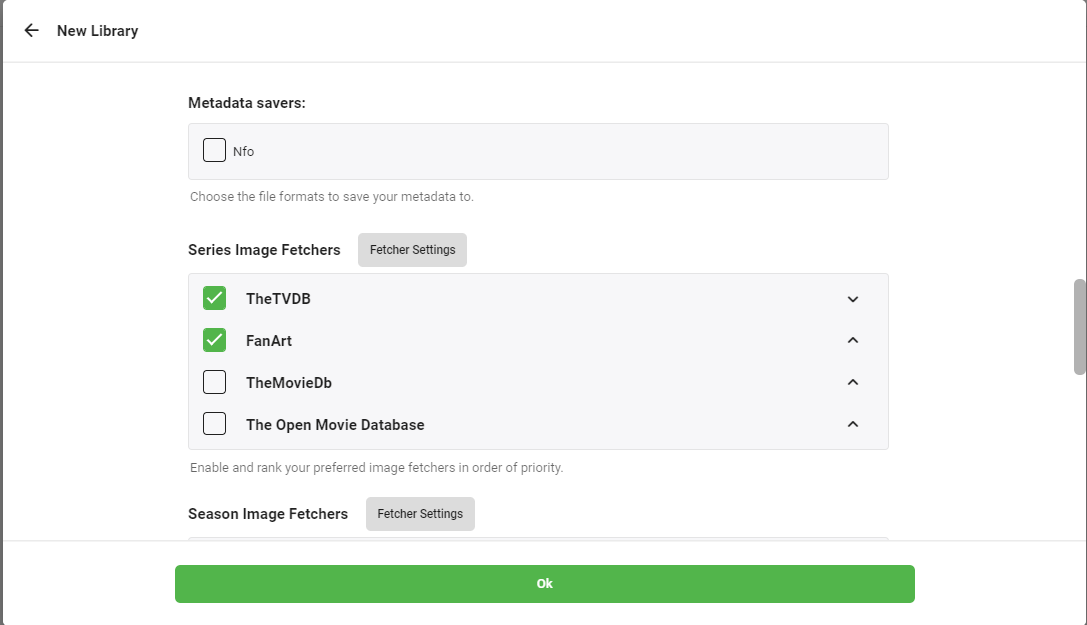
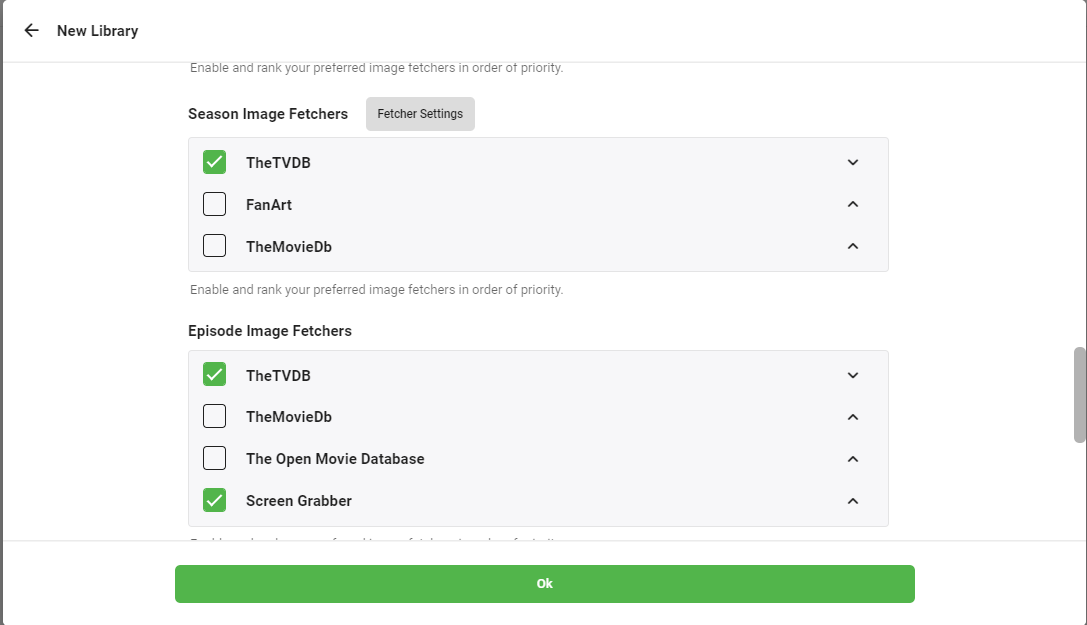
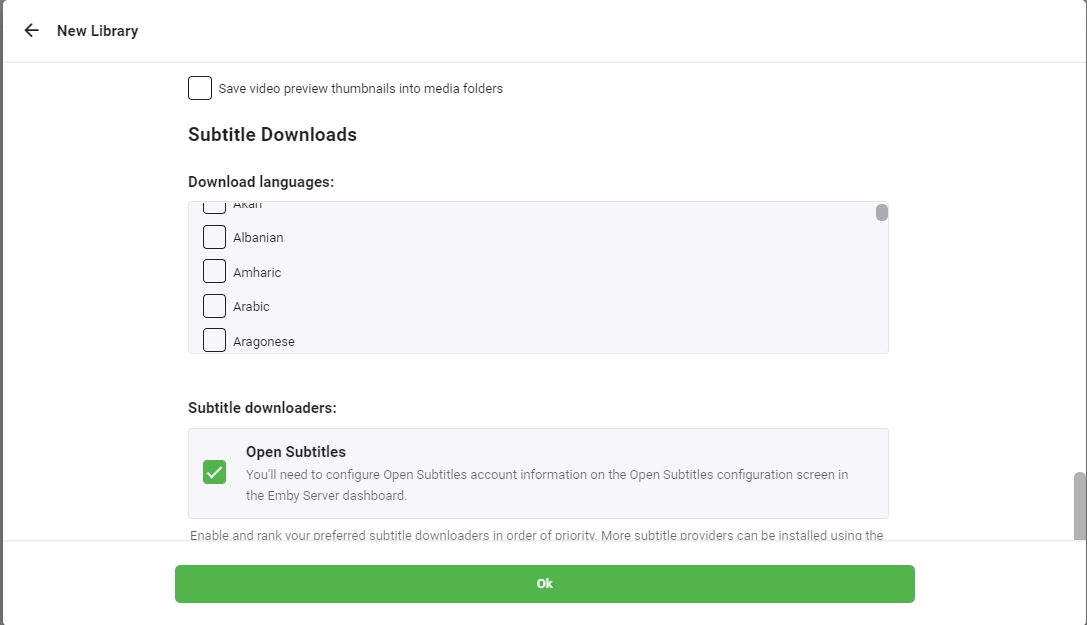
6. Press ‘OK’ кнопка. Вы будете be asked for multiple confirmations ,press next on subsequent screens and click on finish to complete процесс.