Calibre Руководство по установке
On this page ▾
Following are the step-by-step instructions to setup the calibre:
- Установить calibre с вашего личный кабинет dashboard
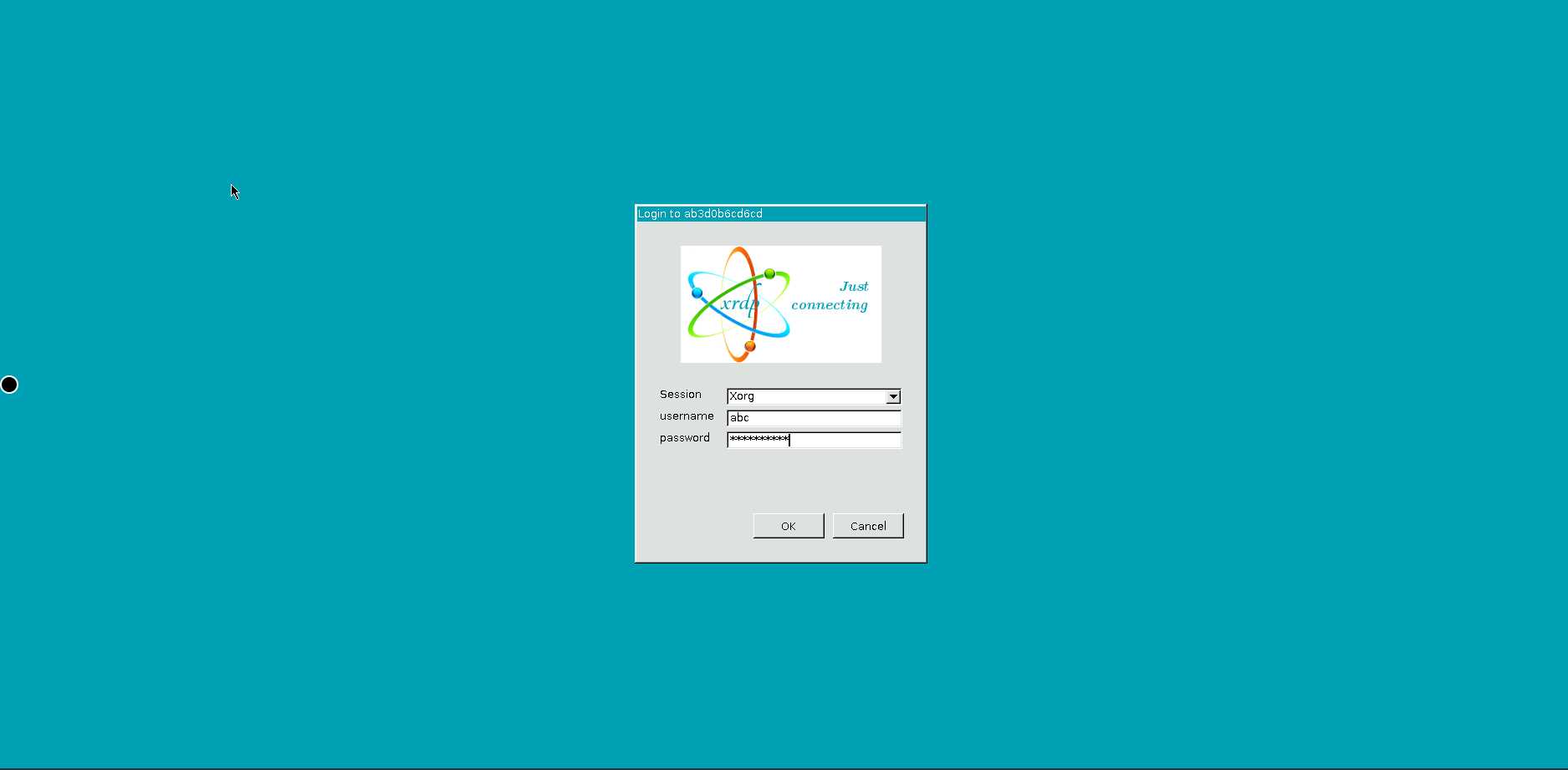
- Visit the calibre’s URL and log in using the following учетные данные:
Username: abc
Password: <copy the пароль с вашего личный кабинет dashboard>
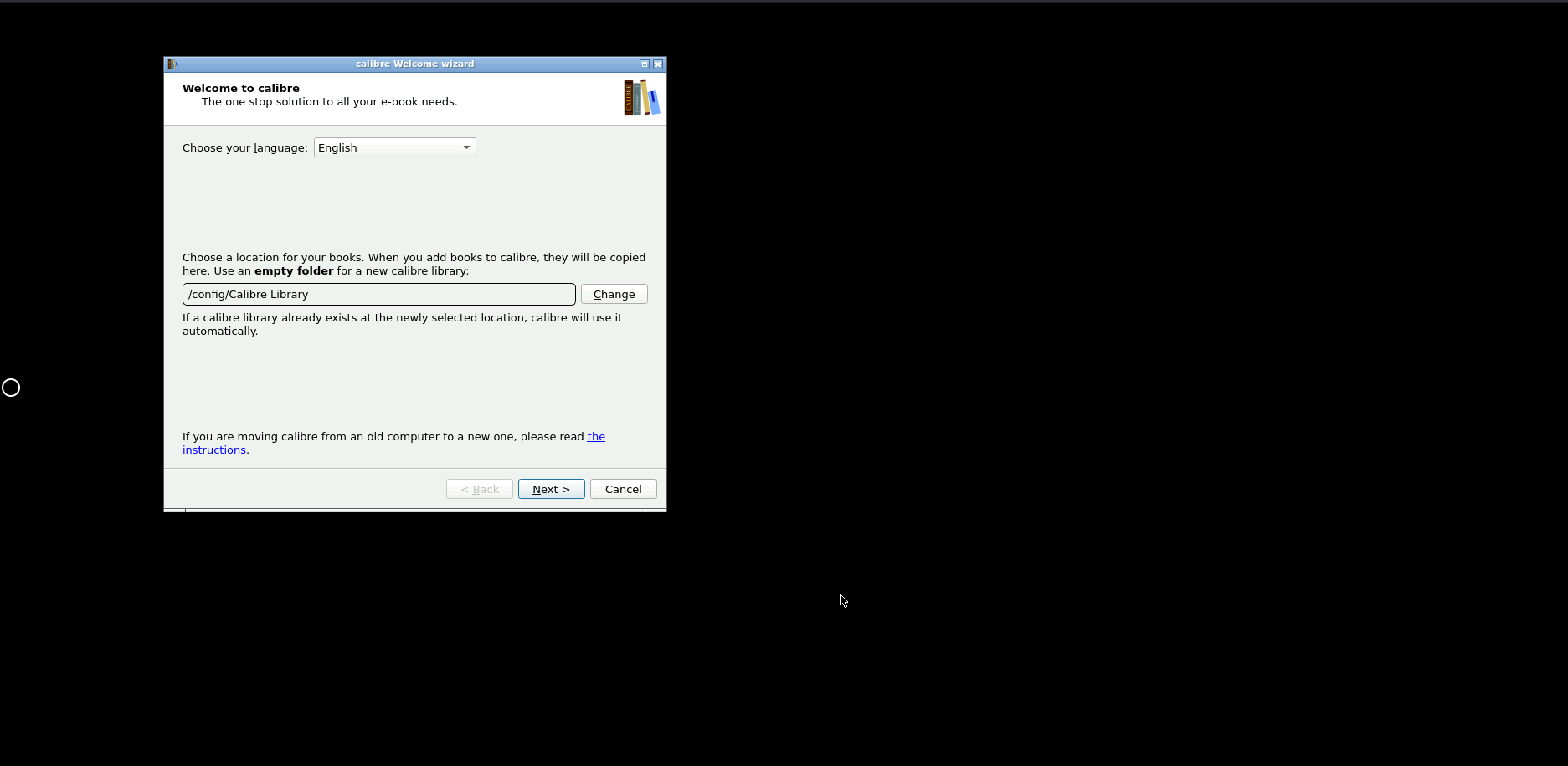
- The default location of the calibre library:
a. Access your library within calibre under `/config/Calibre Library’
b. Access your library from вашим seedbox under ‘/home//downloads/calibreLibrary’
Setting Up Calibre on Ваш Seedbox
Calibre is an open-source ebook management tool. Running it on вашим seedbox lets you manage and access your ebook library from anywhere via a web browser.
Установитьation Steps
- Откройте your Evoseedbox личный кабинет and go на ваш dashboard
- Find Calibre in приложениеs section and click Установить
- Wait for the installation to complete (usually under 30 seconds)
- Click the Calibre icon to open the веб-интерфейс
- Войти with вашим seedbox учетные данные (same имя пользователя and пароль as ruTorrent)
What You Can Do with Calibre
- Загрузить ebooks: Add EPUB, PDF, MOBI, and other formats directly through the веб-интерфейс
- Convert formats: Convert between ebook formats (e.g., EPUB to MOBI for Kindle)
- Read online: Read books directly в вашем browser without downloading
- Send to device: Email books directly на ваш Kindle or other e-reader
- Organize library: Tag, categorize, and search your collection
Combining Calibre with Torrents
Скачать ebook torrents to вашим seedbox, then add them to Calibre for organization and format conversion. This creates a personal digital library accessible from any device.
Tip: Use Readarr for Automation
Установить Readarr alongside Calibre to automatically search for and download new ebook releases, similar to how Sonarr handles TV shows.
Put this into practice
EvoSeedbox ships with one-click app installs and up to 10 Gbps per box.


