Откройте SSH is a connectivity tool for secure remote access to вашим seedbox. It is based on SSH protocol. It encrypts your traffic to eliminate eavesdropping, connection hijacking and other cyber security attacks.
Как access вашим seedbox using Откройте SSH on the Windows system.
For accessing вашим seedbox using ОткройтеSSH you first нужно install ОткройтеSSH on вашим seedbox.Let’s look into the installation of Откройтеssh on evoseedbox.
1. Login на ваш личный кабинет and search for ОткройтеSSH in приложениеs section.
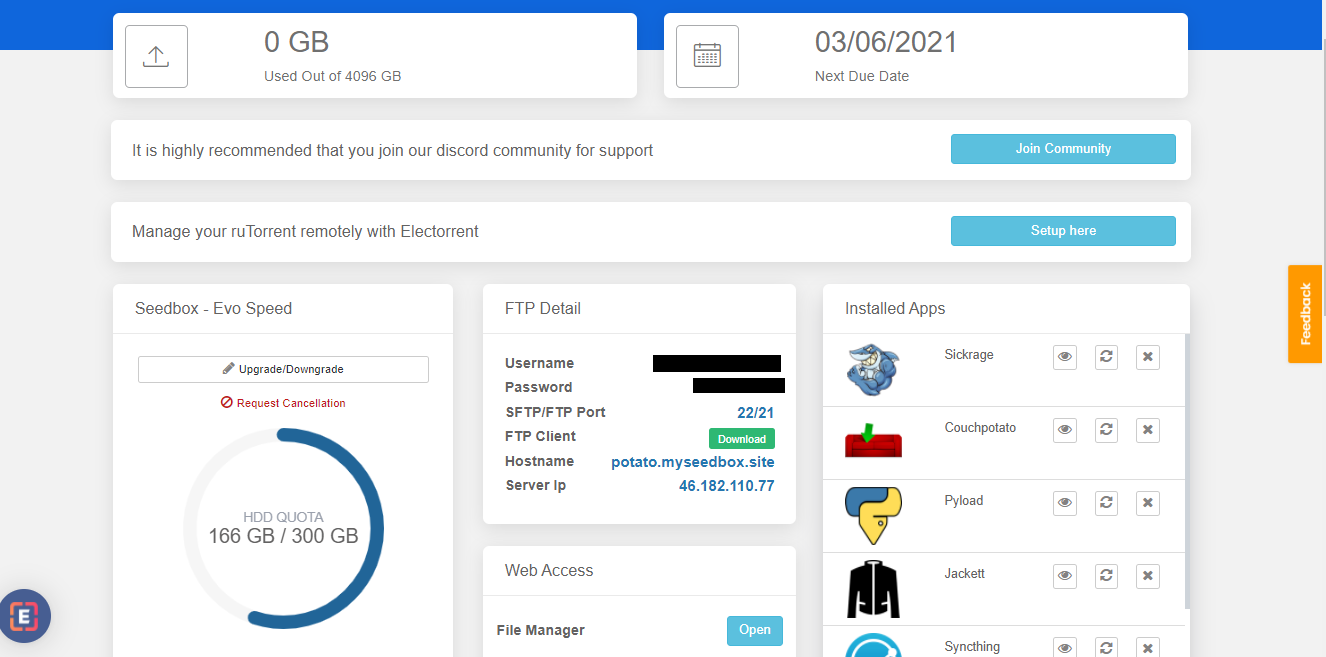

2. Нажмите на the install кнопка and once the installation is complete open приложение из installed app section as показано ниже.

Вы будете be able to see a pop-up where your host id and port number which will be используется для creating a connection.

This completes our ОткройтеSSH installation on our Seedbox.To use Откройтеssh on windows we нужно first install openssh client on our windows too. This link will guide you how to check if Откройтеssh is installed or not and также how to install it if not already installed.
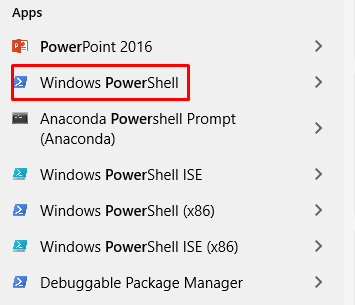
3. Once Откройтеssh client is installed.Откройте powershell on windows by searching ‘Power Shell’ in windows apps.
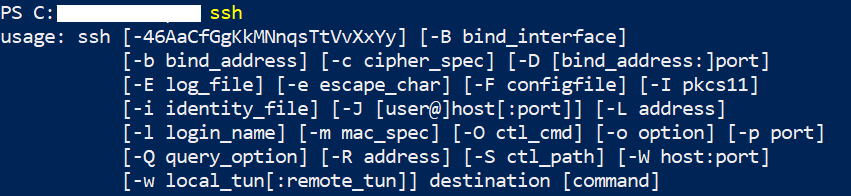
4. On opening the Power Shell type ‘ssh’ and hit enter. If Откройтеssh is correctly installed вы будете see the openssh usage guide as показано ниже.
5. Now to connect to вашим seedbox type ssh command with the имя пользователя provided in the FTP detail and hostid(provided in ОткройтеSSH window).
Following format should be used:
‘ssh имя пользователя@hostid -p port no’

Вы будете asked to enter пароль which вы можете get из FTP detail.

6. After entering the пароль you should be able to use Откройтеssh as показано ниже.

Using Откройтеssh on Ubuntu #
Similar to Windows , first install openssh on вашим seedbox and note the host id and port no as reference for making connection. Now lets try connecting вашим seedbox using Откройтеssh on ubuntu system.
- Откройте terminal на вашем system and type following command:
‘sudo apt update ‘
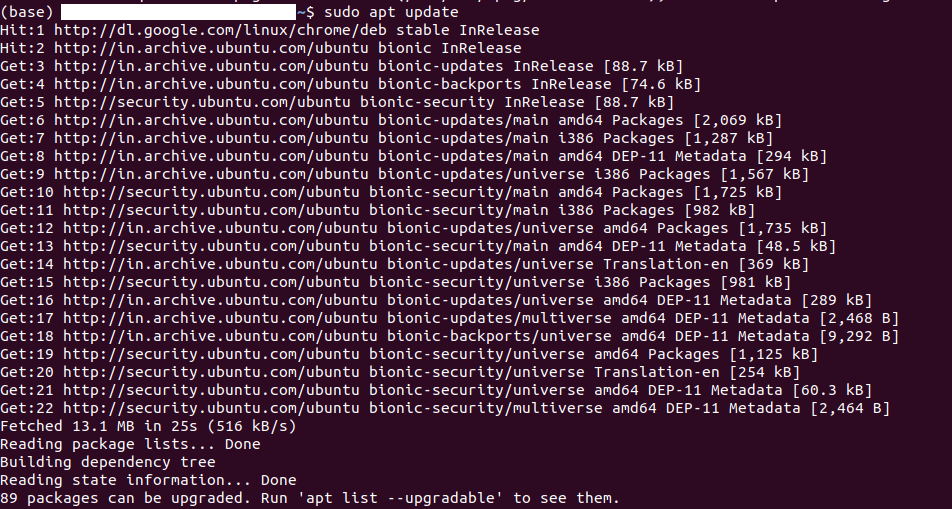
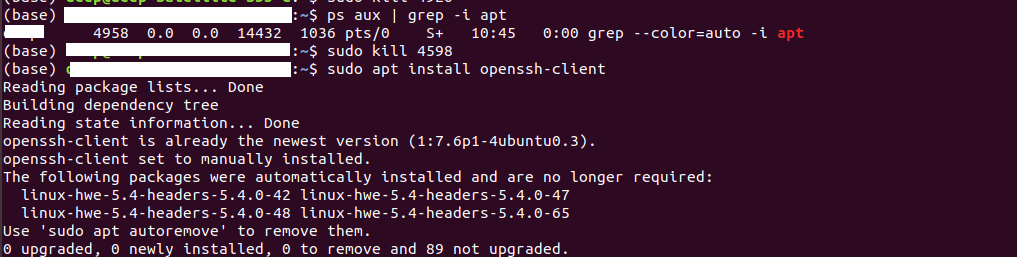
2. Once the above command execution is complete . Type ‘ sudo apt install openssh-client’ and press enter.

Если вы face an error as shown in the screenshot above, you нужно kill the ongoing process which is using apt.
3. Type ‘ ps aux | grep -i apt’ and press enter which will list all процесс ids which are currently using ‘apt’.

4. Kill процесс using the command ‘sudo kill <process id>’. After th process has been terminated try again to install openssh client using the same command ‘sudo apt install openssh-client’
5. Вы можете now test your installation by creating a connection to вашим seedbox as mentioned in the windows openssh connection section. Ex. ssh <имя пользователя>@<host id> -p <port no.>

Вы будете be prompted to enter пароль and accept SH256 signature after which connecting process will be complete.


