Seedbox-серверы способны на многое. All you нужно do is настроить any app that you want with вашим seedbox.
But это not as easy as it sounds. You нужно have продвинутый technical knowledge and practice in SSH. Также, whenever something goes wrong, you нужно look for the error, and of course, come up with a solution to resolve it.
Evoseedbox understands this, therefore, all приложениеs provided in вашим seedbox are pre-настроитьd for you.
All you нужно do is click on the install кнопка once and приложение will connect to вашим seedbox.
Steps to Установить Apps with one-click
Шаг 1: Войти to you Evoseedbox’s личный кабинет
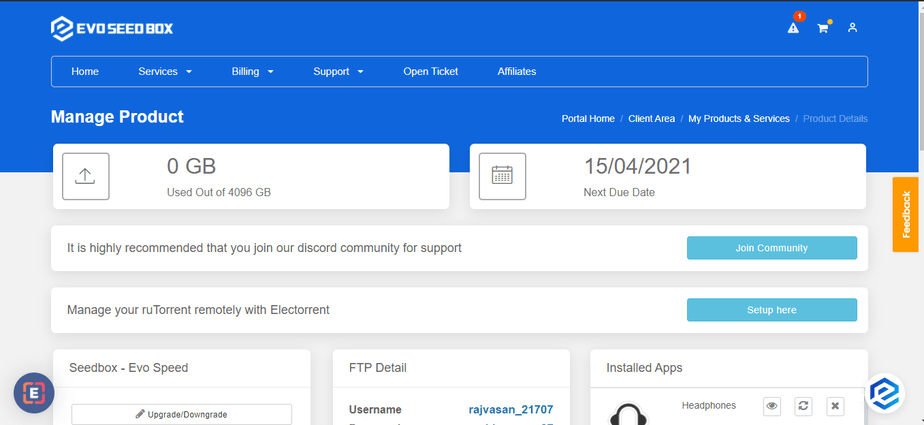
Шаг 2: Scroll Down and в конце, you найдёте приложениеs section.
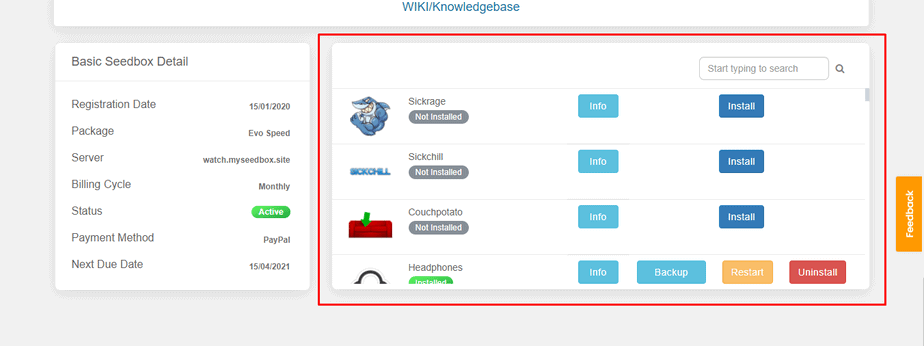
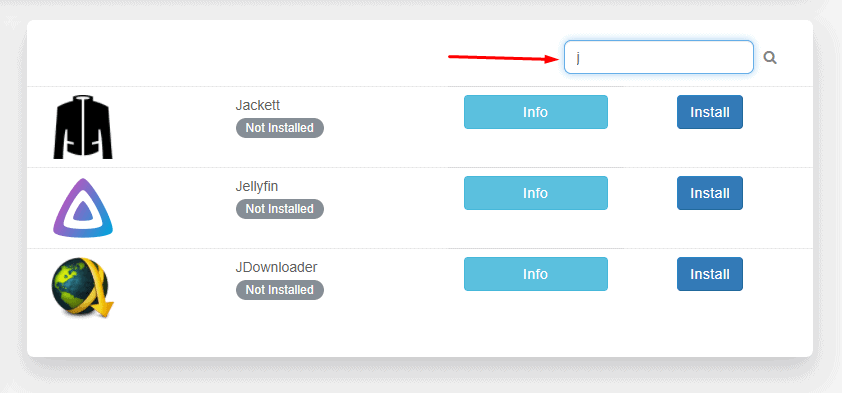
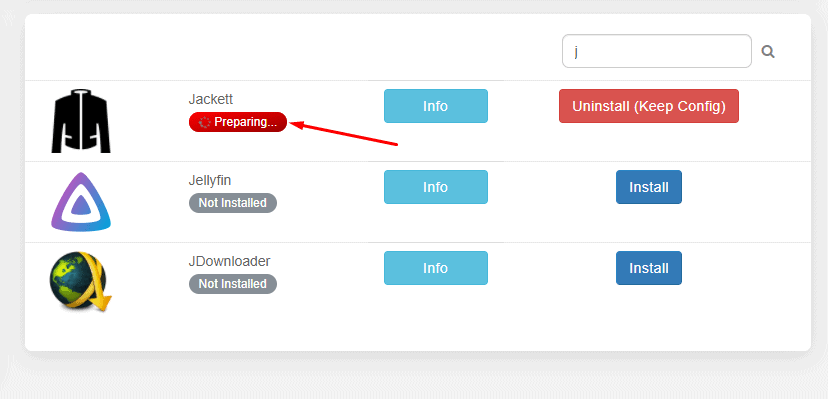
Шаг 3: Find приложение you хотите download using the search bar or прокрутите вниз.
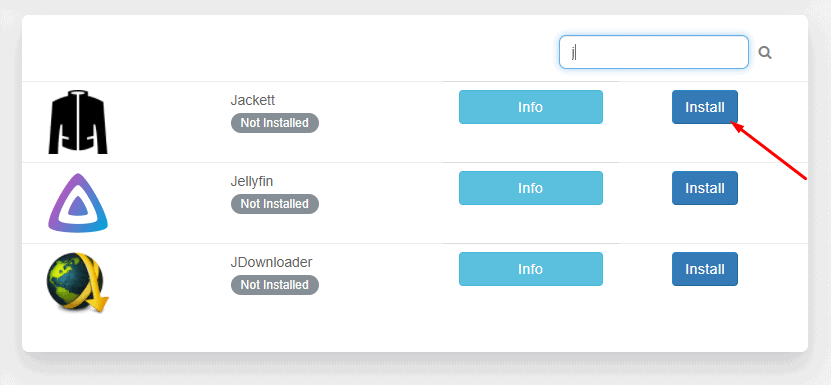
Шаг 4: Нажмите на the install кнопка in front of any app you wish to install.
Шаг 5: Wait for the configuration modules to run and install приложение.
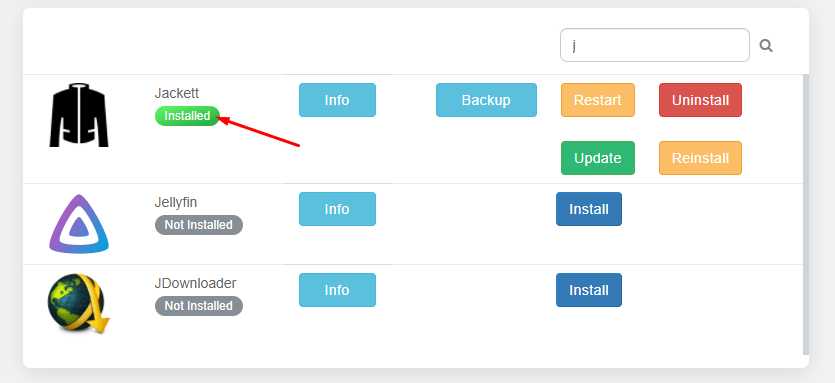
Шаг 6: Your app is installed.
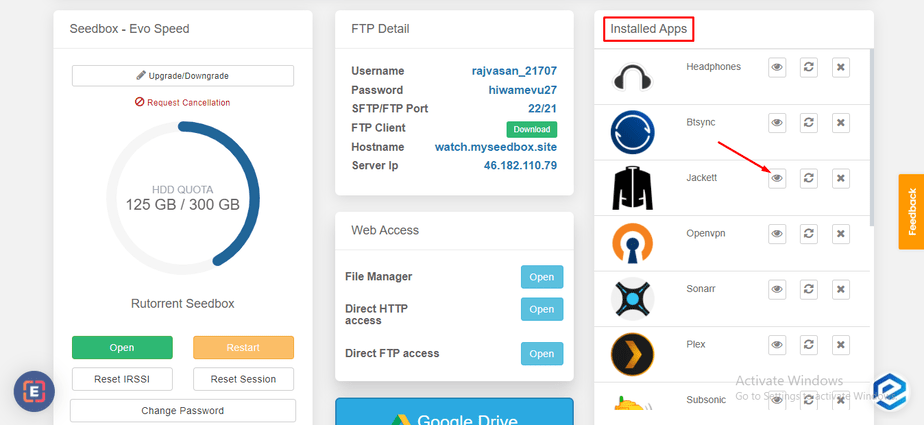
Шаг 7: Scroll up to find all your installed apps and click on Откройте to launch приложение.
That’s all you нужно do to install any app on вашим seedbox. Вы можете use the Info кнопка next to apps to learn more about what an application is используется для.


