Primeros pasos with One-Click Installs
On this page ▾
Las seedboxes son capaces de muchas cosas. All you have to do is configure any app that you want with tu seedbox.
But this is not as easy as it sounds. You have to have advanced technical knowledge and practice in SSH. Also, whenever something goes wrong, you have to look for the error, and of course, come up with a solution to resolve it.
Evoseedbox understands this, therefore, all the apps provided in tu seedbox are pre-configured for you.
All you have to do is haga clic en the install button once and the app will connect to tu seedbox.
Pasos para instalar aplicaciones con un clic
Paso 1: Iniciar sesión to you Evoseedbox’s área de cliente
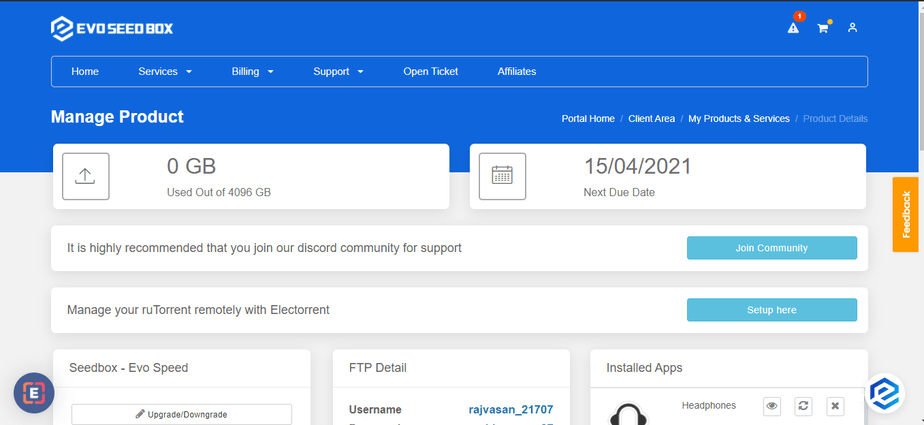
Paso 2: Desplácese hacia abajo para encontrar la sección de aplicaciones.
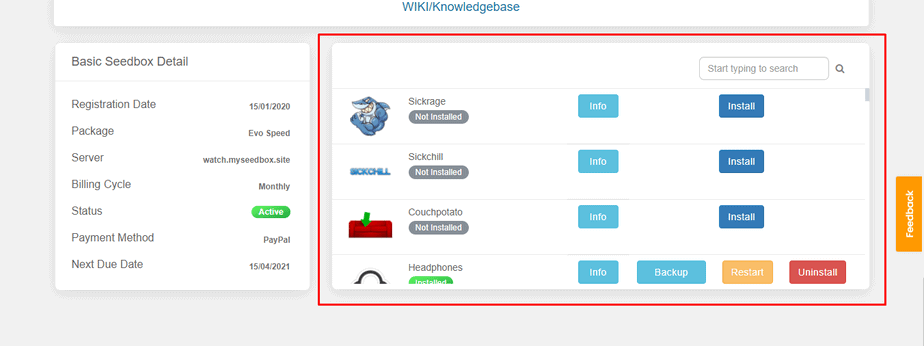
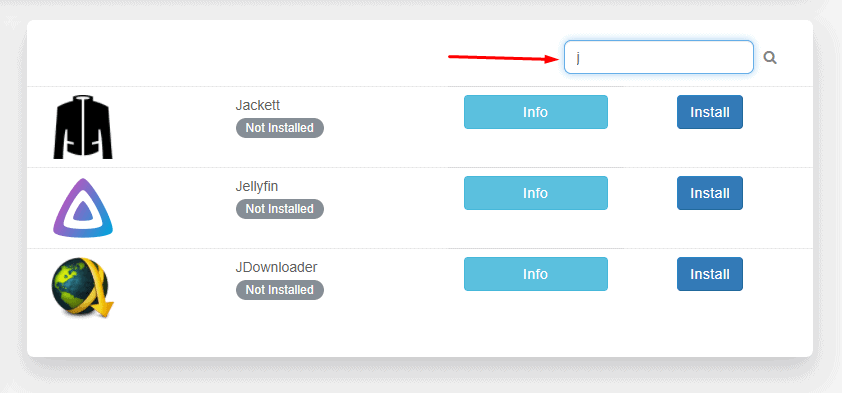
Paso 3: Busque la aplicación deseada.
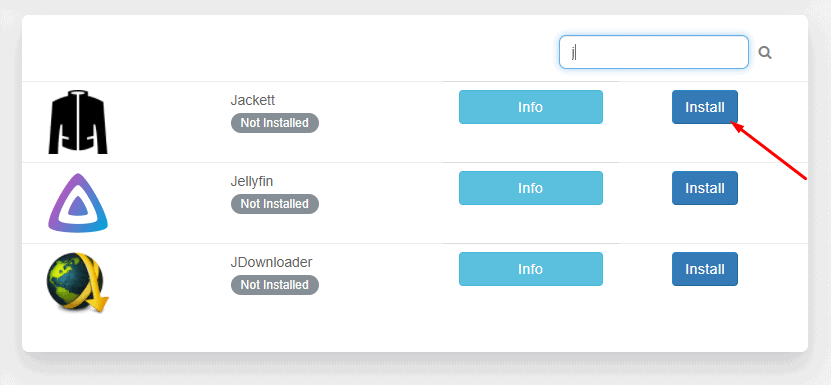
Paso 4: Haga clic en Instalar.
Paso 5: Espere la instalación.
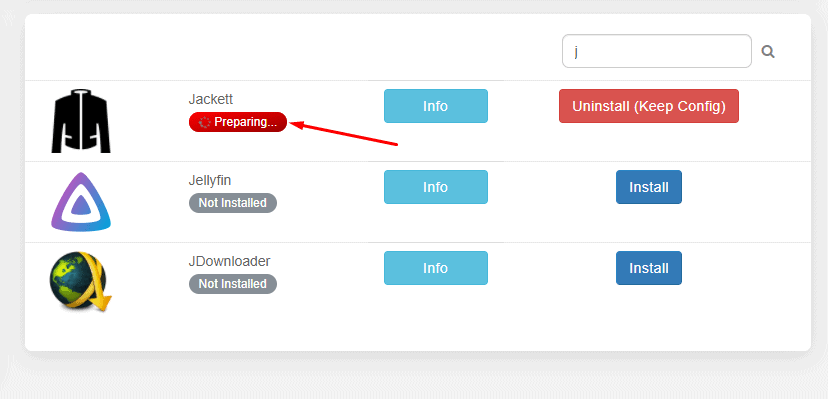
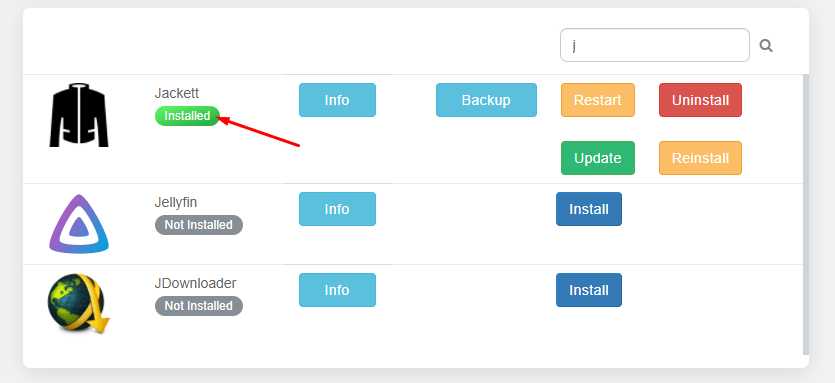
Paso 6: ¡Su aplicación está instalada!
Paso 7: Suba y haga clic en Abrir.
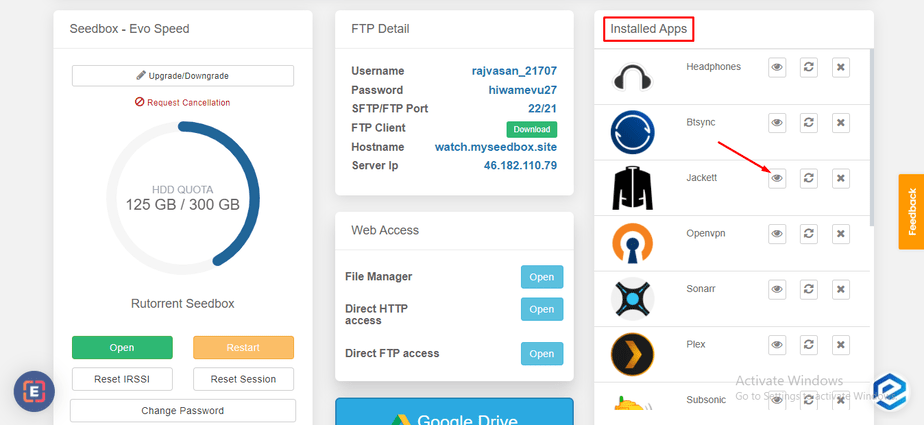
That’s all you have to do to install any app on tu seedbox. Puede use the Info button next to apps to learn more about what an application is used for.
Put this into practice
EvoSeedbox ships with one-click app installs and up to 10 Gbps per box.


