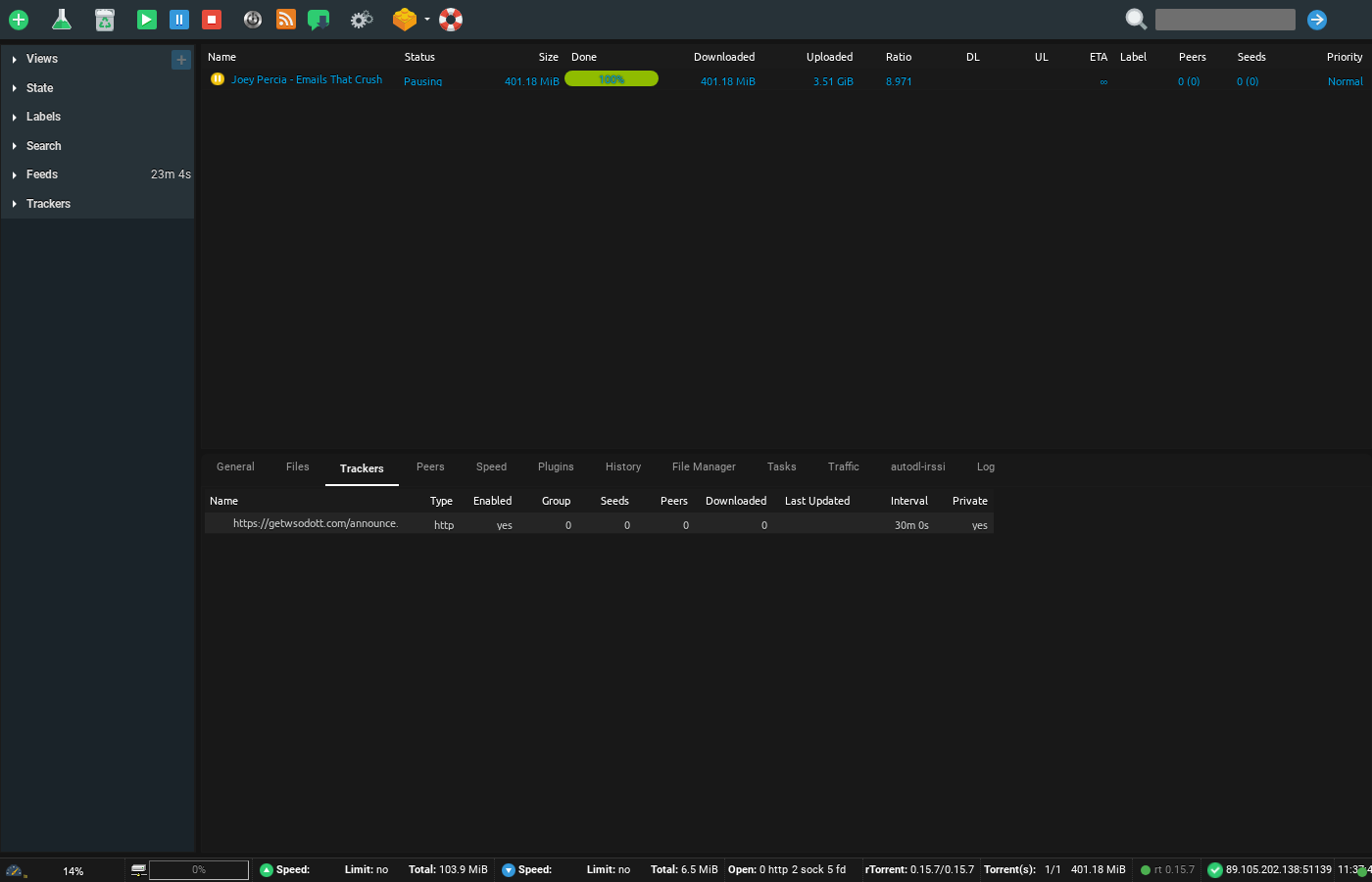
Did you know that você pode create your own torrents!? Yes, the street goes both ways. Apart from downloading all the content in the world, você pode share torrent files by making your own torrent too.
This feat. can be easily achieved by your ruTorrent client, which is pre-configurard with your Evoseedbox.
Steps to create torrents using ruTorrent
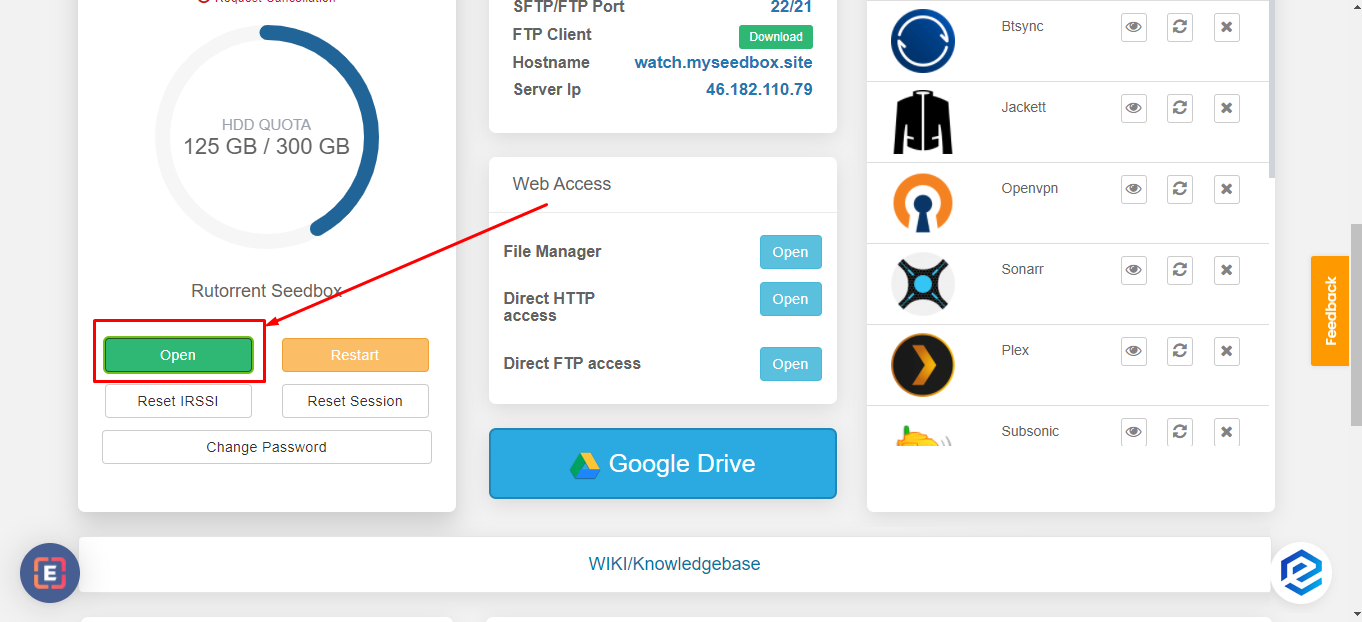
Passo 1: Abrir ruTorrent client do seu Evoseedbox’s Client Area
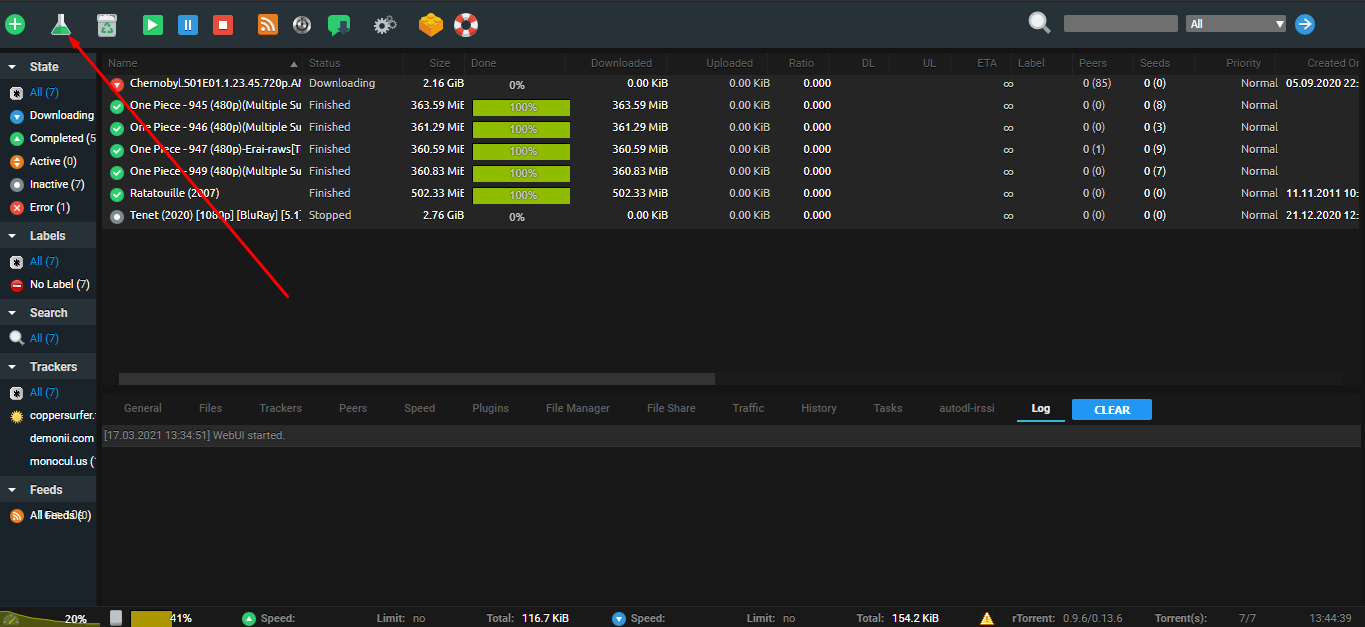
Passo 2: Clique em the flask botão no seu ruTorrent.
Passo 3: Inside the pop-up, add the file you quer share do select source botão.
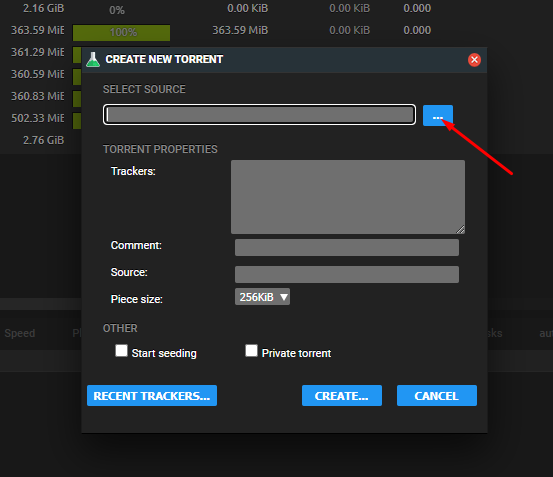
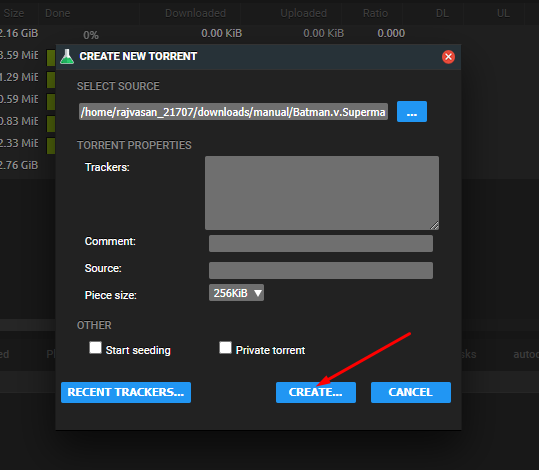
Step 4: Clique em create
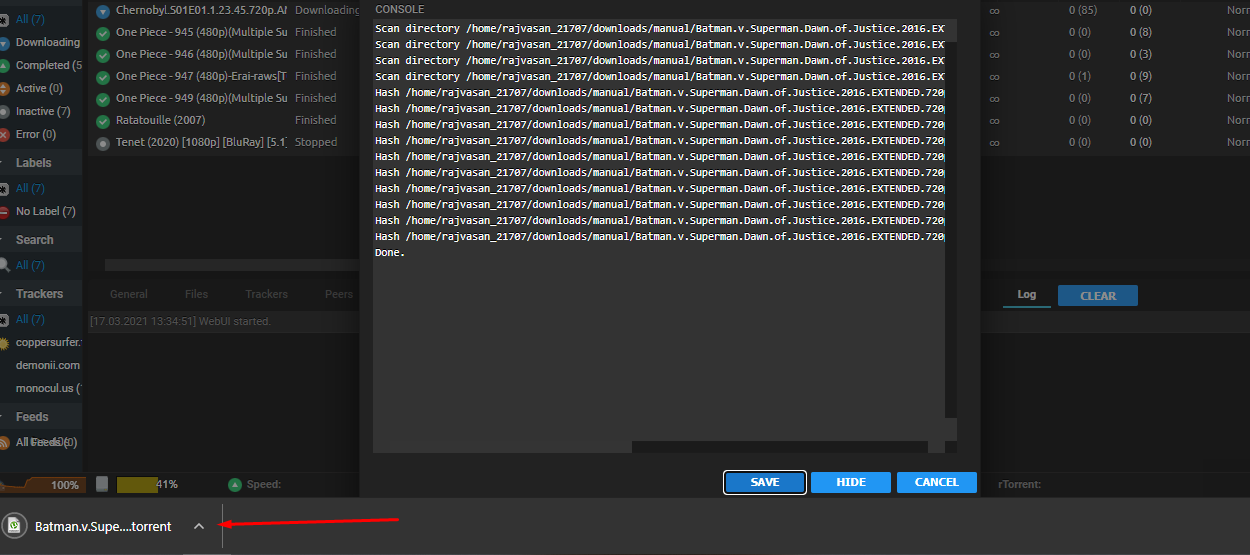
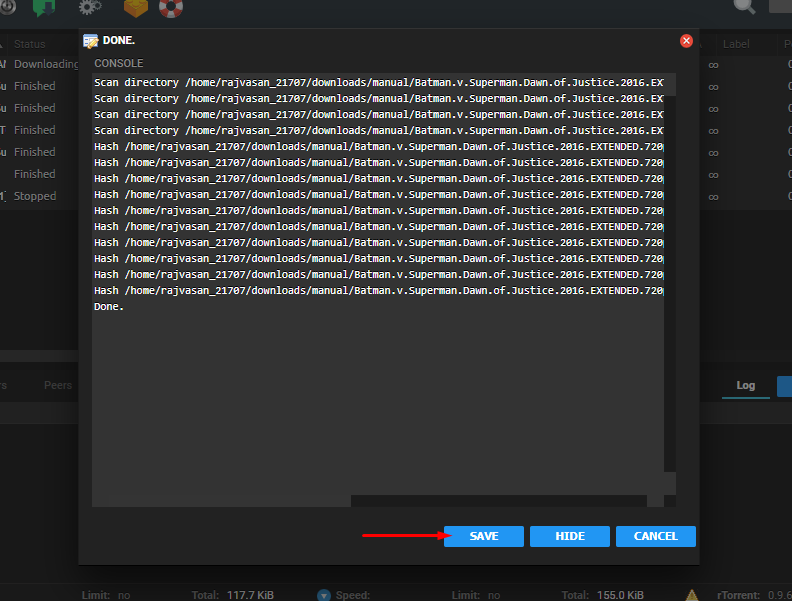
Step 5: A console will appear no seu screen, click on save to download the .torrent file no seu device.
Step 6: Using this torrent file, share your original file using the BitTorrent network.