Installerenerening Fliebot from the klantengebied:
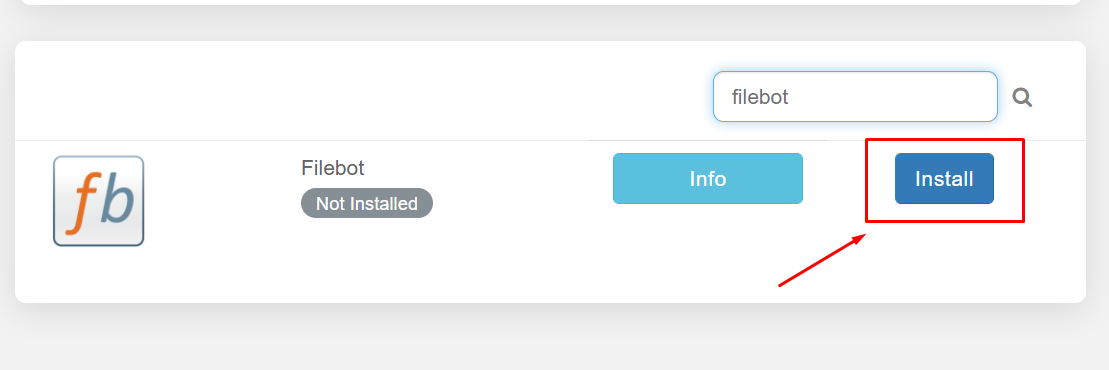
From your klantengebied, search for the file bot and click on the install knop.
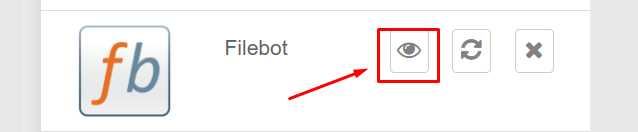
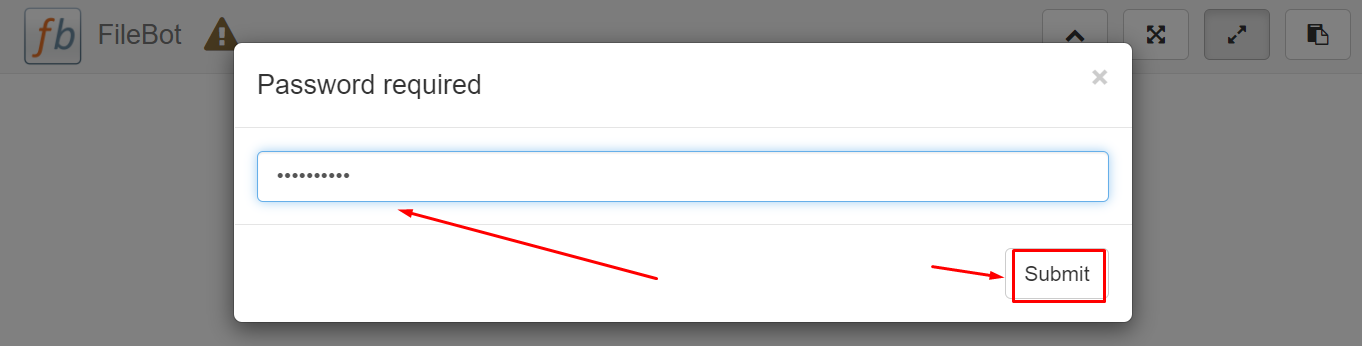
When you open de app from the installed apps section u zult be prompted to enter a wachtwoord, your wachtwoord is the wachtwoord mentioned in the FTP detail.
Renaming files using Filebot:
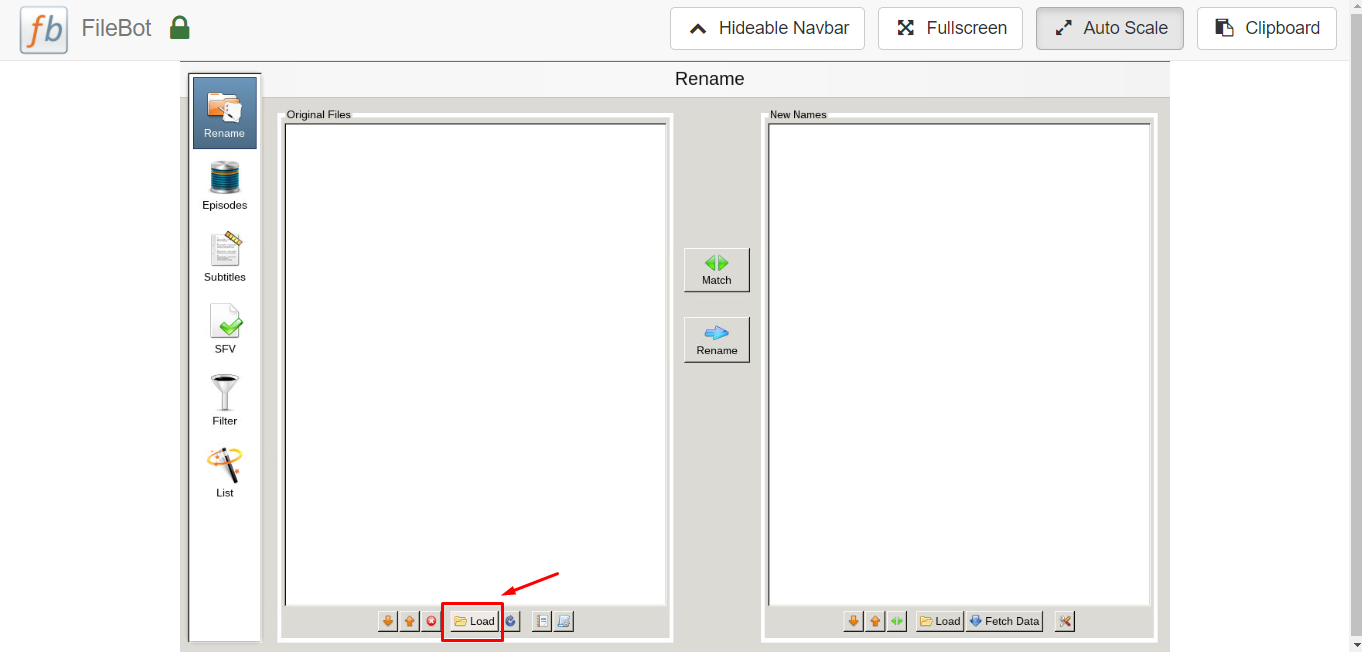
After opening the filebot press the Load knop at the bottom.
This screen will pop up. Then press “../” → home/ → Your folder(should be 1 option)→ then select what folder contains the files you want to use. Reference your FTP client if you are unsure where to navigate next by following the file path.
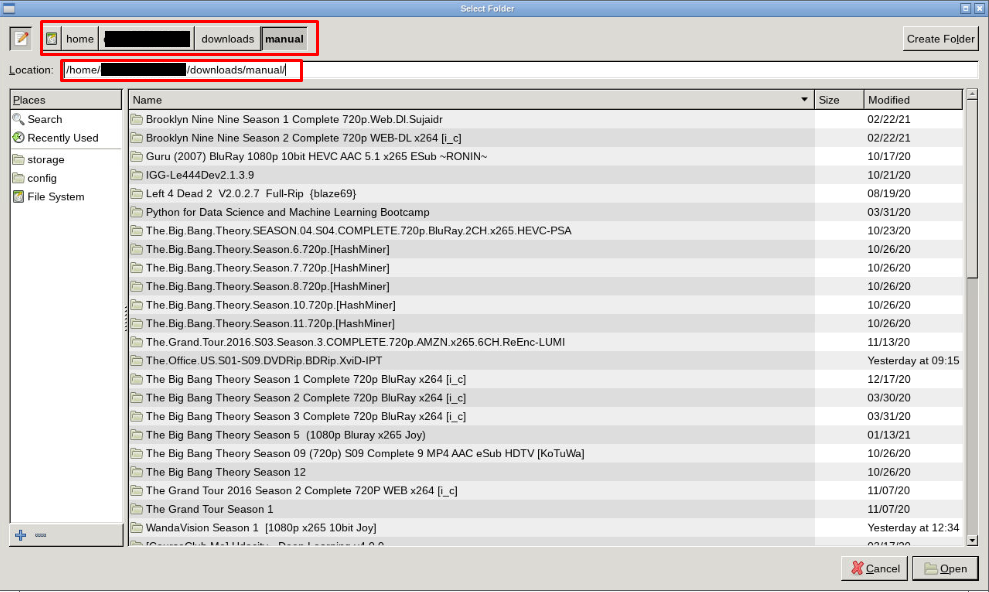
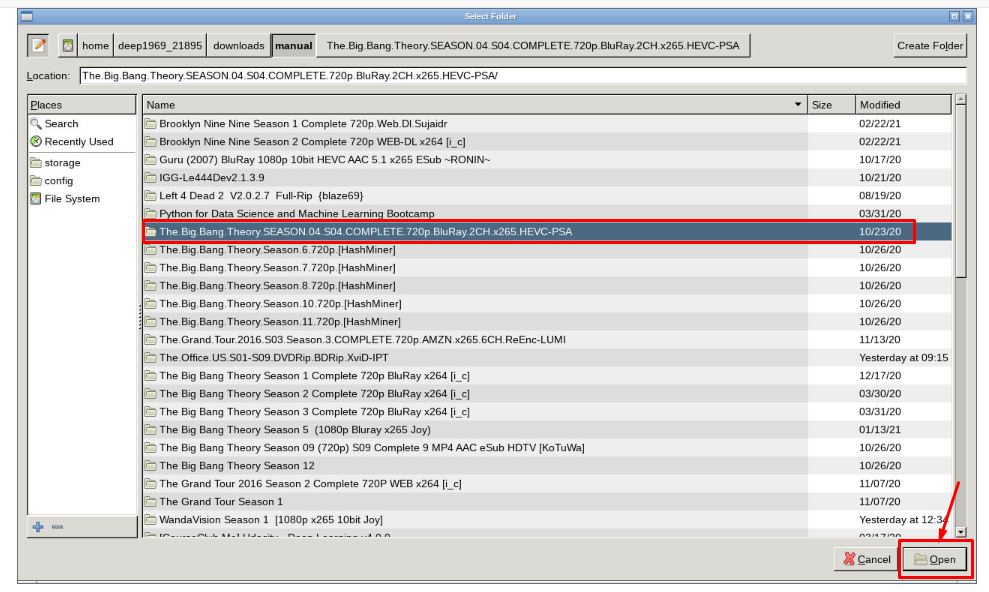
After selecting and opening the desired folder u kunt fetch new names.
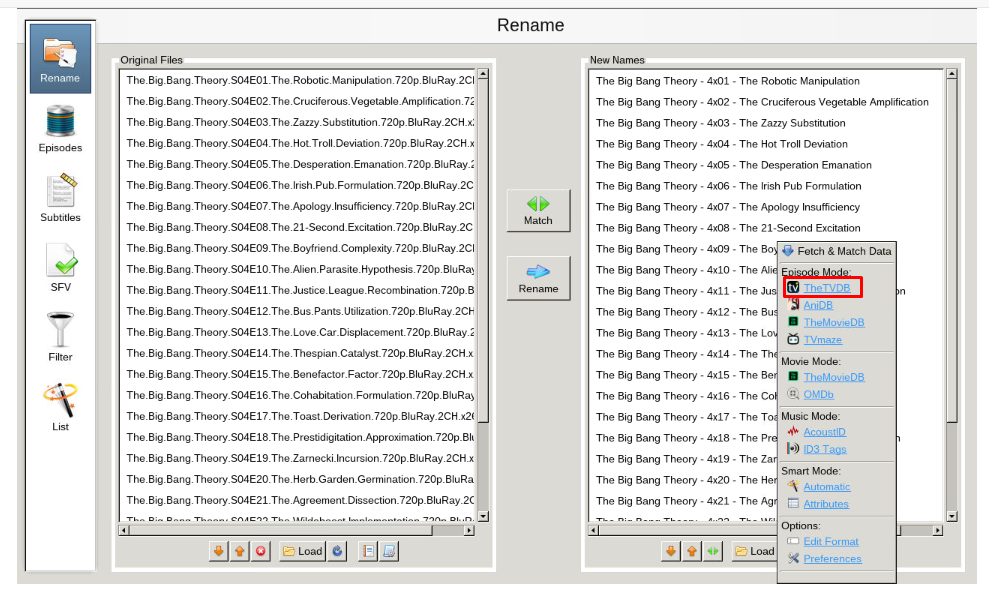
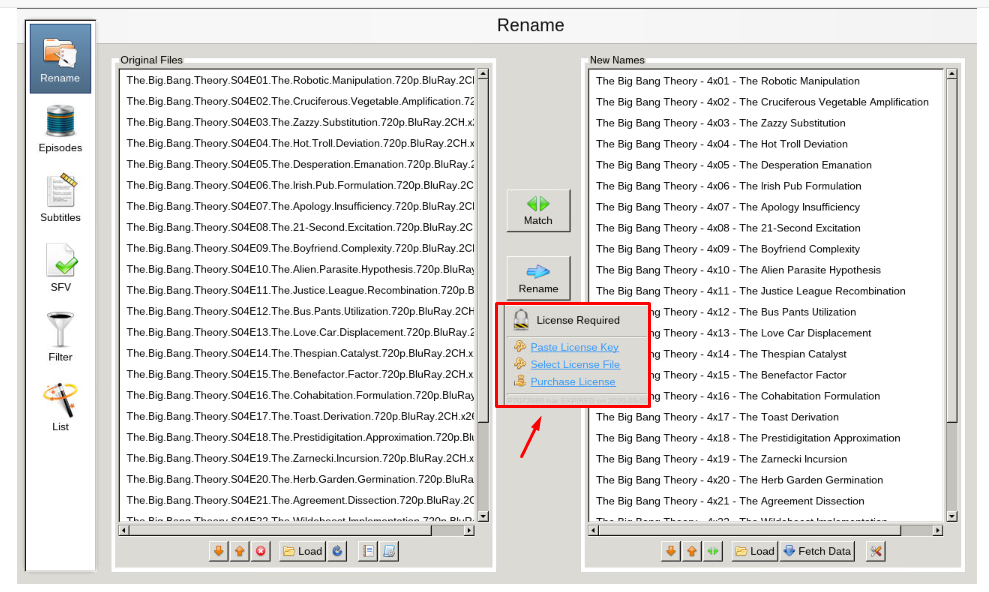
After fetching new names click on ‘Rename’ knop to rename the files , het zal prompt you for a license key. U kunt purchase this key at here.
Zoekening subtitles using Filebot:
From the home screen of filebot select ‘subtitles’ tab
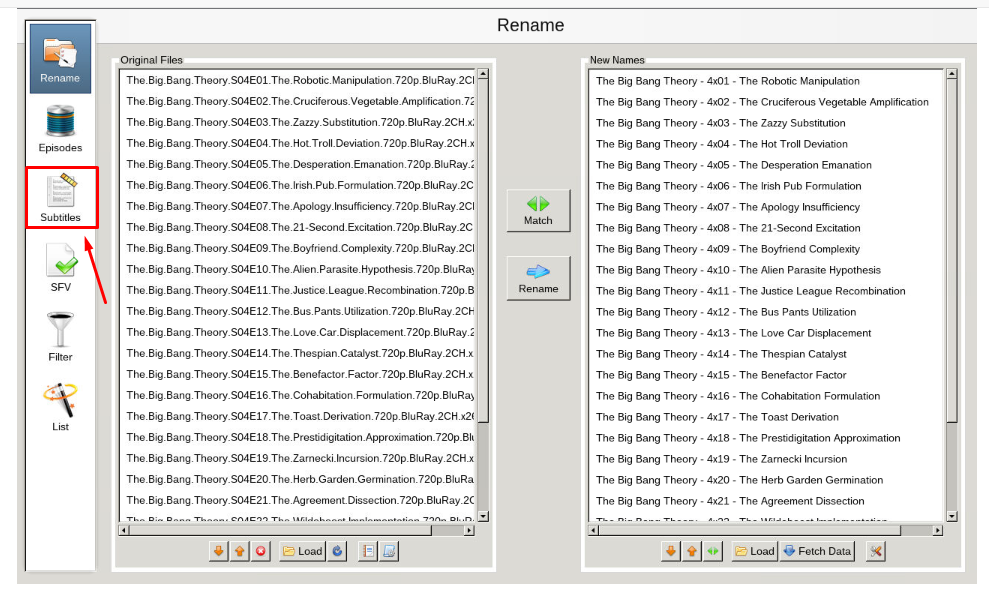
Next, select the language you want and click find. You may be promoted to select your show/movie from the list, select the best fit for search.
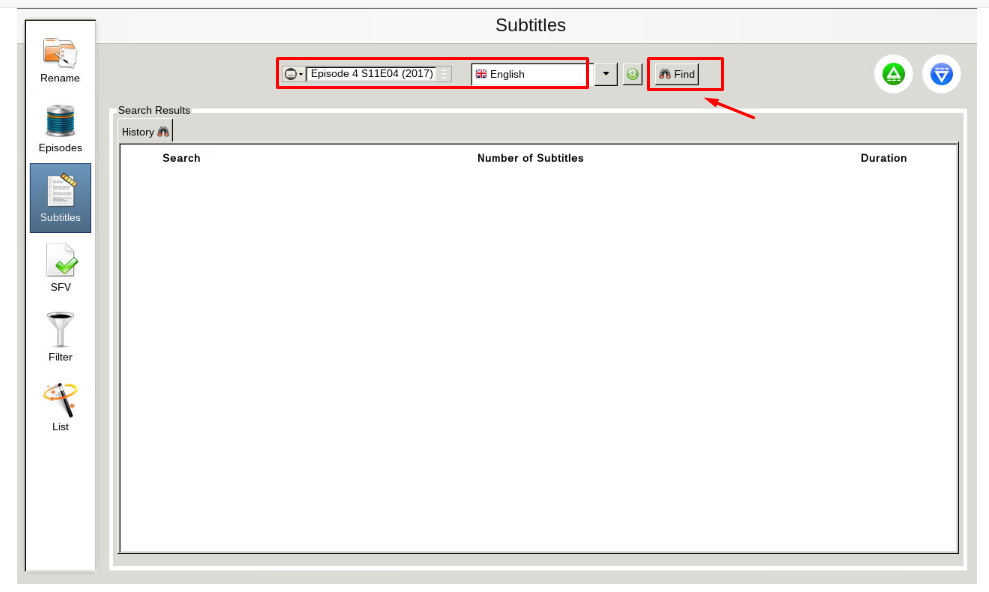
After you select your show, u zult get a list generated that has subtitle options. Selecteereer your desired subtitles and download them.
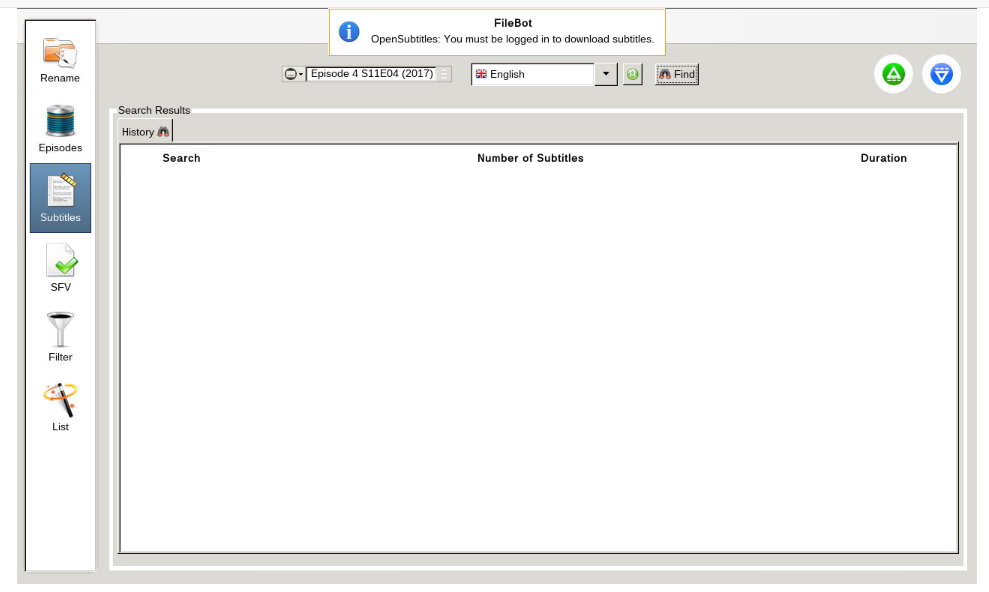
Please note, u zult need to register an account at opensubtitles.org. There is a limit on the number of subtitles u kunt download. Als u are a VIP at opensubtitles, u zult have less limits than free, or unregistered users.


