FileBot – Renaming Files
On this page ▾
تثبيتing Fliebot from the منطقة العميل:
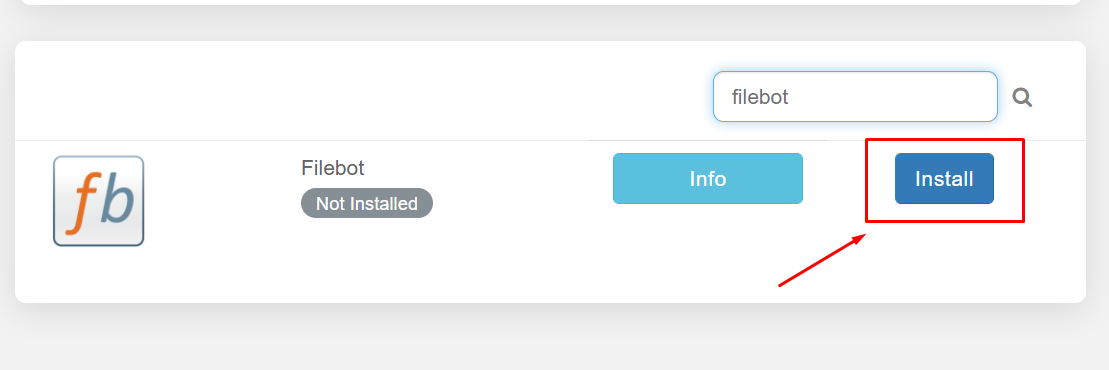
From your منطقة العميل, search for the file bot and click on the install زر.
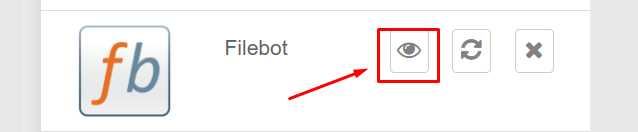
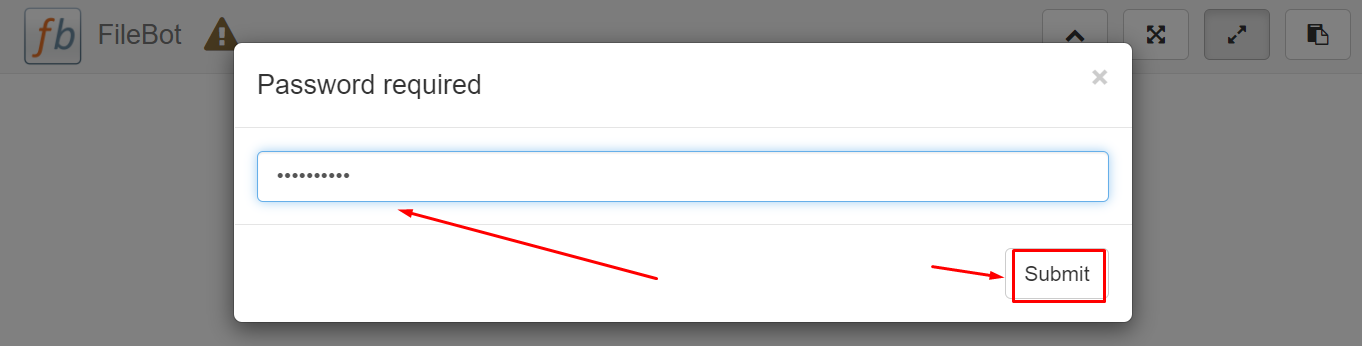
When you open التطبيق from the installed apps section ستظهر لك be prompted to enter a كلمة المرور, your كلمة المرور is the كلمة المرور mentioned in the FTP detail.
Renaming files using Filebot:
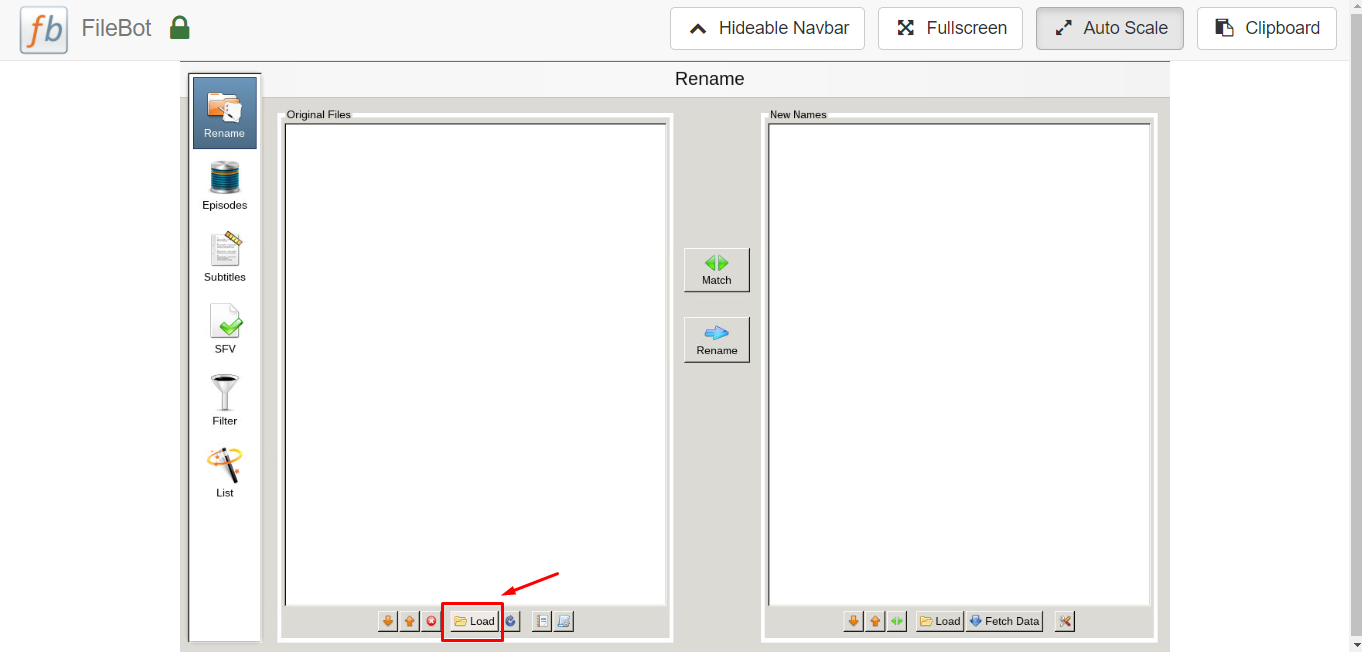
After opening the filebot press the Load زر at the bottom.
This screen will pop up. Then press “../” → home/ → Your folder(should be 1 option)→ then select what folder contains the files you want to use. Reference your FTP client if you are unsure where to navigate next by following the file path.
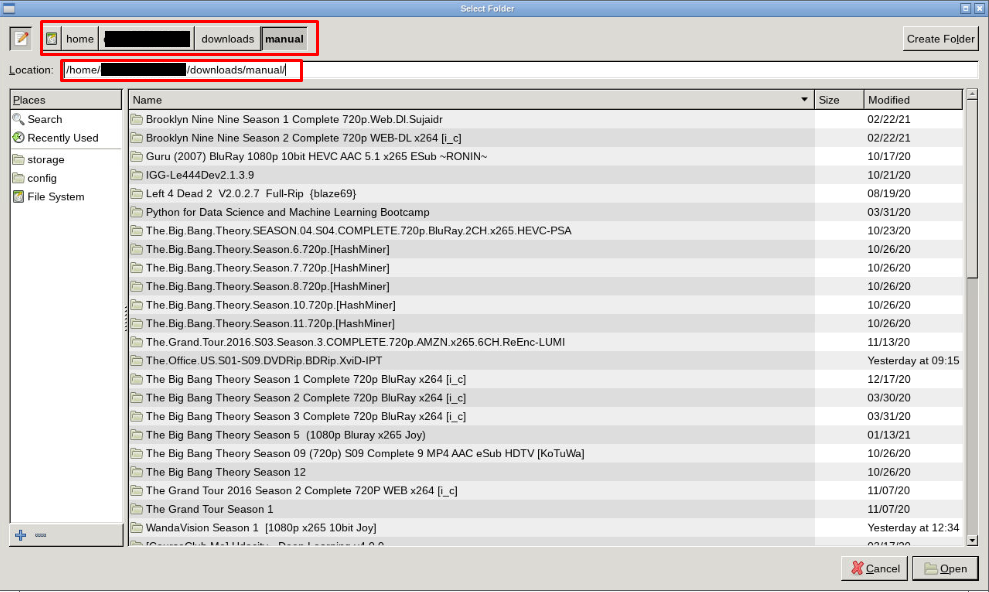
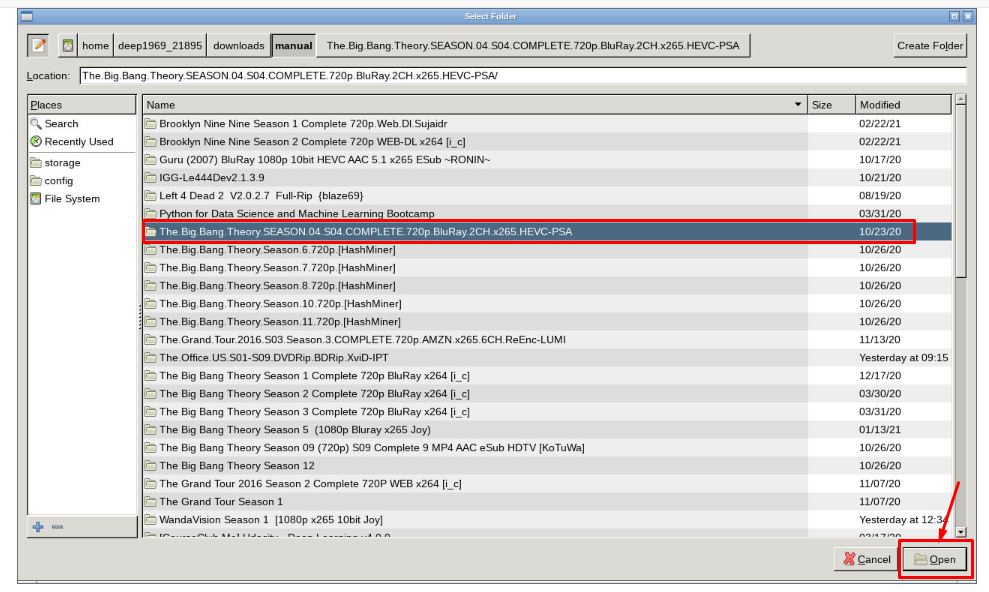
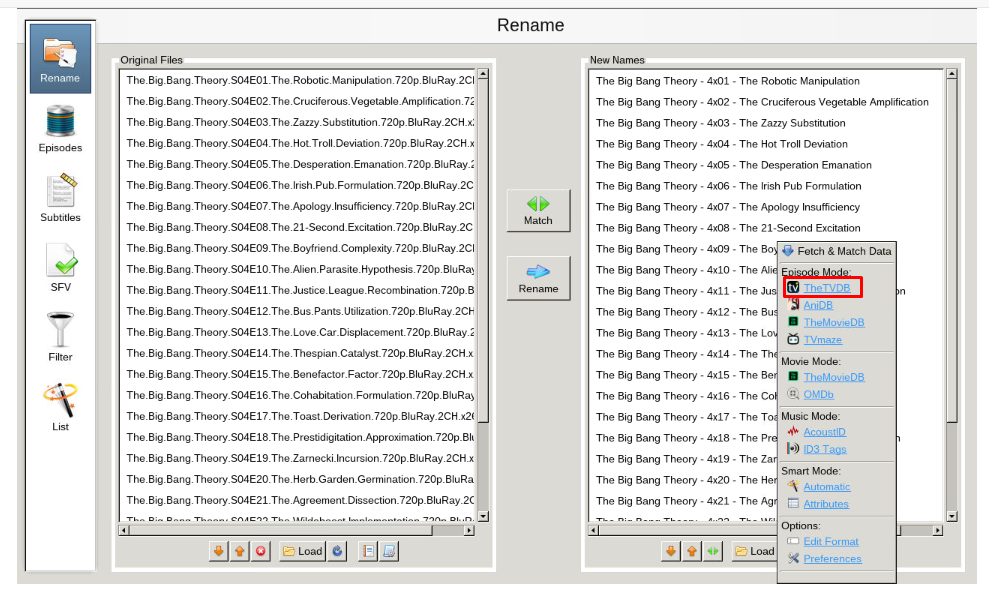
After selecting and opening the desired folder يمكنك fetch new names.
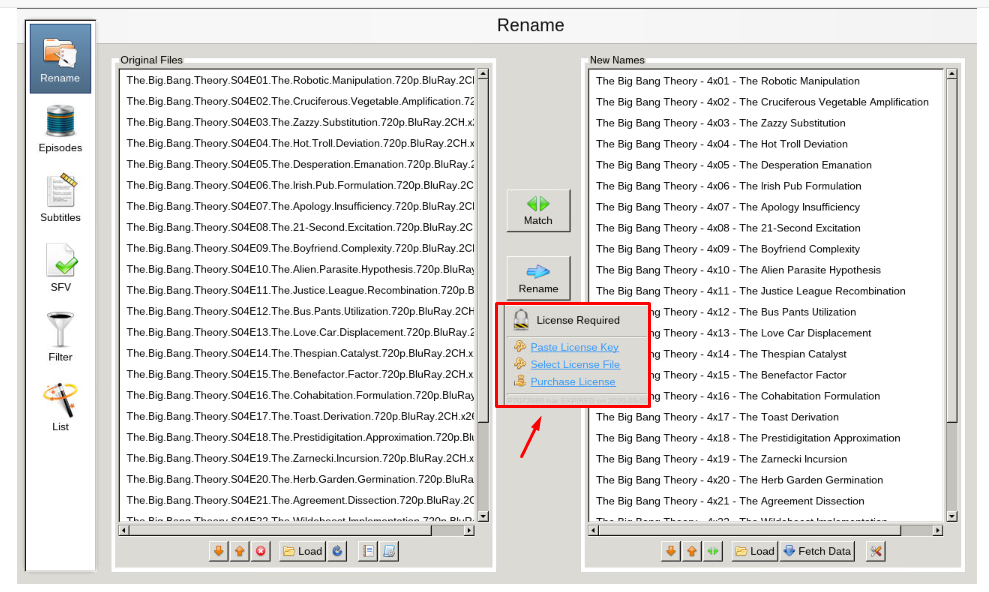
After fetching new names click on ‘Rename’ زر to rename the files , سوف prompt you for a license key. يمكنك purchase this key at here.
بحثing subtitles using Filebot:
From the home screen of filebot select ‘subtitles’ tab
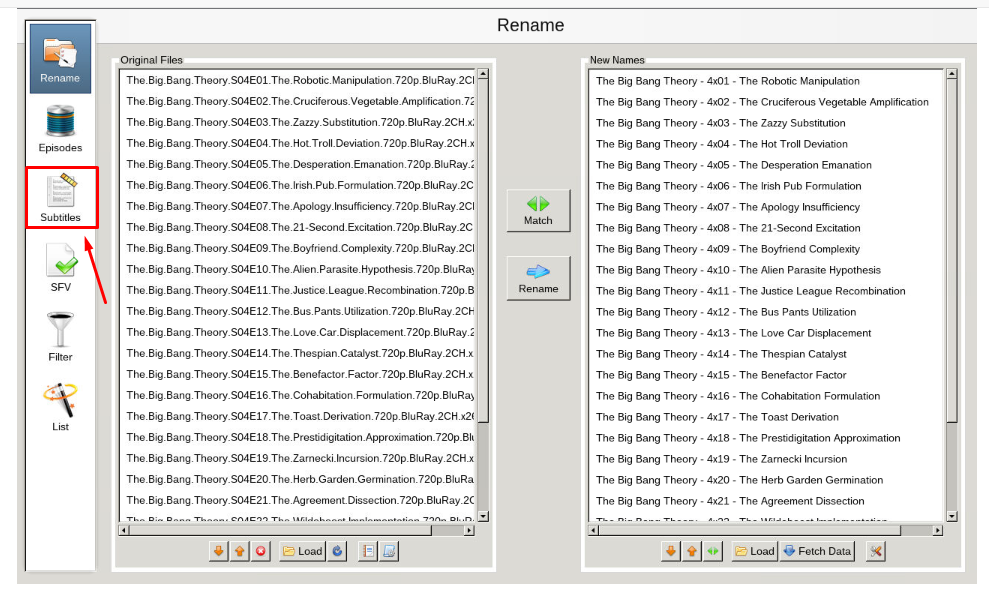
Next, select the language you want and click find. You may be promoted to select your show/movie from the list, select the best fit for search.
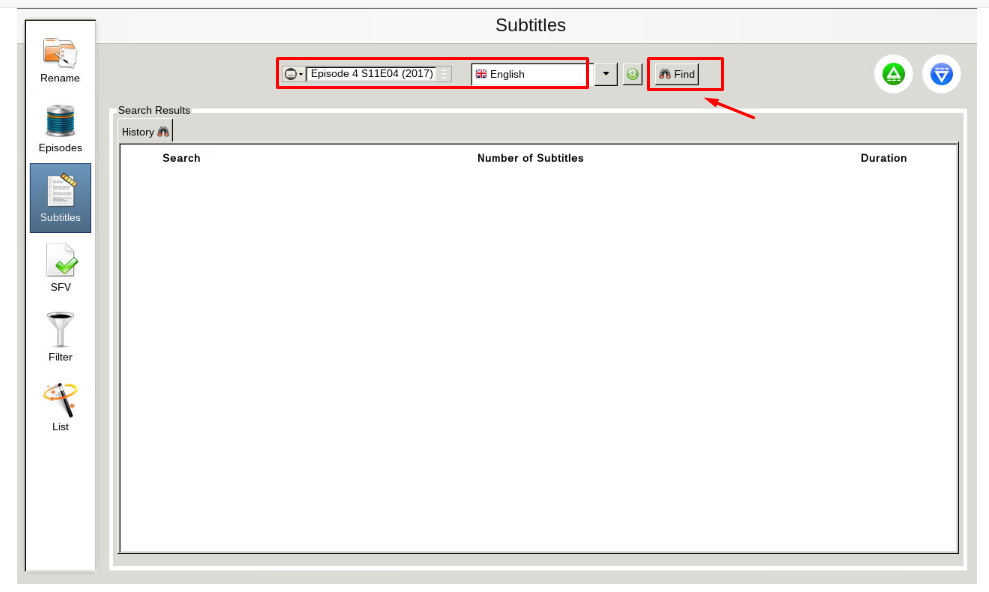
After you select your show, ستظهر لك get a list generated that has subtitle options. اختر your desired subtitles and download them.
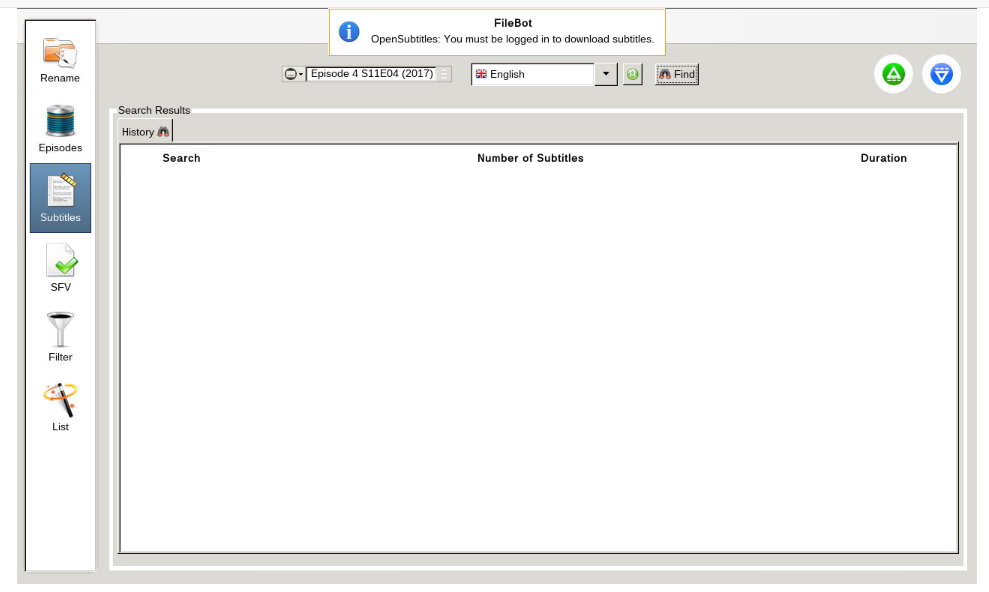
Please note, ستظهر لك need to register an account at opensubtitles.org. There is a limit on the number of subtitles يمكنك download. إذا are a VIP at opensubtitles, ستظهر لك have less limits than free, or unregistered users.
Put this into practice
EvoSeedbox ships with one-click app installs and up to 10 Gbps per box.


