Chrome Remote Torrent Adder
On this page ▾
Ga naar this link and add the google torrent adder extension naar uw chrome browser :
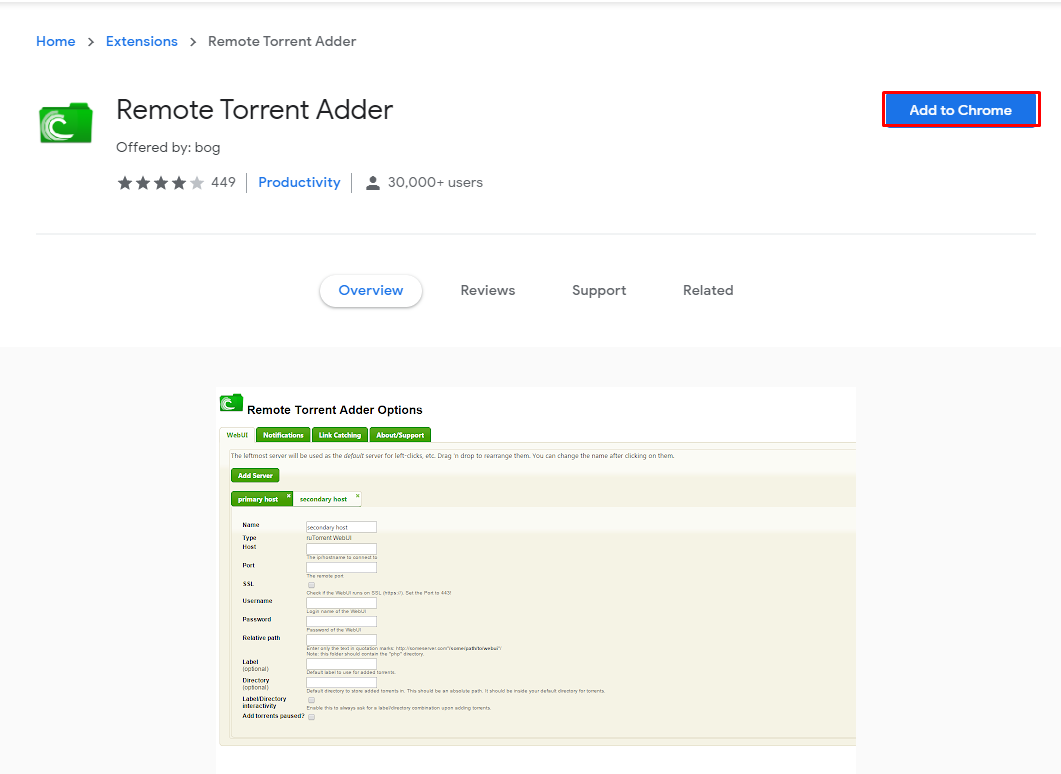
Klik op add to chrome as highlighted
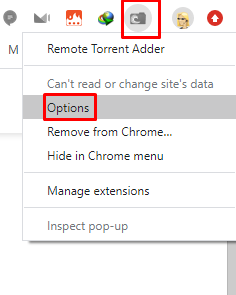
Once done het zal show up in uw chrome extension , klik met de rechtermuisknop op it and select options
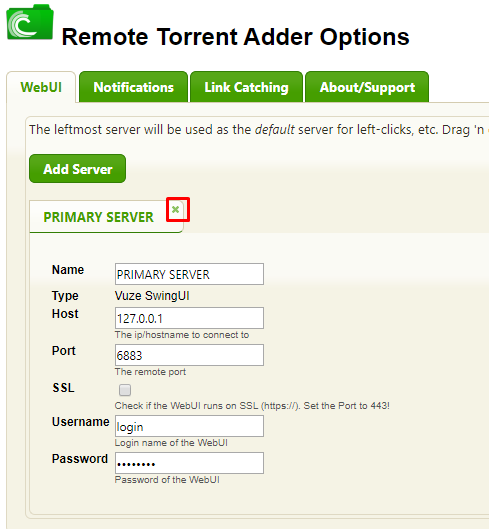
It will open up a new tab, the first thing you do is remove the primary server:
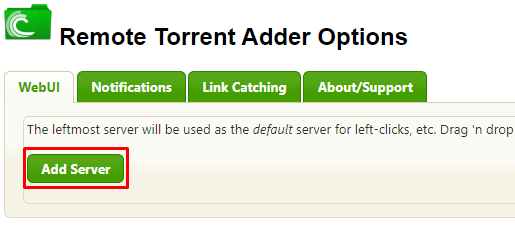
Once the primary server is removed ,Klik op add server
Give it any server name you want and then for server type from drop-down menu select rutorrent WebUI and then click add
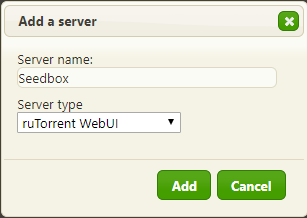
Then make the settings as per below image
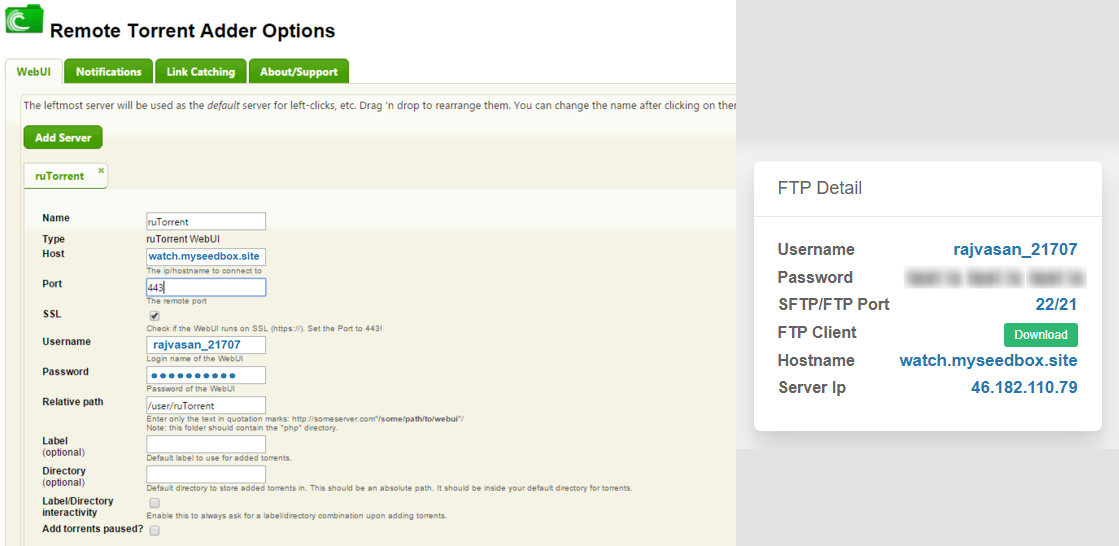
Name : Seedbox(u kunt choose any name)
Host : creative.myseedbox.site (replace creative with hostname provided in uw klantengebied)
Port : 443
SLL : Checked
Username : Your seedbox gebruikersnaam
Password: Your seedbox wachtwoord
relative path : rutorrent/ (please ensure you put the "/" aan het einde of rutorrent and not before)
Label : Optional (upto you)
Thats it now u kunt close the page:
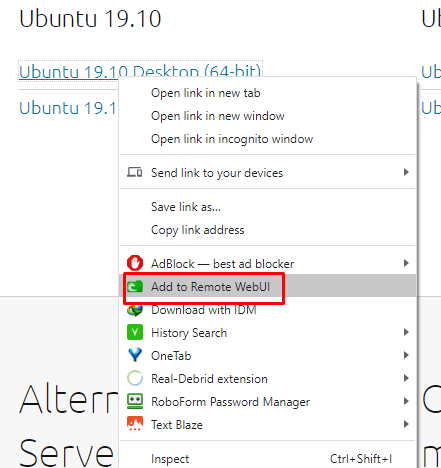
now go to any torrent website and klik met de rechtermuisknop op torrent or magnet link and select remote torrent adder
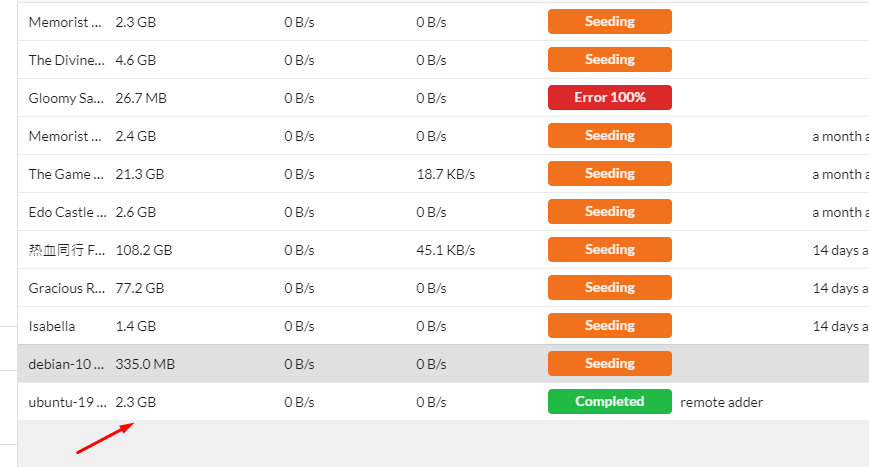
Lately it generates this fake error :
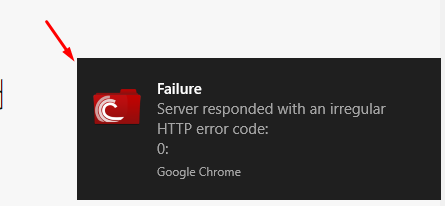
But torrent is added fine so u kunt ignore it:
Put this into practice
EvoSeedbox ships with one-click app installs and up to 10 Gbps per box.


