Synclounge 설정 가이드
On this page ▾
Navigate 당신의 클라이언트 영역 and install Synclounge, by pressing install. After it’s installed, 보게 될 것입니다 see this.

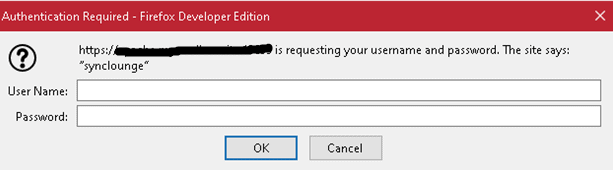
Click 열기 and 보게 될 것입니다 be greeted by this screen. Make sure you have your user name and 비밀번호 from the 클라이언트 영역 open in notepad, as 할 수 있습니다’t navigate back to the 클라이언트 영역 while the prompt box is open.
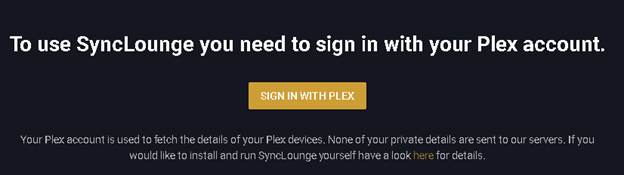
Click sign in with plex.
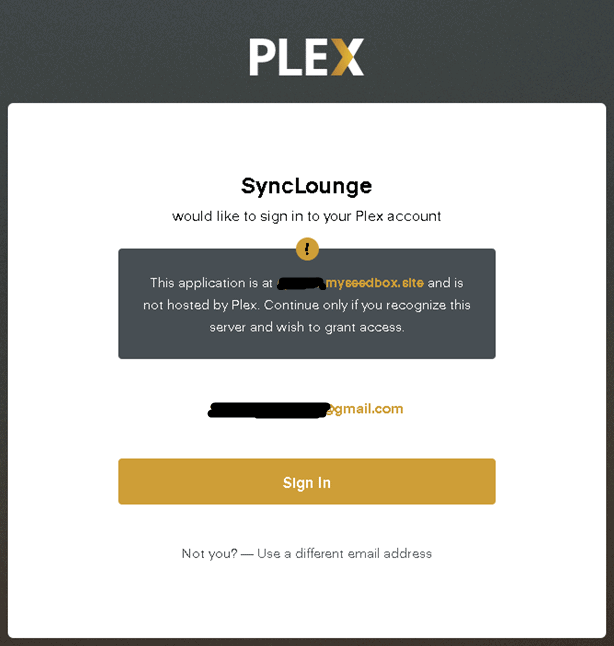
After you click sign in, 보게 될 것입니다 be greeted by this screen, click sign in or use a different email.
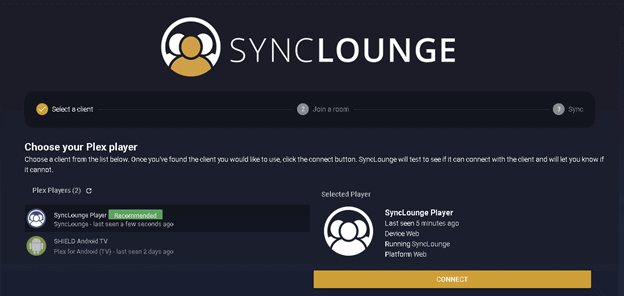
선택 your plex player. I used the recommended plex player.
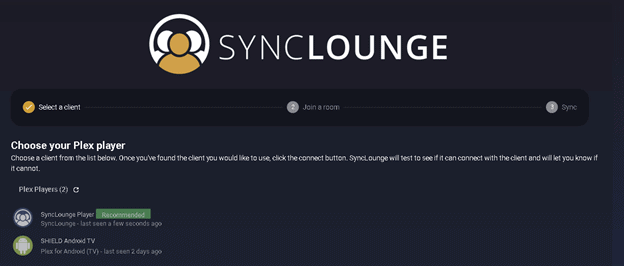
선택 connect.
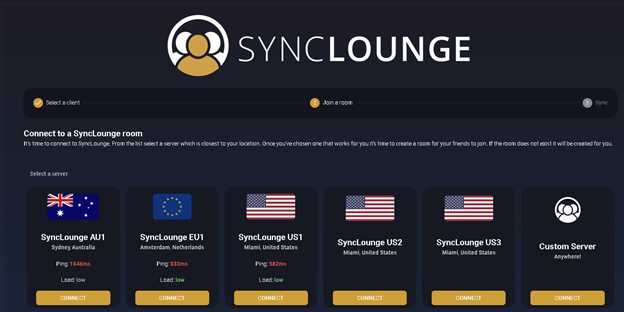
선택 the best server. This will be unique 당신의 location.
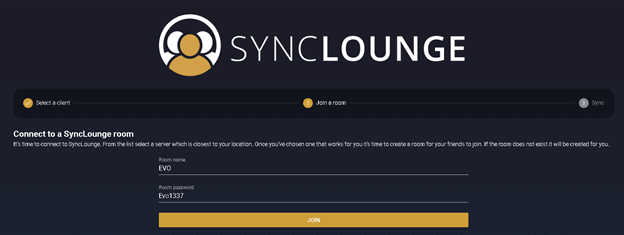
Enter a room name and 비밀번호.
선택 your Plex server
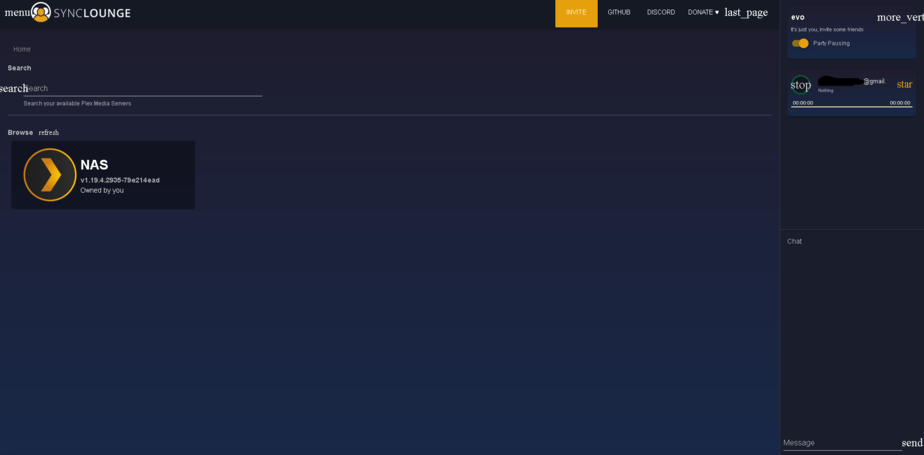
Once you select your server, 보게 될 것입니다 be able to select the media you would like to watch with your special someone.
Put this into practice
EvoSeedbox ships with one-click app installs and up to 10 Gbps per box.


