Synclounge セットアップガイド
On this page ▾
Navigate あなたの クライアントエリア and install Synclounge, by pressing install. After it’s installed, 表示されます see this.

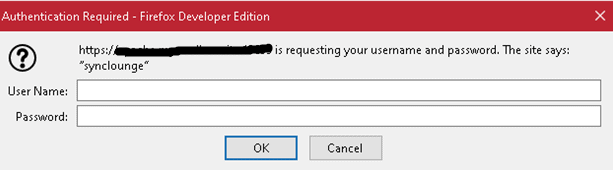
Click 開く and 表示されます be greeted by this screen. Make sure you have your user name and パスワード from the クライアントエリア open in notepad, as できます’t navigate back to the クライアントエリア while the prompt box is open.
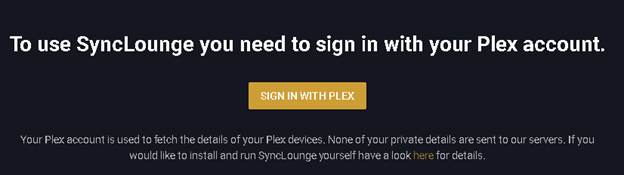
Click sign in with plex.
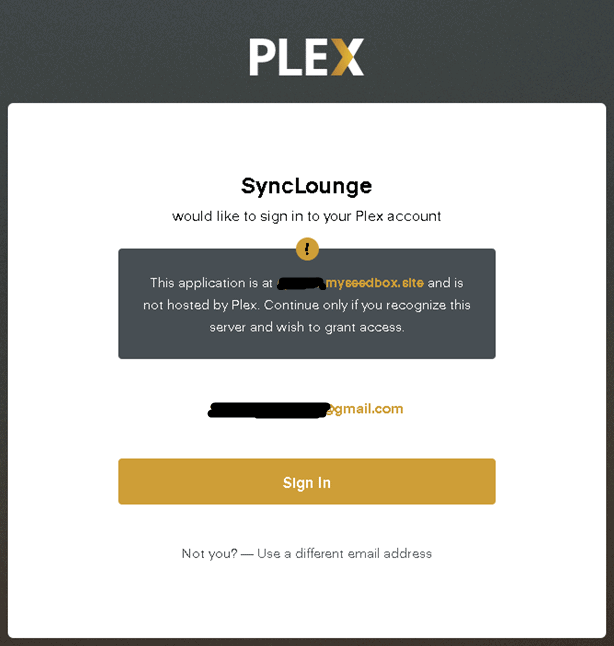
After you click sign in, 表示されます be greeted by this screen, click sign in or use a different email.
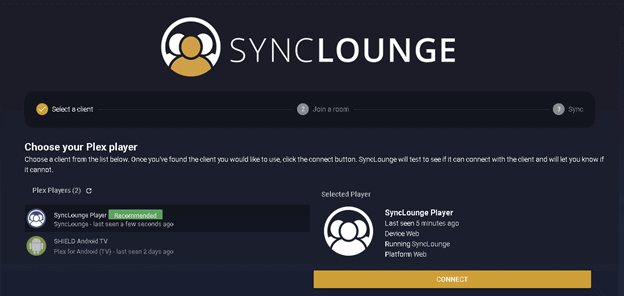
選択 your plex player. I used the recommended plex player.
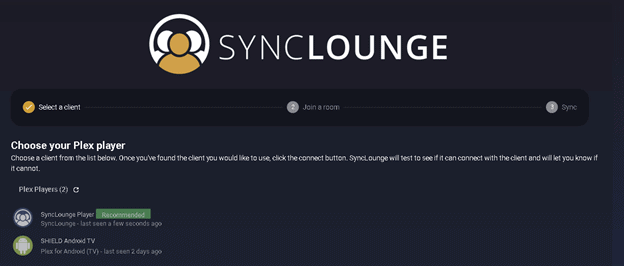
選択 connect.
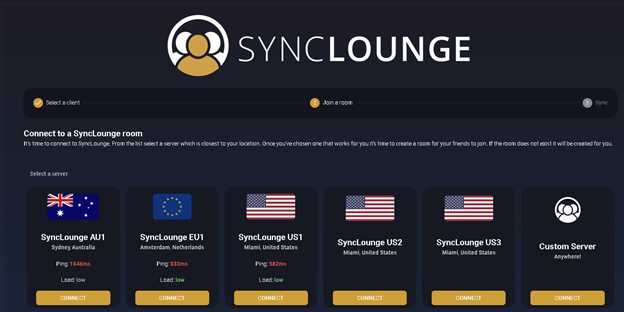
選択 the best server. This will be unique あなたの location.
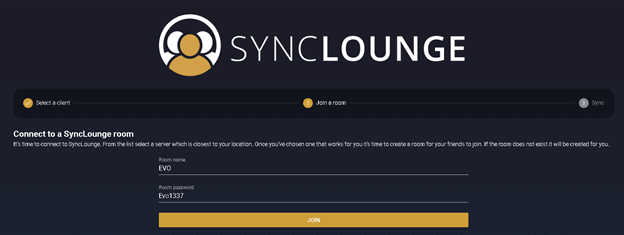
Enter a room name and パスワード.
選択 your Plex server
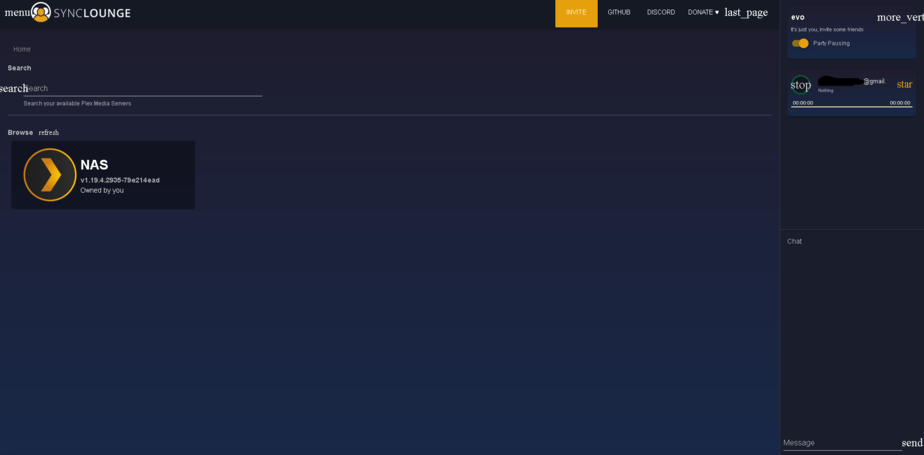
Once you select your server, 表示されます be able to select the media you would like to watch with your special someone.
Put this into practice
EvoSeedbox ships with one-click app installs and up to 10 Gbps per box.


