Did you know that 할 수 있습니다 create your own torrents!? Yes, the street goes both ways. Apart from downloading all the content in the world, 할 수 있습니다 share torrent files by making your own torrent too.
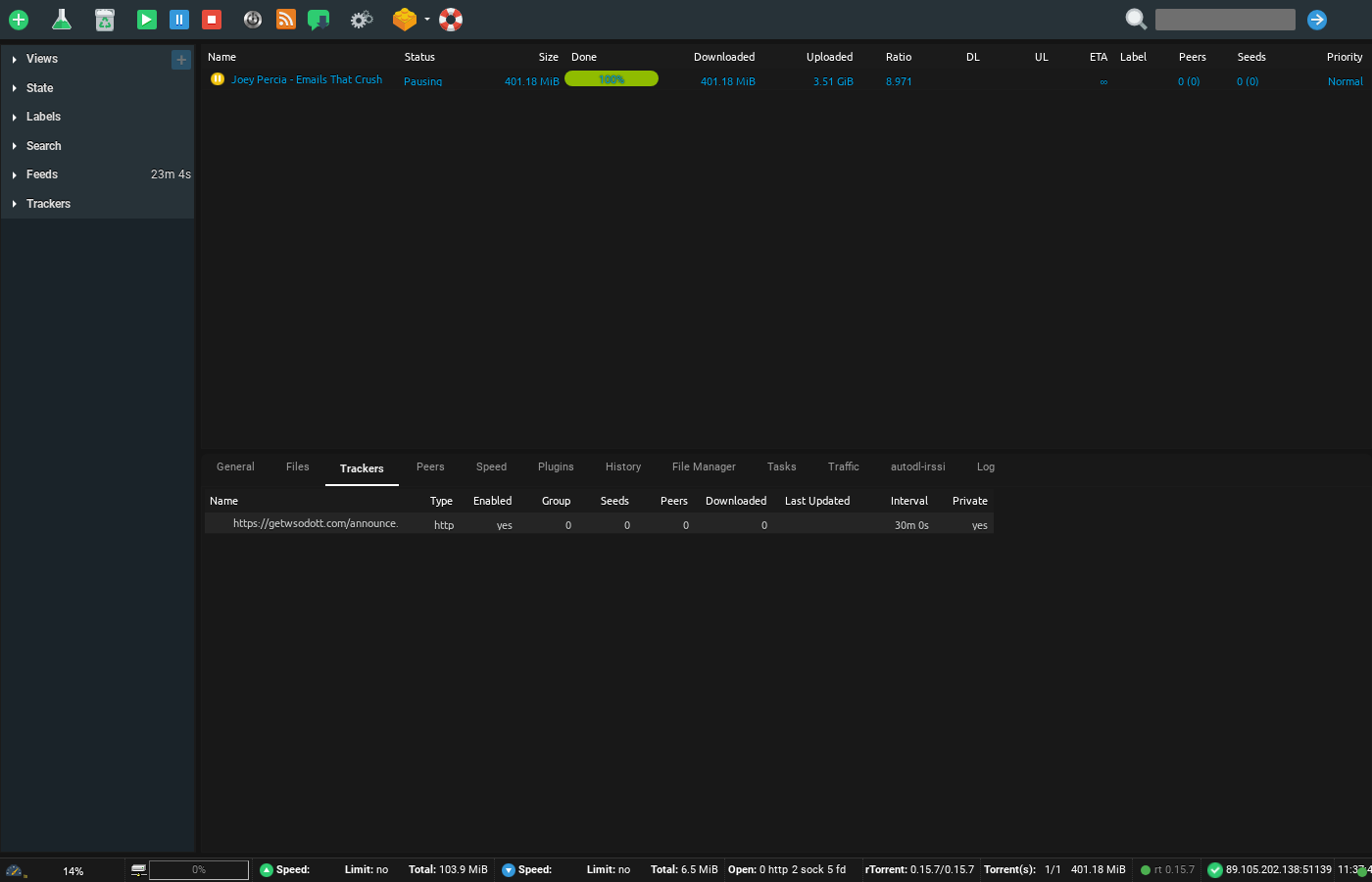
This feat. can be easily achieved by your ruTorrent client, which is pre-구성d with your Evoseedbox.
Steps to create torrents using ruTorrent
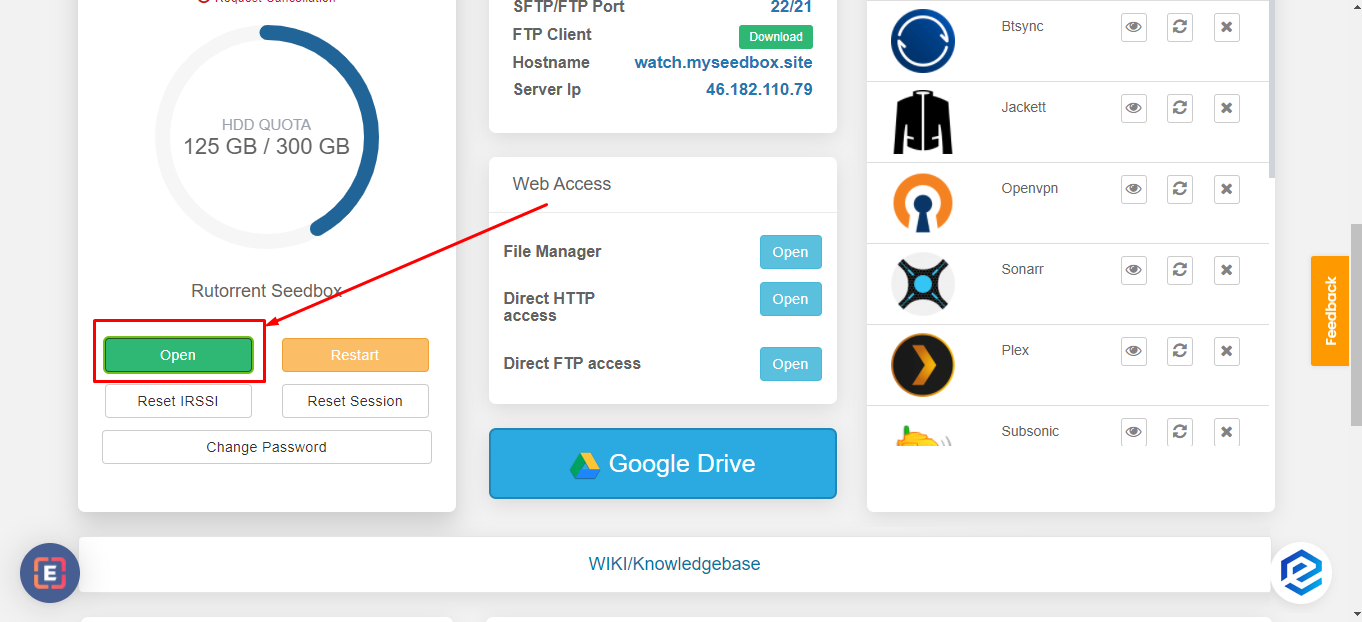
단계 1: 열기 ruTorrent client 당신의 Evoseedbox’s Client Area
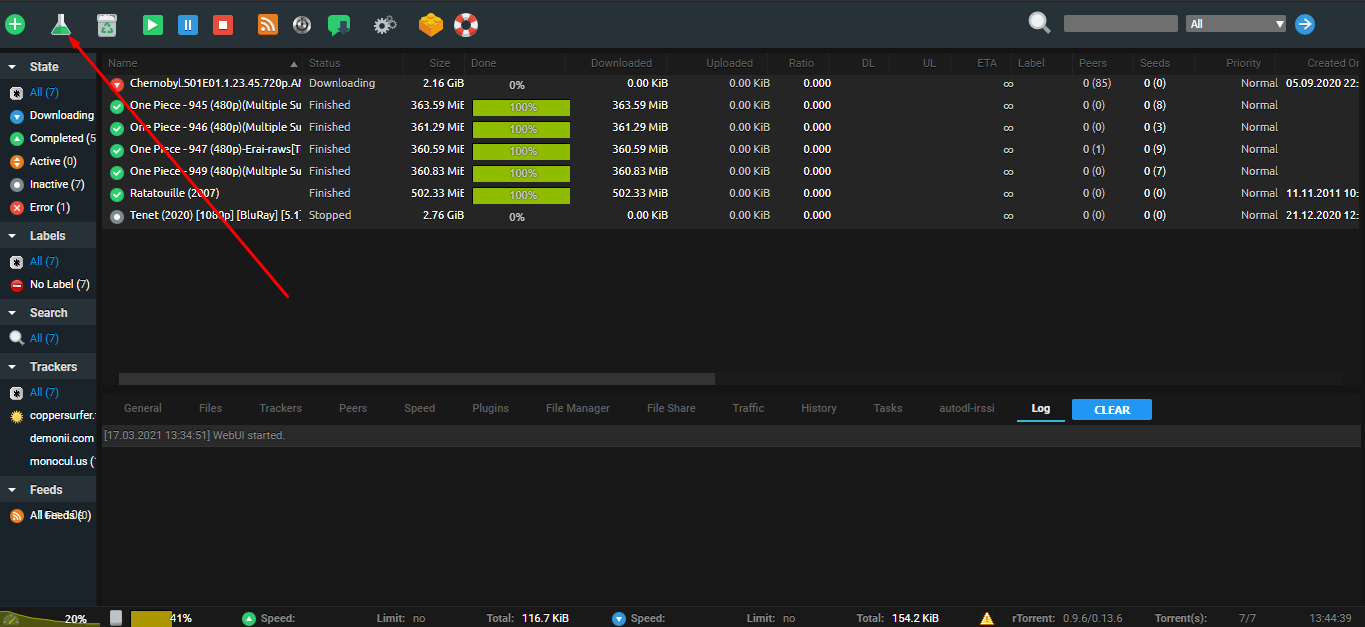
단계 2: 클릭하세요: the flask 버튼 당신의 ruTorrent.
단계 3: Inside the pop-up, add the file you want to share from the select source 버튼.
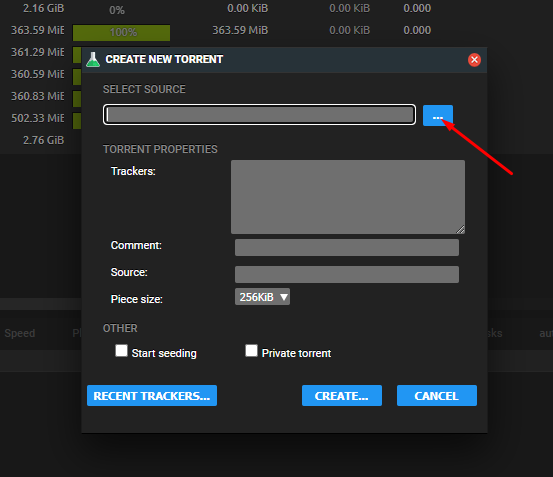
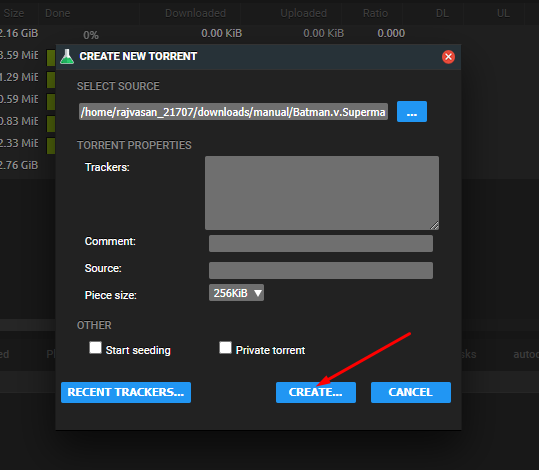
Step 4: 클릭하세요: create
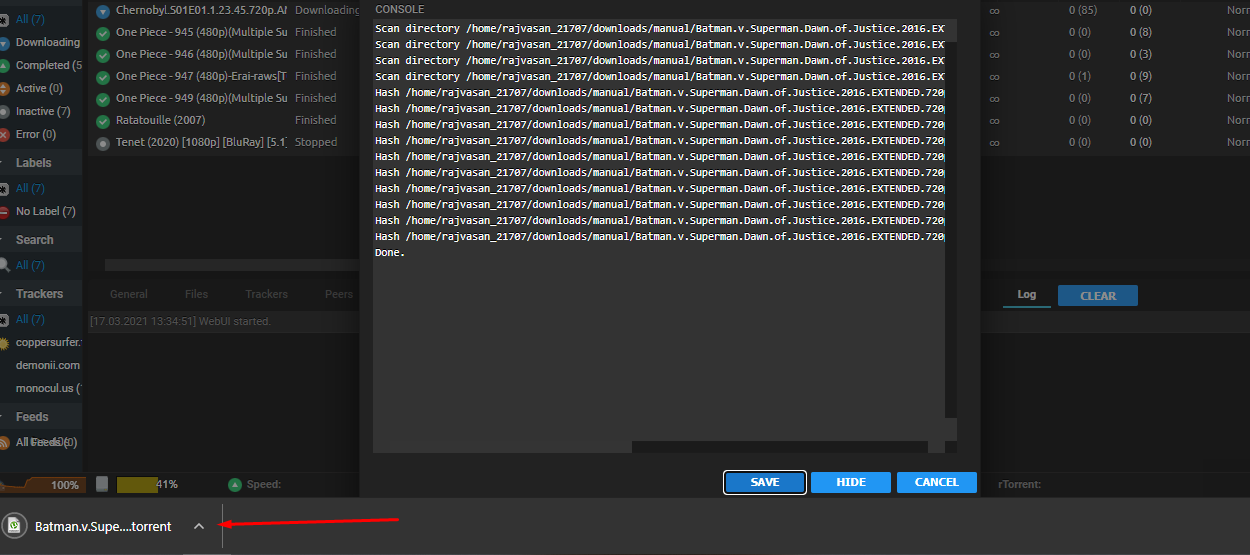
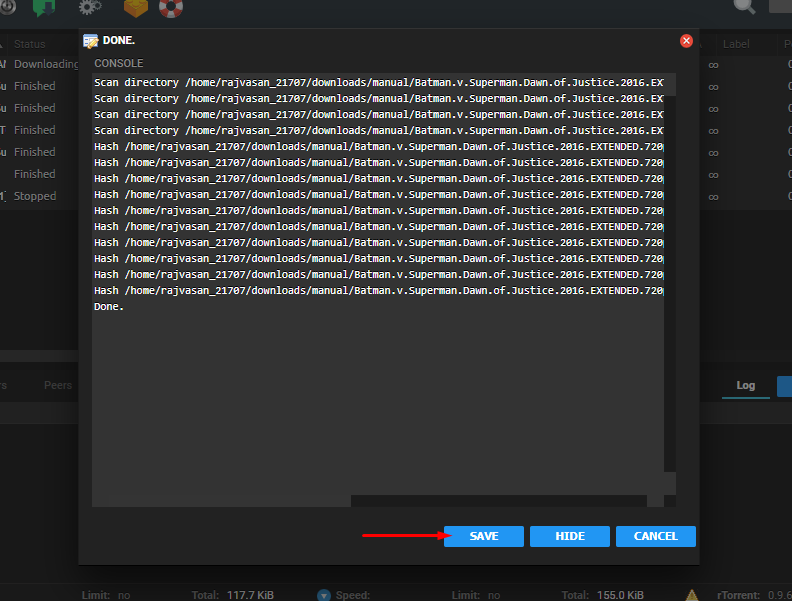
Step 5: A console will appear 당신의 screen, click on save to download the .torrent file 당신의 device.
Step 6: Using this torrent file, share your original file using the BitTorrent network.