Seedboxes are capable of many things. All you 해야 합니다 do is 구성 any app that you want with 당신의 Seedbox.
But 이것은 not as easy as it sounds. You 해야 합니다 have advanced technical knowledge and practice in SSH. 또한, whenever something goes wrong, you 해야 합니다 look for the error, and of course, come up with a solution to resolve it.
Evoseedbox understands this, therefore, all 앱s provided in 당신의 Seedbox are pre-구성d for you.
All you 해야 합니다 do is click on the install 버튼 once and 앱 will connect to 당신의 Seedbox.
Steps to 설치 Apps with one-click
단계 1: 로그인 to you Evoseedbox’s 클라이언트 영역
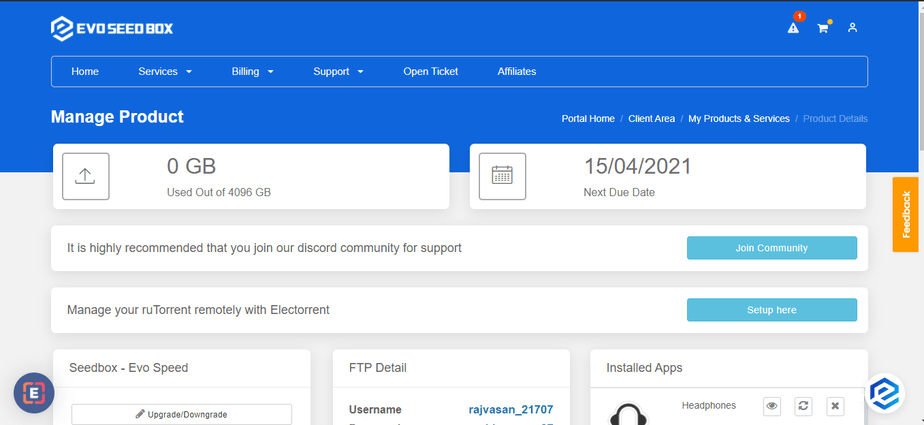
단계 2: Scroll Down and 끝에, 보게 될 것입니다 find 앱s section.
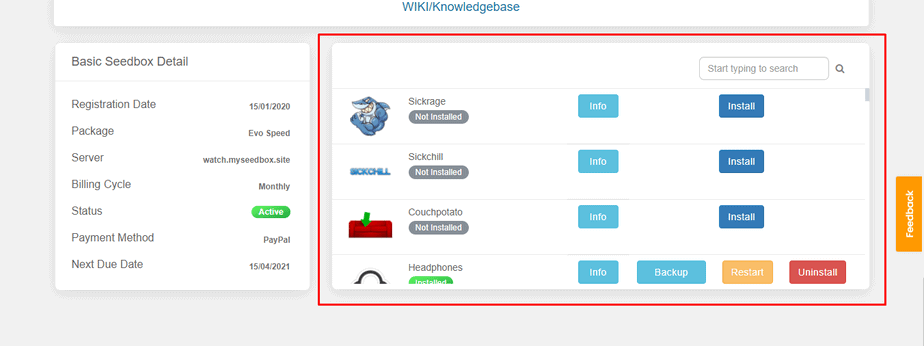
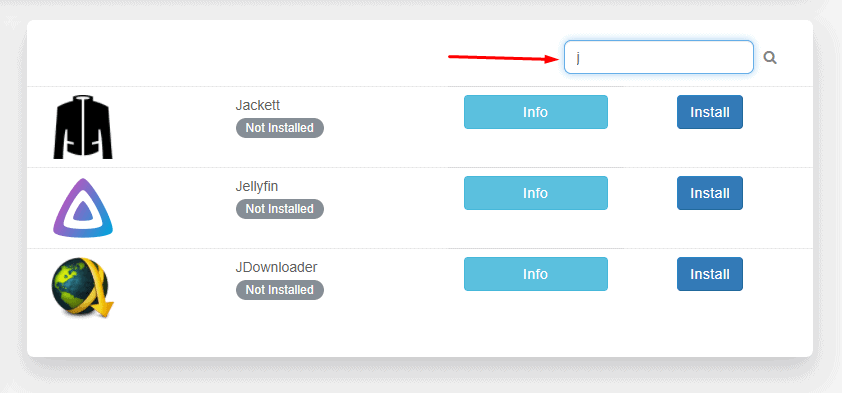
단계 3: Find 앱 you want to download using the search bar or scroll down.
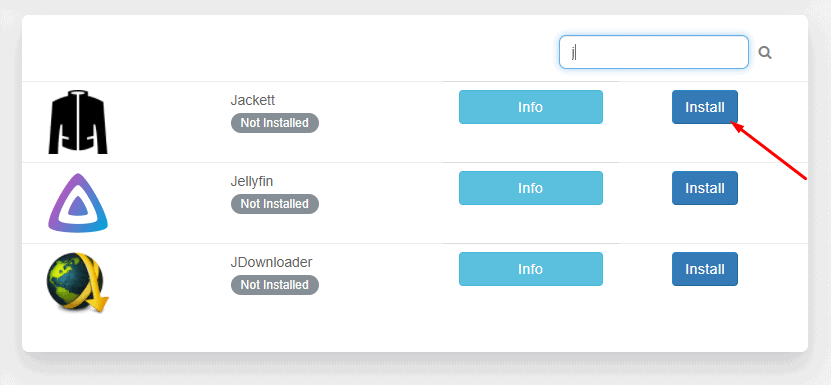
단계 4: 클릭하세요: the install 버튼 in front of any app you wish to install.
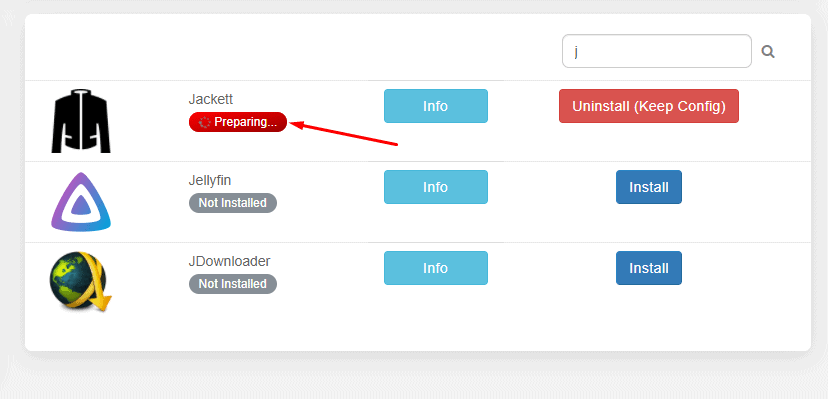
단계 5: Wait for the configuration modules to run and install 앱.
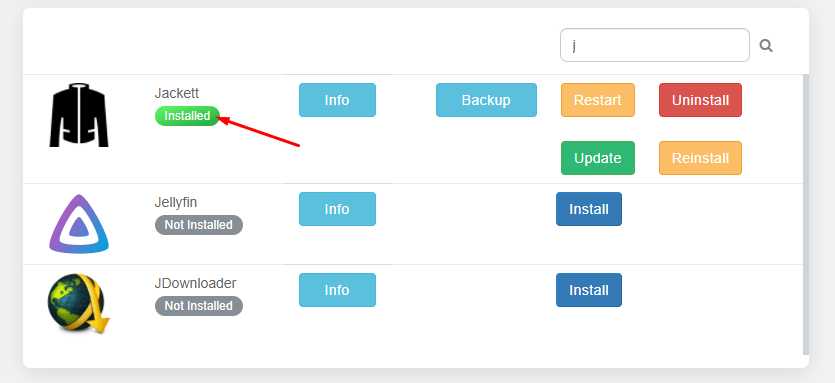
단계 6: Your app is installed.
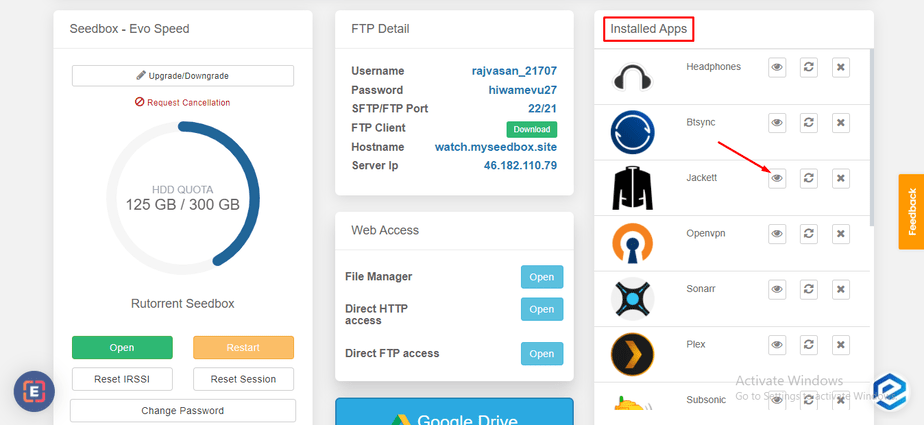
단계 7: Scroll up to find all your installed apps and click on 열기 to launch 앱.
That’s all you 해야 합니다 do to install any app on 당신의 Seedbox. You can use the Info 버튼 next to apps to learn more about what an application is used for.


