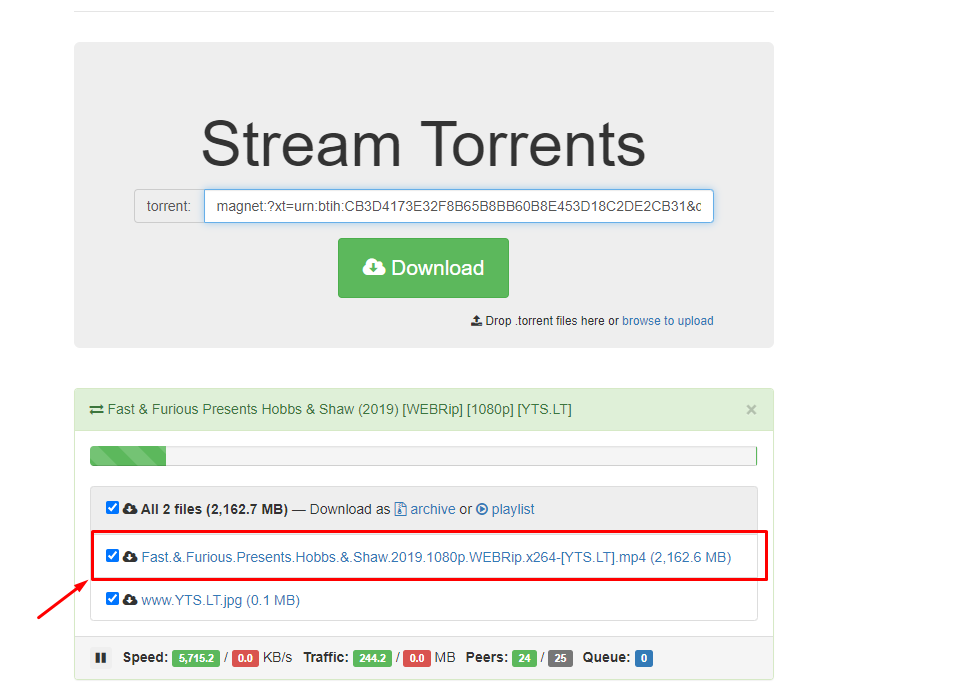
Peerflix is a torrent streaming client by which できます directly stream a torrent video file by just adding the torrent file or magnet URL of the torrent file.
方法: install Peerflix on Evo-Seedbox? #
1. Login in あなたの クライアントエリア and scroll down to アプリ section.
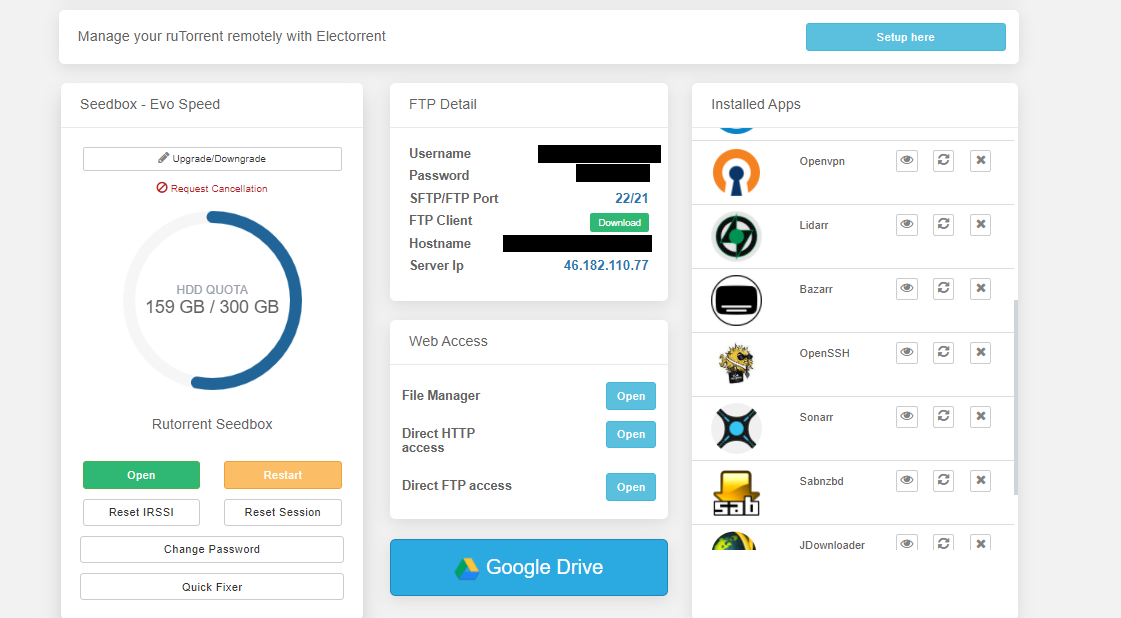
2. 検索 for Peerfllix in アプリ section and click n the install ボタン.

3. Once the installation is complete, click on the eye ボタン from the installed apps section to open アプリ.

4. As アプリ opens in the new tab , you’ll be prompted to provide login 認証情報 which are same as provided in the FTP detail.

5. App window opens as 以下に表示.
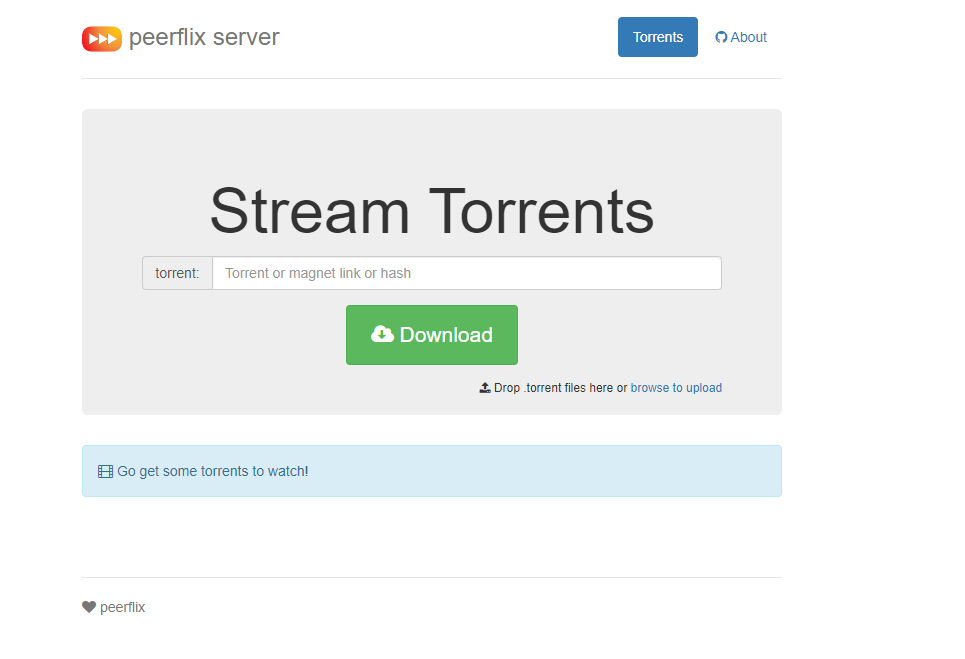
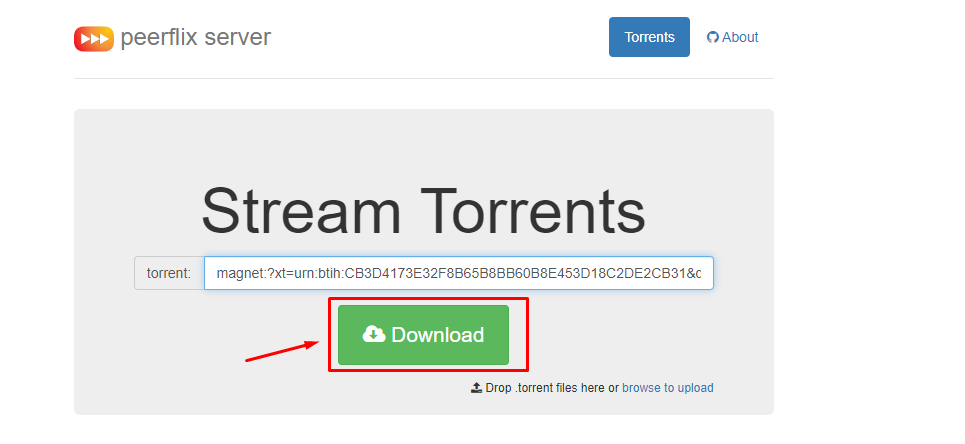
6. できます upload a torrent file or use the magnet link of the video file to stream directly.
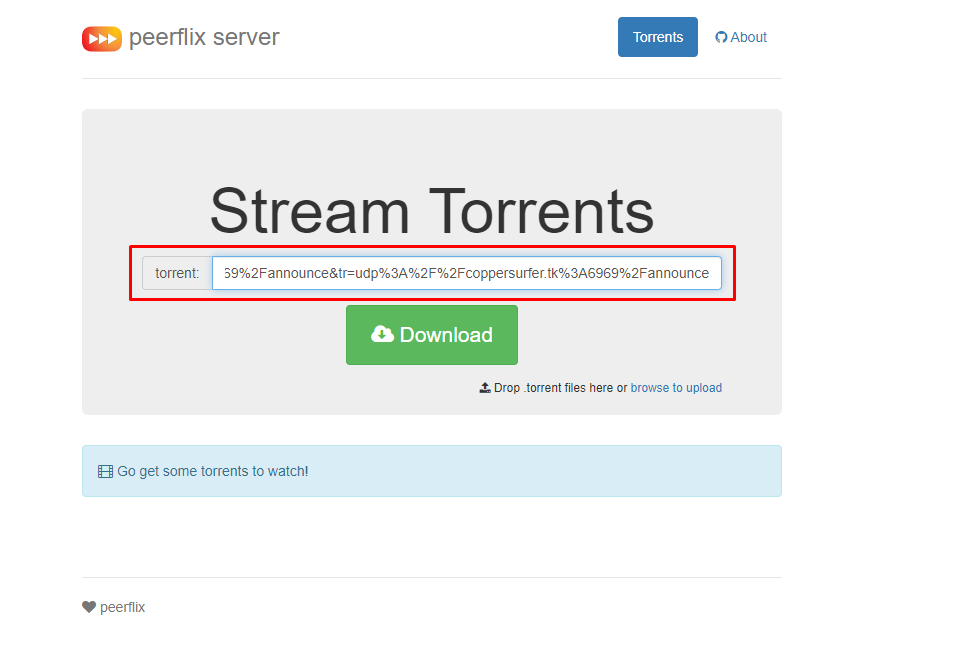
7. アップロード your torrent file or the magnet link and click on the download ボタン.
8. Streaming links will be 利用可能 once the download starts which opens as 以下に表示.