Comment Use Peerflix avec votre EvoSeedbox
On this page ▾
Peerflix is a torrent streaming client by which vous pouvez directly stream a torrent video file by just adding the torrent file or magnet URL of the torrent file.
Comment install Peerflix on Evo-Seedbox?
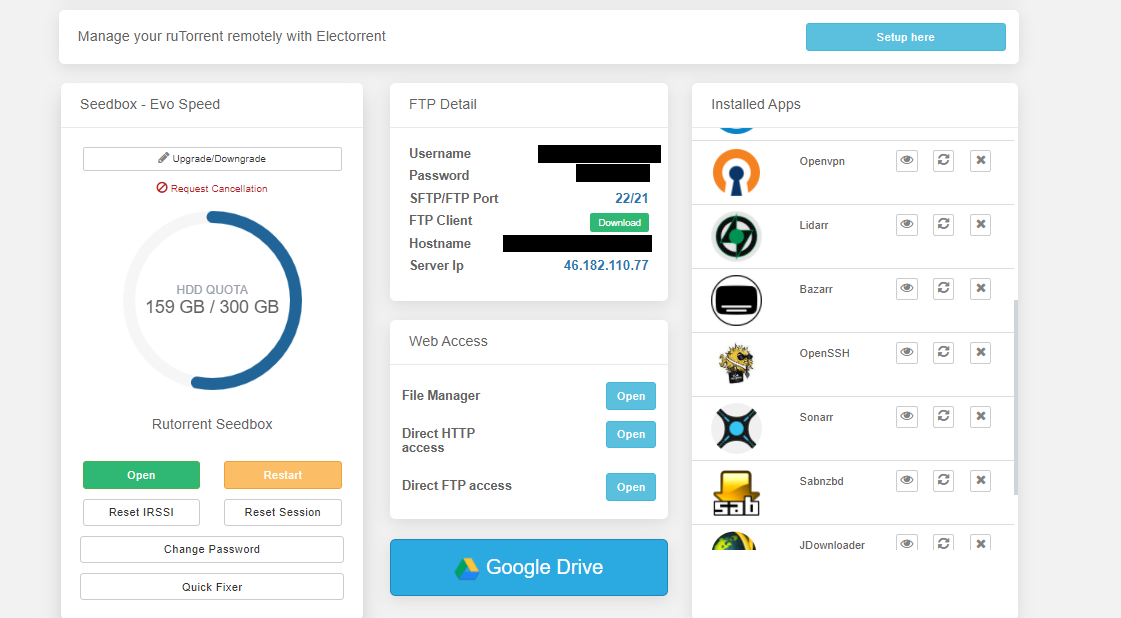
1. Connexion in to your espace client and scroll down to the app section.
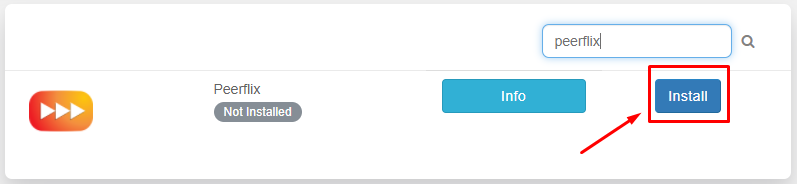
2. Rechercher for Peerfllix in the app section and click n the install button.
3. Once the installation is complete, cliquez sur the eye button from the installed apps section to open the app.

4. As the app opens in the new tab , you’ll be prompted to provide login identifiants which are same as provided in the FTP detail.

5. App window opens comme montré ci-dessous.
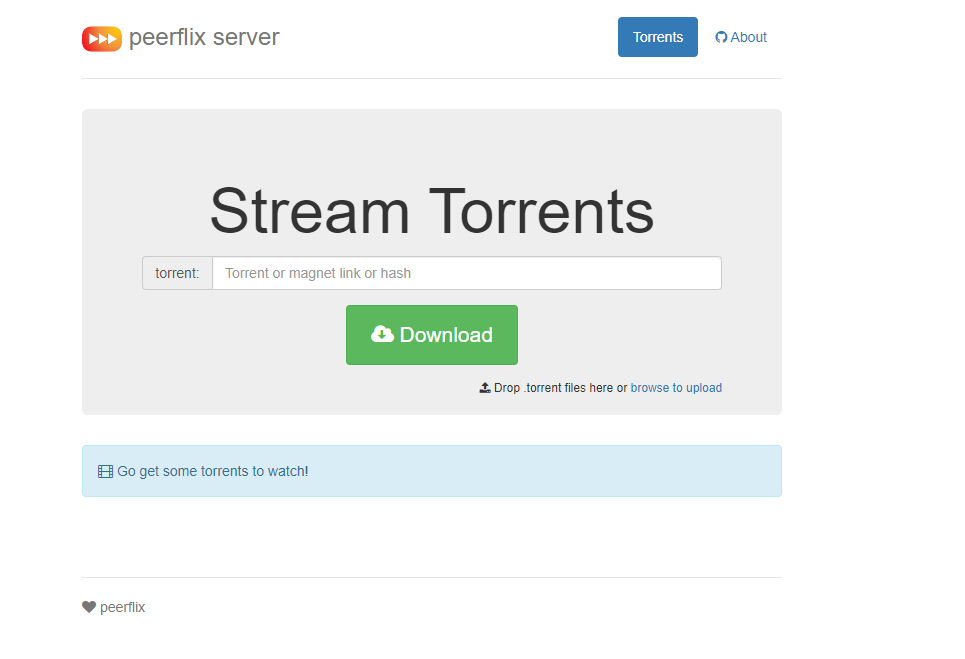
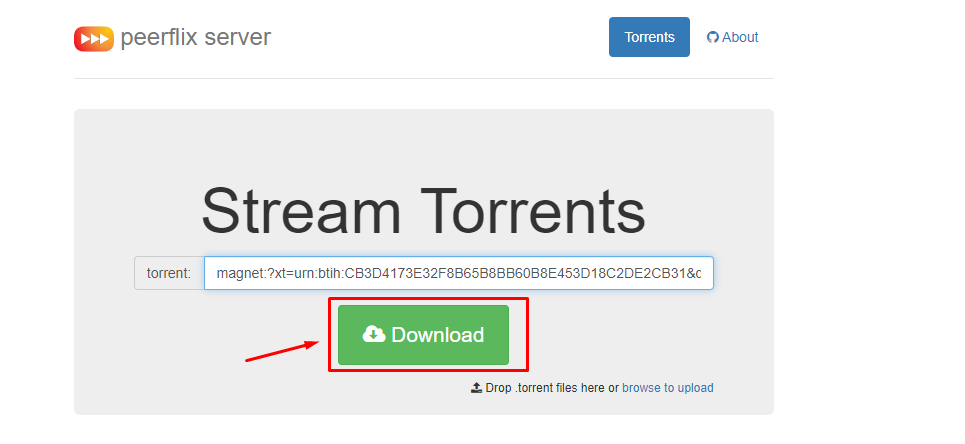
6. Vous pouvez upload a torrent file or use the magnet link of the video file to stream directly.
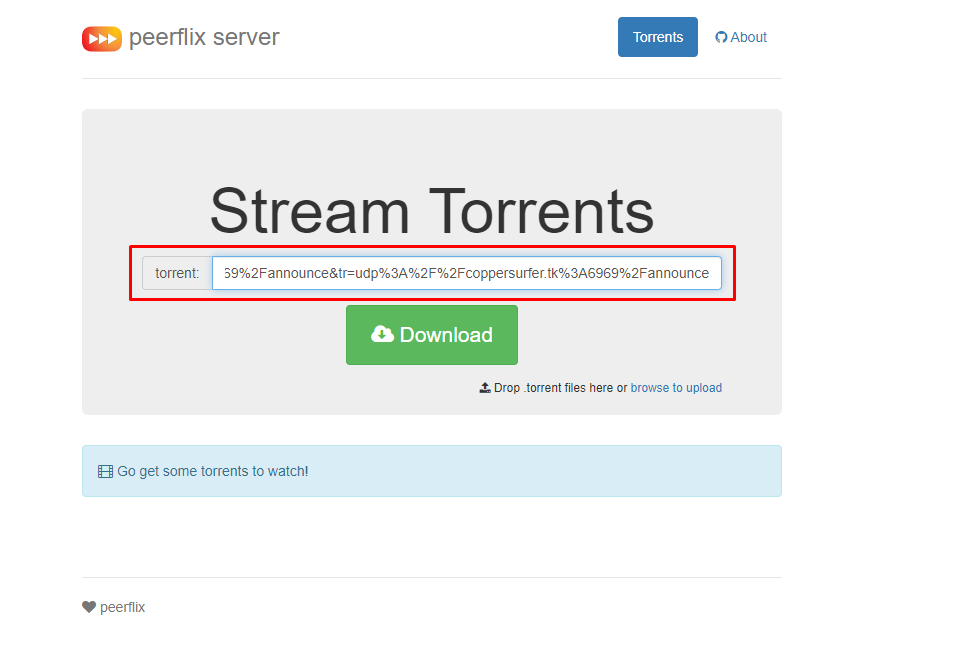
7. Charger your torrent file or the magnet link and cliquez sur the download button.
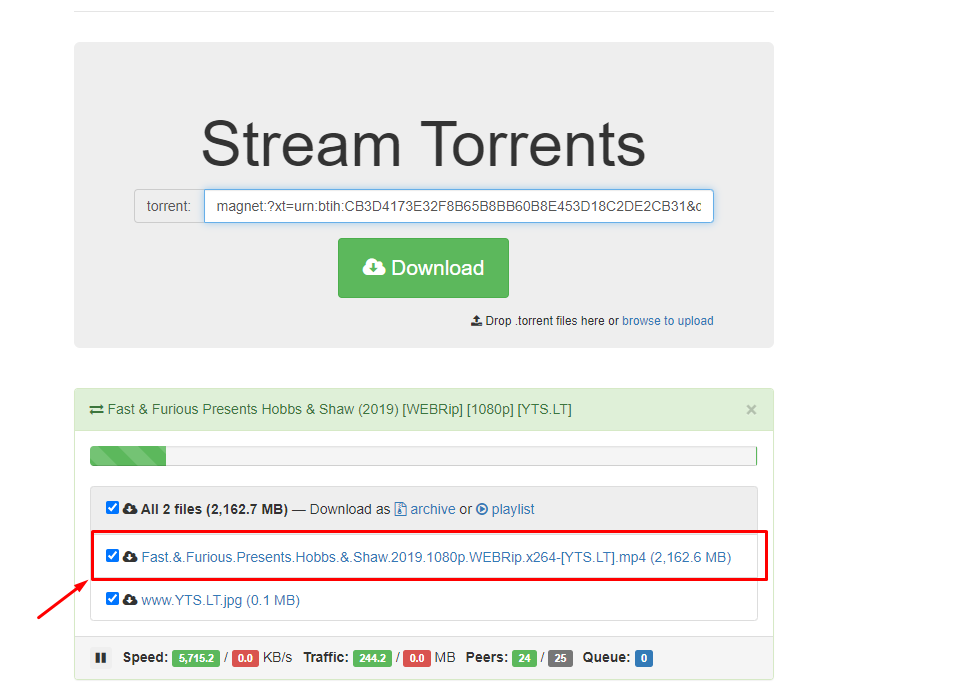
8. Streaming links will be disponible once the download starts which opens comme montré ci-dessous.
Put this into practice
EvoSeedbox ships with one-click app installs and up to 10 Gbps per box.


