OpenVPN Connect Setup
On this page ▾
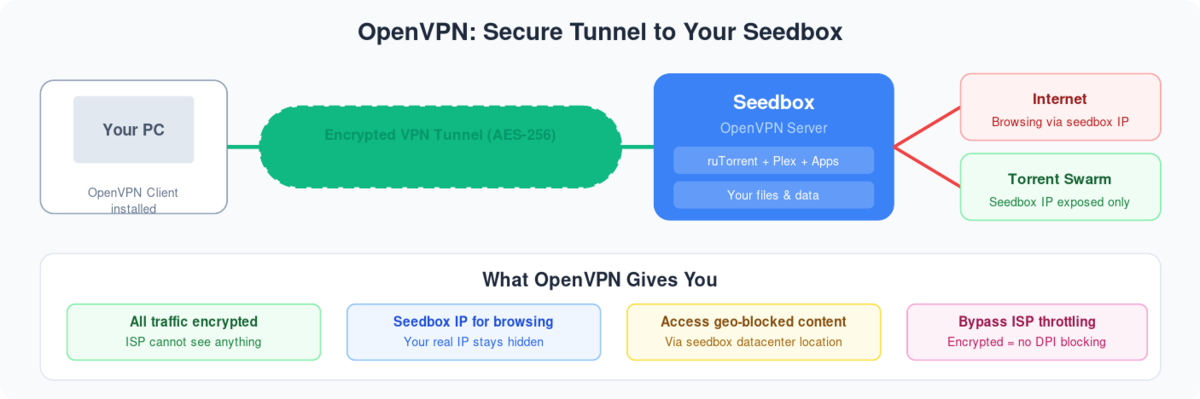
OuvrirVPN connect is a great tool to connect the VPN provided with seedbox. It has many user-friendly features like easy tab connection, kill switch and many more.
Our VPN is compatible with it. To get started, download OuvrirVPN connect from the link provided here: OuvrirVPN connect and install it on your device.
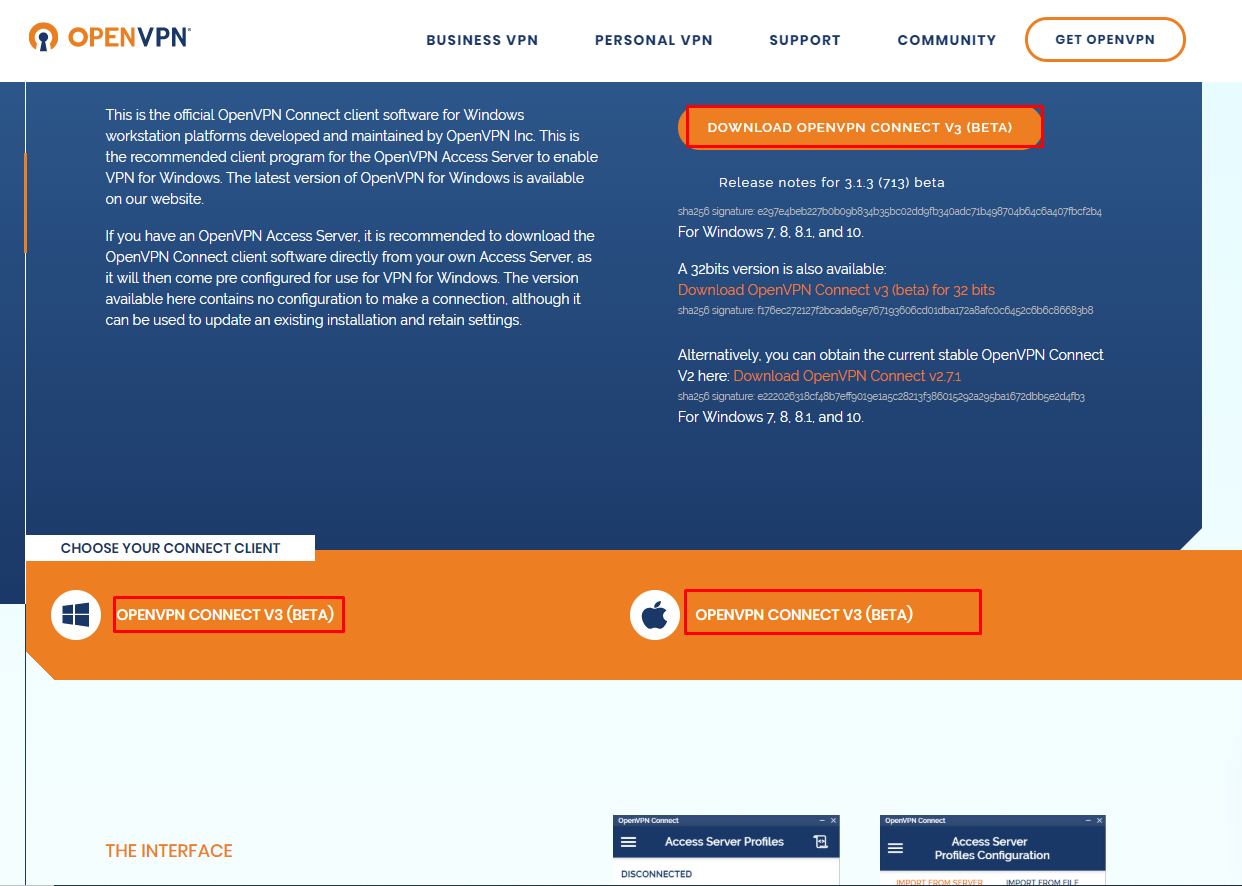
For mac click here: MAC OPENVPN CONNECT
- Now lets install VPN App on our seedbox:
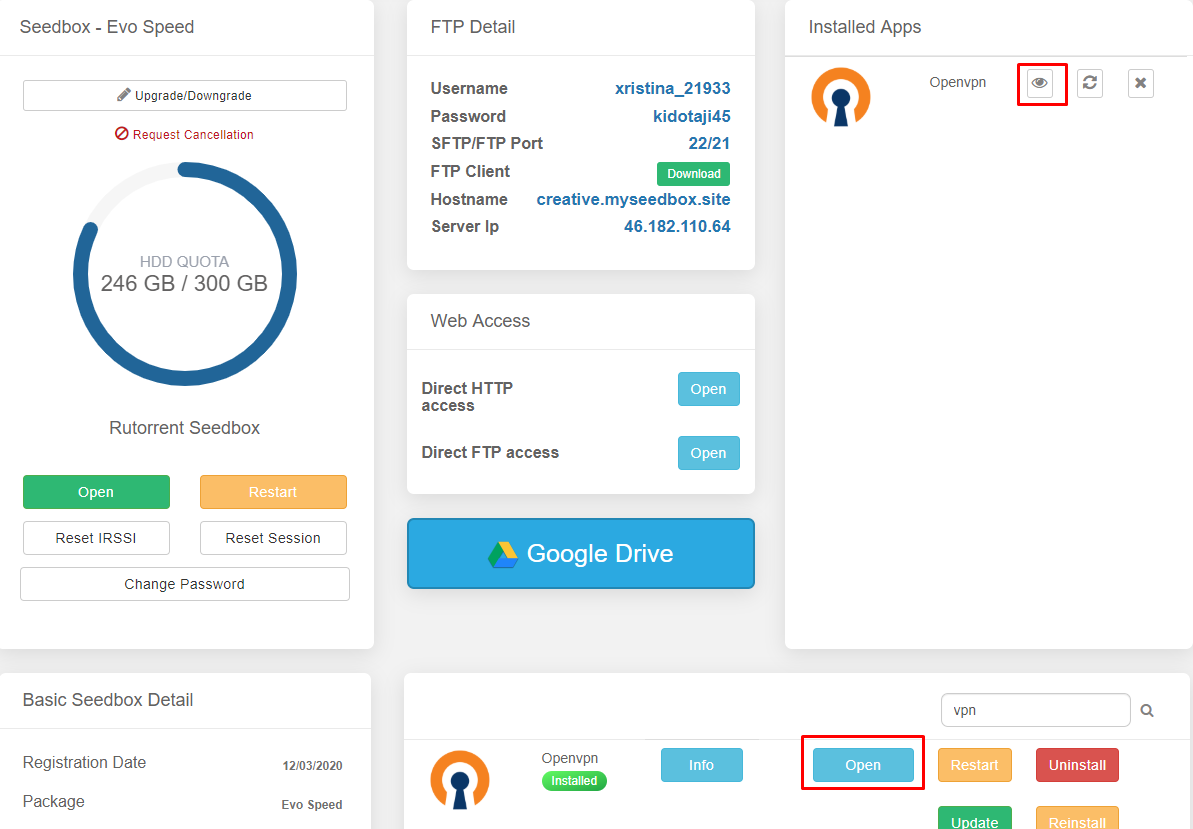
- Ouvrir votre seedbox panneau de contrôle
- Scroll down to the apps section and search for OuvrirVPN
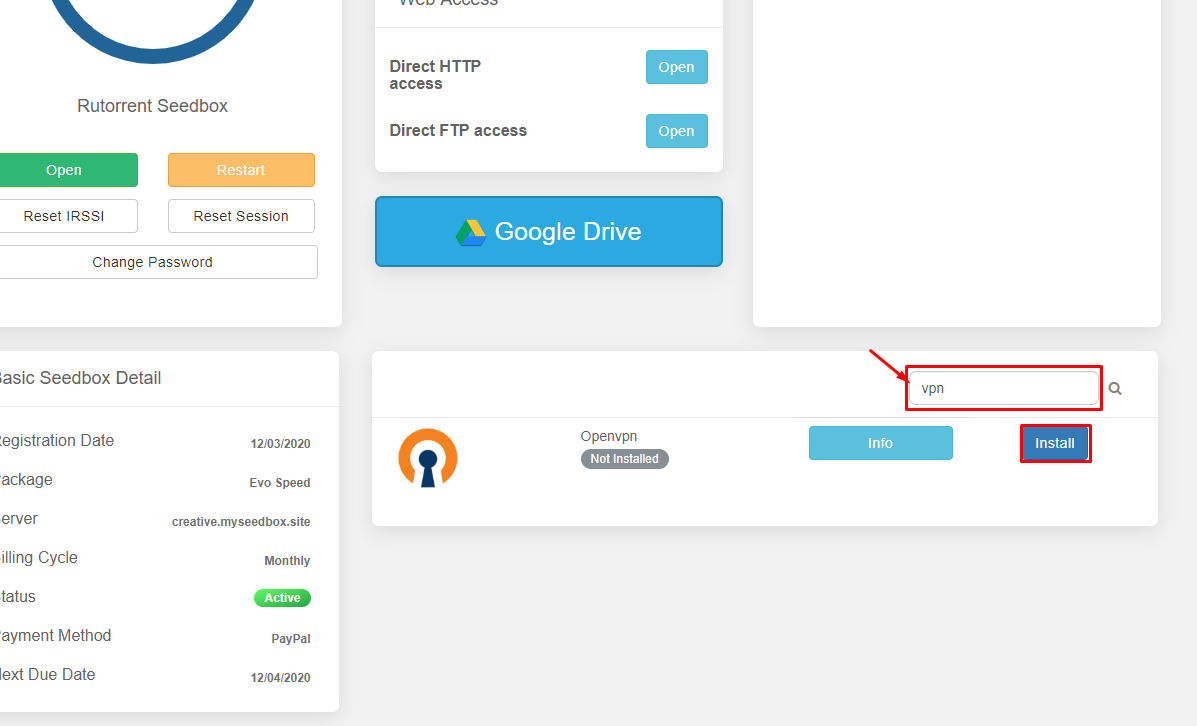
- Then install OuvrirVPN and wait for a few minutes for it to install
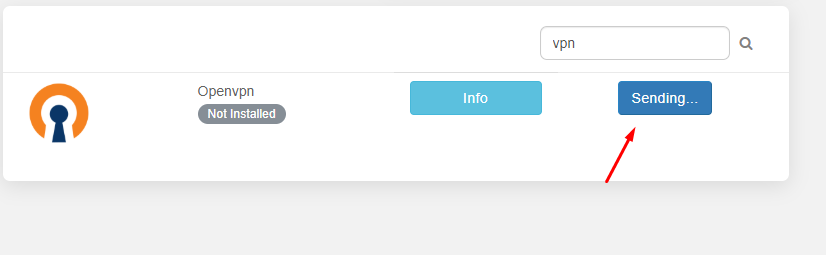
- Once installed cliquez sur open
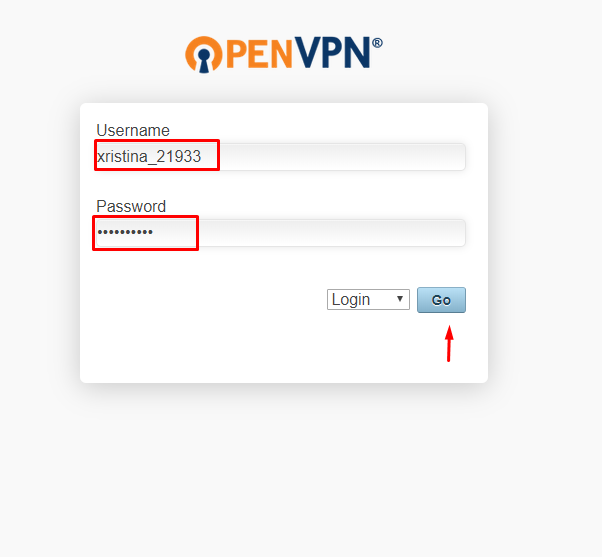
- Insert your user id and mot de passe to log in.
- Une fois que vous have logged in download the locked client profile from the list of options.
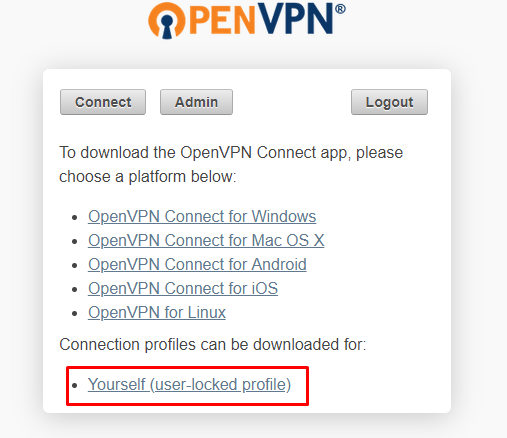
- Enregistrer the file some place where vous pouvez access easily.
- Ouvrir OuvrirVPN connect client and cliquez sur file
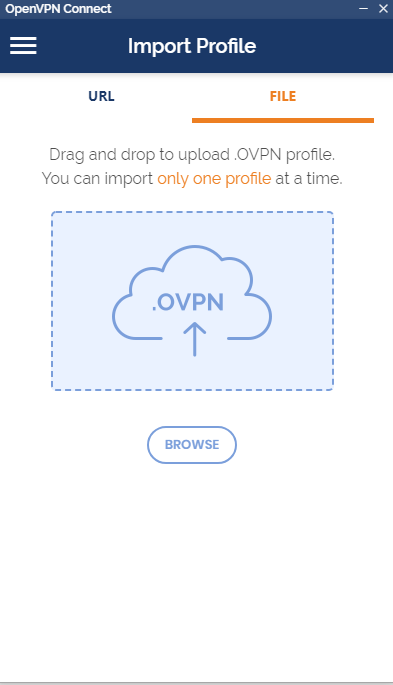
- Drag n Drop or browse and locate the file , once imported choose save mot de passe and insert the mot de passe
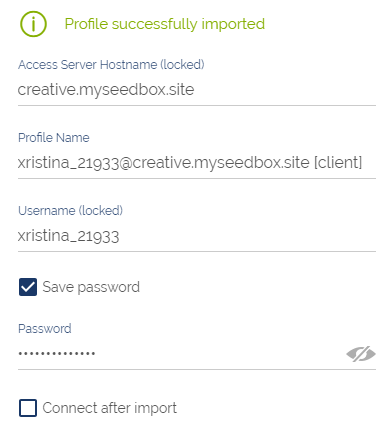
Then cliquez sur add on the top right corner
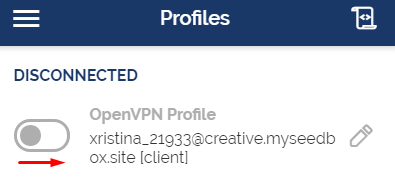
Cliquez sur the toggle button to connect
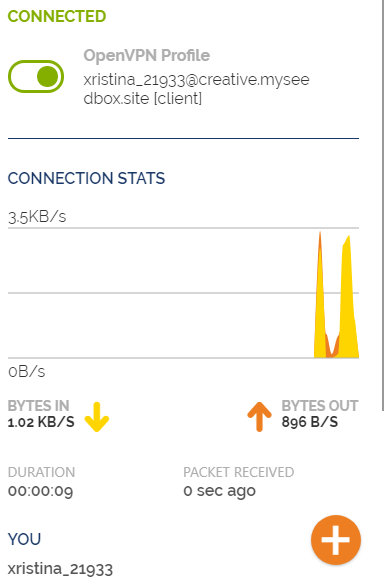
Put this into practice
EvoSeedbox ships with one-click app installs and up to 10 Gbps per box.


