Following are the step-by-step instructions to setup the calibre:
- Installer calibre from your espace client dashboard
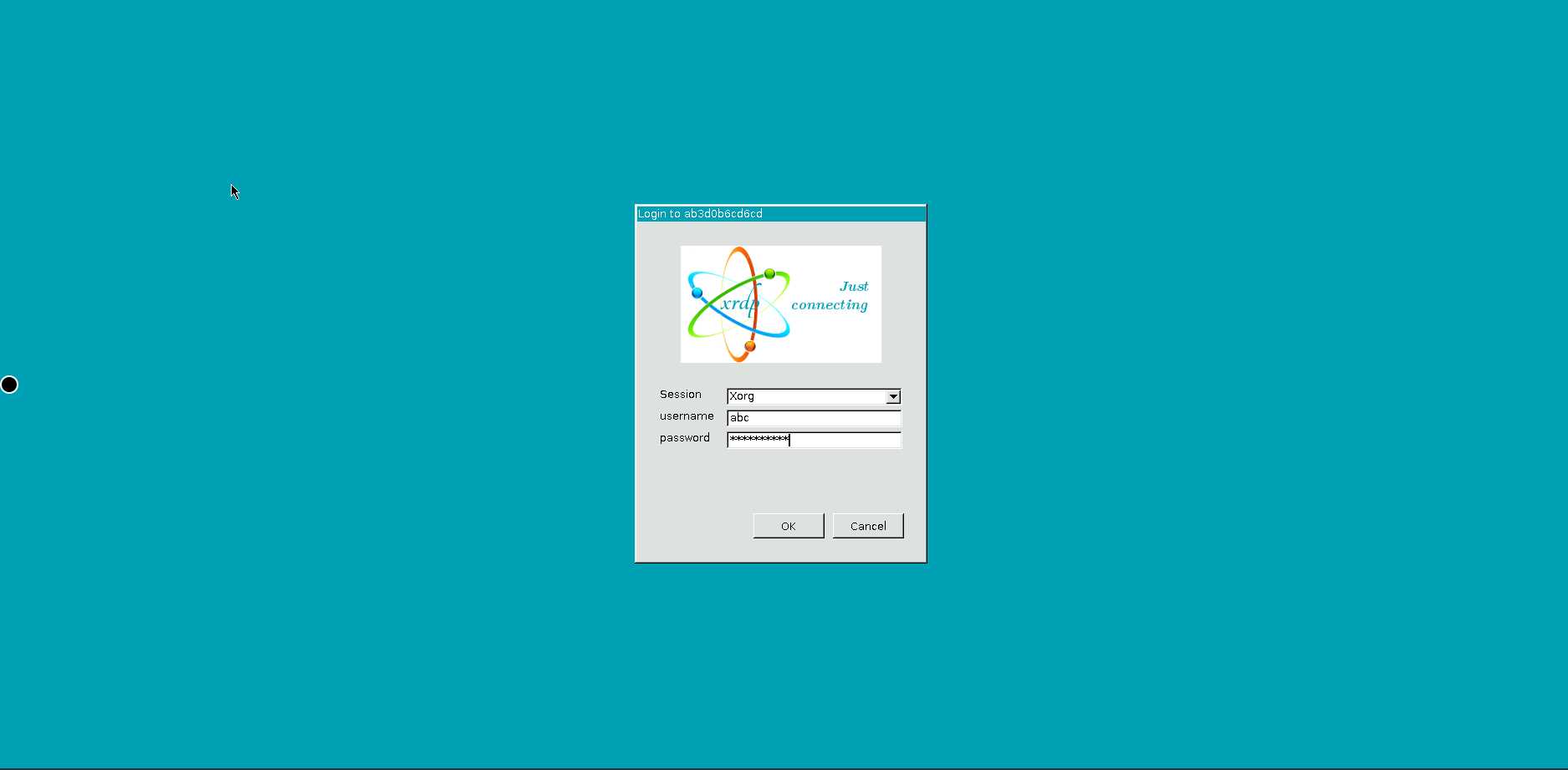
- Visit the calibre’s URL and log in using the following identifiants:
Nom d’utilisateur: abc
Mot de passe: <copy the mot de passe from your espace client dashboard>
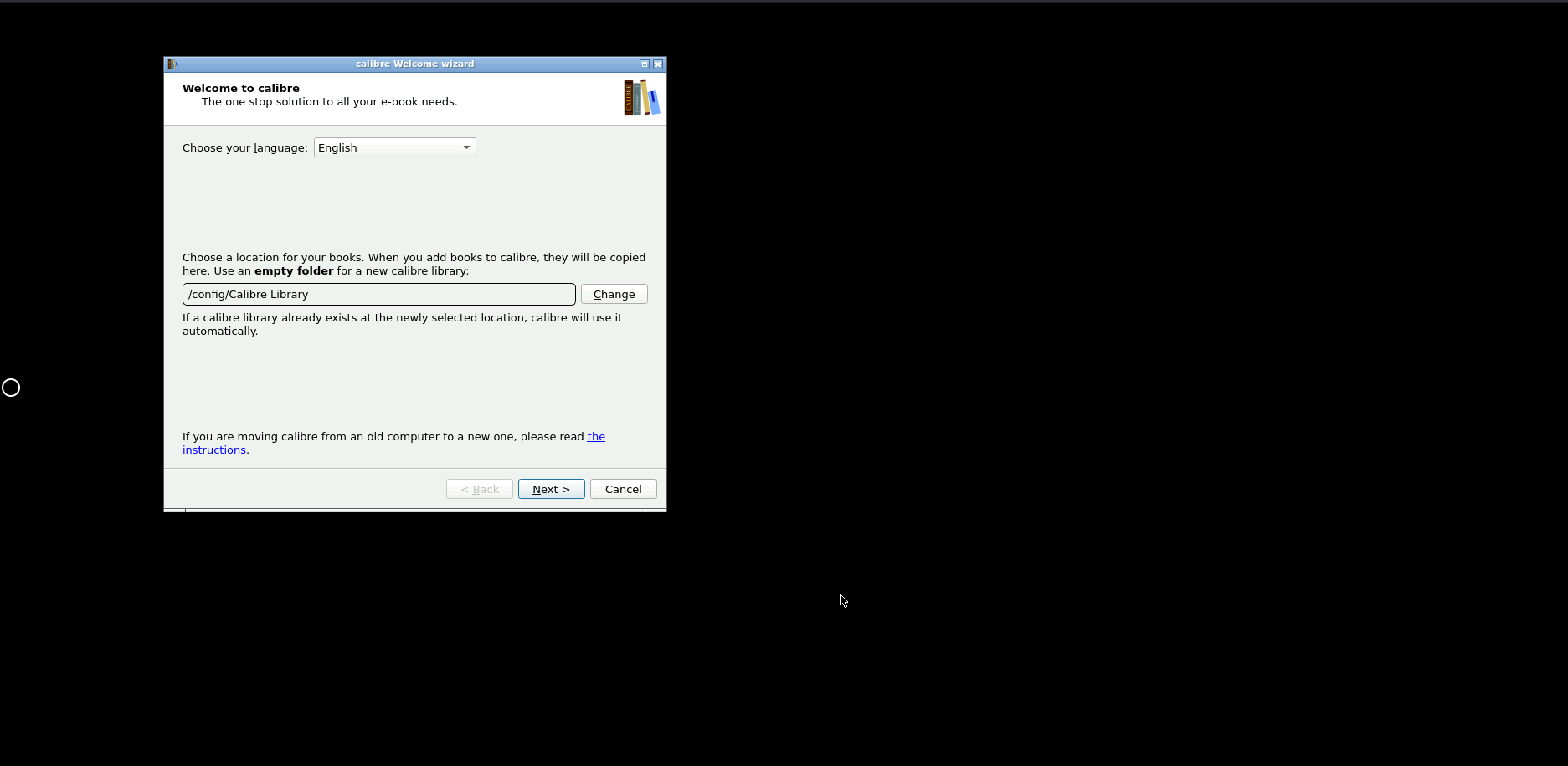
- The default location of the calibre library:
a. Access your library within calibre under `/config/Calibre Library’
b. Access your library from votre seedbox under ‘/home//downloads/calibreLibrary’
Setting Up Calibre on Votre Seedbox #
Calibre is an open-source ebook management tool. Running it on votre seedbox lets you manage and access your ebook library from anywhere via a web browser.
Installeration Steps #
- Ouvrir your Evoseedbox espace client and go to your dashboard
- Find Calibre in the apps section and click Installer
- Wait for the installation to complete (usually under 30 seconds)
- Click the Calibre icon to open the web interface
- Se connecter with votre seedbox identifiants (same nom d’utilisateur and mot de passe as ruTorrent)
What You Can Do with Calibre #
- Charger ebooks: Add EPUB, PDF, MOBI, and other formats directly through the web interface
- Convert formats: Convert between ebook formats (e.g., EPUB to MOBI for Kindle)
- Read online: Read books directly in your browser without downloading
- Send to device: Email books directly to your Kindle or other e-reader
- Organize library: Tag, categorize, and search your collection
Combining Calibre with Torrents #
Télécharger ebook torrents to votre seedbox, then add them to Calibre for organization and format conversion. This creates a personal digital library accessible from any device.
Tip: Use Readarr for Automation #
Installer Readarr alongside Calibre to automatically search for and download new ebook releases, similar to how Sonarr handles TV shows.


