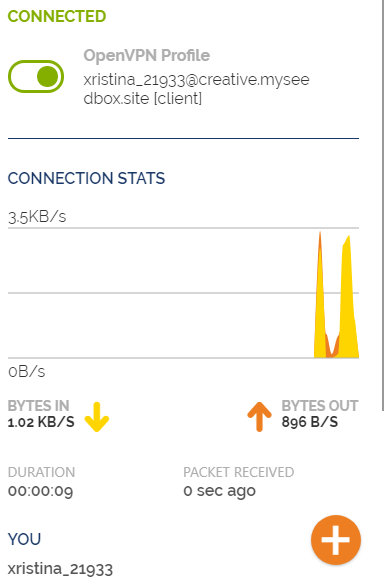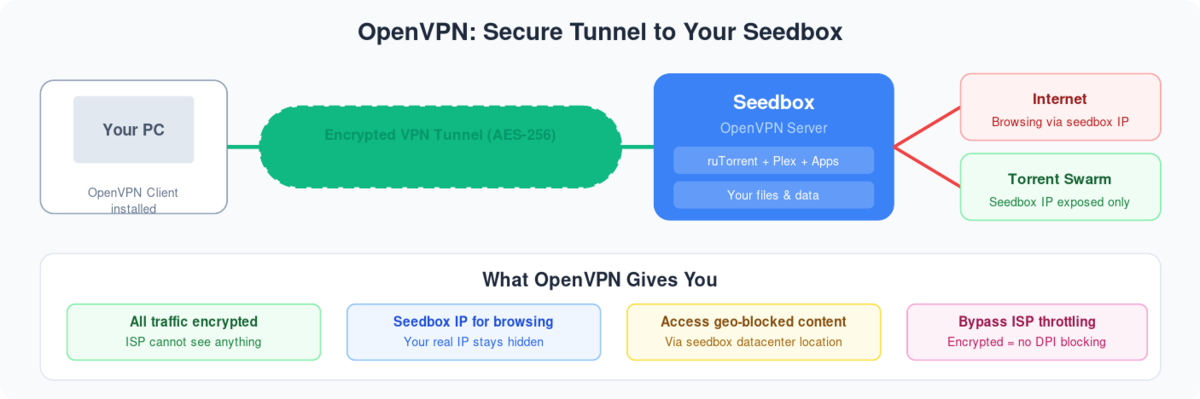
AbrirVPN connect is a great tool to connect the VPN provided with seedbox. It has many user-friendly features like easy tab connection, kill switch and many more.
Our VPN is compatible with it. To get started, download AbrirVPN connect from the link provided here: AbrirVPN connect and install it on your device.
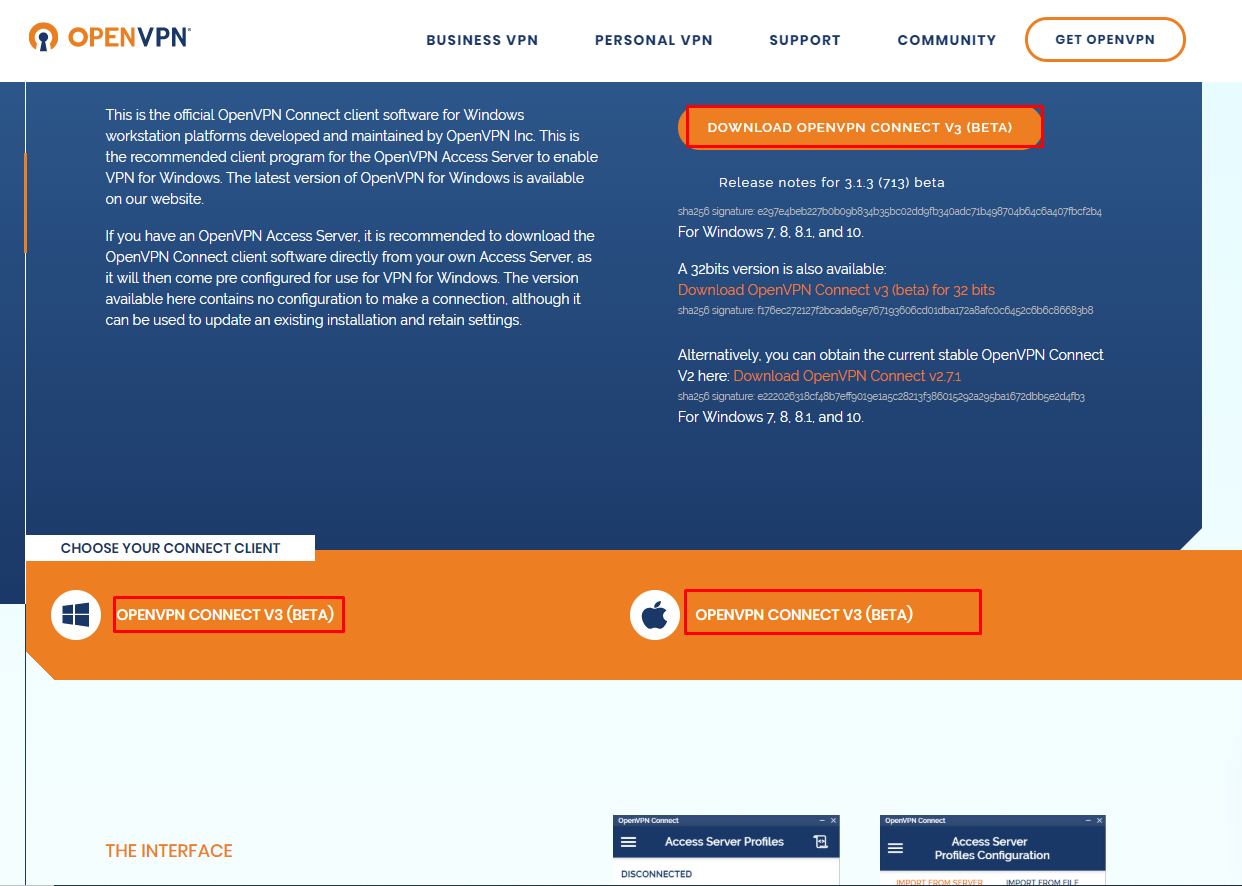
For mac click here: MAC OPENVPN CONNECT
- Now lets install VPN App on our seedbox:
- Abrir tu seedbox control panel
- Scroll down to the apps section and search for AbrirVPN
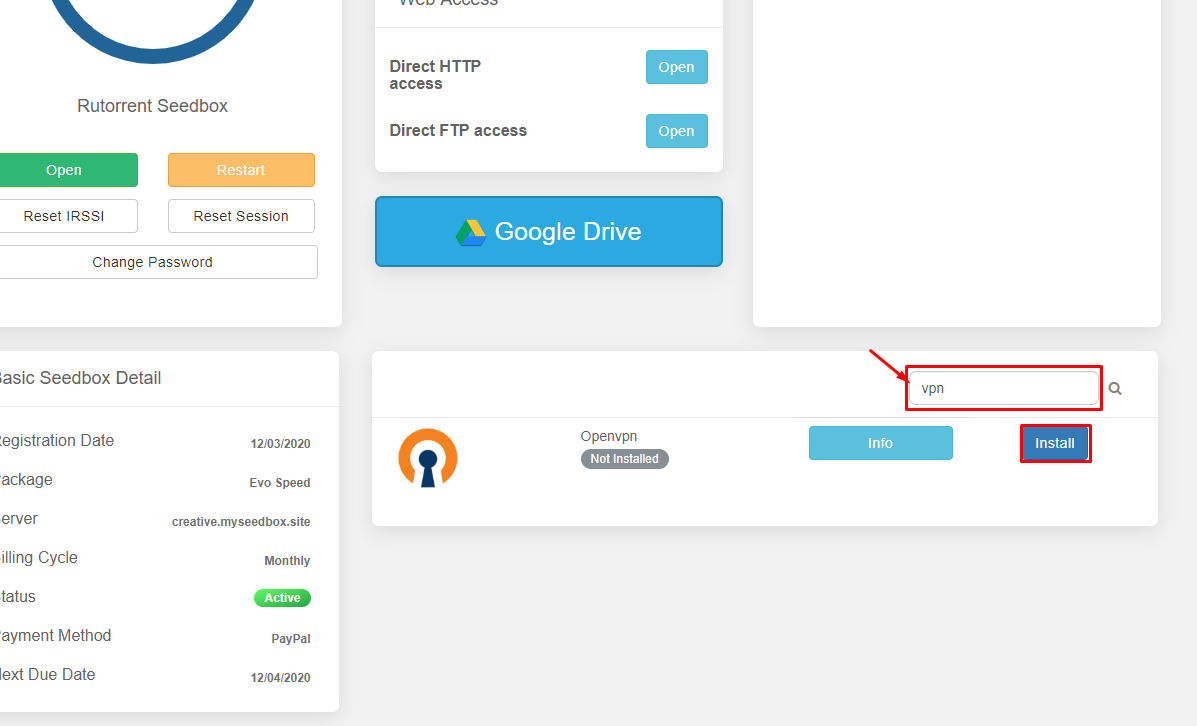
- Then install AbrirVPN and wait for a few minutes for it to install
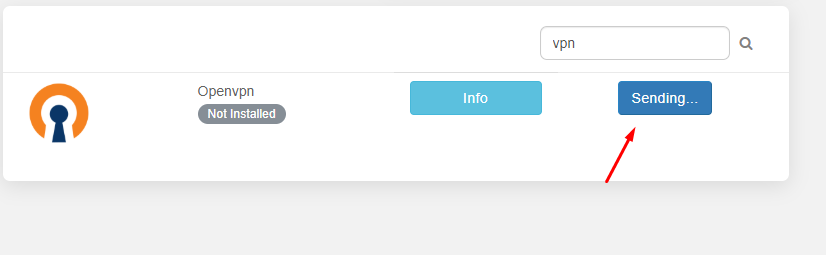
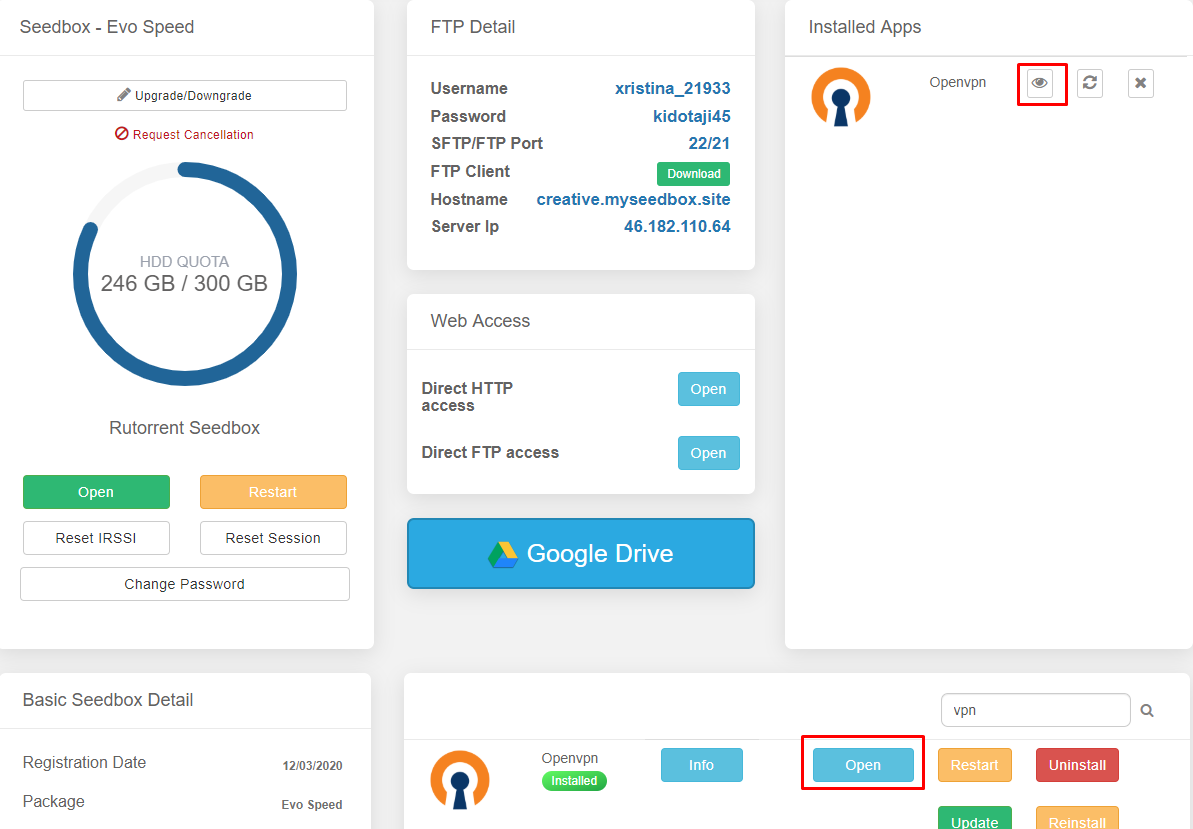
- Once installed haga clic en open
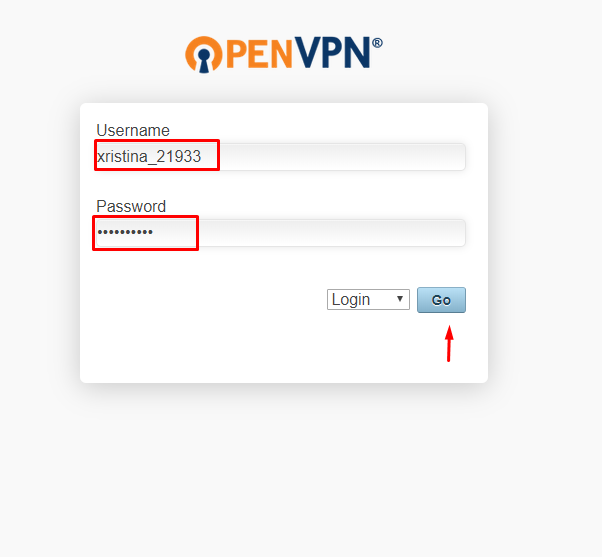
- Insert your user id and contraseña to log in.
- Una vez que have logged in download the locked client profile from the list of options.
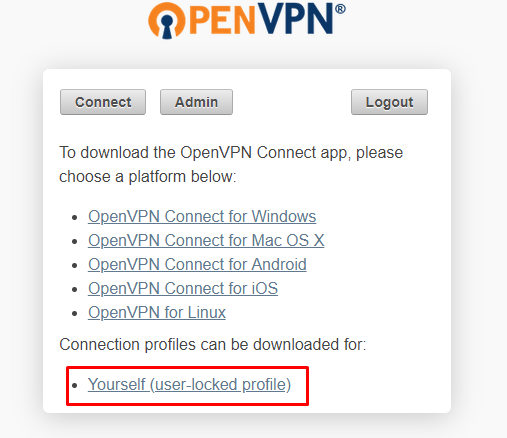
- Guardar the file some place where puede access easily.
- Abrir AbrirVPN connect client and haga clic en file
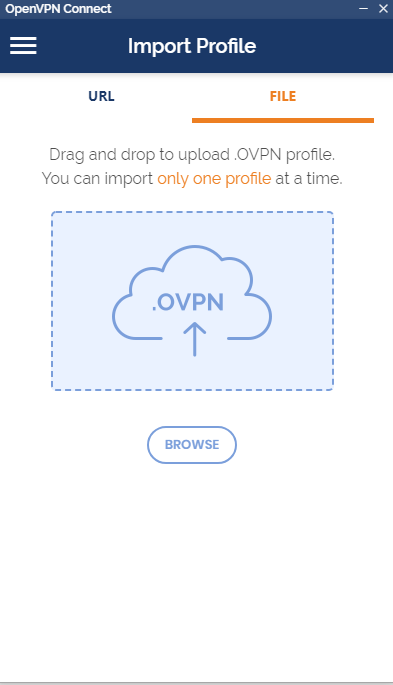
- Drag n Drop or browse and locate the file , once imported choose save contraseña and insert the contraseña
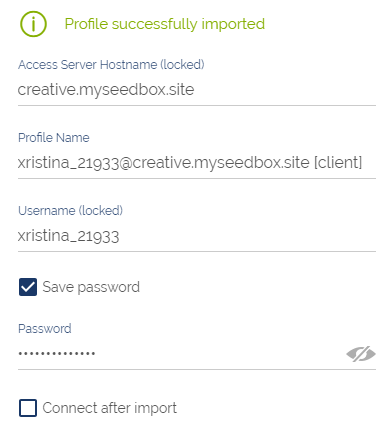
Then haga clic en add on the top right corner
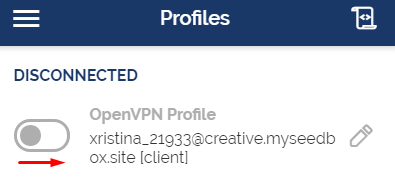
Haga clic en the toggle button to connect