Cómo install Lidarrr on Evo-Seedbox? #
1. Inicio de sesión in to your área de cliente and scroll down to the app section.
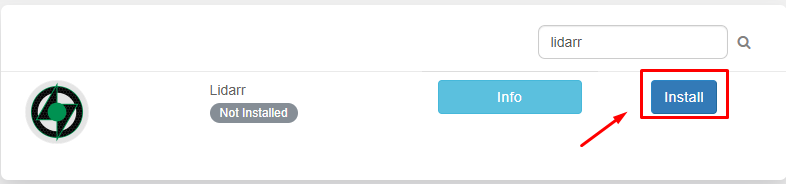
2. Buscar for Lidarr in the app section and haga clic en the install button.
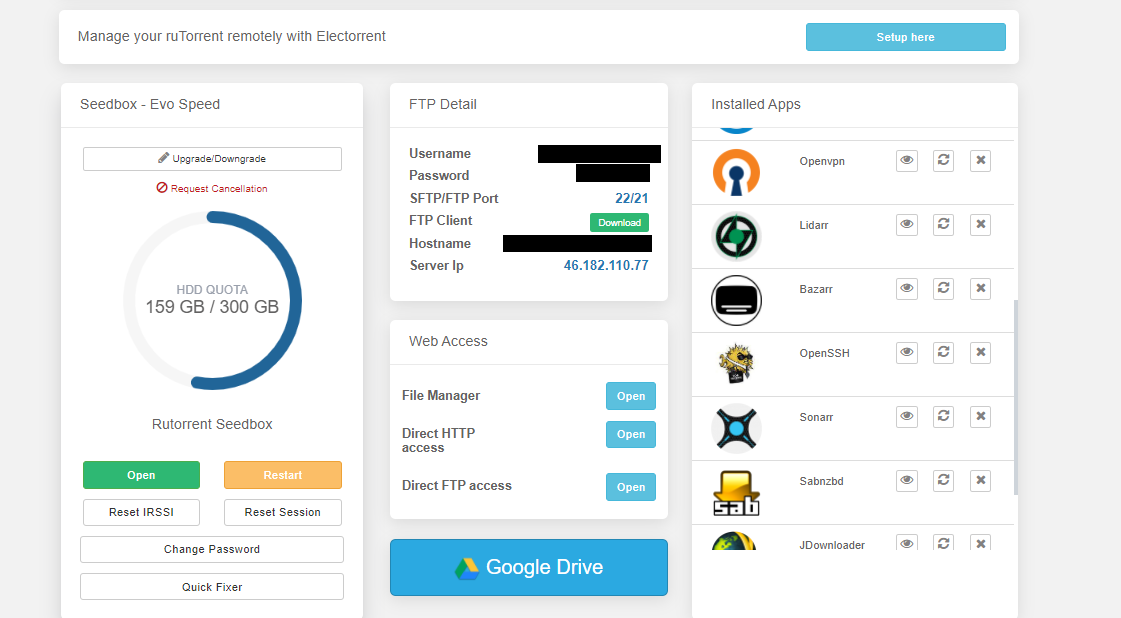
3. Now once the installation is complete open the app from the instead app section by clicking on the eye button como se muestra abajo.

4. Please use the credenciales provided in FTP detail login . Después de exitoso login verá the app window as below.
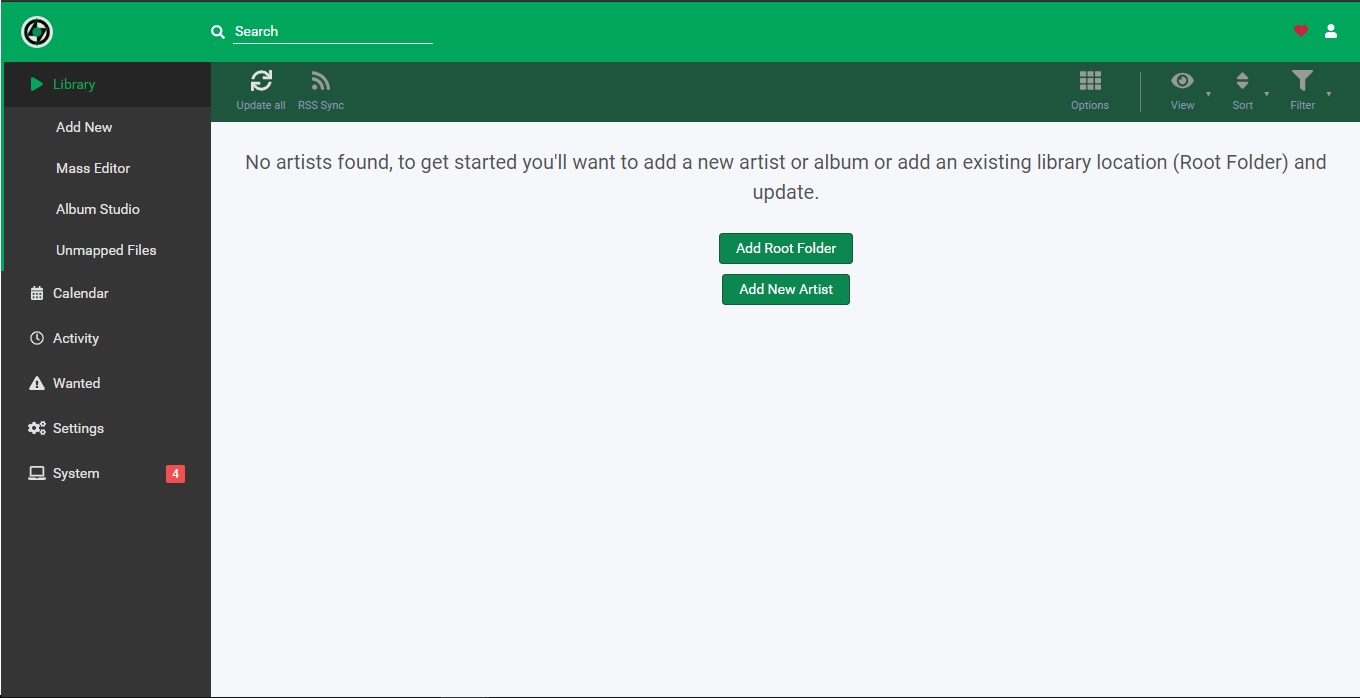
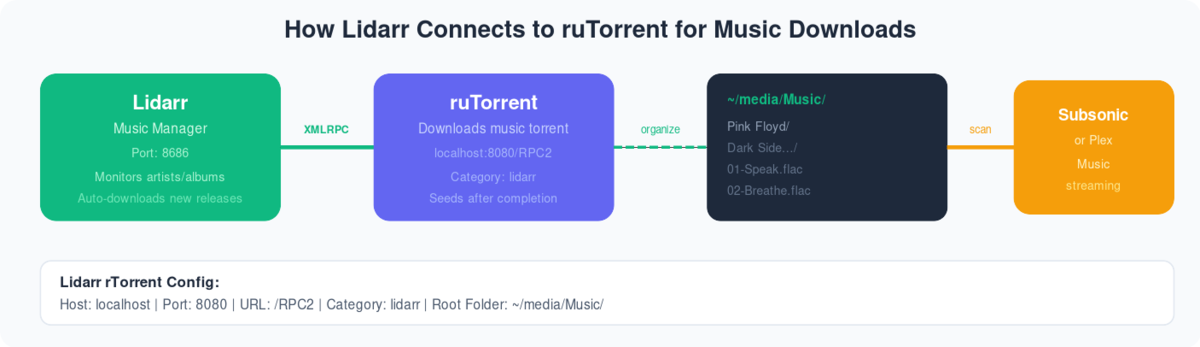
In the settings tab, you need to add the download client and indexer for apps operation. Let’s first configure our download client.
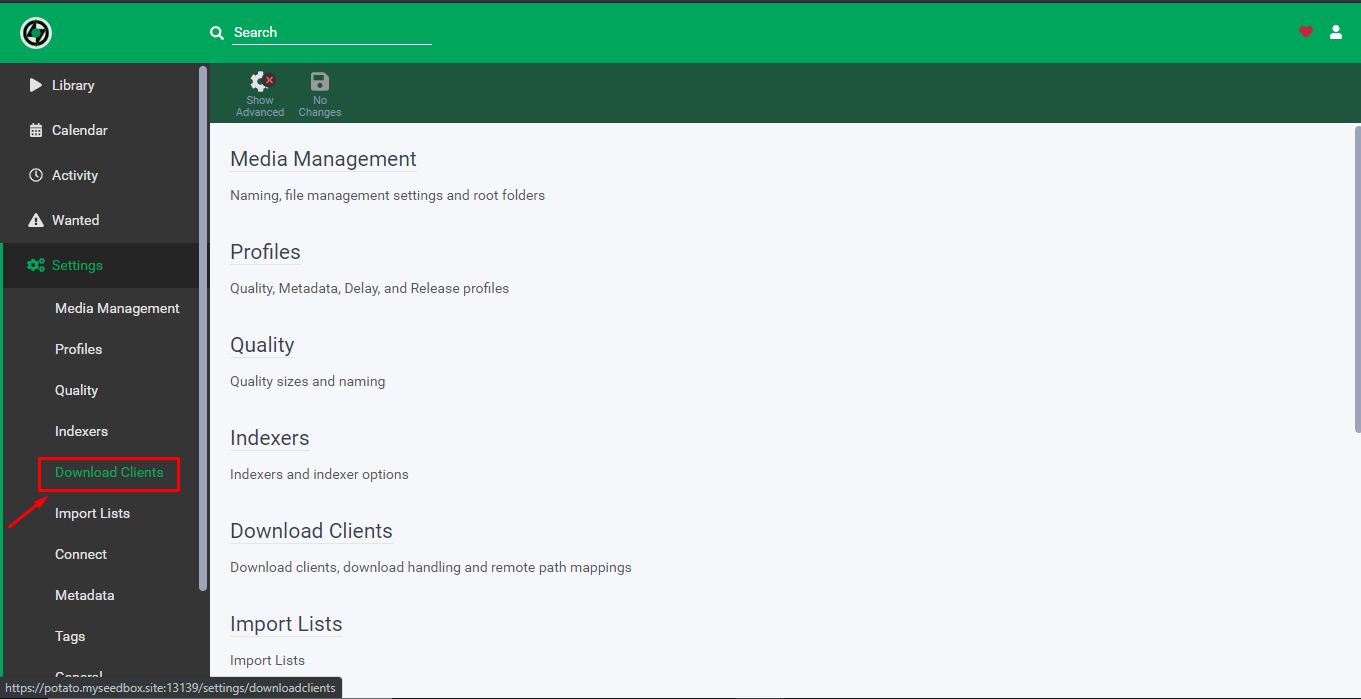
5. From the settings tab haga clic en the download client.
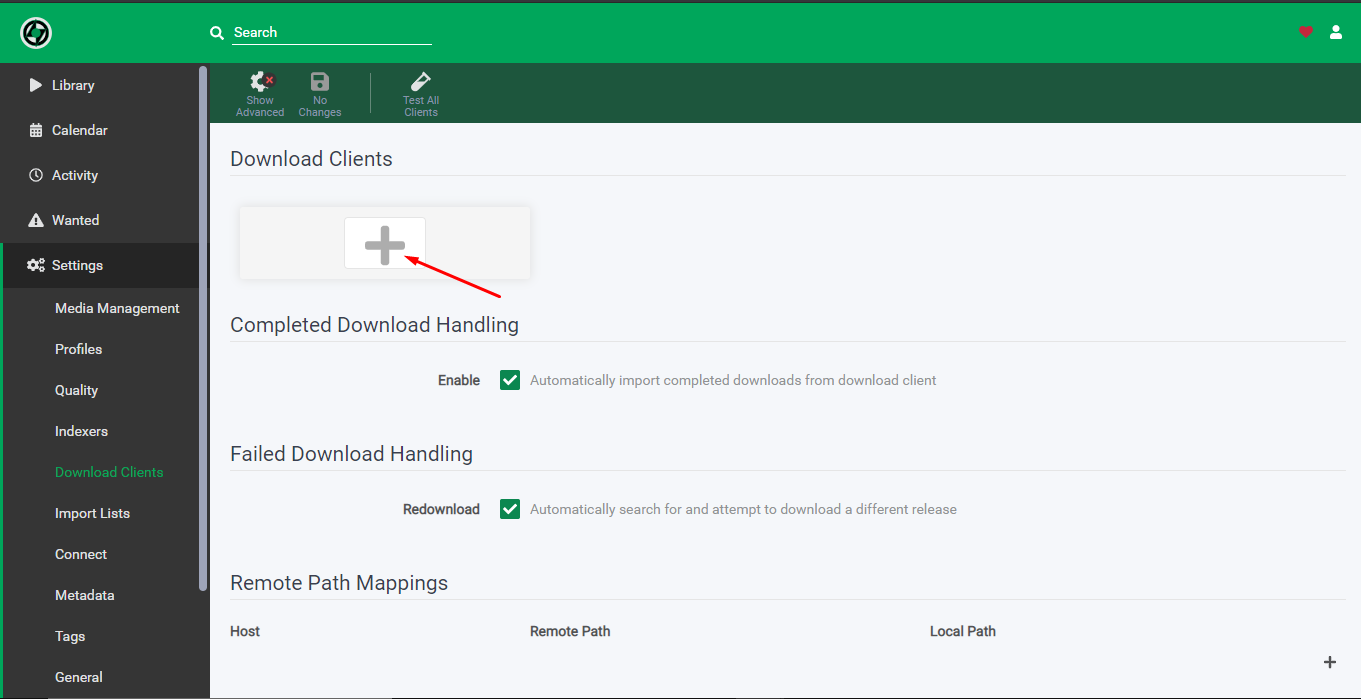
6. Haga clic en the add download client icon.
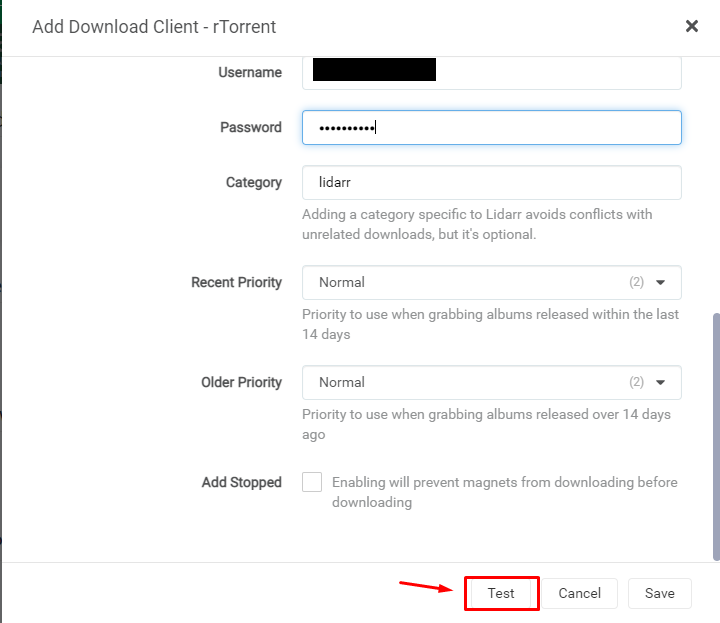
7. Fill in the details como se muestra abajo:
- Name – Rtorrent
- Check on Enable
- Host – hostname provided in the FTP detail
- Port – 443
- Url path – rutorrent/plugins/httprpc/action.php
- Check on Use SSL
- Username – as per provided in the FTP detail
- Password – as per provided in the FTP detail
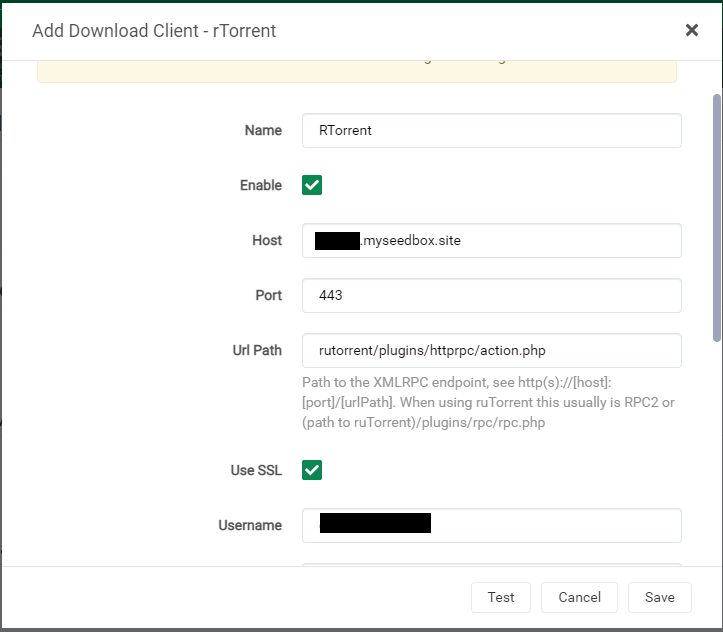
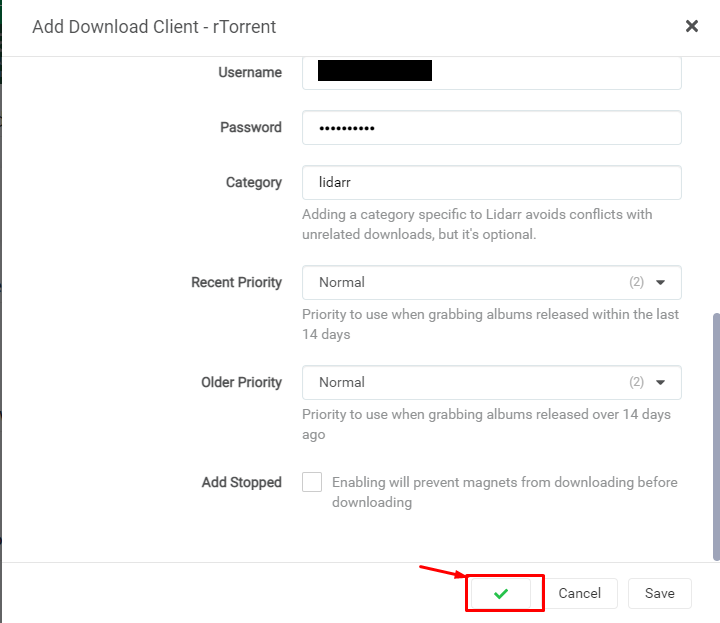
8. Haga clic en the test button, if everything is okay it will lead to a green ticket after which puede save the configuration.
Setting up indexers in Lidarr: #
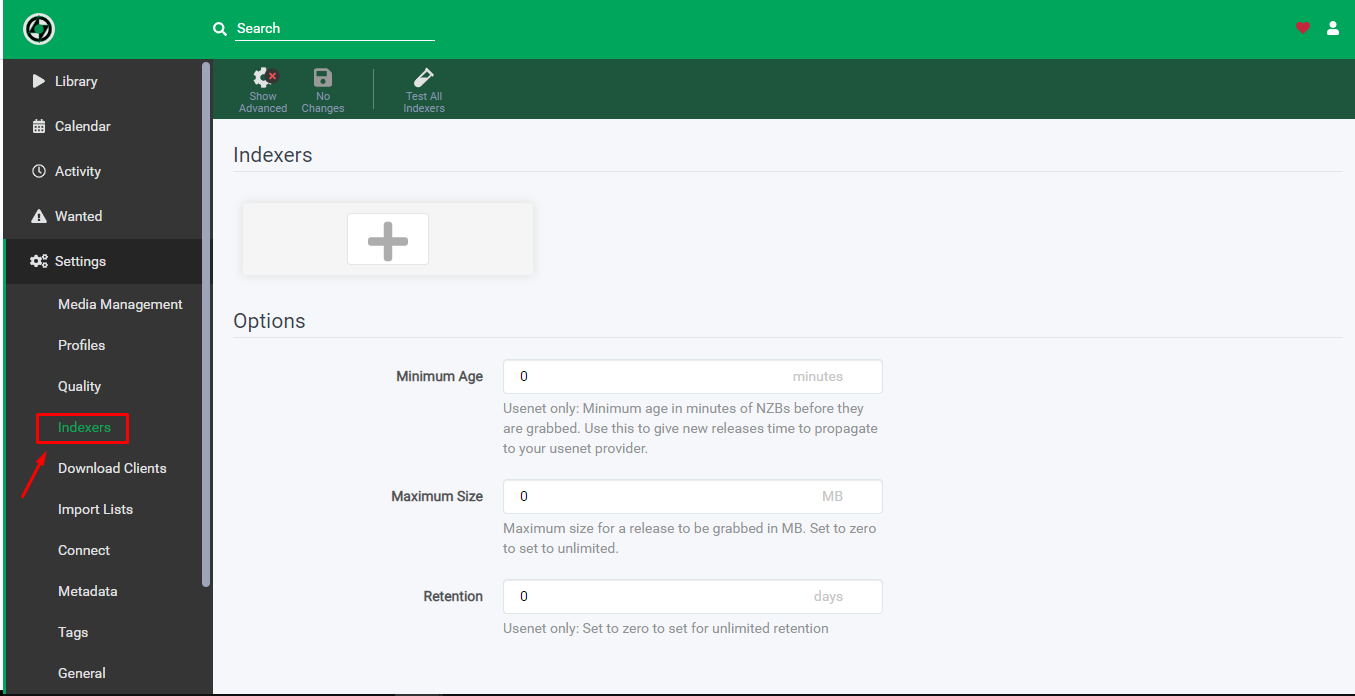
- Haga clic en the settings tab and then haga clic en the indexers tab to add the indexer.
2. Haga clic en the add indexer button to add new indexer.
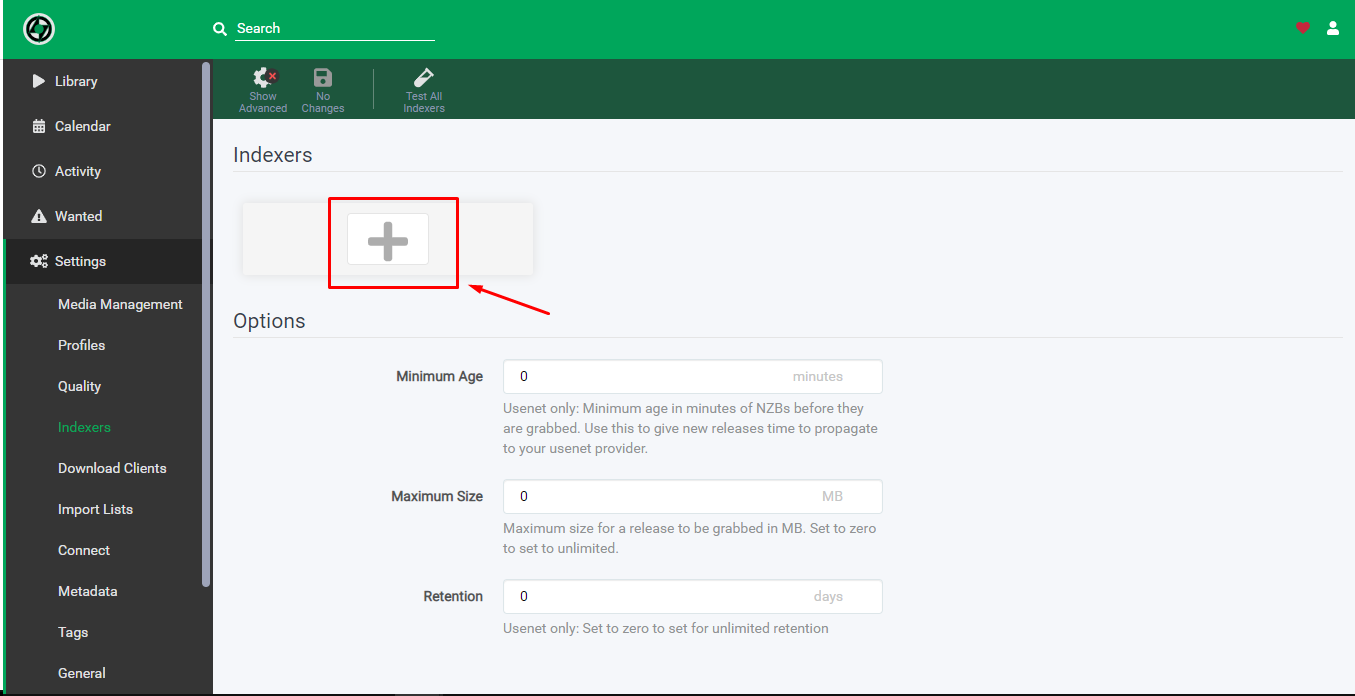
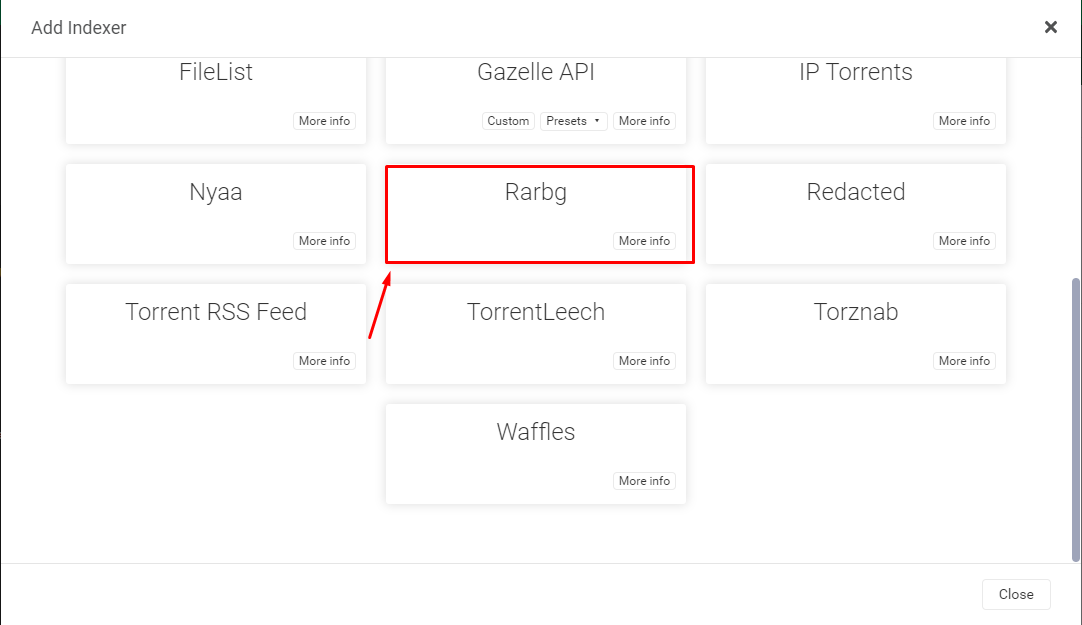
3. Elija the Usenet server or torrent website you wish to add as an indexer.
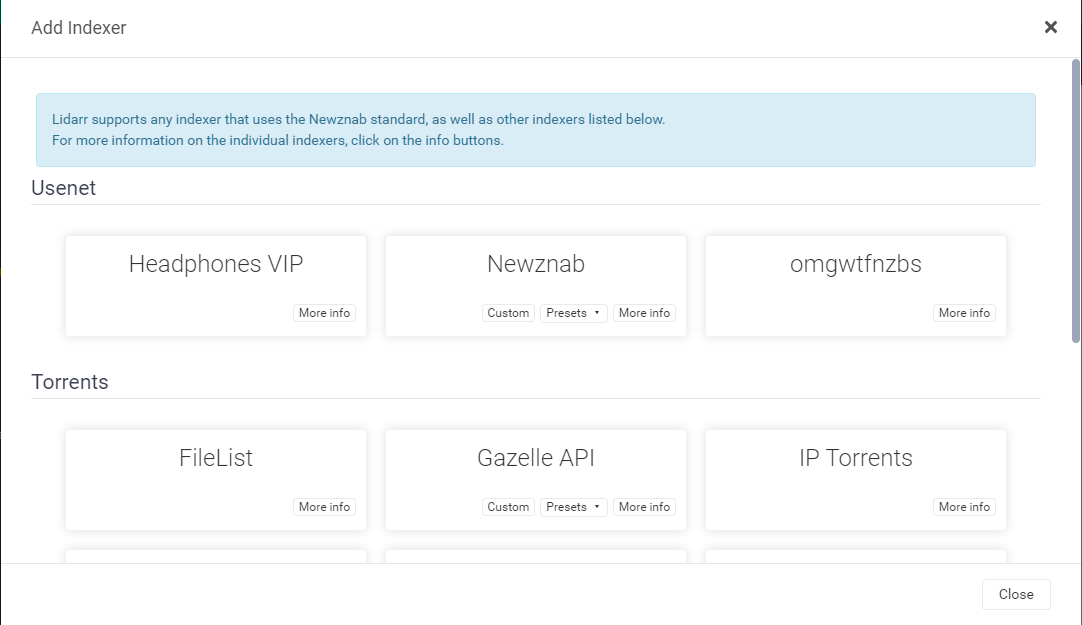
4. While adding the indexer add the relevant details asked as per the torrent website.
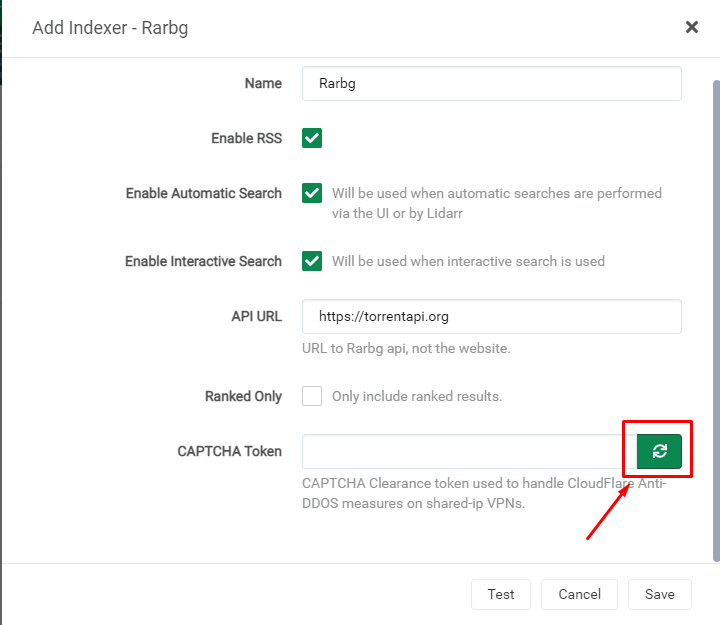
5. In the case of rarbg below mentioned details are added and a new captcha token needs to be generated como se muestra abajo.
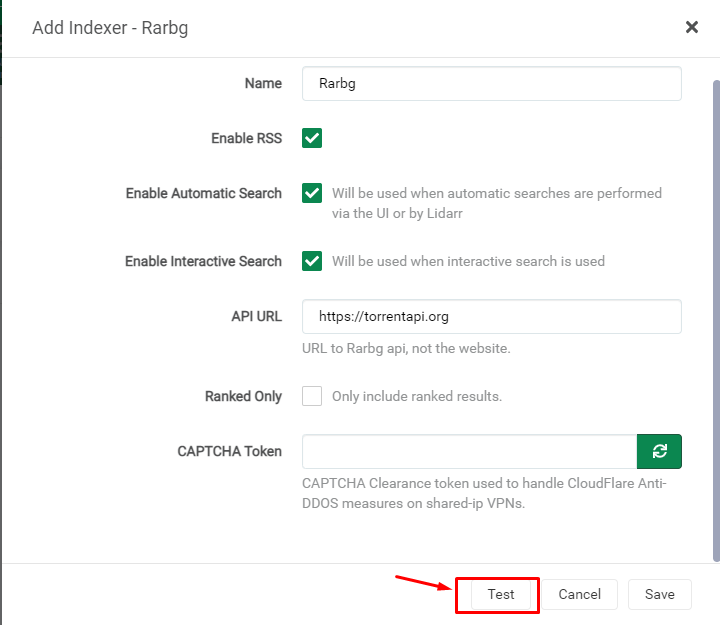
6. Haga clic en the test button and if it has been set up correctly, it would lead to a green tick after which haga clic en the save button to save the indexer.
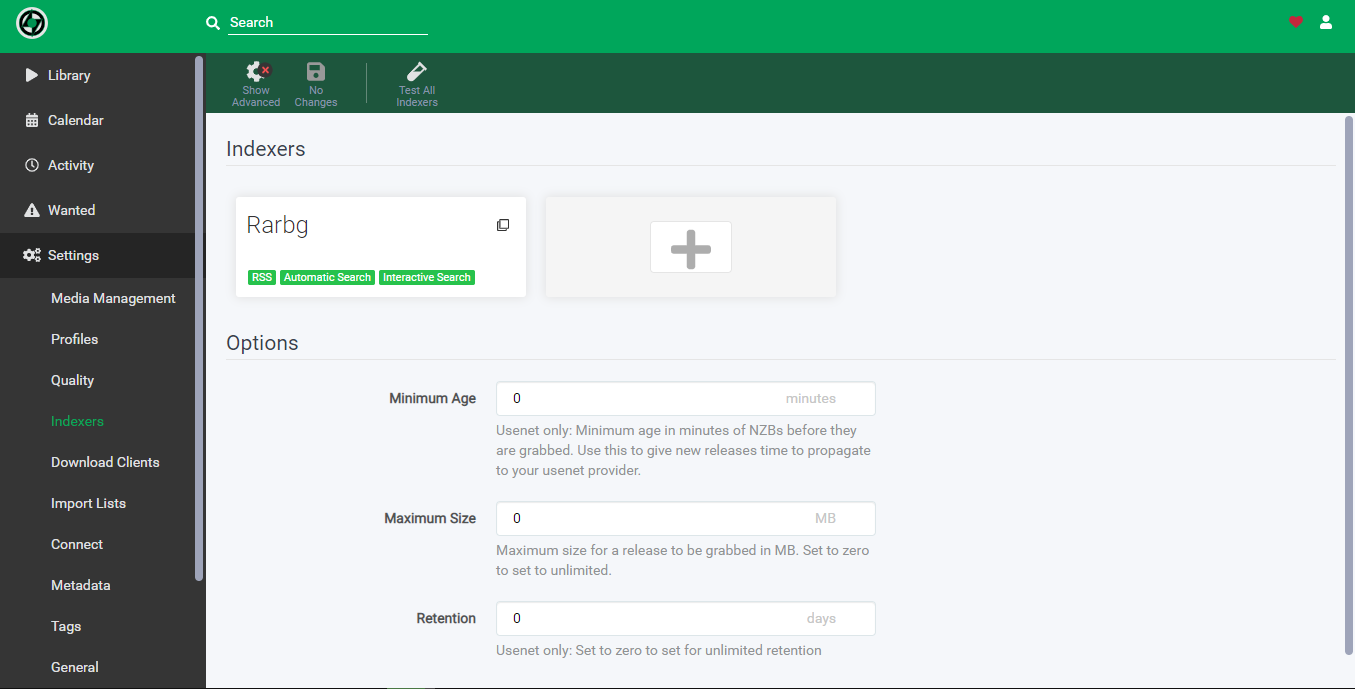
7. Después de exitoso test and save puede see the indexer in the indexers page.