كيفية Use Lidarr مع EvoSeedbox
On this page ▾
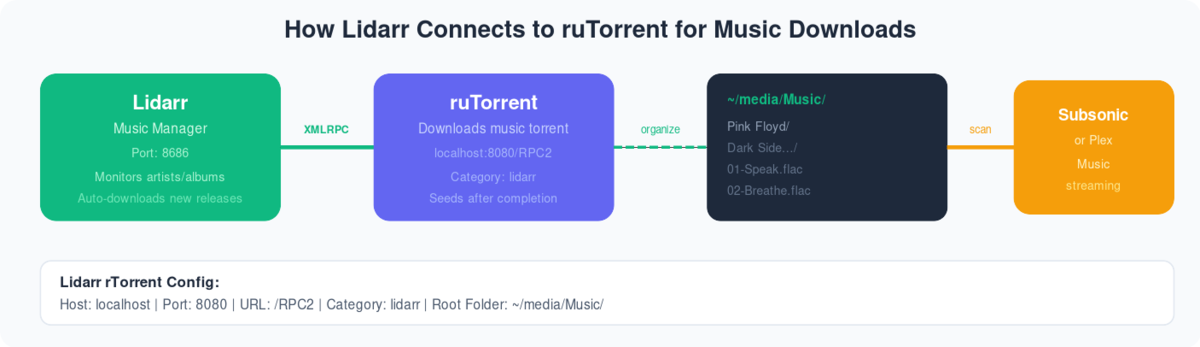
كيفية install Lidarrr on Evo-Seedbox?
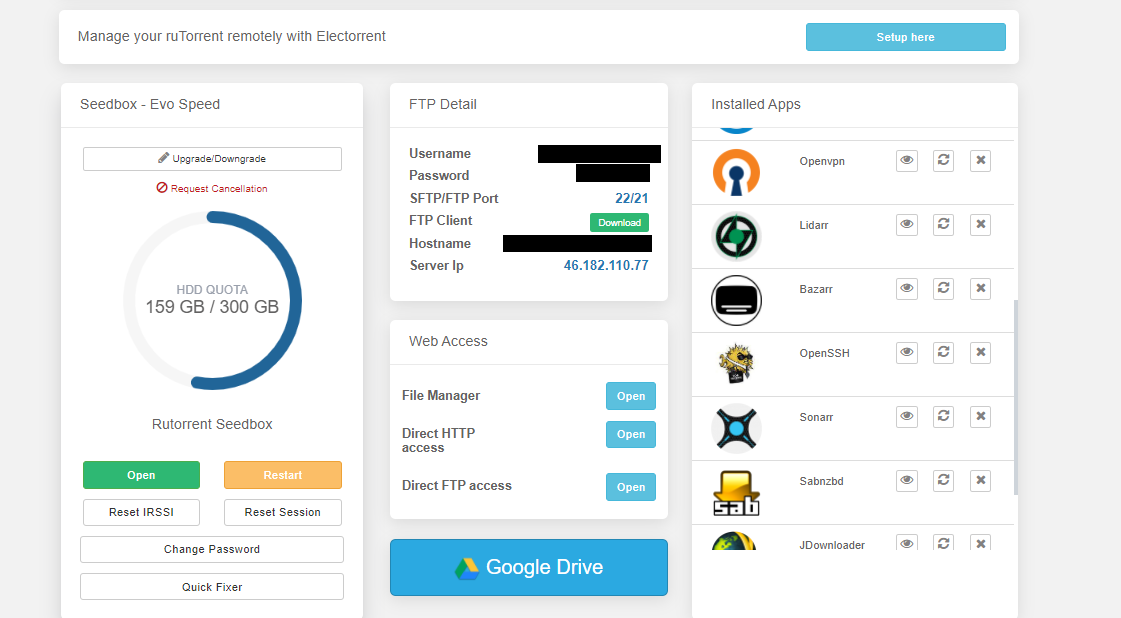
1. Login in إلى منطقة العميل and scroll down to التطبيق section.
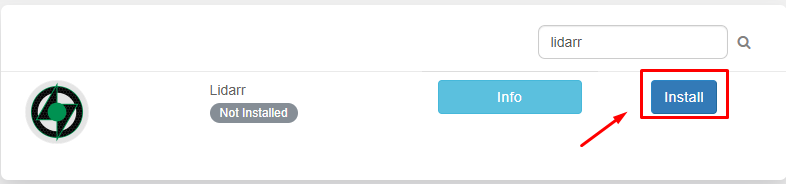
2. بحث for Lidarr in التطبيق section and click on the install زر.
3. Now once the installation is complete open التطبيق from the instead app section by clicking on the eye زر as كما هو موضح أدناه.

4. Please use the بيانات الاعتماد provided in FTP detail login . بعد نجاح login ستظهر لك see التطبيق window as below.
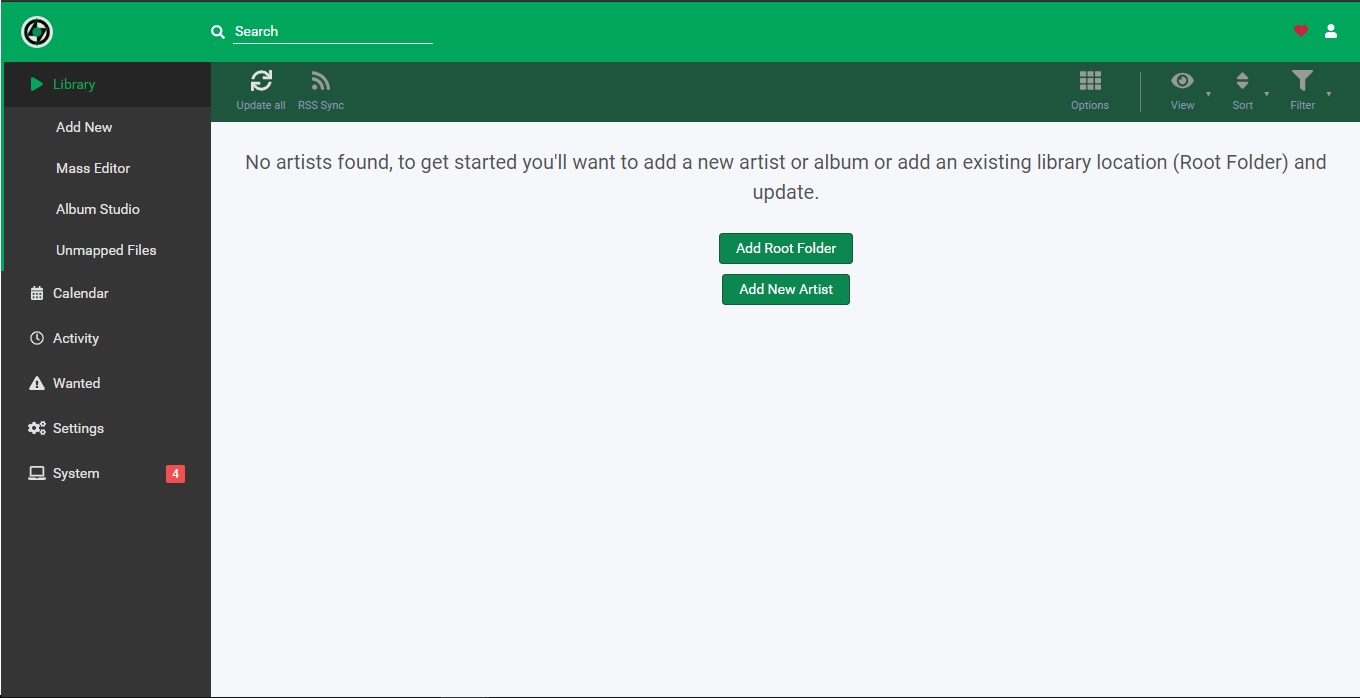
In the settings tab, you need to add the download client and indexer for apps operation. Let’s first تكوين our download client.
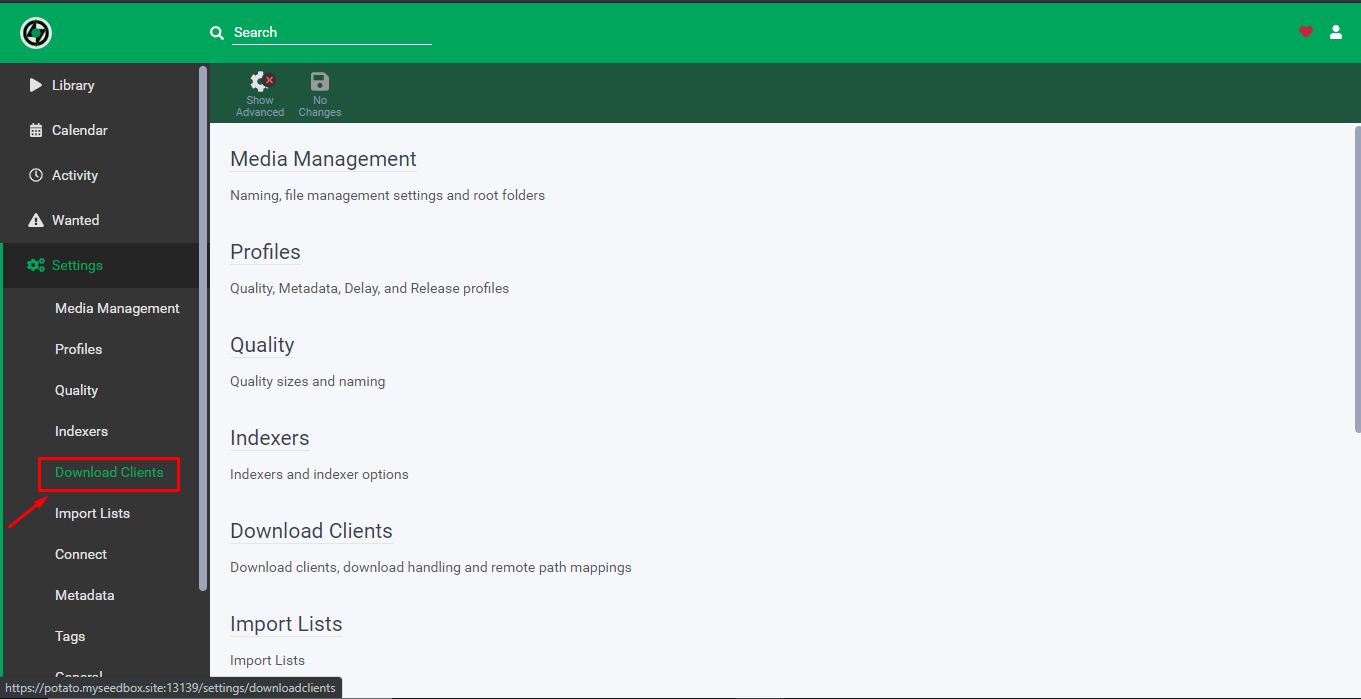
5. From the settings tab click on the download client.
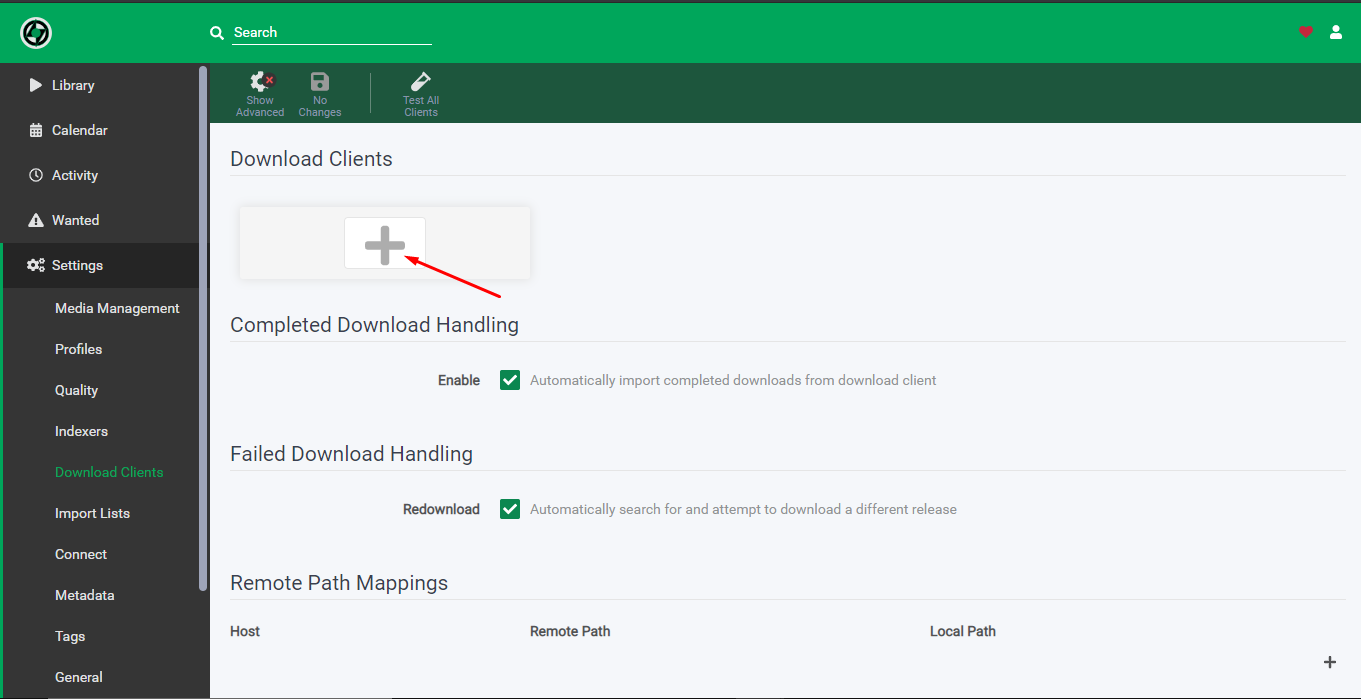
6. انقر على the add download client icon.
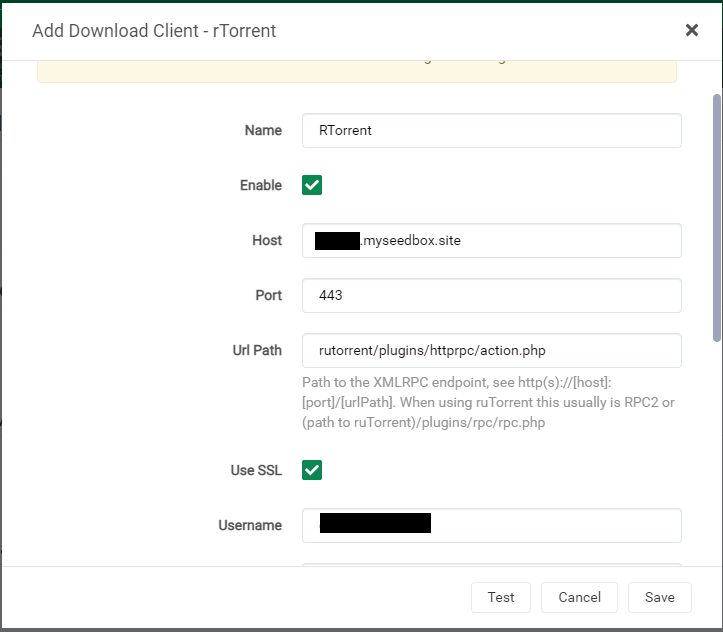
7. Fill in the details as كما هو موضح أدناه:
- Name – Rtorrent
- Check on Enable
- Host – hostname provided in the FTP detail
- Port – 443
- Url path – rutorrent/plugins/httprpc/action.php
- Check on Use SSL
- Username – as per provided in the FTP detail
- Password – as per provided in the FTP detail
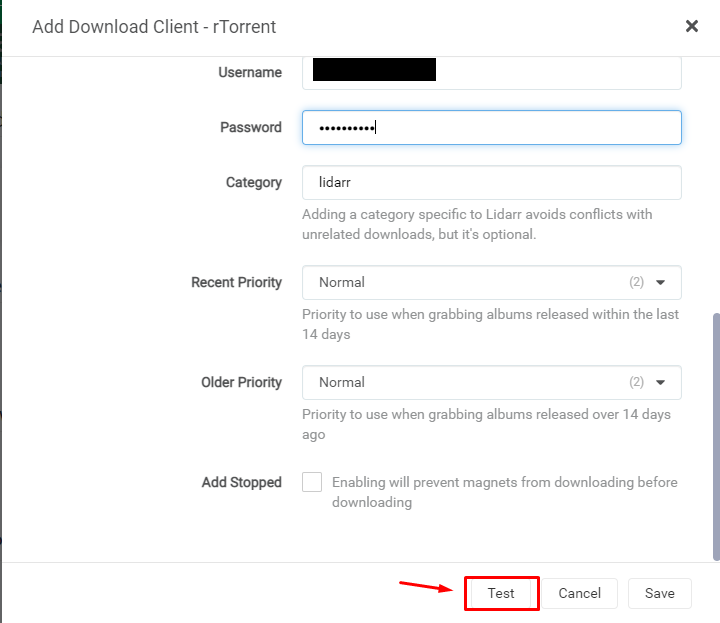
8. انقر على the test زر, if everything is okay سوف lead to a green ticket after which يمكنك save the configuration.
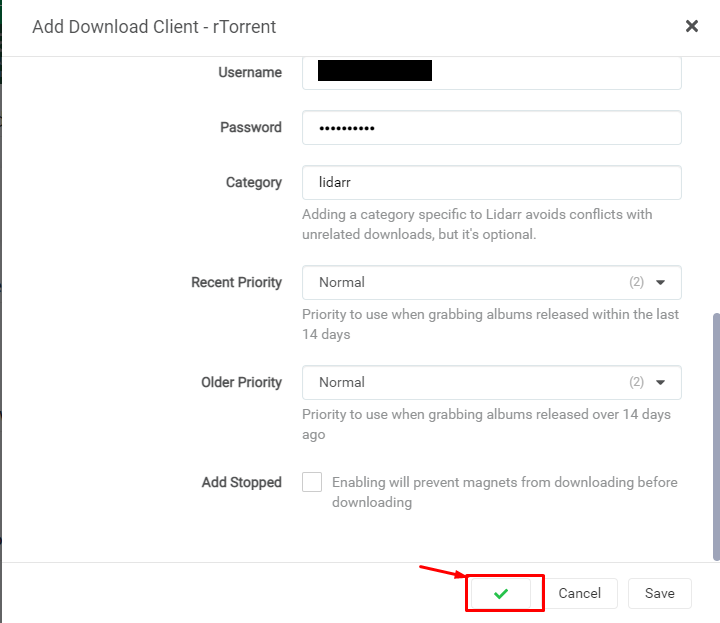
Setting up indexers in Lidarr:
- انقر على the settings tab and then click on the indexers tab to add the indexer.
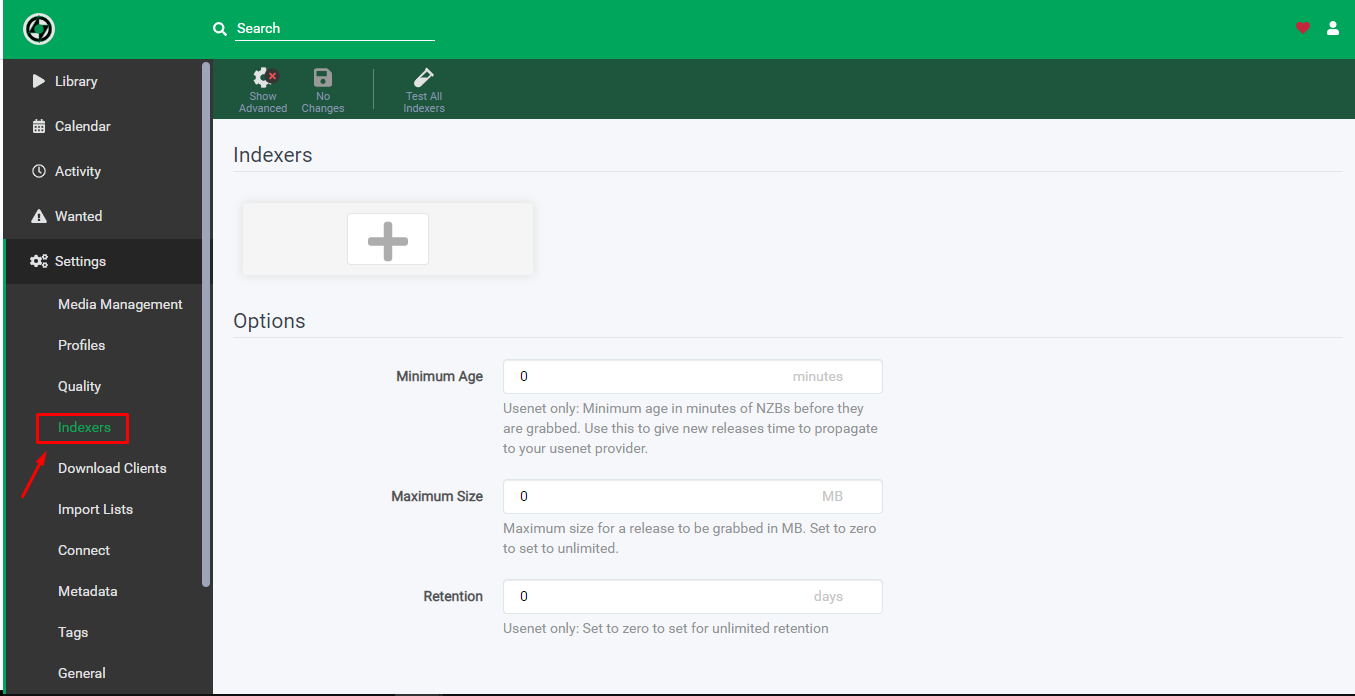
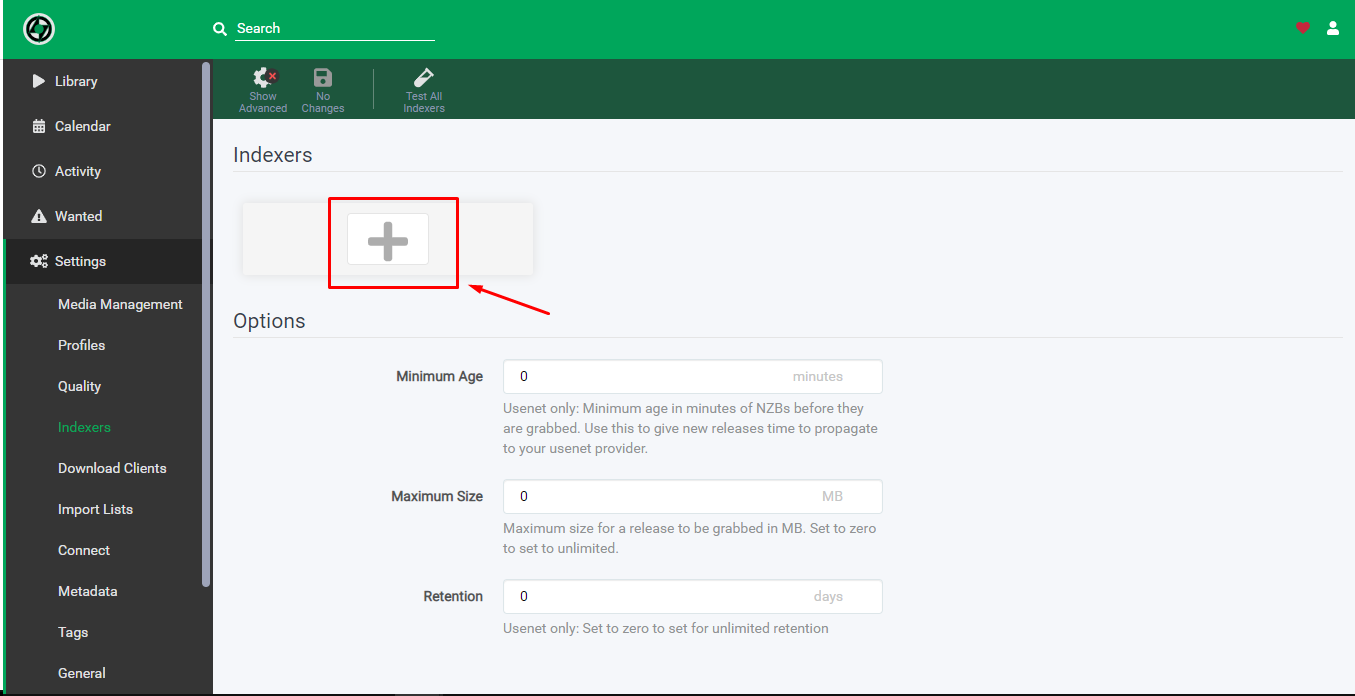
2. انقر على the add indexer زر to add new indexer.
3. Choose the Usenet server or torrent website you wish to add as an indexer.
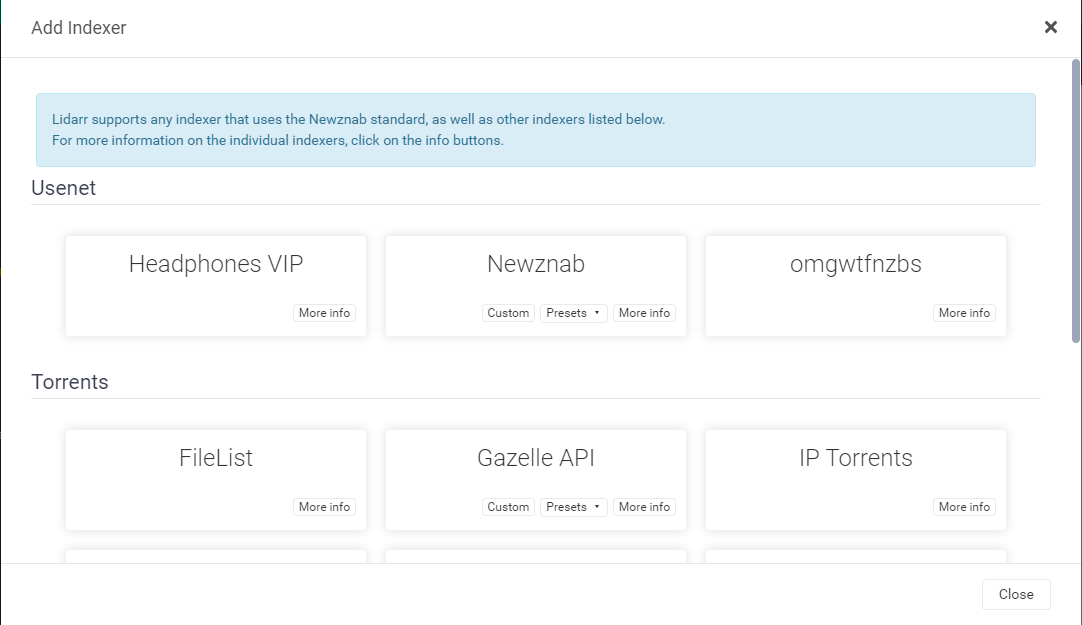
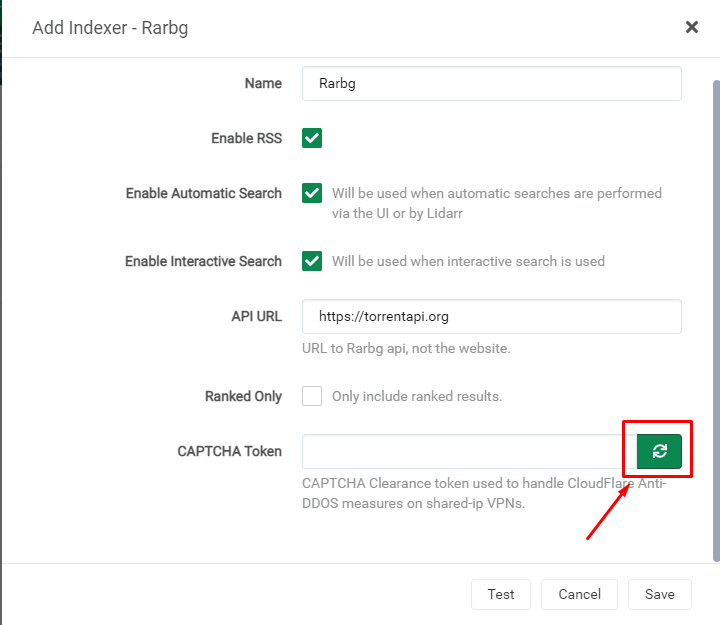
4. While adding the indexer add the relevant details asked as per the torrent website.
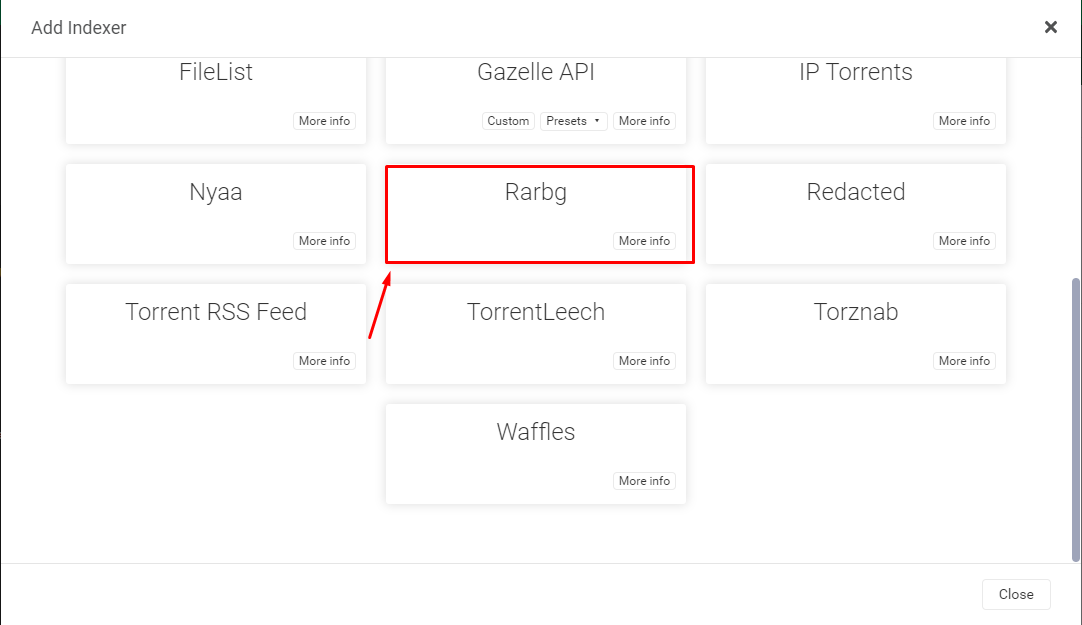
5. In the case of rarbg below mentioned details are added and a new captcha token needs to be generated as كما هو موضح أدناه.
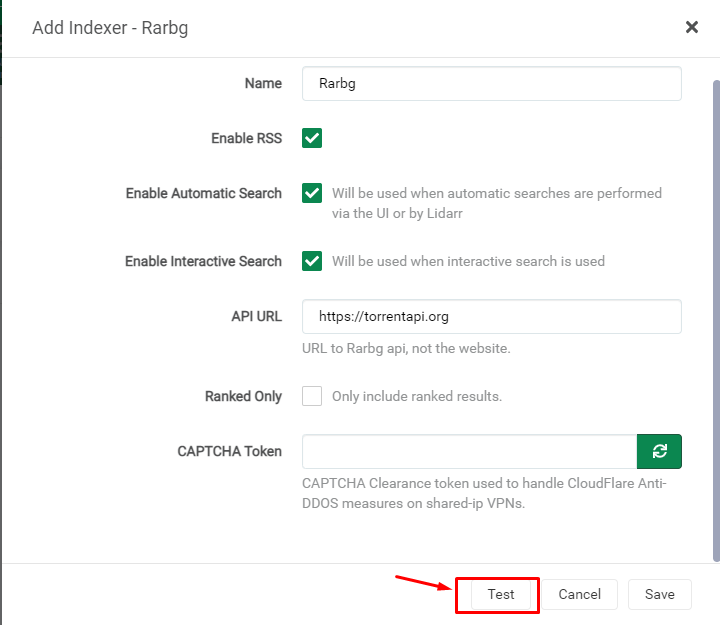
6. انقر على the test زر and if it has been set up correctly, it would lead to a green tick after which click on the save زر to save the indexer.
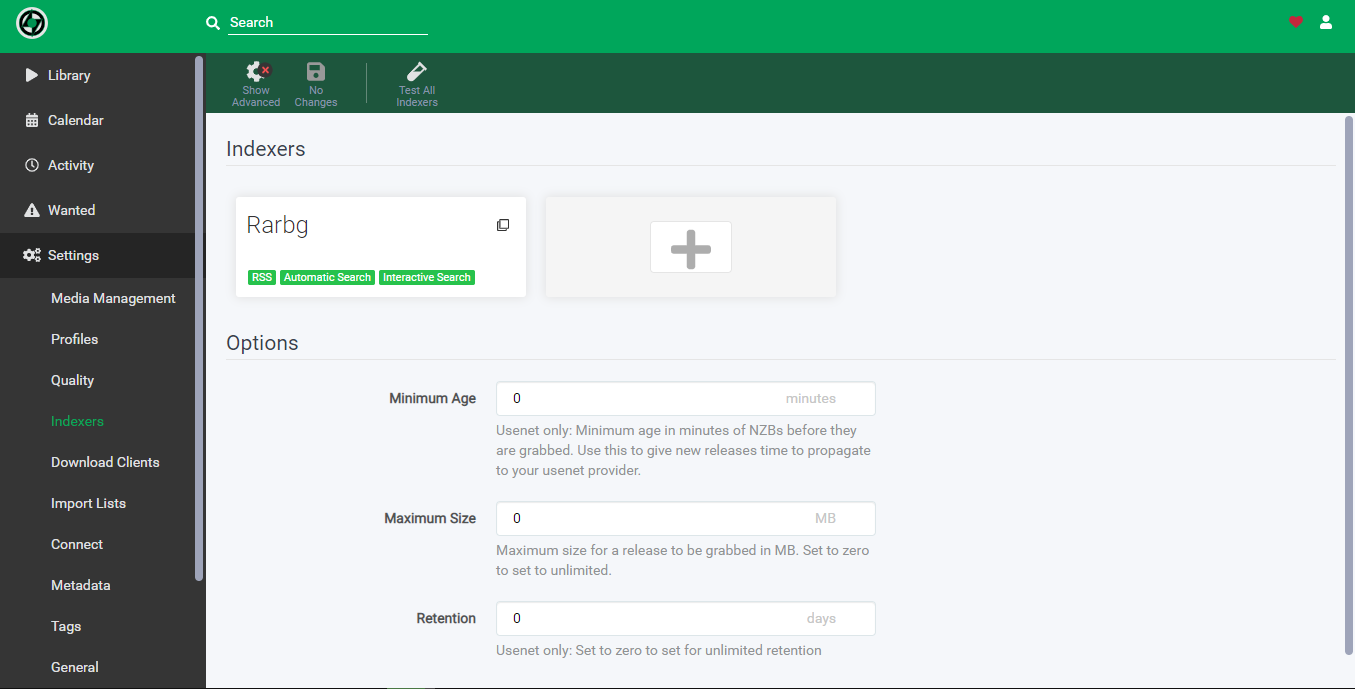
7. بعد نجاح test and save يمكنك see the indexer in the indexers page.
Put this into practice
EvoSeedbox ships with one-click app installs and up to 10 Gbps per box.


