Evoseedbox Evoseedbox Evoseedbox Evoseedbox
  • Türkçe
    • Nederlands (Hollandaca)
    • English (İngilizce)
    • Français (Fransızca)
    • Deutsch (Almanca)
    • 日本語 (Japonca)
    • 한국어 (Kore dili)
    • Português (Portekizce, Portekiz)
    • Español (İspanyolca)
    • العربية (Arapça)
    • Русский (Rusça)
  • Wiki
  • Forum
  • Pricing
Client Area
View Categories
  • Home
  • Dokümanlar
  • Installing and Kurulum: Clarkson

Installing and Kurulum: Clarkson

1 min read

"Clarkson is a web-based dashboard application that gives you a neat and clean interface for logging your fuel fill-ups for all of your vehicles. The application has full multi-user support, as well as multiple vehicles per user. Whenever you fill-up your car or motorcycle, keep the receipt and record the data in Clarkson."

Kuruning And Setting Up Clarkson

After you install Clarkson, navigate sizin müşteri alanı and open Clarkson, by clicking the eye.
Kuruning And Setting Up Clarkson

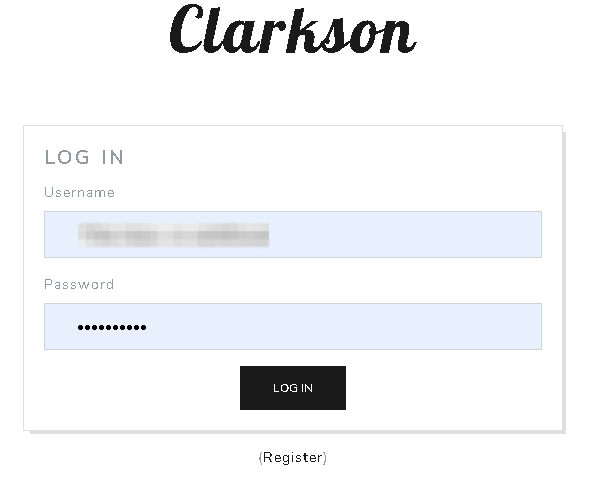
You will be asked for your user name and şifre. Use the log in information sizin EVO müşteri alanı.

Kuruning And Setting Up Clarkson

After you are logged in, göreceksiniz be greeted by this screen.

Kuruning And Setting Up Clarkson

Now its time to add your vehicle. Seçin vehicles den top tool bar and göreceksiniz see this screen. Click "add vehicle".
Kuruning And Setting Up Clarkson

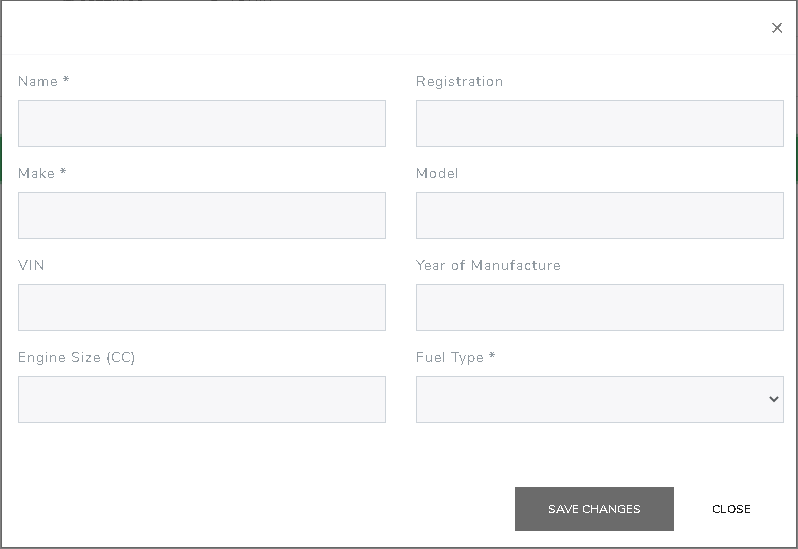
After you click "add vehicle" göreceksiniz be greeted by this screen. Enter in as much information as you would like then click "save changes"
Kuruning And Setting Up Clarkson

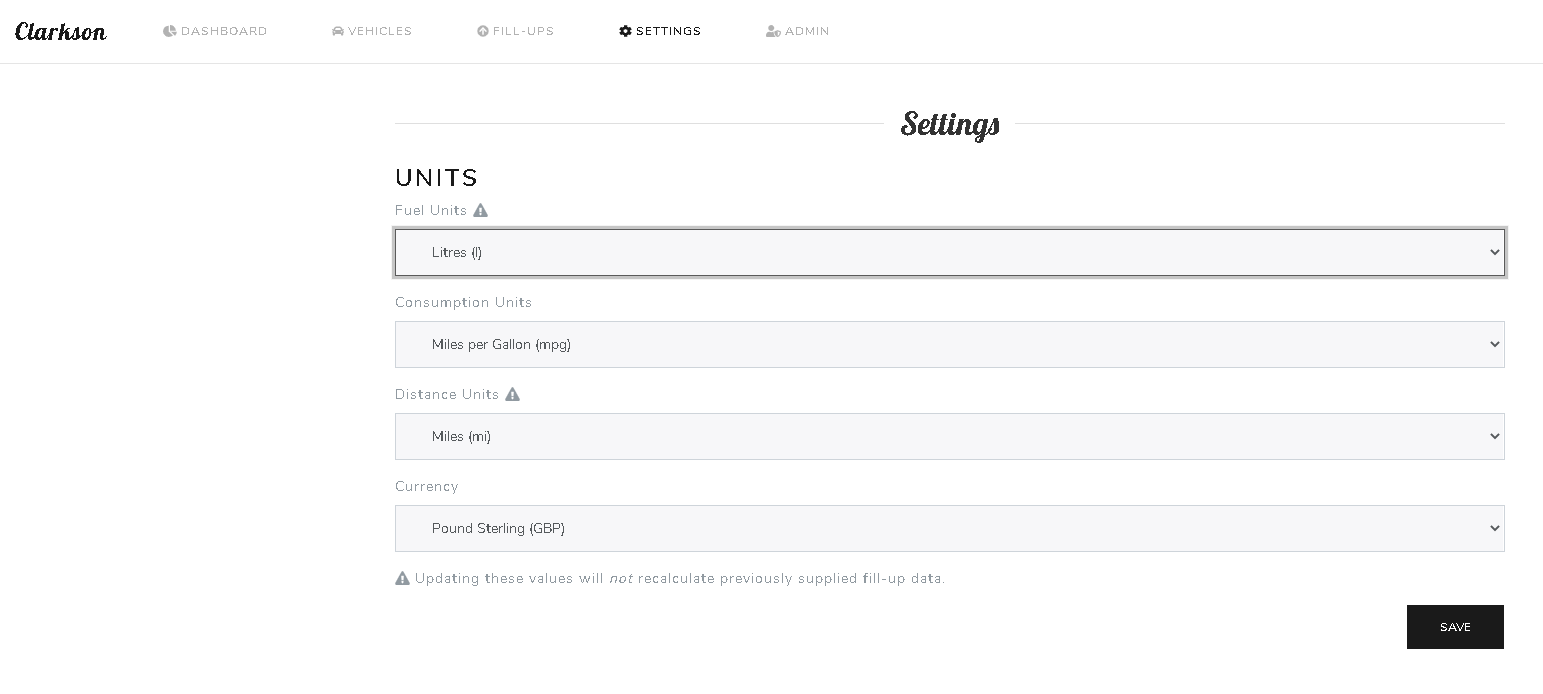
After you have your vehicle added, click the "Settings" tab on the top of the web page. You will see this screen, where yapabilirsiniz change your units of measurements. Click save after adjusting your information.
Kuruning And Setting Up Clarkson

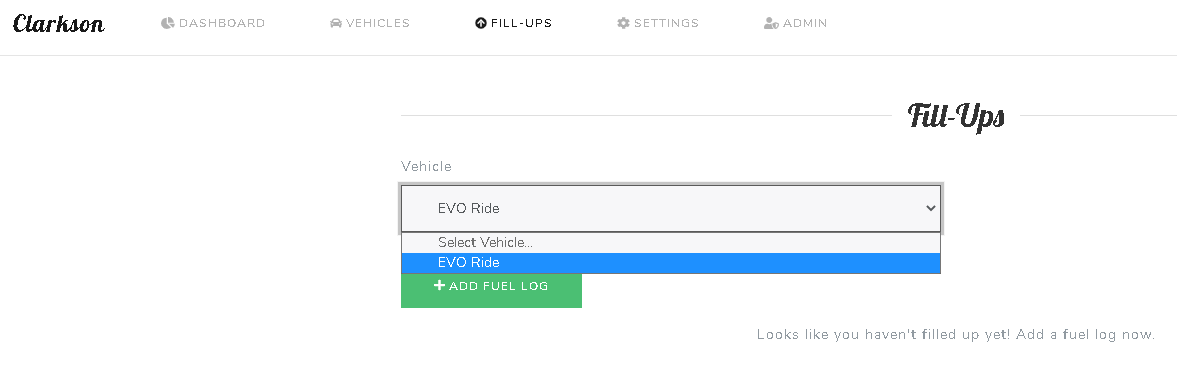
To add your re fueling information. At the top of the web page, select "Fill-Ups" and göreceksiniz see this screen. Seçiçinde vehicle and then select "Add fuel log"
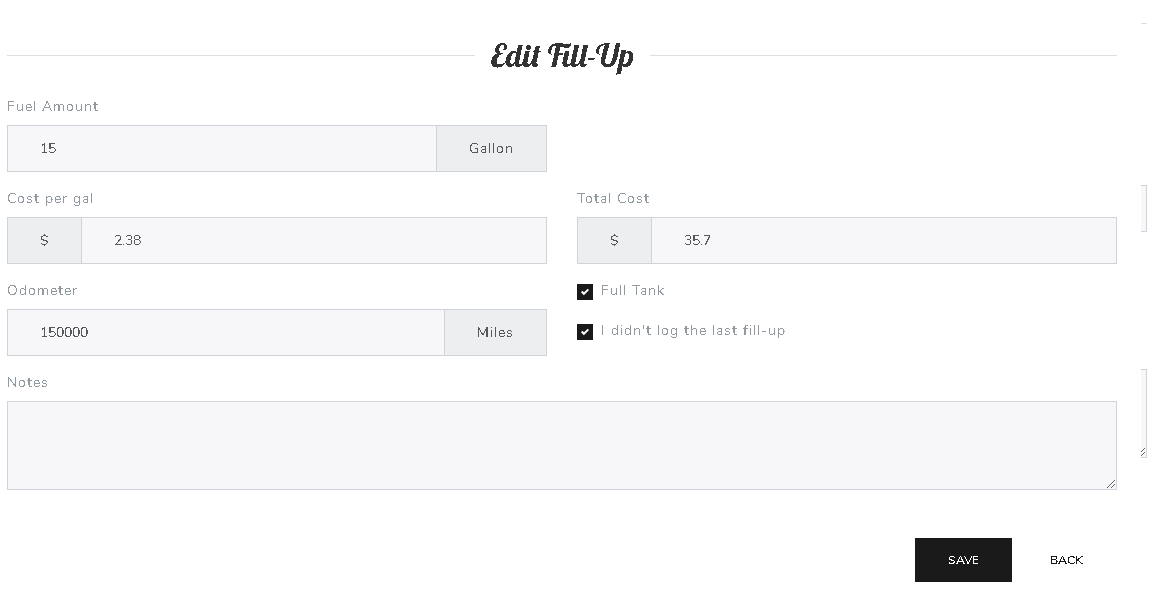
Kuruning And Setting Up Clarkson

Now add in the information sizin recipe and click save.

After you enter in 2 fuel logs, yapabilirsiniz see some interesting and helpful data.

Cheers.

Updated on 16 Mart 2026

What are your Feelings

  • Happy
  • Normal
  • Sad

Bu makaleyi paylaş :

  • Facebook
  • X
  • LinkedIn
  • Pinterest

We create amazing Seedboxes
for everyone to use 😊

Important Links

Scholarship for CS

Refund Policy

Privacy Policy

Terms of service

Cookie Policy

Acceptable Use Policy

Get in Touch

Contact Us

[email protected]

© 2025 Evoseedbox | All rights reserved. By Evo Created with ❤️

  • Nederlands (Hollandaca)
  • English (İngilizce)
  • Français (Fransızca)
  • Deutsch (Almanca)
  • 日本語 (Japonca)
  • 한국어 (Kore dili)
  • Português (Portekizce, Portekiz)
  • Español (İspanyolca)
  • العربية (Arapça)
  • Русский (Rusça)
  • Türkçe
Evoseedbox
  • Türkçe
    • Nederlands (Hollandaca)
    • English (İngilizce)
    • Français (Fransızca)
    • Deutsch (Almanca)
    • 日本語 (Japonca)
    • 한국어 (Kore dili)
    • Português (Portekizce, Portekiz)
    • Español (İspanyolca)
    • العربية (Arapça)
    • Русский (Rusça)
  • Wiki
  • Forum
  • Pricing
Client Area