Fix Torrent with a Red Cross Error
On this page ▾
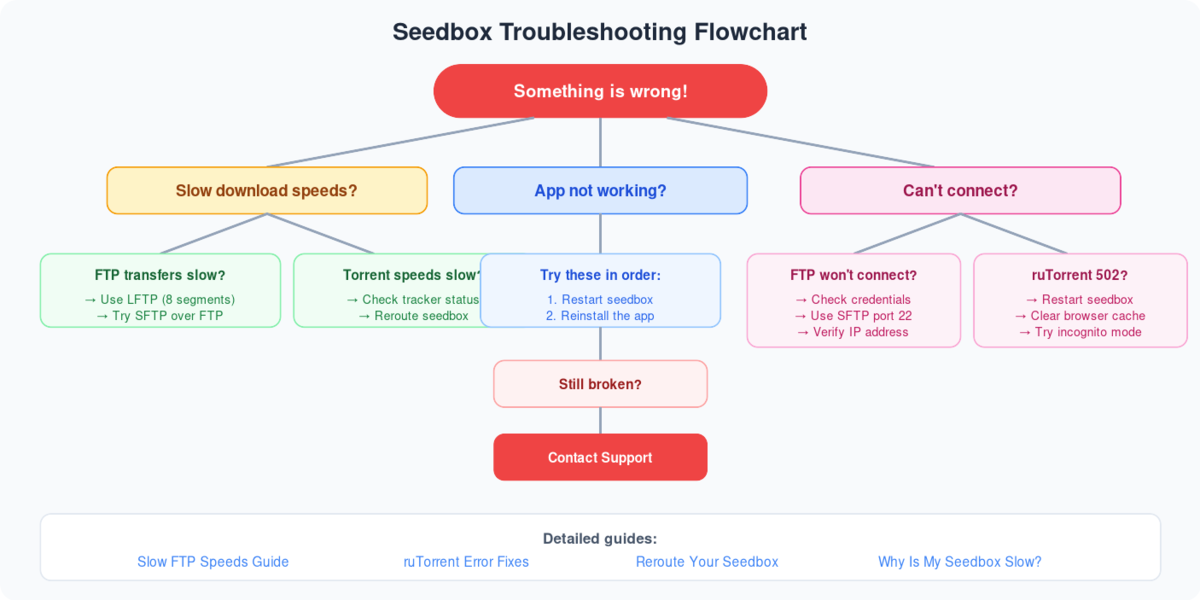
Apps issues: 502 Bad Gateway Hata
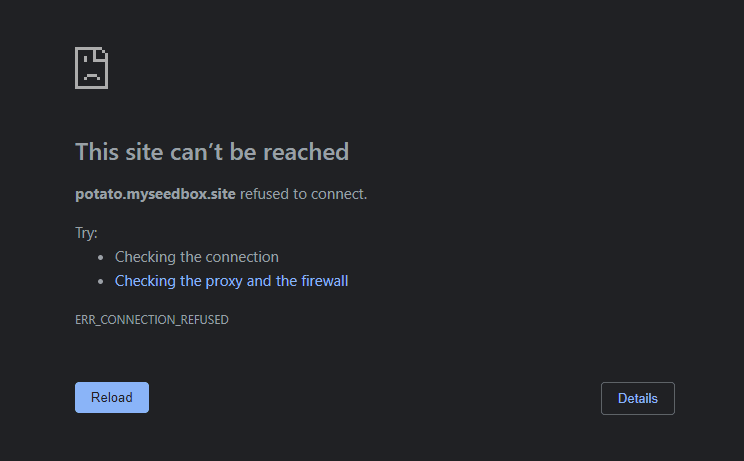
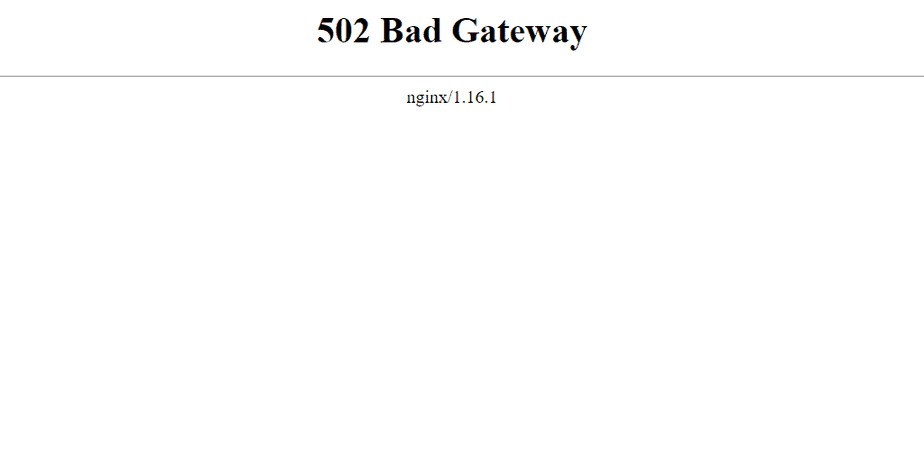
If any of uygulamas don’t open with “502 Bad Gateway Hata” or “site cannot be reached error” as shown in the below screenshots.
Try reinstalling uygulama with the existing config for a couple of times as depicted in the below picture.
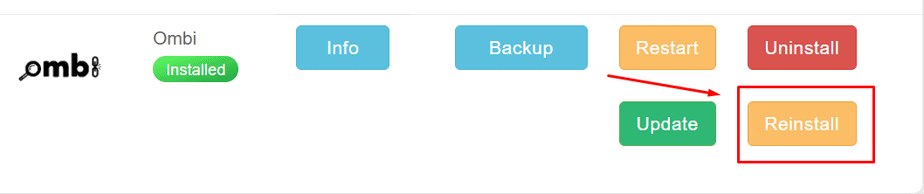
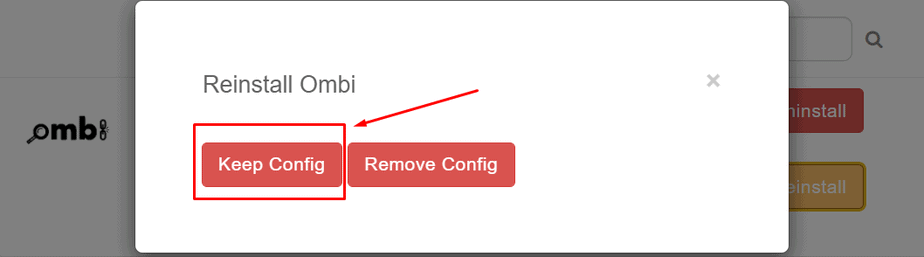
If the issue still persists reinstall uygulama by removing the existing config and install uygulama with a new config.
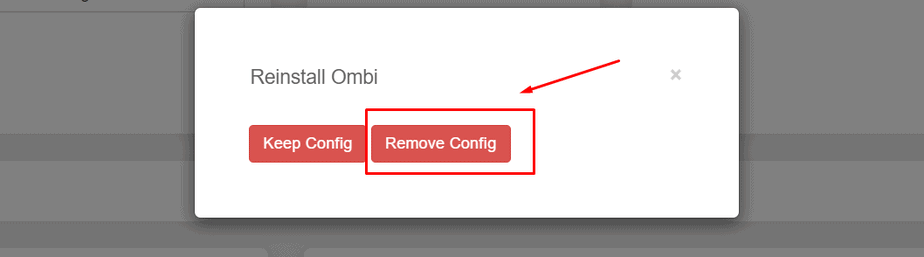
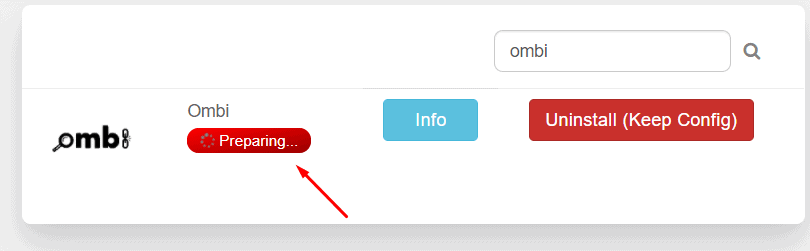
After pressing the keep config / remove config düğme göreceksiniz see ‘preparing’ status which is where the background process is being done for uygulamas reinstall. During this stage do not interrupt or make any changes as it may result in data loss. This stage may sometimes take a longer duration of time to complete, but be patient. Successful completion of this step will resolve almost all uygulama issues.
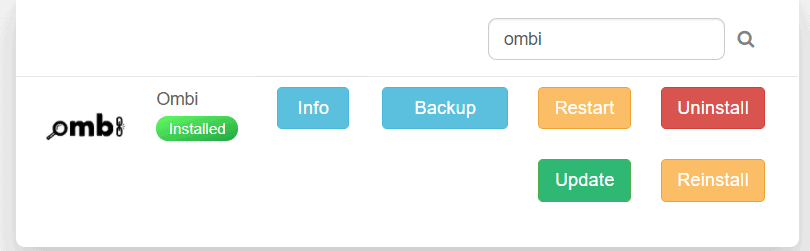
A successful app reinstallation would look like this.
Put this into practice
EvoSeedbox ships with one-click app installs and up to 10 Gbps per box.


