1. Navigate sizin müşteri alanı and locate uygulama and click install.

2. Scroll up and click the eye icon to open uygulama.
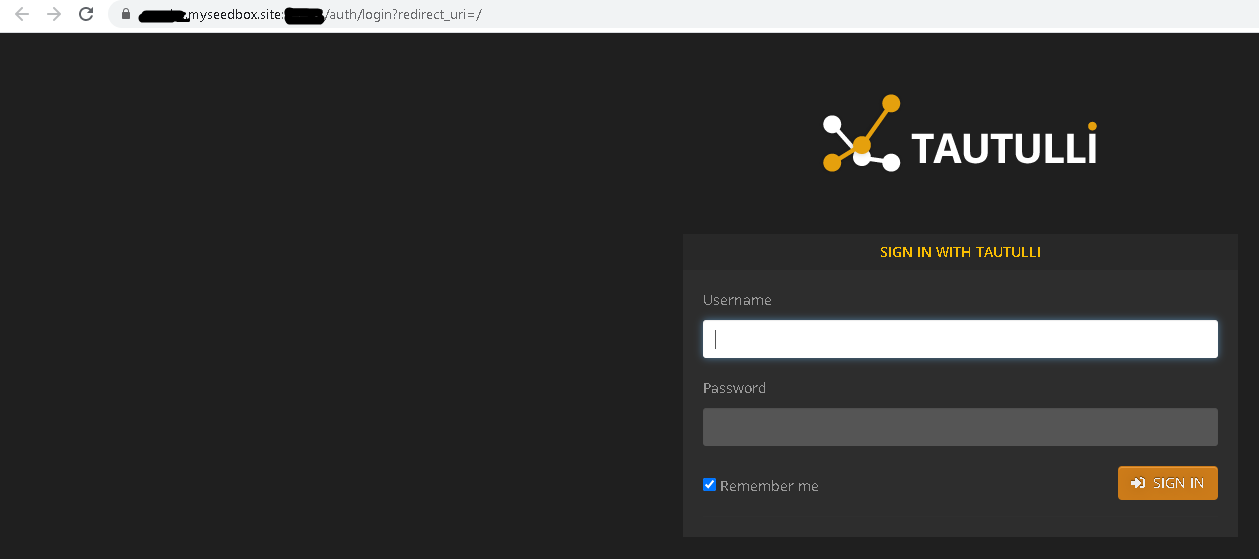
3. You are redirected to this page. Giriş yapın with your user name and şifre den müşteri alanı. It is the same as your server log in. Yapabilirsiniz find this information under FTP detail.
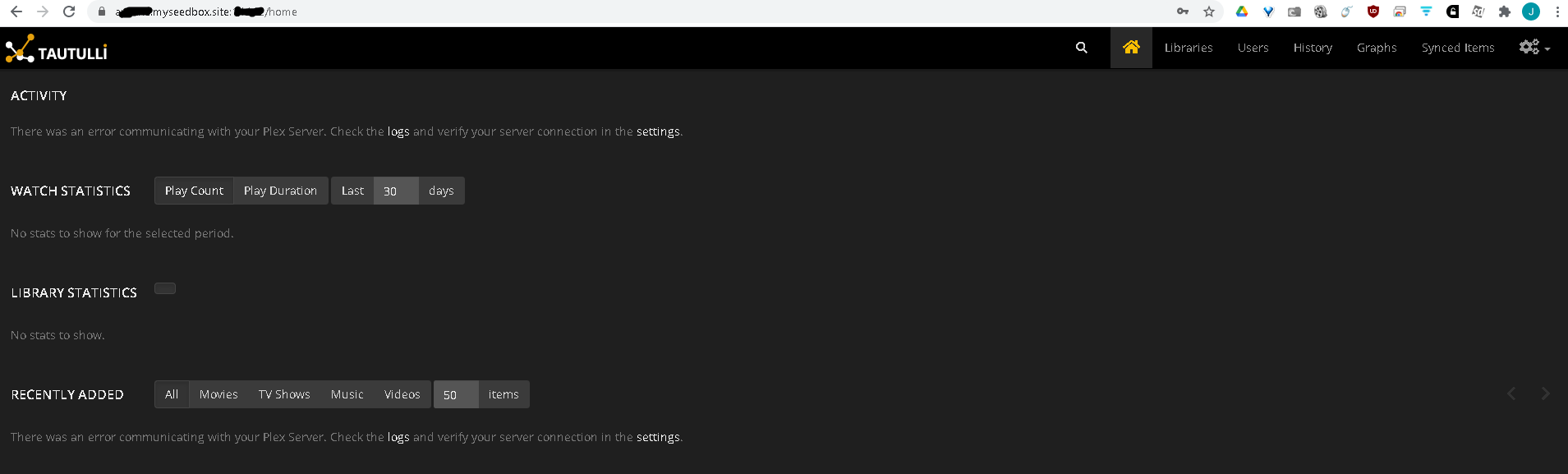
4. After you successfully logged in, göreceksiniz see this screen. Click the settings icon at the top right of the web page.
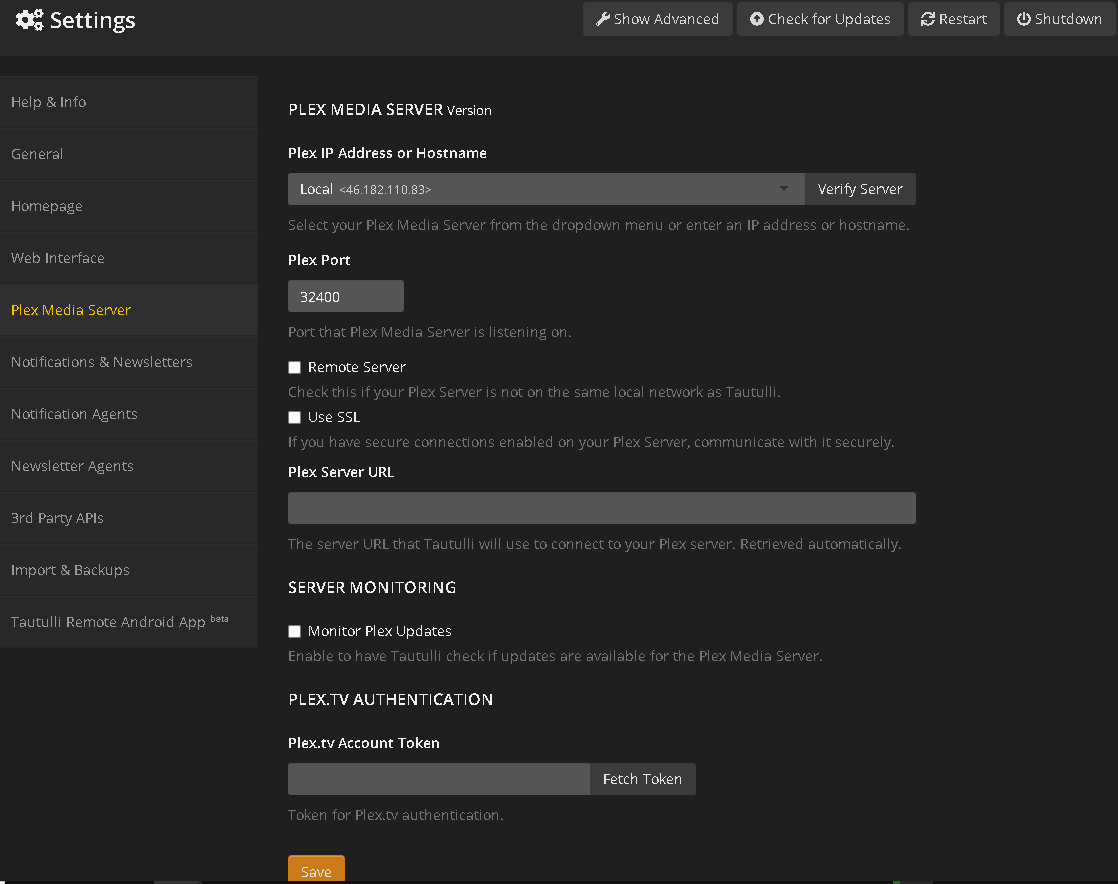
5. After you click the settings düğme, navigate down to the "Plex Media Server" tab and göreceksiniz see this screen.
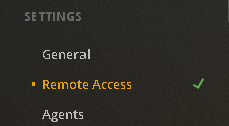
6. Navigate sizin plex servers settings to obtain the Plex IP Address and port number. On the left side of the web page, göreceksiniz see several options. Near the bottom göreceksiniz see Settings -> Remote access. Click the remote access text.
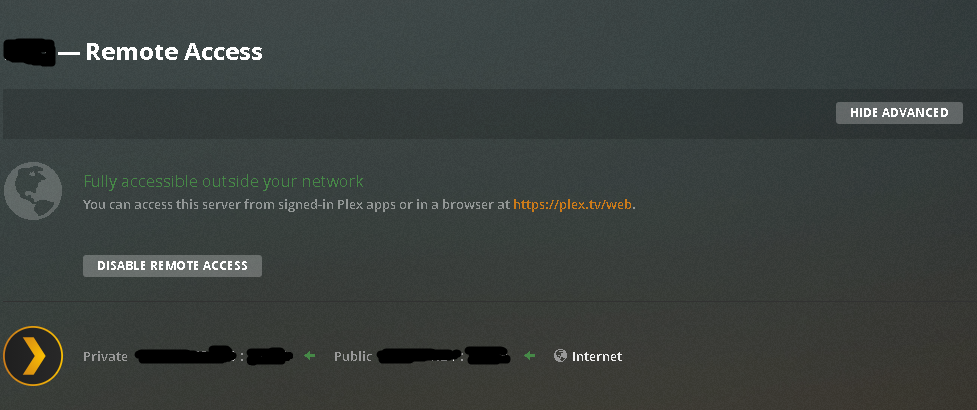
7. Bu the screen what will open after you click remote access. The IP address and port you want to use is the Public one, NOT the private one.
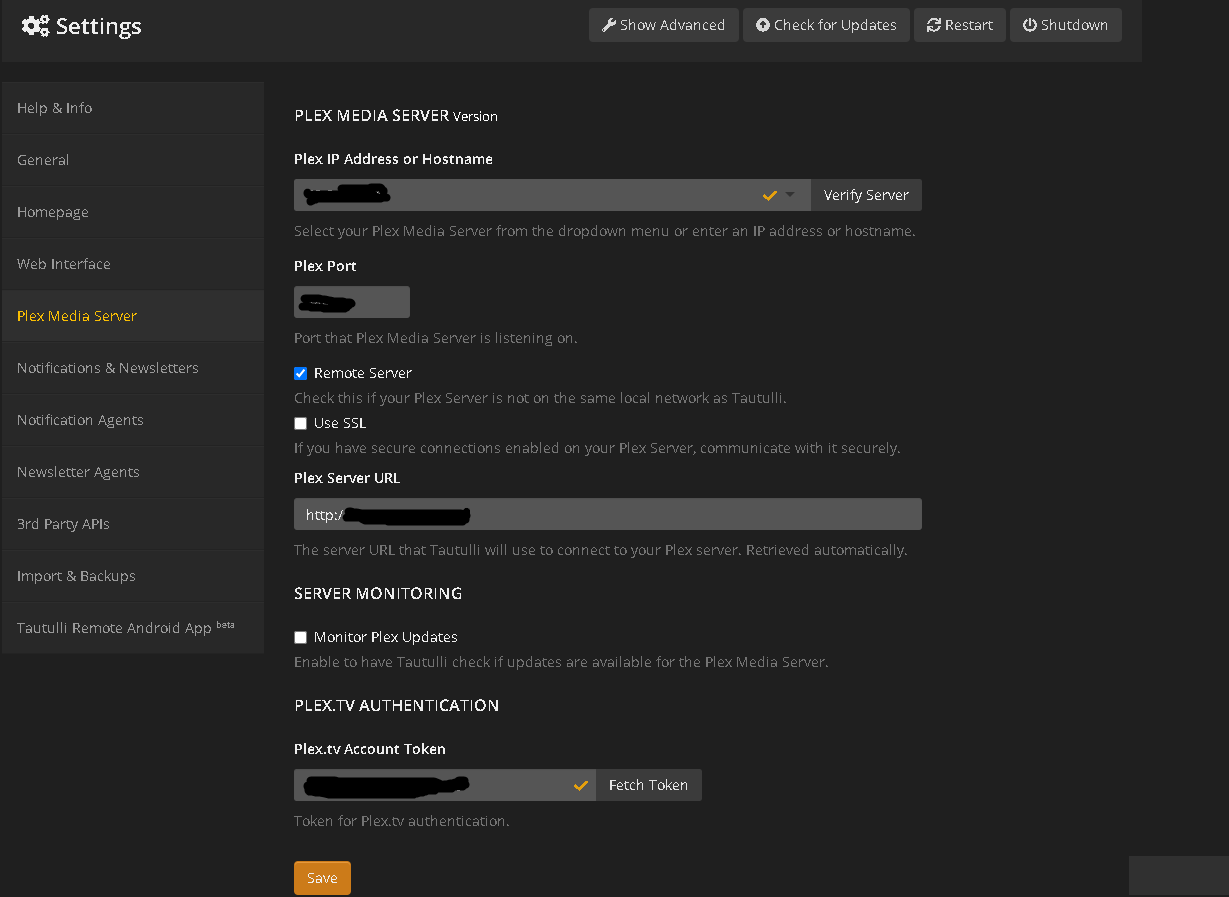
8. Paste that information into the respective field. The IP address ONLY goes on the top line. Example format: 99.99.99.99. DO NOT include the port number behind the IP address. Enter that into its own box.
My server is remote, so I ticked remote. I do not have SSL enabled, so I left that blank.
The plex server url automatically generates.
Finally, click the "fetch token" düğme on the bottom right, and olacak prompt you to allow uygulamalication to access your server. Accept this and your account token will auto generate. Click save.
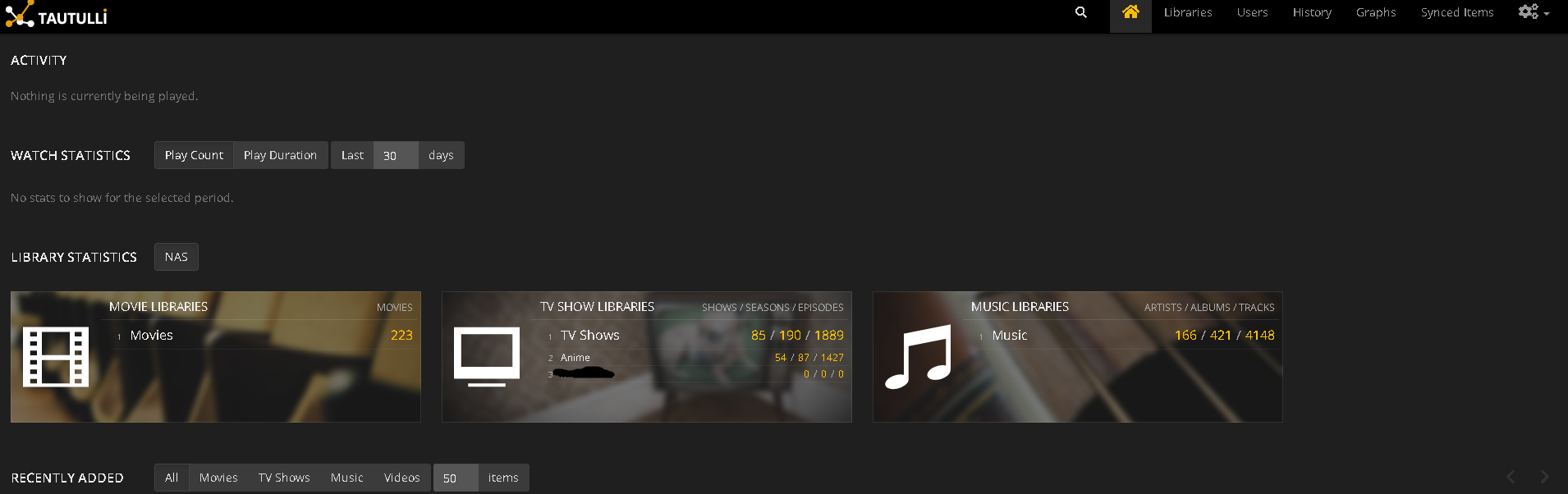
9. After you click save, click the home düğme on the top right of your screen.
Your home page will display information about your plex server.