Mattermost Guide
On this page ▾
Neste guia, we are going to show you how to use MatterMost. An app that is a perfect substitution for slack.
Você pode create different workspaces and channels, invite members and conectar third-party apps and webhooks in MatterMost.
The first step is to install the MatterMost app.
Learn how to install apps from here
Now that your App is installed, it is time to complete the setup.
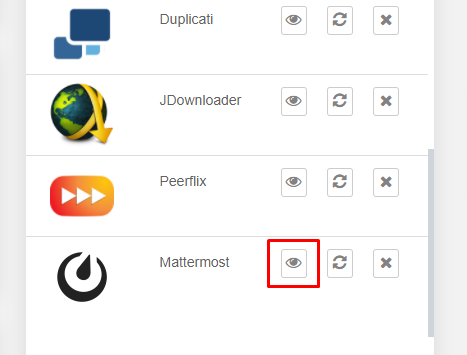
Abrir o aplicativo for the área do cliente.
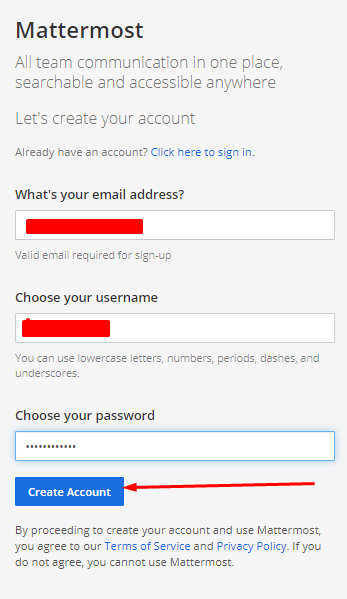
Você vai be welcomed by a screen like this. Here you tem que create your MatterMost account. Use any email ID, nome de usuário, and senha you want. Once done, click on the “Create Account” botão.
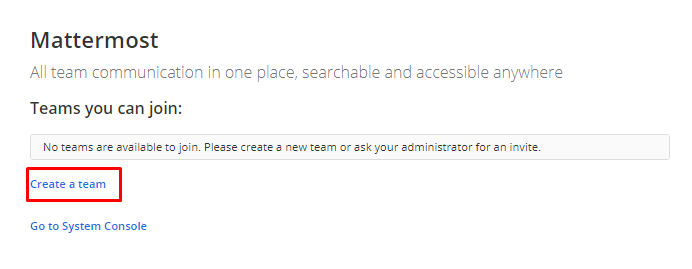
Currently, you do not have a team a.k.a workplace in slack lingo. So first, click on the “create a team” link.
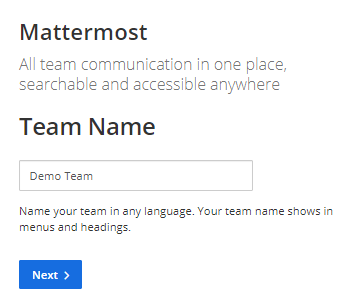
Add a team name, você pode have multiple teams in an account so naming them properly will help you a lot.
Clique em the Próximo botão.
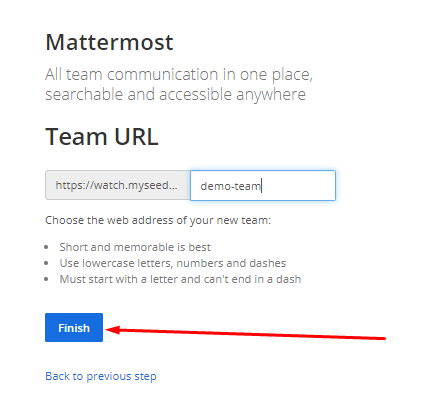
Now, you tem que create a URL using which você pode acessar your MatterMost app. Ideally, it is the same as the Team name, but if you have anything else in mind then go ahead.
Clique em the “Finish” botão when done.
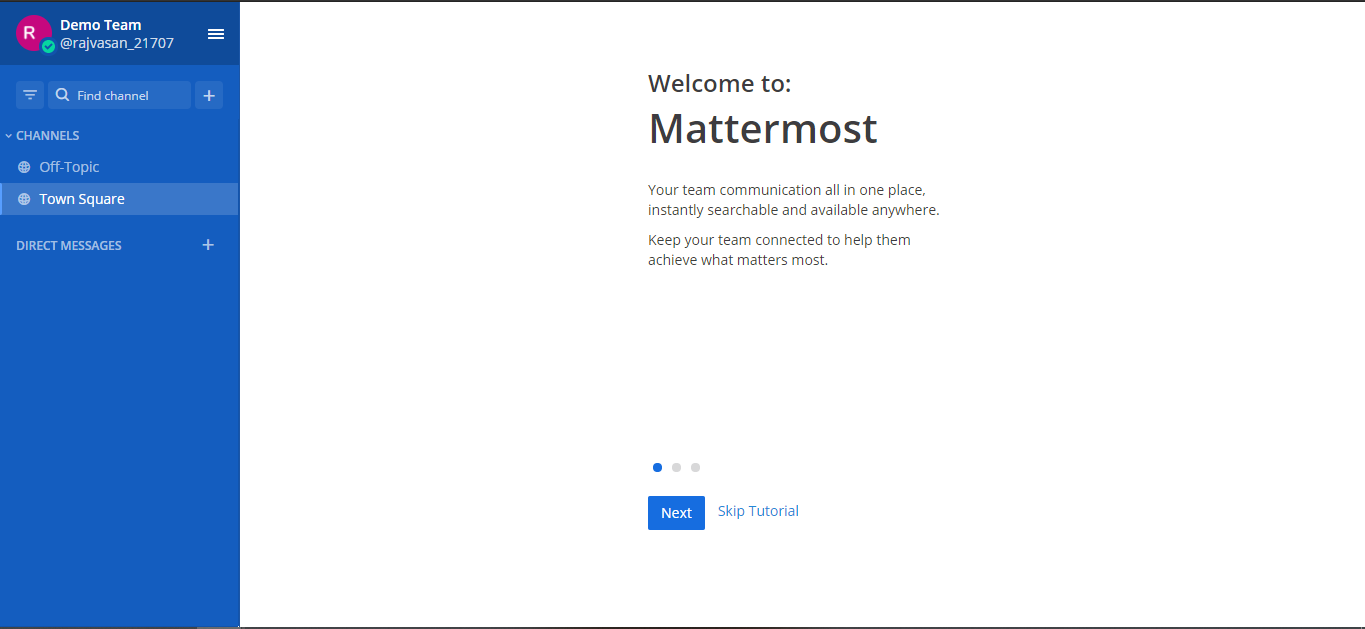
That’s it!
Você pode now explore o aplicativo, add integrations as well as invite team members.
Put this into practice
EvoSeedbox ships with one-click app installs and up to 10 Gbps per box.


