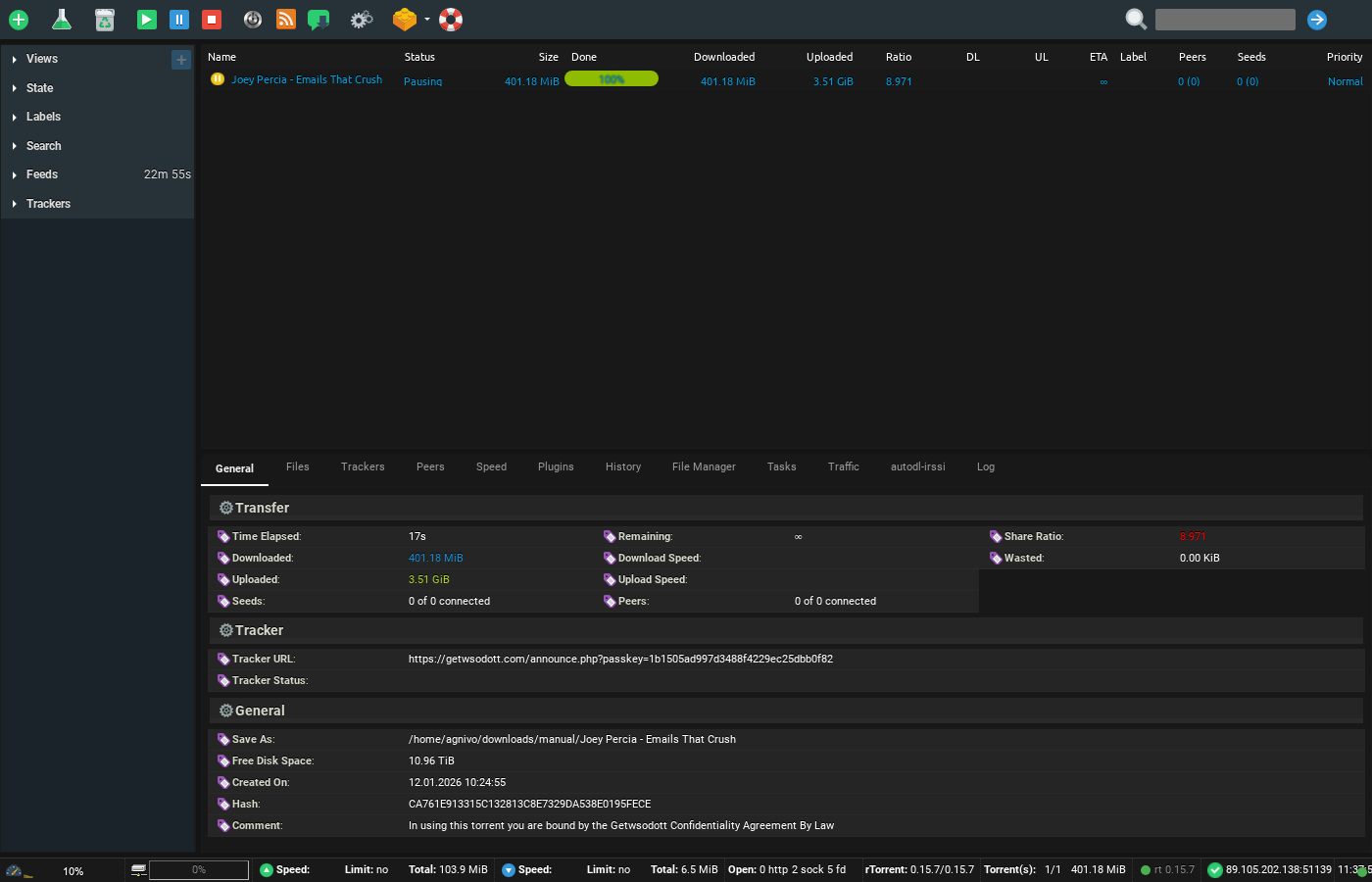
ruTorrent is known for the vast functionalities it fornece. With many features, há a higher probability that você vai run into some errors. These errors are small and their fixes are even smaller.In this article, we will address all the common ruTorrent errors and how você pode fix them.
Erro: Bad data do tracker or Bad Tracker Data
Solução:
It occurs when the tracker is overloaded. The ideal solution is to be patient and wait for the torrent to stabilize. If it error remains after some time too, then you might quer consider changing the torrent file.
Erro:
Problem conectaring to tracker – timeout exceeded
Problem conectaring to tracker – HTTP Erro 503: Connect failed
Problem conectaring to tracker – [Errno socket error] (10061, “Connection refused”
Problem conectaring to tracker – (111, ‘Connection refused’
Solução:
This again needs patients do seu end. When trackers are facing heavy traffic, some conectarion issues may take place. In such cases, just keep your ruTorrent running, the error will be resolved once the conectarion is back.
Erro: Problem conectaring to tracker – HTTP Erro 404: Not Found
Solução:
The torrent file is no longer disponível.
Erro: Problem conectaring to tracker – HTTP Erro 400: Not Authorized
Solução:
The torrent file is very old and has been removed.
Erro: Problem conectaring to tracker – HTTP Erro 407: Proxy Authentication Required
Solução:
Check and very your login credenciais of the server to re-establish conectarion with the tracker.
Erro: *(IOErro – [Errno13] Permission denied)
Solução:
ruTorrent is running and another ruTorrent instance is opened. Isto é not allowed by the trackers. Portanto restart your ruTorrent.
Erro: Connecting to peers
Solução:
There might not be any peers disponível at the moment. Leave the ruTorrent on and the error will be gone when peers are found.
Erro: Problem conectaring with tracker – (10054,’Connection reset by peer’)
Solução:
The conectarion has been shut down by the remote computer. It cannot be resolved.
Erro: PHP module PCRE is not installed. ruTorrent will not work.
Solução:
A PHP module is missing, Please raise a ticket and mention the error.
Erro: Rejected by tracker – Port XXXX is blacklisted
Solução:
One of the default ports is being usado para establish the conectarion. The tracker won’t allow such a conectarion with a client as these are the common ports that are throttled by the ISP. You should contact the tracker and request the ports that are ideal.
Erro: Web server can’t acessar rTorrent’s session directory for reading. ruTorrent will not work.
Solução:
Isto é usually caused by settings of permissions. Contact support in case of such an issue.
Erro:
rTorrent’s user can’t acessar settings directory for read/write/execute. ruTorrent will not work.
rTorrent’s user can’t acessar file ./test.sh for read/execute. ruTorrent will not work.
rTorrent’s user can’t acessar torrents directory for read/execute. Você pode’t add torrents through ruTorrent.
Web server can’t acessar settings directory for read/write/execute. ruTorrent can’t save own settings.
Web server can’t acessar torrents directory for read/write/execute. Você pode’t add torrents through ruTorrent.
Solução:
These errors point out that the installation of ruTorrent is not done correctly. Please contact support in case of such issues.
Erro: Bad link to rTorrent. Check if it is really running. Check $scgi_port and $scgi_host settings in config.php and scgi_port in rTorrent configuration file.
Solução:
This means that the ruTorrent instance is terminated or did not start. Se você are able to see the list of torrents with this error then há an issue with the ruTorrent configuration file.
Erro: *rTorrent is compiled with incorrect version of xmlrpc-c library, without i8 support. Version must be >= 1.11. Some functionality will be undisponível.
Solução:
Old forms of xmlrpc-c don’t uphold long integers. So numbers more noteworthy than 2G will be appeared as negative. Furthermore, the exchange window @Settings@ won’t work as expected. Note – it isn’t sufficient to have quite recently the library xmlrpc-c variant >=1.11 in the framework. It is important to have rTorrent assembled with it.
Erro: plugin: rTorrent’s user can’t acessar PHP interpreter. Plug-in will not work.
Solução:
This error is identified with PHP running on the framework. Note – if PHP is working in the framework, it doesn’t generally imply that the interpreter exists in the framework as well. The bundle php-cli is important. Web-worker may utilize e. g. php-fcgi which doesn’t contain an interpreter. Again in the event that you are inexperienced with this, if it’s not too much trouble, contact us by opening a help ticket so we settle this for you.
Erro: xxx plugin: Plugin will not work. Web-server can’t acessar to external program (program name)
Solução:
Some plugins are missing to work properly. Contact support and we will resolve the issue for you.These are the top and most common errors, if you have found anything apart from this, please contact support team for assistance.


